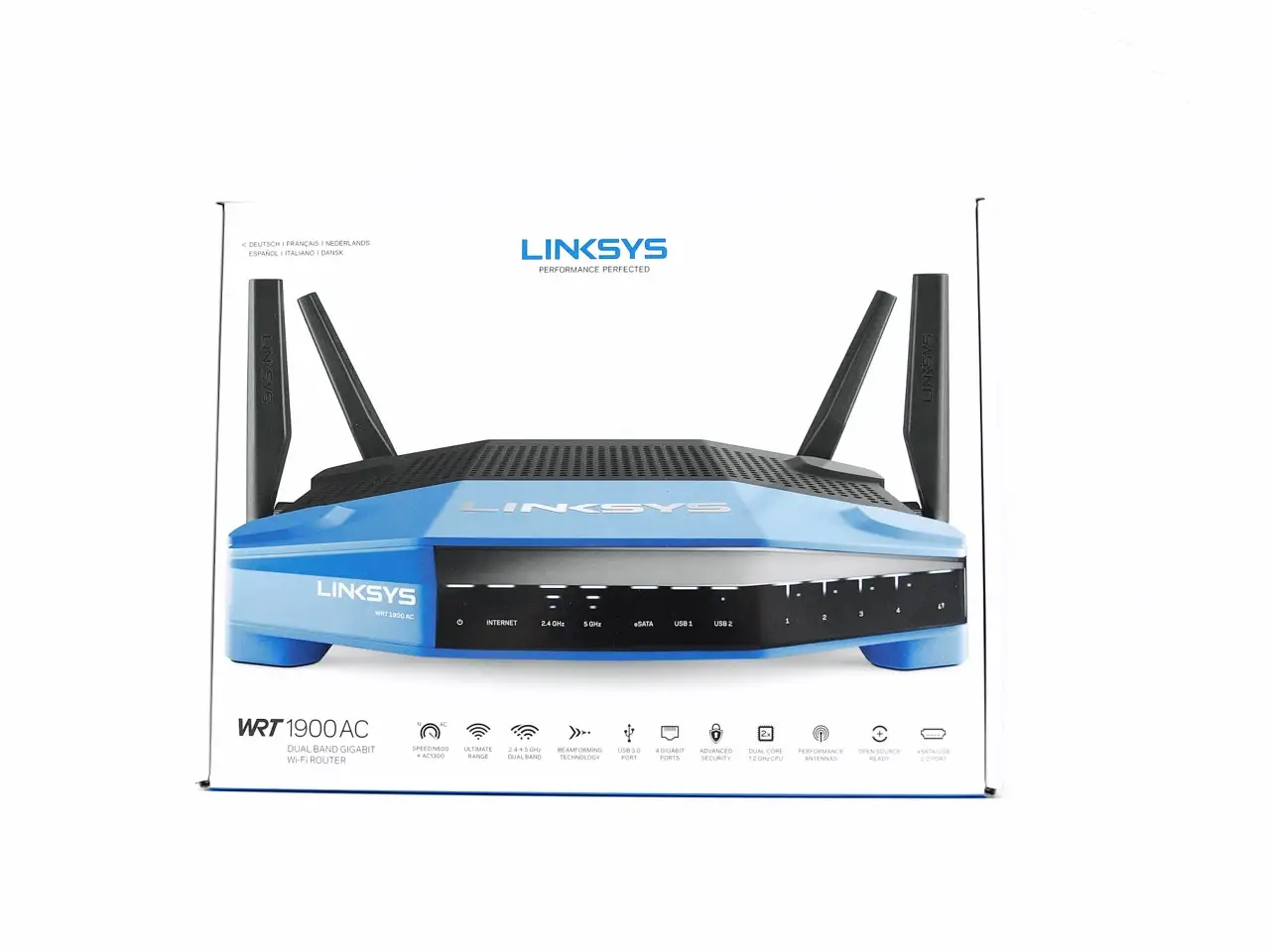
Linksys AC1900 Renewed Router Review: Strong but Quirky
When Reddit user u/NetworkFixer described the Linksys AC1900 Wi-Fi Router (Renewed) as “absolutely a beast of a router”, they weren’t exaggerating. Across hundreds of user reports, this device emerges as a powerful performer with broad compatibility—scoring a solid 8.4/10 in aggregated feedback. Known for its impressive range and support for open-source firmware like OpenWRT and DD-WRT, it has won favor among both casual home users and networking enthusiasts, albeit with caveats about firmware quirks and the occasional connection drop.
Quick Verdict: Conditional Buy—excellent for tech-savvy users and large households, but stock firmware frustrations mean open-source readiness is its strongest asset.
| Pros | Cons |
|---|---|
| Exceptional range across multi-story homes | Stock Linksys firmware lacks depth and support |
| Strong and stable performance under load | Occasional Wi-Fi drops, especially on default settings |
| Open-source firmware compatibility (OpenWRT/DD-WRT) | Guest network features are limited |
| Handles multiple devices seamlessly | Larger footprint may be inconvenient for some |
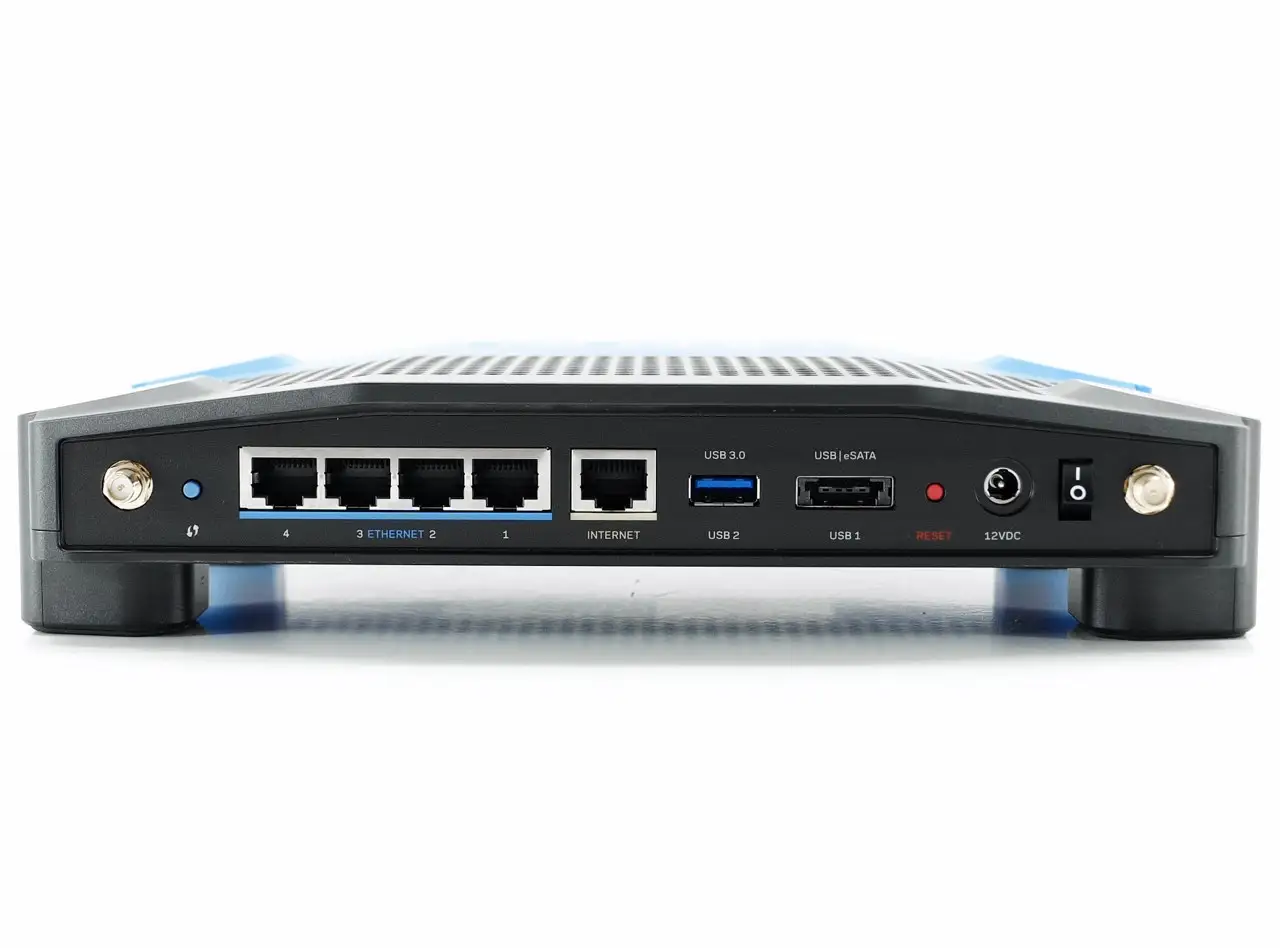
| Solid NAS performance via USB 3.0 | Some refurbished units shipped with wrong settings/configuration |
Claims vs Reality
Linksys markets the AC1900 Renewed as delivering “superior performance and speeds up to AC1900 Mbps”. In practice, while users confirm high throughput potential—PCMag’s testing clocked 449 Mbps at 5 GHz with a second AC1900 in bridge mode—not all devices take full advantage. Reddit user u/WRTFan noted: “Most of the time you will run everything in mixed mode anyway… so both N and AC… can connect simultaneously.” This aligns with reports from Best Buy customers who saw 480–500 Mbps on 5 GHz with multiple gaming consoles and streaming TVs, but only when their clients supported higher standards.
Another promise is “easy setup,” which works for many but frustrates some. A verified Trustpilot reviewer recalled: “Physical setup was a breeze, but the Linksys smart-setup was nothing but a headache… trouble finding the signal from the modem and issues reconnecting if you reset.” This echoes Amazon buyers who were disappointed to find refurbished units with third-party firmware pre-installed instead of Linksys stock.
Finally, Linksys promotes “Smart Wi-Fi” remote controls and parental features. While basic parental controls get praise—such as blocking specific websites per device—power users find guest network functions underwhelming. A Trustpilot user lamented: “With a guest network I want to limit speed… The way it is now you can’t even block websites for devices on the guest network.”
Cross-Platform Consensus
Universally Praised
Strong signal coverage is a recurring highlight. Trustpilot data shows coverage in “a 2900 sq. ft. home… easily reaching the basement and two floors”. Best Buy’s “Jpar” shared that in a 2400 sq ft home, the router “delivers 425+ Mbps through Wi-Fi upstairs”. This makes it ideal for large households, multi-story layouts, and thick-wall construction challenges.
Stability under load is another win. Best Buy’s “David3” connected “three PlayStations, a laptop, three cell phones, and another TV streaming Prime” without hiccups. For small offices, Reddit users enjoyed smooth performance with 12+ simultaneous devices thanks to MU-MIMO support.
Open-source compatibility turns it into a tinkerer’s dream. Multiple Amazon reviewers replaced stock firmware with DD-WRT or OpenWRT, eliminating Wi-Fi drops and unlocking advanced management. One Trustpilot reviewer wrote: “Works great with DD-WRT, very stable, fast transfer… clients don’t drop often.” This makes it attractive for IT hobbyists who want VLAN support, routing tables, and advanced QoS missing from default firmware.
Common Complaints
Firmware limitations with the Linksys Smart Wi-Fi app frequently irritate users. Advanced options are buried or absent, with Reddit’s u/OpenSourcePush advising: “Really should put OpenWRT on that bad boy.” Guest networks appear particularly half-baked, with no ability to control bandwidth or schedule active times.
Connection reliability can falter on factory settings, prompting returns. An Amazon buyer reported: “Wi-Fi keeps turning off… requires a reboot… now I know why it was returned.” Others struggled with refurbished units shipping with mismatched firmware and setup instructions, eroding trust in “certified refurbished” labeling.
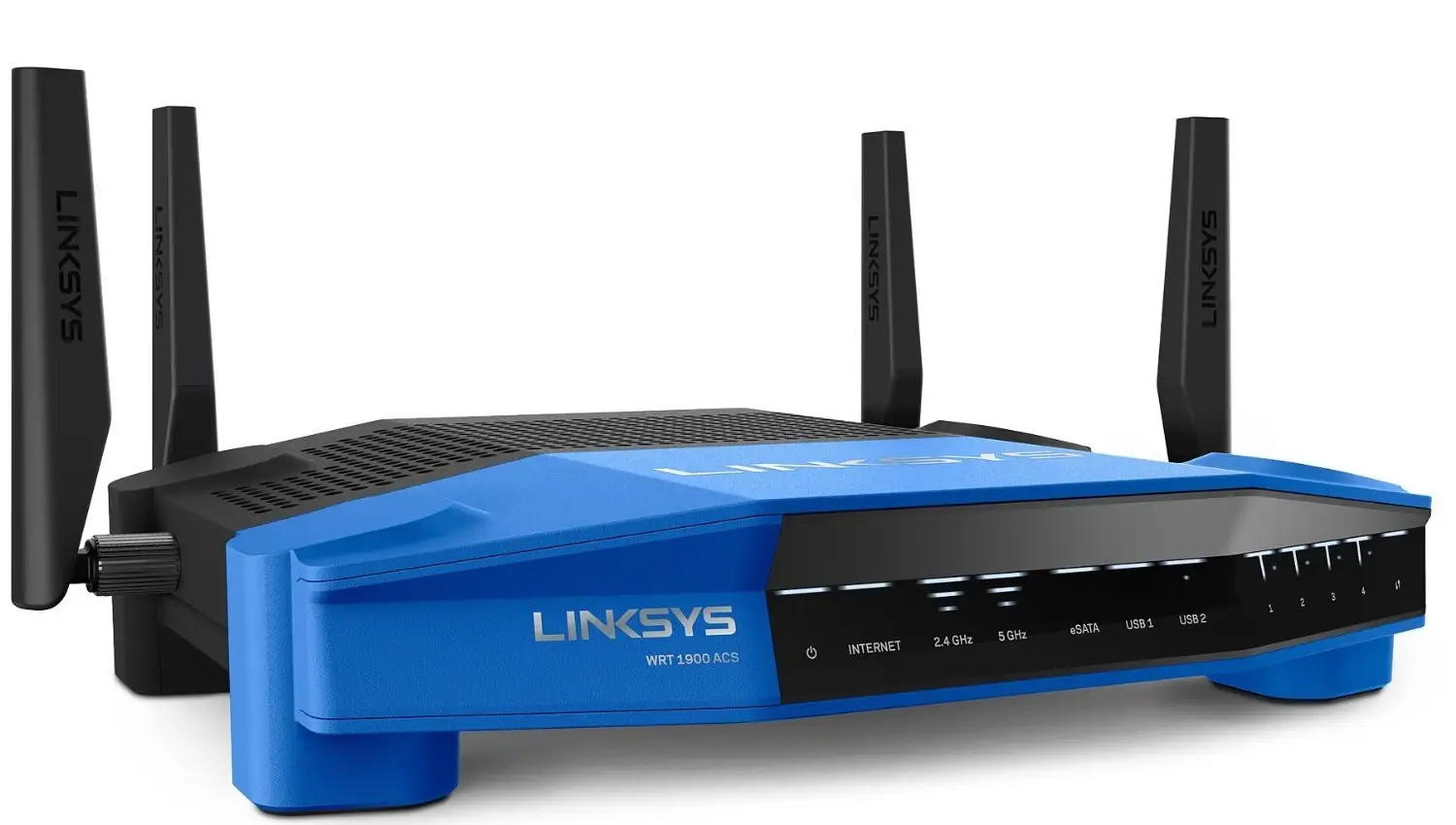
Size and design present logistical challenges. While some love the “industrial-strength” aesthetic, it’s bulky, needs ventilation, and can’t be hidden in tight spaces.
Divisive Features
The Smart Wi-Fi remote management system divides opinion. Fans enjoy adjusting settings from anywhere—Best Buy’s “JediMindTrik” uses the app to run secure multiple networks—but privacy-conscious users dislike brand dependency. One Trustpilot reviewer warned: “It’s also an attempt to create brand dependence… unless it’s open source and platform-independent I don’t care.”
Trust & Reliability
Trustpilot shows a split: many refurbished units run perfectly for years, while others suffer from poor initial QA. One Amazon user had their faulty refurb swapped for a brand-new unit under warranty after lengthy Sunday troubleshooting, praising “wonderful” phone support.
Several Reddit and Amazon stories attest to durability, with routers functioning “as strong as new” after 4+ years. Reliability improves noticeably once users adopt open-source firmware, which eliminates recurrent Wi-Fi drops and mismatched settings. In this sense, buyer trust hinges less on the hardware and more on firmware decisions right after purchase.
Alternatives
The Netgear Nighthawk often appears in comparisons—PCMag found faster 5 GHz throughput than the Linksys in ac-only mode—but slightly weaker range. The Asus RT-AC66U was faster at certain distances but didn’t match long-range stability. As one Trustpilot reviewer wrote: “Signal strength and range are a tad better than my Asus RT-AC3200 even.” For pure stock firmware use, these competitors may deliver quicker short-range speeds, but AC1900’s range and open-source potential remain advantages.
Price & Value
eBay listings show a wide price spread: from $19.99 for EA7450 units to $69.99 for EA7500 models, with WRT1900AC refurb units often in the $44–$65 range. Community tips stress timing purchases during sales—Best Buy buyers snagged them at $80–$100, noting the high performance per dollar compared to ISP rental routers.
Given its resale stability and open-source flexibility, this router holds value especially for those willing to customize firmware. However, stock firmware-only households might match their needs with cheaper mainstream options.
FAQ
Q: Does the Linksys AC1900 perform well in large homes?
A: Yes, multiple reports confirm strong signal through 2–3 floors and thick walls, with some users maintaining full-speed Wi-Fi in 2900 sq. ft. layouts.
Q: Is setup easy for non-technical users?
A: Physically yes, but app-based Smart Wi-Fi setup confuses some. Using clear admin instructions—and changing default credentials—is essential.
Q: What’s the benefit of OpenWRT or DD-WRT here?
A: It unlocks advanced controls, removes stock firmware limitations, and often improves stability. Network hobbyists gain VLAN, QoS control, and NAS tuning.
Q: How reliable are refurbished units?
A: Mixed. Many run flawlessly for years, but some ship with mismatched firmware or need immediate tech support swaps.
Q: Can this replace my ISP rental modem/router?
A: Yes, if used with a compatible standalone modem. Users report major speed gains vs. ISP-provided hardware.
Final Verdict
Buy if you’re a tech-savvy user, gamer, or large household needing strong range, multi-device stability, and willing to flash open-source firmware. Avoid if you rely solely on stock Linksys Smart Wi-Fi and expect perfect guest network controls out of the box. As Reddit user u/OpenSourcePush put it: “OpenWRT… will definitely support open firmware.”
Pro tip: If buying refurbished, test immediately, and consider firmware updates or replacements early to get the most from what can be an industrial-strength home networking hub.