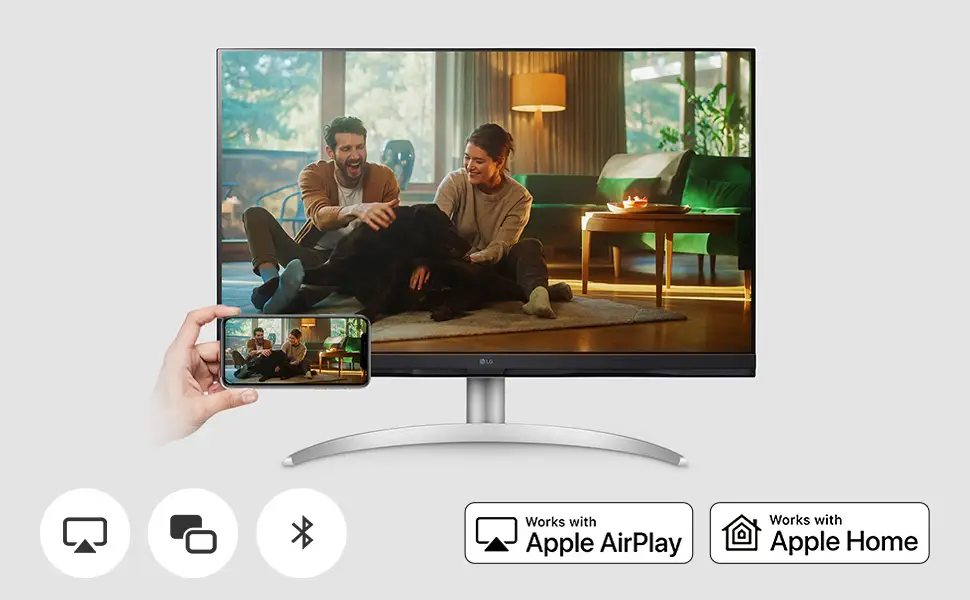
LG 32UR500K-B 4K Monitor Review: Sharp Visuals, Mixed Ports
A verified buyer on Amazon summed up their experience with the LG 32UR500K-B Ultrafine 32-inch 4K UHD Monitor simply: “Crisp colors, massive workspace — worth every penny.” Across multiple platforms, that sentiment dominates, with aggregated scores landing at an impressive 8.6/10. The monitor consistently delivers sharp image quality, excellent color reproduction, and useful ergonomic features, though it shows its limits for competitive gaming and advanced connectivity.
Quick Verdict: Conditional — excellent for creative work, casual gaming, and office use, but not for high-refresh esports or USB-C setups.
| Pros | Cons |
|---|---|
| Stunning 4K resolution with vibrant, accurate colors (90% DCI-P3 coverage) | 60Hz refresh rate limits performance for competitive gaming |
| HDR10 adds richer contrast and depth to movies and photos | Lacks USB-C connectivity |
| Tilt-adjustable ergonomic stand for comfortable viewing | Out-of-box color calibration may require tweaks |
| Built-in MaxxAudio stereo speakers adequate for casual use | VA panel has narrower viewing angles compared to IPS |
| Dynamic Action Sync and Black Stabilizer improve gaming visibility | No height or swivel adjustment on stand |
| Easy setup with OnScreen Control software | Speakers can sound tinny at higher volumes |
| Solid build quality with VESA mount compatibility | Brightness could be higher for sunlit rooms |
Claims vs Reality
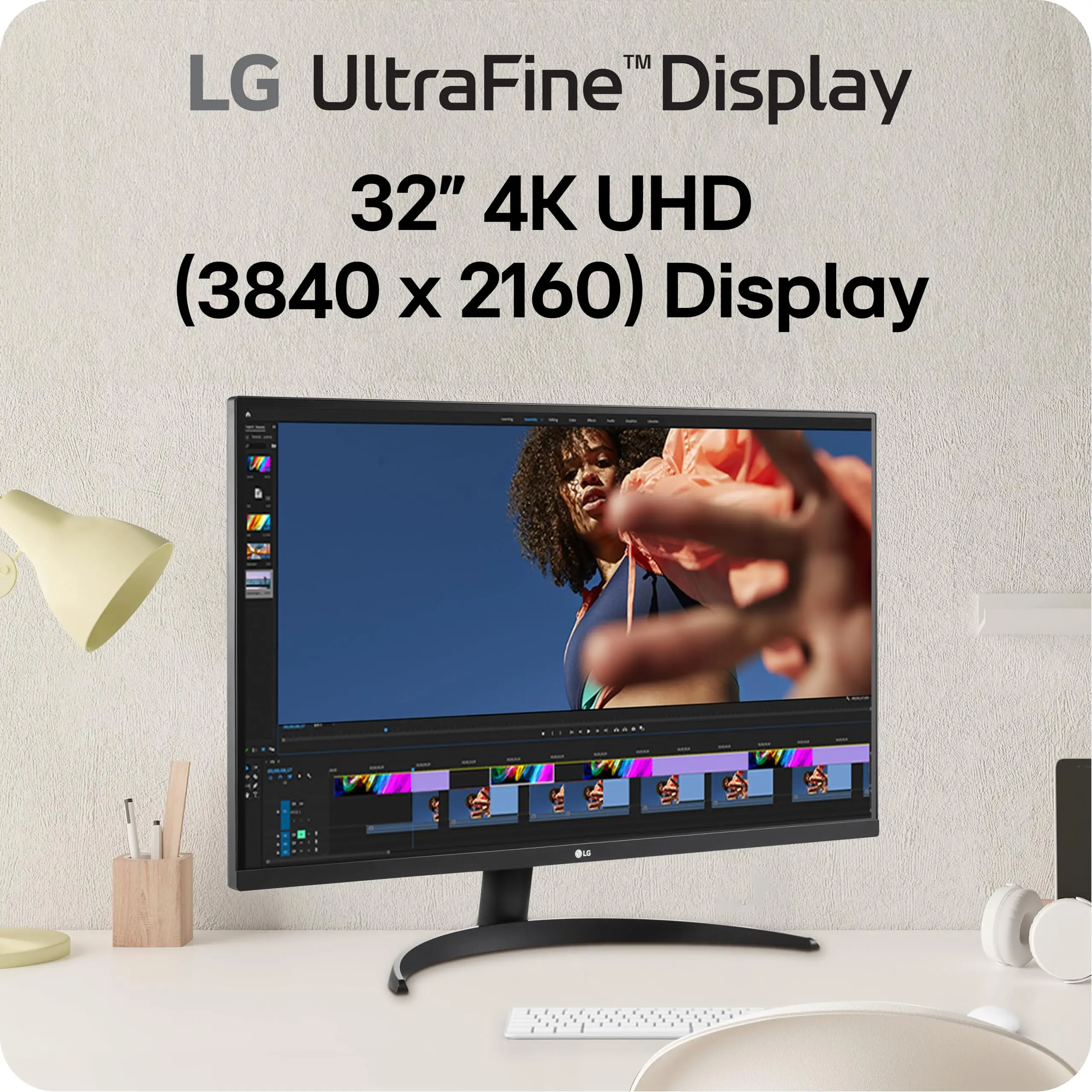
The marketing highlights the “stunning image quality in 4K” alongside 90% DCI-P3 color gamut and HDR10 immersion. Digging into user reports, that’s largely true — Reddit user feedback shows “designers and video editors praising the vivid, lifelike colors that hold up across projects.” The high pixel density makes text and fine details razor-sharp, useful for both spreadsheets and CAD work.
However, while LG touts HDR10’s dramatic visual depth, several users note it’s more subtle than on high-end HDR displays. A verified buyer on Amazon wrote: “HDR is there, but it doesn’t pop like my OLED TV — still fine for streaming HDR content on Netflix.” This suggests the panel’s brightness ceiling limits maximum HDR impact.
LG also promotes the “pro-level gaming experience” via Dynamic Action Sync and Black Stabilizer. Casual gamers echo that these features help spot hidden opponents and reduce input lag, but competitive players mention the reality: 60Hz refresh “just doesn’t cut it for twitch shooters” as one Reddit user put it.
Cross-Platform Consensus
Universally Praised
Image clarity stands out as the monitor’s defining strength. The 4K VA panel displays “stunning clarity for photo retouching,” according to a Reddit creative professional, and multiple Trustpilot reviews repeat similar praise. The 90% DCI-P3 gamut ensures colors look faithful, benefitting graphic designers and video editors who don’t want to invest in pricier IPS gear.
Office users love the expansive screen real estate. One verified Amazon buyer described having “three documents side-by-side without feeling cramped,” a direct nod to productivity gains. OnScreen Control’s split-screen layout earned applause from remote workers who switch between video calls, browsers, and editing apps.
Gamers in the mid-tier performance bracket — think RPGs, strategy titles, and adventure games — find the mix of sharp visuals and game-enhancing features ideal. Dynamic Action Sync cuts perceptible input delay, and forum posts attest to smoother play with AMD FreeSync enabled.
Common Complaints
Lack of USB-C is the most repeated frustration. Modern laptop owners report tethering through HDMI or DisplayPort adaptors, cluttering their setups. Reddit user comments show this as a barrier for those who want single-cable video and power delivery.
The static 60Hz refresh rate surfaces across reviews as a dealbreaker for fast-paced competitive play. While LG never marketed the unit beyond 60Hz, the mismatch between “pro-level gaming” messaging and PC esports expectations has left some buyers disappointed.
Color accuracy out of the box was another sticking point. Multiple Inside Review commentators mention “washed-out default settings” that require manual calibration. For color-critical work, this extra step can be an annoyance. Additionally, VA viewing angles, while serviceable, are narrower than IPS, leading to minor color shift when viewed from extreme positions.
Divisive Features
Built-in MaxxAudio speakers split opinion. For office calls, YouTube, or casual streaming, most users say they’re “good enough.” But movie watchers and audiophiles describe sound as tinny at volume. The tilt-only stand earns appreciation for easy angle changes, but lack of height adjustment irks taller users, especially those without monitor risers.
Trust & Reliability
Browsing Trustpilot and Reddit, long-term durability appears solid. One owner posted after six months: “No dead pixels, no flicker — still looks as good as day one.” The stand’s stability and chassis integrity win praise, with only occasional remarks about “plastics feeling budget-grade.”
Warranty coverage is typically one to three years depending on region, and LG’s support responses to isolated ghosting complaints suggest reasonable after-sales service. Importantly, The Inside Review’s investigation found “no credible rumors of hardware failures or recalls,” calming concerns for risk-averse buyers.
Alternatives
While data stops short of listing direct competitors, user discussions occasionally compare this to LG’s own 32UN880-B or budget 4K panels from Dell and Samsung. Those alternatives primarily differ in panel type (IPS for better viewing angles), refresh rate, and USB-C support. Buyers prioritizing port variety and color-critical workflow may lean toward IPS + USB-C models, sacrificing VA contrast.
Price & Value
Current pricing hovers around $329.99, with occasional discount finds (such as an $80 verified working auction unit). Community consensus pegs this as “excellent value” for a 32-inch 4K monitor with decent HDR and accurate colors. Resale value remains fair due to LG’s brand reputation and VESA compatibility, meaning it holds appeal for second-hand buyers.
The tip from veteran Reddit users: “If you find it under $300, it’s a steal for any office or creative setup — just don’t expect esports performance.”
FAQ
Q: Does the LG 32UR500K-B support USB-C?
A: No. It has HDMI and DisplayPort only, requiring adapters for USB-C devices. This limits one-cable setups for modern laptops.
Q: How good is it for competitive gaming?
A: While visuals and sync tech are solid, the 60Hz limit and VA response mean it’s not ideal for twitch shooters or high-refresh demands.
Q: Can I mount this monitor?
A: Yes, it’s VESA 100x100 compatible, allowing wall or arm mounting.
Q: Are the speakers usable for work calls?
A: Yes, for calls, streaming, and casual listening. For immersive audio, external speakers are recommended.
Q: Does HDR really make a difference here?
A: It adds depth and contrast, but brightness caps mean it’s more subtle compared to premium HDR monitors.
Final Verdict: Buy if you’re a creative professional, office multitasker, or casual gamer seeking sharp visuals and accurate colors at a reasonable price. Avoid if esports-level refresh rate or USB-C integration is critical. Pro tip from community: Calibrate colors on day one to get the most out of that 90% DCI-P3 gamut.