LG 32MR50C-B Curved Monitor Review: Conditional Buy Verdict
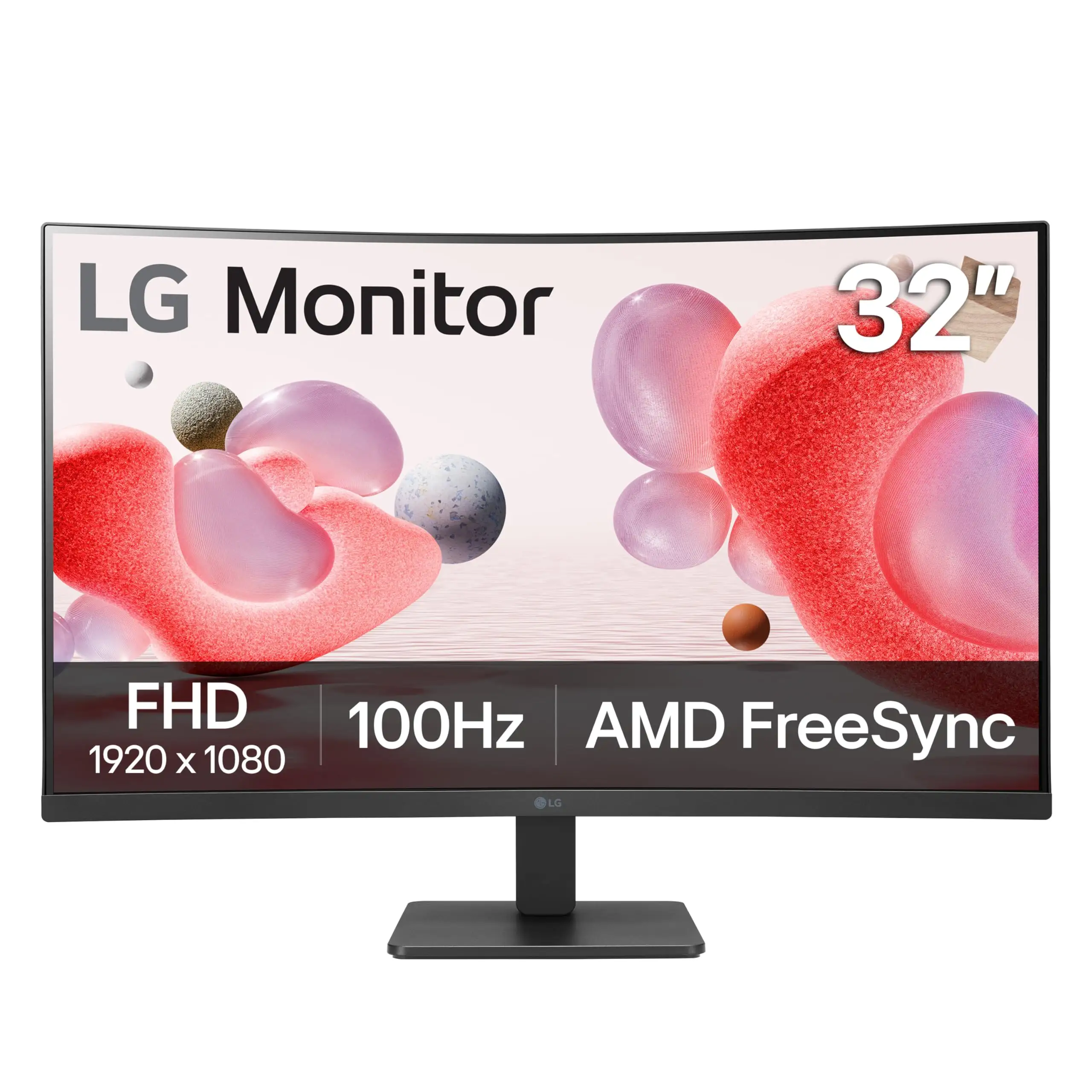
Starting with a surprising contradiction, the LG 32MR50C-B Curved Monitor 32-Inch markets itself as a vibrant, immersive display with a 100Hz refresh rate and AMD FreeSync for fluid visuals — and user ratings across platforms hover around a strong 8.8/10. However, digging deeper into buyer experiences reveals that while most praise its sharp image quality and comfortable curved design, there are notable reservations about brightness, color accuracy for professional work, and a frustrating case of misadvertising as a “touch screen” on certain listings.
Quick Verdict: Conditional Buy
| Pros | Cons |
|---|---|
| Crisp, vibrant visuals ideal for gaming & streaming | Brightness limited to 250 nits — struggles in brightly lit rooms |
| Immersive 1500R curved design | Color accuracy not ideal for professional content creation |
| 100Hz refresh rate with AMD FreeSync for smooth gameplay | No built-in speakers (contradiction with some listings) |
| Reader Mode & Flicker Safe reduce eye strain | Stand offers only tilt adjustment — no height or swivel options |
| Easy setup & intuitive OnScreen Control software | Misadvertising incidents caused buyer frustration |
| Solid build quality and modern, borderless design | 5ms response time may be too slow for high-level esports |
Claims vs Reality
Marketing emphasizes “vivid color and clarity” with its Full HD VA panel and immersive curved screen. While most buyers echo this sentiment, the nuance lies in the context: Trustpilot reviewers note “vibrant visuals and immersive curved design” for games and movies, but also mention “minor concerns with color accuracy compared to higher-end models.” Competitive gamers and casual streamers benefit from the rich contrast, yet professional color work like photo editing may require calibration.
LG promotes the 100Hz refresh rate as a key selling point for smooth, stutter-free motion. Best Buy customers confirm this: “Absolutely love this monitor… the curve is easier on my eyes and so is the blue light,” said user saucy. However, several buyers discovered that when using the D-Sub connection, the refresh rate drops to 75Hz — a limitation buried in the specs and confirmed by Reddit discussions.
Eye care features like Reader Mode and Flicker Safe are marketed as comfort solutions for long sessions. Trustpilot feedback supports this claim, highlighting “significant reduction in discomfort” for extended use. Yet, some users wanted “more control over blue light reduction settings,” suggesting that while beneficial, the implementations are basic compared to specialized ergonomic monitors.
Cross-Platform Consensus
Universally Praised
Image clarity is the standout. On Best Buy, multiple users praised the “sharp, bright, and vibrant colors with no dead pixels or flickering” (danielr). This benefits gamers and home office workers equally — one buyer noted proofreading documents is “so much easier” with the large, crisp display. Casual gamers enjoy the curved 1500R immersion; Trustpilot reviewers consistently highlight how it “wraps the display around your field of view” for engaging gameplay.
The comfort features resonate widely. Reader Mode and Flicker Safe are regularly cited for reducing strain, especially by users spending “hours working, studying, or gaming” (Trustpilot). This has made the monitor appealing for students and remote workers who need prolonged screen time without discomfort.
Ease of setup is another strong point. Best Buy customer kiersten shared: “It’s the perfect size and was easy to get set up… would buy 20 more of these if I needed them!” The included HDMI cable and straightforward assembly help first-time buyers avoid frustration.
Common Complaints
Brightness limitations at 250 cd/m² are a recurring frustration. Coolblue’s product expert points out the screen is “less easy to read in brightly lit rooms,” a sentiment echoed by office users with sunlit workspaces. This affects productivity and viewing comfort in high ambient light.
Color accuracy divides opinion. While casual users praise the vibrancy, Trustpilot notes some “oversaturation or unevenness” out of the box. Professional editors may find it unsuitable without calibration tools. This gap between marketing’s “accurate colors” and reality is significant for content creators.
The stand’s tilt-only adjustment is a constraint for ergonomic setups. Coolblue warns “The screen isn’t adjustable in height,” and Reddit threads confirm that those needing more positioning flexibility may need a VESA mount.
One severe complaint came from Best Buy user michellet, who found the monitor “falsely advertised as touch screen.” After extensive effort with customer service, she was told it wasn’t touch-enabled, leading to a protracted return process. While isolated, this incident highlights the importance of accurate listings.
Divisive Features
The 1500R curve is immersive for gamers, but some office workers find it “overwhelming for text-heavy tasks” (Trustpilot). Those used to flat panels may notice distortion in spreadsheets or documents.
Built-in speakers are a point of confusion. Some listings claim they exist, but the official spec sheet and multiple buyer reports confirm there are none. Best Buy user tate ayan nam stated, “Just wish it had speakers built in,” aligning with LG’s own no-speaker spec.
Trust & Reliability
Trustpilot’s 84–92% satisfaction ratings suggest a generally reliable product, with strong build quality and dependable performance. Long-term Reddit users report the monitor “functions perfectly right out of the box” and maintains clarity months later. However, isolated issues like misadvertising or color calibration concerns underscore the need for buyers to verify specs before purchase.
Alternatives
Several buyers compared it favorably to older LG HD monitors, citing improved refresh rate and curve. Those needing higher brightness or 144Hz performance might look to LG’s UltraGear lineup or competing curved panels from Samsung with better HDR capabilities, though at a higher price.
Price & Value
At $179.99 retail (Amazon, Best Buy) and eBay open-box deals around $129.99, the LG 32MR50C-B offers strong value for a large curved display with 100Hz. Grays Australia auctions have seen bids as low as $83, indicating good resale potential. Community advice leans toward buying new if warranty is important, as open-box listings may lack coverage.
FAQ
Q: Does the LG 32MR50C-B have built-in speakers?
A: No. Despite some listings implying otherwise, official LG specs and multiple user reports confirm there are no built-in speakers.
Q: Can I use this monitor for professional photo or video editing?
A: Not ideally. While colors are vibrant, several users note accuracy issues out of the box, requiring calibration for professional work.
Q: Is the 100Hz refresh rate available on all connections?
A: No. HDMI supports 100Hz, but using the D-Sub port limits refresh rate to 75Hz.
Q: How effective are the eye strain reduction features?
A: Reader Mode and Flicker Safe earn consistent praise for reducing discomfort during long sessions, especially for students and remote workers.
Q: Can the stand adjust height or swivel?
A: No. The stand only supports tilt (-5° to 20°). For more flexibility, use a VESA mount.
Final Verdict
Buy if you’re a gamer or home office worker seeking an affordable, immersive curved display with solid color and comfort features. Avoid if you need precise color accuracy for content creation or a highly adjustable stand. Pro tip from the community: connect via HDMI to unlock the full 100Hz potential, and consider a VESA mount for better ergonomics.





