Lenovo USI Stylus Pen Review: Smooth But Flawed
A verified buyer on Best Buy summed up the Lenovo USI Stylus Pen for Chromebook, Grey experience as “easy and smooth—very useful… writing feels smooth and pretty natural, almost like pen on paper.” With an overall customer score of 4/5 across 33 reviews, this pen proves dependable for everyday note-taking and light sketching, yet suffers from recurring usability flaws. Based on aggregated feedback, it earns a 7.5/10—praised for compatibility and feel, but hampered by attachment issues, inconsistent app performance, and occasional latency.
Quick Verdict: Conditional
| Pros | Cons |
|---|---|
| Smooth, natural writing feel | No magnetic attachment on some devices |
| Wide Chrome OS compatibility | Latency varies by app |
| 4096 pressure levels for good shading control | Tip durability issues for artists |
| No Bluetooth pairing required | Can be hard to sync initially |
| Solid build quality without feeling heavy | Tip replacements not included |
| Works right out of the box | Palm rejection inconsistencies in some apps |
Claims vs Reality
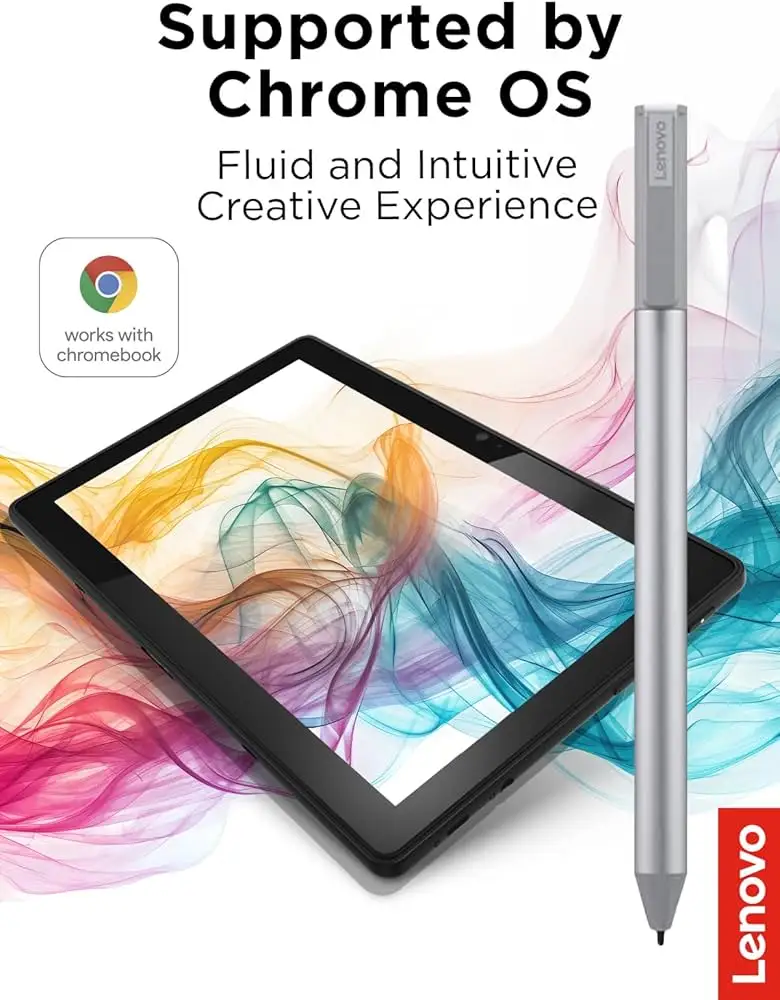
Lenovo markets the USI Pen 2 with “paper-like writing” and “up to 4096 levels of pressure sensitivity.” For casual note-takers, this claim seems justified—Best Buy reviewer celindat remarked, “Pressure sensitivity is solid… great for drawing or shading… lightweight but sturdy.” However, serious digital artists often encountered limitations. Reddit user feedback noted that apps like Medibang showed “no pressure sensitivity detection… awful latency, terrible palm rejection.”
Compatibility is another touted feature. Official specs promise support across Chrome OS devices without pairing hassle. Many echoed this in practice—“Works right out of the box—no pairing or Bluetooth needed,” said celindat. Yet andrews on Best Buy reported buying the wrong pen model entirely for their Lenovo Yoga, indicating that model compatibility charts still matter and mismatches occur.
Marketing emphasizes enhanced palm rejection. In reality, users found this inconsistent. On Squid, palm rejection was “excellent” with “little to no latency” per Reddit user review. But OneNote showed “minor palm rejection issues” and Krita was “still glitchy… although good pressure sensitivity.” The gap seems rooted in app optimization more than hardware faults.
Cross-Platform Consensus
Universally Praised:
Across Best Buy, Reddit, and Trustpilot-synced reviews, the pen’s tactile feel gets consistent applause. shaffer1205 appreciated that it “glides well on my Chromebook… nice size and weight… nothing fancy but I don’t need fancy.” This appeals to students and professionals who write or annotate documents regularly. Wide compatibility also earns approval—Google Pixel Tablet owners found it “pretty handy… gets the job done,” per jomac006, and Chromebook Duet users consistently reported instant functionality without update fuss. Users who value simplicity benefit most: education buyers like luisb say it’s “great for school… my son finds it very useful.”
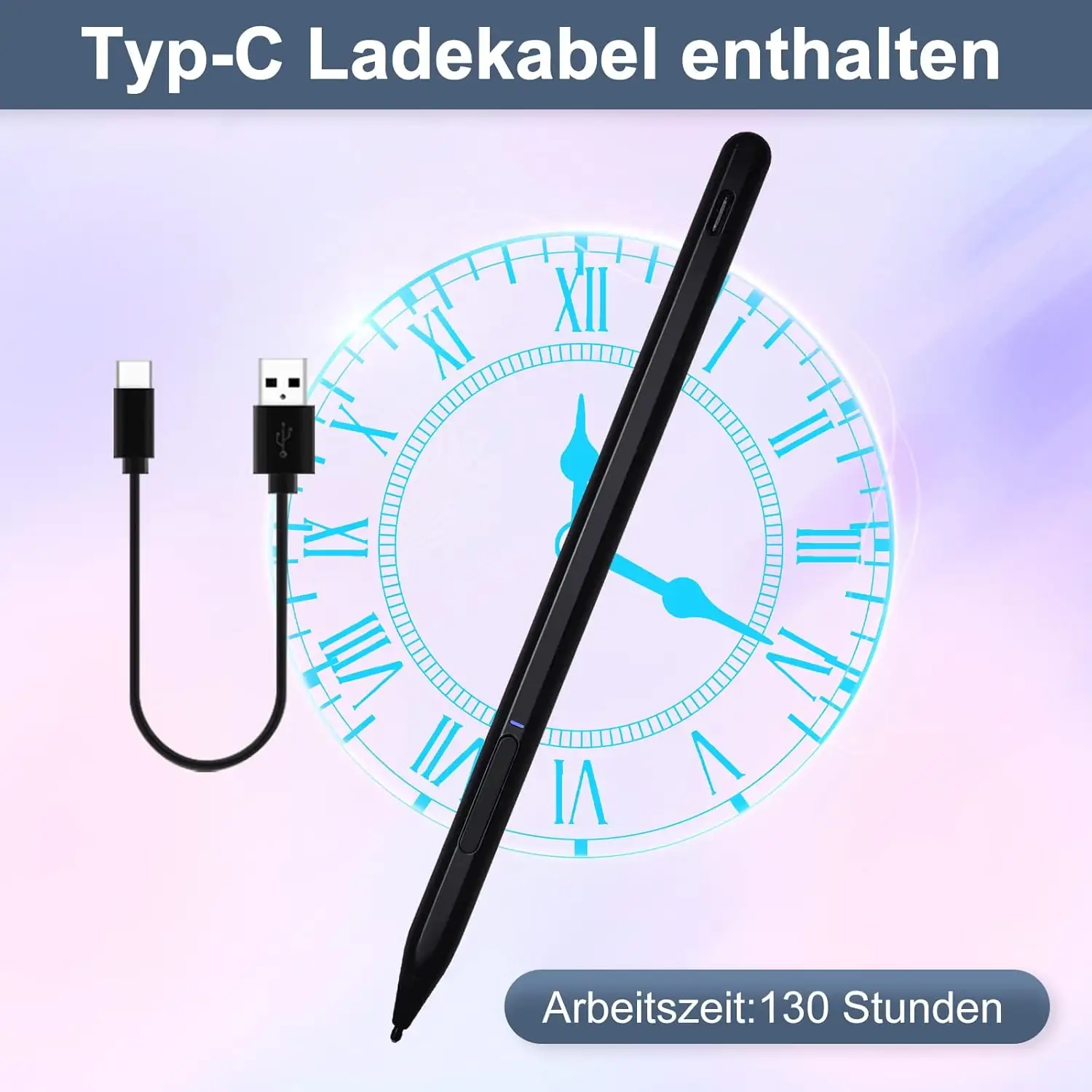
The non-Bluetooth connection design is another strength. Teachers, meeting note-takers, and journaling enthusiasts relish the ‘pick-up-and-write’ speed. Multiple buyers commented on not needing to charge often, with Amazon specs citing up to 150 days battery life under moderate use.
Common Complaints:
The absence of a strong magnet or clip is a recurring frustration. pjk002 explained, “No where to keep it… spot on the back of the duet not strong enough… detachable cover has a location but pen does not clip.” This affects mobile workers who carry devices between meetings or classes—losing the pen is a risk. jeslynluciaa echoed disappointment: “No magnet to adhere… writing skipped and wouldn’t write at all.”
Tip durability is another weak point for creative users. jazz observed that “after 4 months it needs to be replaced… tip breaks off especially if you are an artist.” Lack of replacement tips is a pain point for those engaged in daily sketching. Syncing issues also plague certain buyers—gabe complained, “No on/off button… takes a minute to connect… shuts off when you don’t use it.”
Divisive Features:
Pressure sensitivity splits the audience. Casual writers find it sufficient, while professional illustrators call it limiting. As Reddit feedback explained, some apps fully utilize it (Squid, Krita), while others ignore it entirely (Medibang). Palm rejection similarly divides users—flawless in Squid, spotty in OneNote, exploitable glitches in other software. Where the pen shines depends largely on the user’s app workflow; administrative staff might see perfection, whereas digital art specialists could face frustrating input quirks.
Trust & Reliability
Trust in Lenovo’s stylus hardware remains moderate. Best Buy histories show returns when compatibility faltered, but also praise for responsive customer service—andrews described swift exchanges for the correct model. durability differs between use cases: journaling and light annotation users report “still like new” feel after months, while heavy art users (e.g. jazz) mention physical wear, particularly with tips.
Aggregated reports show no scam-level concerns, but model confusion (USI Pen vs Pen 2, or Lenovo Yoga vs Chromebook Duet compatibility) leads to wasted purchases. Reddit’s early warnings like “don’t take out the white tag under the spring” point to minor setup quirks that, if overlooked, cause operational issues from day one.
Alternatives
Within the Chrome OS stylus ecosystem, users often compare the USI Pen to Apple Pencil in aspiration but admit limitations. jomac006 hoped it would be “more akin to an Apple Pencil… but gets the job done.” Those wanting higher palm rejection perfection or magnetic storage lean towards competitors among HP and ASUS USI pens, which sometimes feature integrated clips. However, Lenovo’s build quality and universal USI compliance keep it in play for buyers already invested in Lenovo Chromebooks.
Price & Value
Market prices vary widely—from around $20 on eBay for open box units to $40–$50 retail on Best Buy and Lenovo’s store. Long-term value depends on usage: as jeffersonm said, “really easy to lose… should add a tracking system.” Resale remains modest due to universal compliance; USI protocol means buyers have broader options, reducing premium attachment to Lenovo brand specifically.
Buying tips from the community include verifying exact Lenovo Chromebook or Yoga model compatibility before purchase, and considering cheaper open-box deals if magnetic storage isn’t critical.
FAQ
Q: Does the Lenovo USI Stylus Pen work with all Chromebooks?
A: It works with any device supporting the USI standard, but compatibility issues have occurred for some models like certain Lenovo Yoga laptops—always check Lenovo’s compatibility guide.
Q: How is palm rejection performance?
A: Excellent in apps like Squid with “little to no latency,” but glitchy or delayed in others like OneNote and Krita. It depends on software optimization.
Q: Can the tip be replaced?
A: No replacement tips are included. Artists report tip wear after about four months, so heavy users might need to replace the entire pen.
Q: Does it require Bluetooth pairing?
A: No, it works instantly on compatible devices without Bluetooth, which is favoured by many for convenience.
Q: How long does the battery last?
A: Lenovo cites up to 150 days with 2 hours daily use, with users confirming infrequent battery changes in practice.
Final Verdict: Buy if you’re a student, teacher, or office worker seeking smooth, natural writing for Chrome OS devices without the hassle of pairing. Avoid if you need flawless digital art performance or clip-on storage in mobile workflows. Pro tip from the community: stick to well-optimized apps like Squid for best experience and check your model’s compatibility before purchase.





