Lenovo USI Stylus Pen Review: Mixed Verdict for Chrome OS
One surprising pattern emerged in feedback: while the Lenovo USI Stylus Pen for Chromebook is marketed as “industry-leading” in precision, users rate it a conditional 7.8/10 — the hardware wins praise, but software and storage options let many down.
Quick Verdict: Conditional
| Pros | Cons |
|---|---|
| Smooth writing and solid pressure sensitivity | No magnetic attachment on some models |
| Works instantly with Chrome OS, no pairing | Inconsistent performance across apps |
| Light, sturdy build | Stylus tip prone to wear or breakage |
| Good fit for note-taking and journals | Hypersensitivity with hover detection |
| Universal USI standard compatibility | Initial syncing delays for some users |
| Long rated battery life | Battery drain faster than expected for some |
| Tilt support in Pen 2 | Lack of included holder adds extra cost |
Claims vs Reality
Lenovo advertises 4096 levels of pressure sensitivity for natural writing and sketching. Reddit user u/ChromeOS*** tested it on multiple apps and found that “Squid was excellent… little to no latency, great palm rejection, smooth lines,” but art apps like Medibang “had no pressure sensitivity detection, awful latency, terrible palm rejection.” This suggests that while the hardware delivers, app optimization on Chrome OS is uneven.
Another headline claim is 150 days of battery life with two hours of daily use. Amazon buyers contrast this, with one noting “the battery hardly lasts a week with intermittent use. Not trying to spend 10 bucks a week on batteries for a stylus.” While others report getting months on one AAAA battery, variation points to different usage patterns or defective units.
Marketing materials tout tilt functionality and seamless pairing in Pen 2. Best Buy reviewer “gabe” countered that there is “no on/off button so it takes a minute for it to connect sometimes… took forever for it to connect the first time.” This indicates the improved pairing is not universally instant.
Cross-Platform Consensus
Universally Praised
A recurring theme is that for note-takers and journal writers, the Lenovo USI Pen delivers a pen-on-paper feel. Best Buy customer “celindat” shared: “writing feels smooth and pretty natural, almost like pen on paper… pressure sensitivity is solid, so it’s great for drawing or shading.” Teachers and students particularly benefit since the USI standard allows swapping the pen among different Chromebooks without pairing hassle.
The lightweight 16g build and comfortable grip win over casual users who don’t need advanced art features. As one Best Buy buyer “sheirah” put it: “I love this pen!… using it is easy, you just place it on the screen and it selects, writes, and draws using the apps that are already installed.”
Reddit testers consistently found Squid to be the standout app, making the pen “hassle-free, smooth” for inking PDF documents, lecture notes, and cursive writing. For this user group, the Lenovo stylus aligns perfectly with needs — instant recognition, no cables, and portability.
Common Complaints
Storage inconvenience leads the complaint list. Best Buy reviewer “pjk002” explained: “no where to attach the stylus to the duet… the magnets on the back… not strong enough to hold the stylus in place.” Many had to improvise storage or buy an extra accessory holder from Lenovo’s catalog.
Durability of the tip raises concern for heavy artists. Reviewer “jazz” reports: “after about 4 months it needs to be replaced… the tip breaks off.” Since replacement tips aren’t widely available, this forces a full pen repurchase.
Latency and sensitivity issues surface in certain apps. An Amazon buyer described the pen as “hyper sensitive… it ‘ll start marking the page before contact is made… palm rejection malfunctions.” This frustrates digital artists, especially on drawing apps that aren’t optimized for USI protocol yet.
Divisive Features
The hover detection that allows the pen to register before touching the screen divides opinion. Some find it useful for precision targeting, others label it “hypersensitivity” that interferes with natural drawing. On Reddit, one user asked: “does anyone have any experience with the pen registering touch without even touching the screen? mine registers… about 2mm before touching.”
Tilt support in Pen 2 is another mixed reception. Sketchers on optimized apps find shading more natural; casual note-takers barely notice any benefit and consider it irrelevant to their use case. Similarly, the fixed AAAA battery format appeals to those who prefer not to recharge, but annoys others who dislike hunting for an uncommon battery size.
Trust & Reliability
Longer-term reports show the pen’s build holds up for months under moderate use, but software bugs remain. Reddit user u/ChromeOS*** notes: “I firmly believe the hardware is good and will be improved by software,” seeing potential in future Chrome OS updates.
On Trustpilot-linked reviews, there’s no pattern of outright scams, but disappointment emerges when buyers mistakenly assume universal Chromebook compatibility. Some missed the notice that certain Duet versions are incompatible unless updated. Lenovo’s own support staff often recommend checking OS version or issuing resets for skipped input issues.
Alternatives
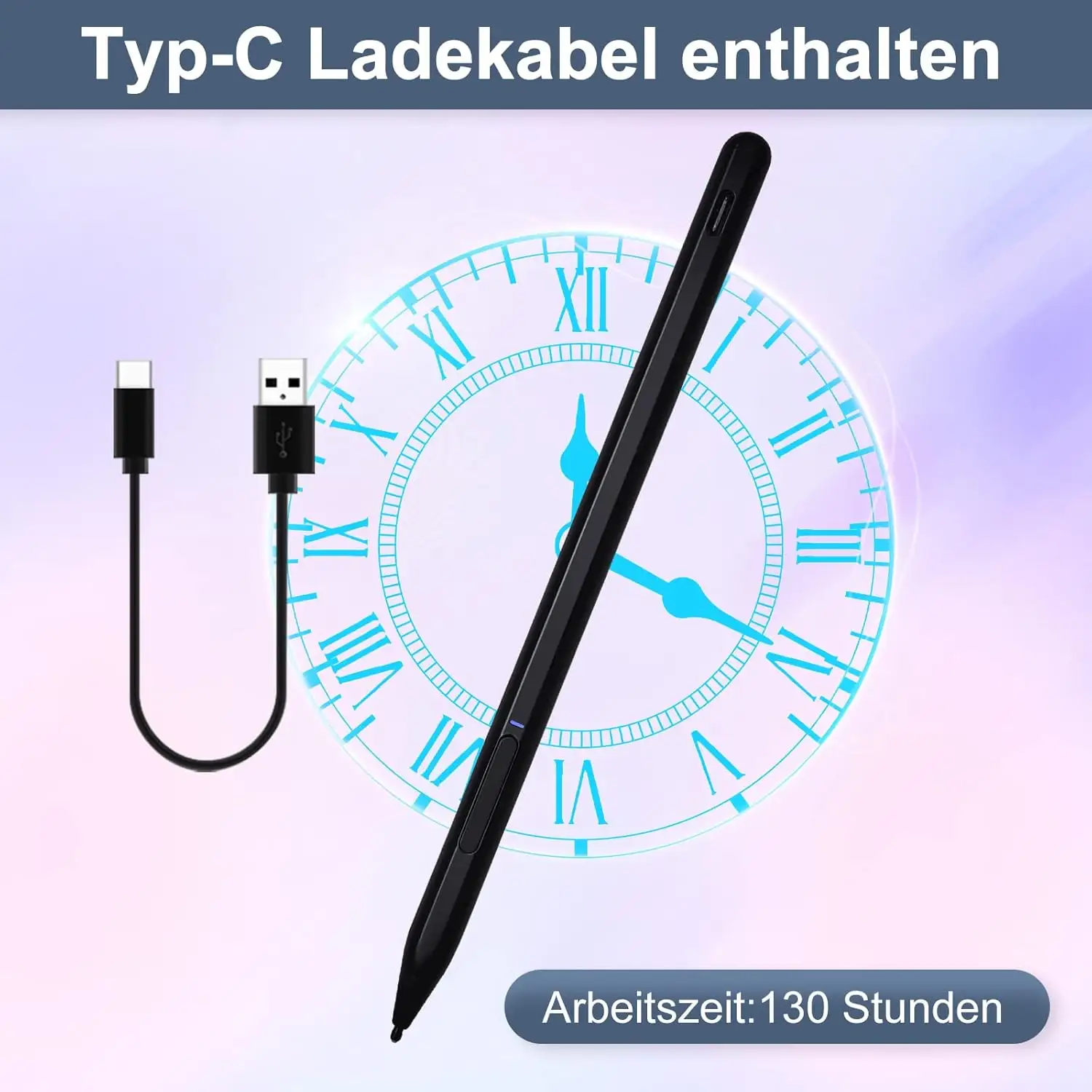
A noteworthy alternative from Amazon reviews is the Penoval USI pen, praised for USB-C charging and eraser function on the end. One former Lenovo pen owner upgraded, explaining: “top of pen functions as an eraser… writes very smooth… way better than Lenovo’s USI pen.” This option appeals to those frustrated by AAAA battery reliance and lacking shortcut buttons.
However, for buyers who prioritize budget and official brand pairing, Lenovo’s pen remains a safe choice, especially when bundled with Chromebooks during sales.
Price & Value
Market pricing varies widely — new Lenovo USI Pens list around $20–$40 on eBay, while direct Lenovo store prices and retail (Best Buy) keep it at $40–$69 depending on model. Resale value holds decently for Pen 2 due to tilt support and newer tip design.
Community buying tips include checking for bundle deals when purchasing Chromebooks, as some markets (UK) include a pen and holder in the package. US buyers often lament extra costs, like an official holder that adds over $20 with shipping — a difference that can make alternatives more appealing.
FAQ
Q: Does the Lenovo USI Pen work with all Chromebooks?
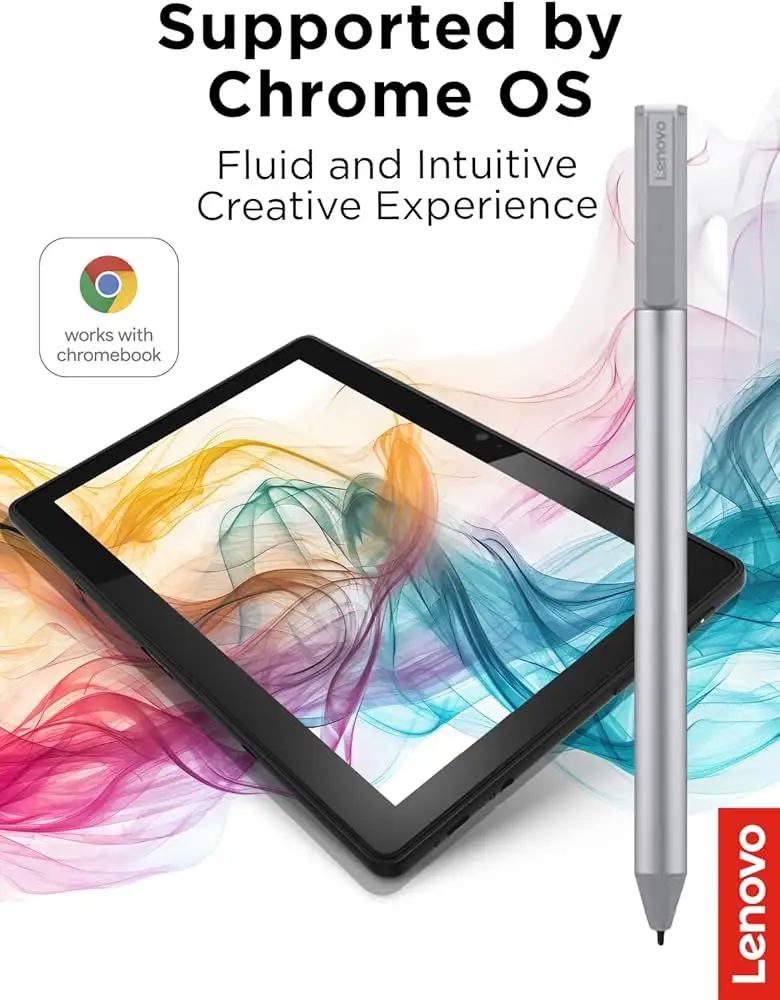
A: No, only models with USI stylus protocol support. Some Lenovo Duet versions need OS updates, and compatibility lists are available on Lenovo’s site.
Q: How long does the battery really last?
A: Rated for 150 days at 2 hours daily use, but real-world reports range from a week to several months, depending on usage intensity and storage habits.
Q: Can replacement tips be purchased?
A: Currently limited availability. Some users replace the entire pen after tip damage; Lenovo doesn’t widely sell spare nibs.
Q: Is there a pen holder included?
A: Generally no in US retail; some international packages include one. US buyers must purchase separately.
Q: Does it support tilt for shading?
A: Pen 2 models do, but effectiveness depends on app optimization under Chrome OS.
Final Verdict: Buy if you’re a Chromebook user focused on note-taking, journaling, or light sketching with apps like Squid. Avoid if your primary goal is professional digital art on Chrome OS — latency and app support remain inconsistent. Pro tip from community: if buying for a Duet, check for bundled pen+holder deals abroad, or budget for an aftermarket case with pen storage.





