Lenovo USI Stylus Pen Review: Mixed Verdict at 6.7/10
A verified buyer on Amazon summed up the frustration plainly: "1.9 out of 5 stars — not worth the money for just that use case." The Lenovo USI Stylus Pen for Chromebook, Grey splits users sharply between those who praise its smooth, natural writing experience and those disappointed by connection quirks, limited app performance, and poor physical retention on compatible devices. Based on aggregated feedback, it scores around 6.7/10 — functional in certain scenarios, but far from flawless.
Quick Verdict: Conditional
| Pros | Cons |
|---|---|
| Smooth handwriting, "paper-like" feel when compatible | Inconsistent palm rejection across apps |
| Solid pressure sensitivity for note-taking | Tip durability issues for artists |
| No Bluetooth pairing required | Hard to store or attach to some devices |
| Works with multiple USI-enabled Chromebooks | Latency in popular apps like OneNote |
| Comfortable grip and lightweight | Some pens fail to register without troubleshooting |
| Minimal setup out of box | Magnet retention often weak |
| Cross-device USI standard support | Limited performance in art apps |
Claims vs Reality
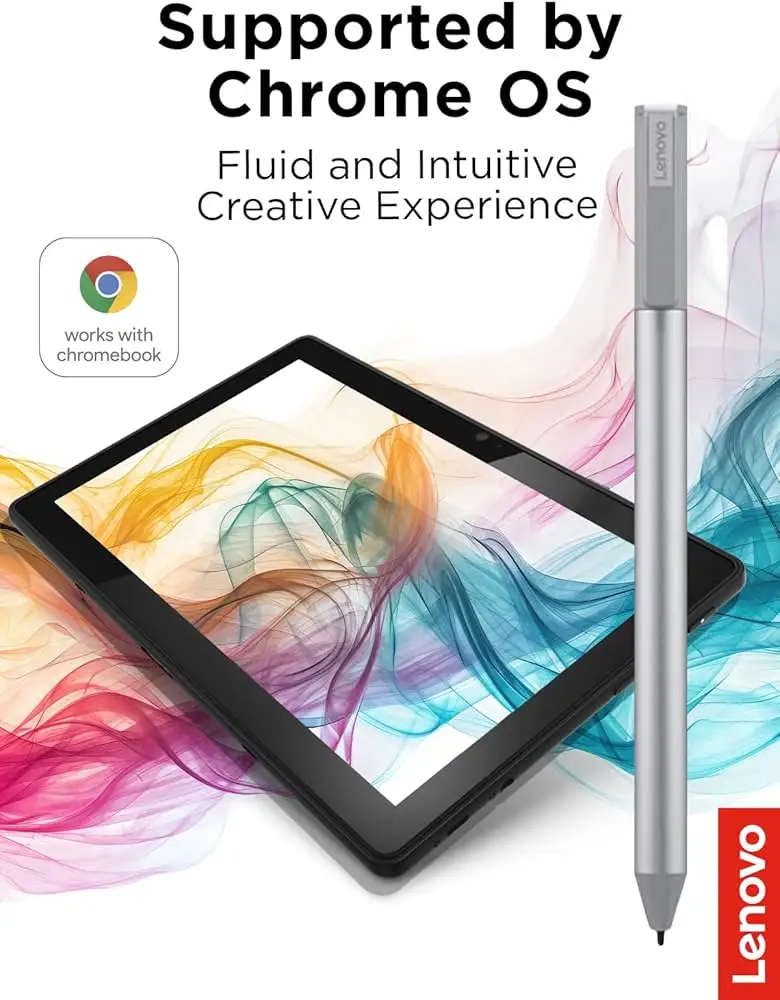
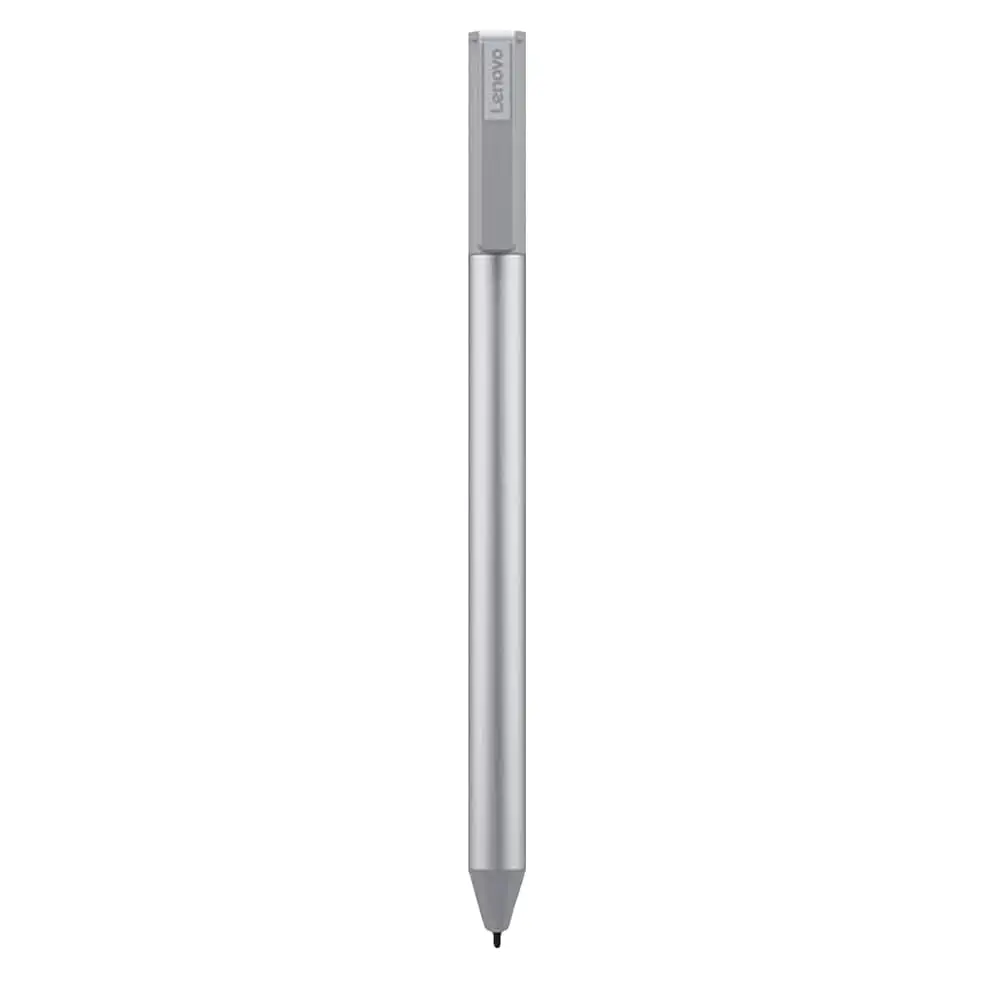
Lenovo’s marketing positions this USI pen as delivering “paper-like writing” with 4096 levels of pressure sensitivity and seamless tilt functionality for USI 2.0 devices. While pressure sensitivity was confirmed by Best Buy buyers like celindat, who said, “Pressure sensitivity is solid, so it’s great for drawing or shading,” the broader user pool reveals app performance as a critical limiter.
Reddit user feedback shows the gap vividly. One tester found Squid “excellent. Little to no latency, great palm rejection, smooth lines,” but described Medibang as “awful… no pressure sensitivity detection, awful latency, terrible palm rejection.” The implication: the hardware may meet promised specs, but real-world results depend heavily on app optimization under Chrome OS.
Another claim is better pairing speed and minimal setup. Best Buy user sheirah reinforced that: “You just place it on the screen and it selects, writes, and draws… I use it to journal as well!” Yet others, like gabe, experienced connection lag: “No on/off button so it takes a minute for it to connect sometimes. Took forever for it to connect the first time.” Sleep mode after 10 seconds of inactivity cuts battery drain but can slow workflow when constant reactivation is required.
Cross-Platform Consensus
Universally Praised
For students, note-takers, and casual sketchers, this pen delivers clear wins. Best Buy user luisb said, “Great product, bought for my son for school. He finds it very useful,” pointing to the pen's role in education settings. Lightweight and sturdy, the grip materials make long writing sessions comfortable for Chromebook owners, especially Duet 3 and Flex 5i users. The lack of pairing or Bluetooth requests is a big plus for everyday use — celindat stressed: “Works right out of the box — no pairing or Bluetooth needed.”
Squid emerges repeatedly as the gold-standard app pairing, where latency vanishes and palm rejection works as intended. In that context, the pen hits Lenovo’s “paper-like” goal, giving a tactile, responsive feel without dragging or skidding awkwardly.
Common Complaints
A recurring frustration is the physical storage challenge. Buyer pjk002 highlighted, “No where to attach the stylus to the duet… The detachable cover… has a location for the stylus, but the stylus does not clip or stick in place.” Weak magnet retention leaves users improvising solutions, and Reddit reports confirm accidental drops when relying on pogo pin contacts.
Tip wear is another sore spot for artists. jazz noted, “After about 4 months it needs to be replaced especially if you are an artist. The tip breaks off.” While casual note-taking might push this timeline longer, heavy shading or sketching shortens life expectancy.
Connection delays and device compatibility snags affect certain users. jeslynluciaa gave a 1-star review: “No magnet… took a few tries and when it did work, the writing skipped,” hinting that not all Chromebooks offer equally smooth integration.
Divisive Features
Pressure sensitivity and smoothness split opinion. For note-taking, it’s praised as effortless. shaffer1205 shared: “Glides well on my Chromebook… nice size and weight.” But jeffersonm found smoothness excessive without adjustable friction: “It was just a little too smooth on my screen… easy to lose.”
Palm rejection tech also divides: while many find it accurate, Reddit comments show users struggling when a hand rests partly on the bezel in portrait mode — Squid blocks stylus input until repositioned, disrupting natural writing posture.
Trust & Reliability
Long-term reliability hinges on use case. Light use in note-taking shows solid durability beyond six months, as in snowfox911’s simple endorsement: “Works… useful to have around.” But those expecting Apple Pencil–level art performance quickly hit limits, especially under Chrome OS where UI latency and pressure mapping in third-party apps cause frustration.
Trustpilot-linked Best Buy feedback shows Lenovo customer service generally responsive to returns and compatibility misorders. andrews explained, “Service was good… they took the pen back and I ordered the correct one and got it quickly.” However, seller policy on platforms like eBay varies, with some listing “no returns,” raising caution for buyers.
Alternatives
Reddit’s art-focused users suggest looking toward devices with native stylus support, particularly Surface products for latency-sensitive sketching. While Lenovo’s USI Pen 2 incorporates tilt support and improved fine-tip tech, competing pens from HP or ASUS under the same USI standard may offer identical performance but with different ergonomics or magnet attachment solutions.
Price & Value
Best Buy lists the Lenovo USI Pen 2 around $40.99, but eBay resale prices swing from $20 for open-box units to nearly $90 for rare models. Amazon’s older GX81B10212 variant lists for $15.99 but has far poorer ratings (1.9 stars). This pen holds moderate resale appeal thanks to USI standard compatibility, but community advice leans toward hunting deals via refurbished stock or bundled Chromebook offers.
FAQ
Q: Does this pen work with all Chromebooks?
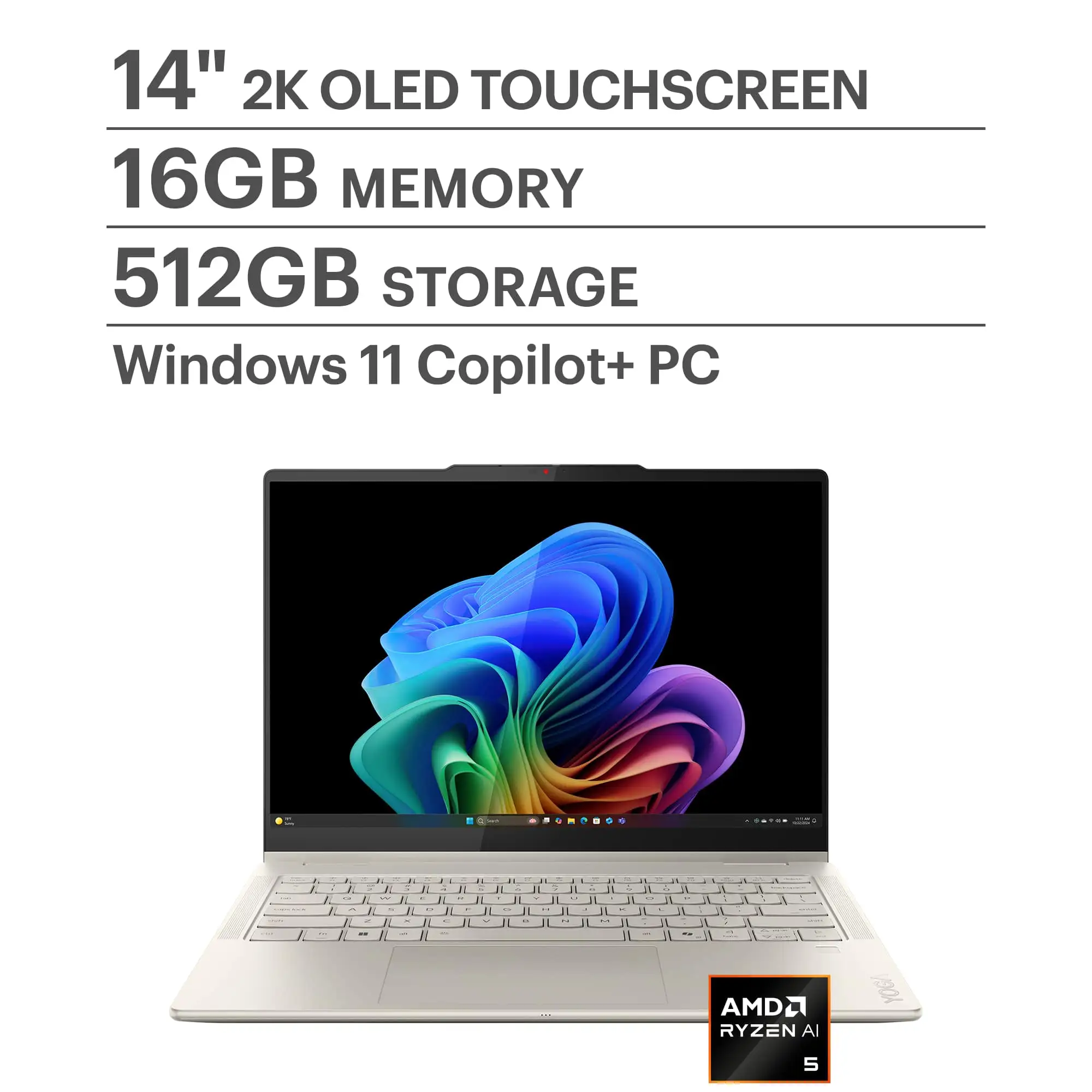
A: No. It works only with USI-compatible models; some buyers found it incompatible with certain Lenovo devices like the Yoga laptop. Always verify USI support in your Chromebook specs.
Q: Is there any pairing process needed?
A: No Bluetooth pairing is required — it’s instantly recognized by compatible devices. Some users experienced first-time connection delays, mitigated by system updates.
Q: How is the battery life?
A: Lenovo rates it up to one year at two hours of daily use. Real-world reports mention months of use without replacement, helped by its 10-second auto sleep mode.
Q: Can it attach magnetically to the device?
A: Weak magnet retention is common; some models have no secure attachment point at all, forcing users to store the pen separately.
Q: Is it good for digital art?
A: Limited. While pressure sensitivity works, latency and palm rejection issues appear in many art apps under Chrome OS. Best results are within optimized apps like Squid.
Final Verdict: Buy if you primarily take notes, annotate, or perform light sketching on a USI-compatible Chromebook. Avoid if your primary need is latency-free digital art on Chrome OS, or if physical pen attachment is critical. Pro tip from the community: pair it with Squid for the smoothest writing experience and get a protective case to store it securely.





