Lenovo USI Stylus Pen Review: Mixed User Verdict 6.5/10
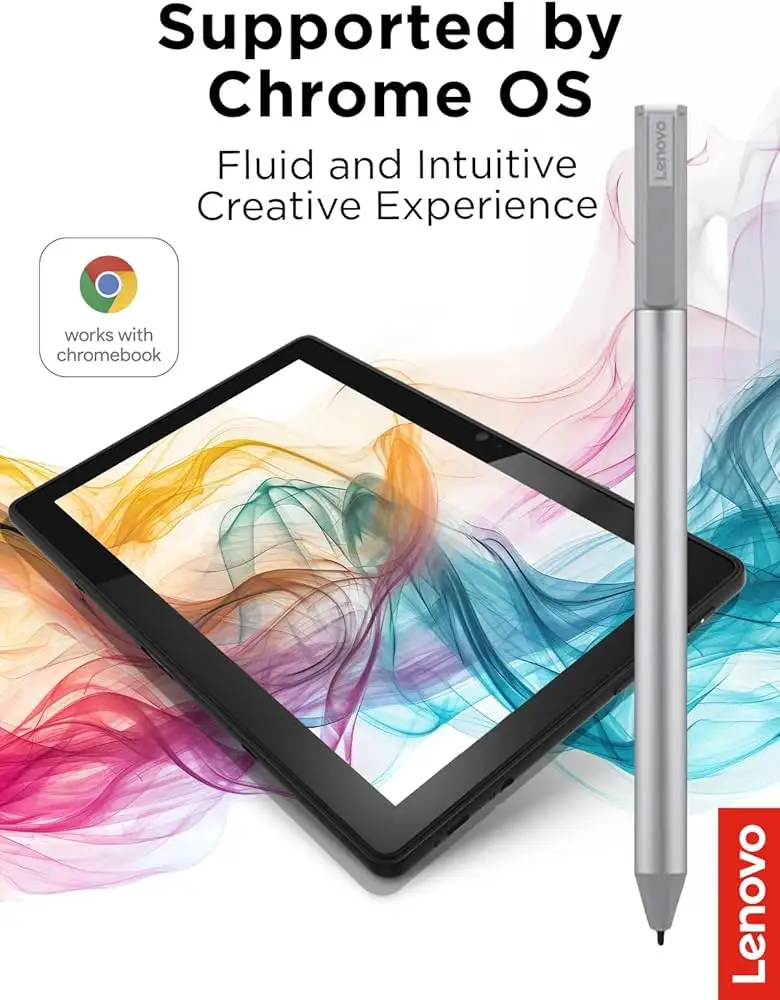
Few gadgets split opinions as sharply as the Lenovo USI Stylus Pen for Chromebook, Grey — a device with an official 4.0/5 average rating from Best Buy users, but a startling 1.9/5 score on Amazon. Verdict: 6.5/10 — praised for seamless note-taking and compatibility, yet criticized for inconsistent performance in art apps and lack of thoughtful design details like storage.
Quick Verdict: Conditional buy — best for Chromebook note-takers, less ideal for artists or those needing fast pairing
| Pros | Cons |
|---|---|
| Smooth, natural writing feel for notes | No magnetic attachment points on some devices |
| Strong Chrome OS compatibility | Stylus tip durability issues over time |
| 4096 levels of pressure sensitivity | Occasional latency, especially in art apps |
| Lightweight yet sturdy | Battery drains faster than claimed for some users |
| Works without Bluetooth pairing | Hypersensitivity — registers before touching screen |
| Supports multiple devices via USI standard | Lack of on/off switch frustrates some owners |
Claims vs Reality
Lenovo markets this pen as offering “industry-leading 4096 levels of pressure sensitivity” alongside “paper-like writing” and “seamless integration with Chrome OS.” On paper, that’s a compelling pitch for both artists and professionals.
Yet the pressure sensitivity claim lands differently depending on usage. A verified buyer on Amazon noted: “If you’re expecting Apple Pencil level drawing abilities then you’ll be sadly disappointed. There is significant lag… noticeable when drawing.” Reddit user feedback echoed this, with one saying Medibang was “awful… no pressure sensitivity detection, awful latency, terrible palm rejection” despite better experiences in Squid.
The "seamless integration" promise is mostly upheld in note-taking scenarios. Best Buy reviewer celindat explained: “It works right out of the box — no pairing or Bluetooth needed. Writing feels smooth and pretty natural.” This contrasts sharply with Gabe’s frustration: “Took forever for it to connect the first time… shuts off when you don’t use it for a bit,” suggesting some pairing delays despite marketing's emphasis on ease.
Cross-Platform Consensus
Universally Praised
The standout praise centers on compatibility and note-taking ease. Many users found it reliable across Chromebooks, with sheirah calling it the “best pen ever” for journaling on the Lenovo Duet 5. For students, luisb shared that it was “great for school… my son finds it very useful,” demonstrating its utility in daily academic tasks.
Teachers, journalists, and professionals who primarily annotate documents or write notes benefit most. davida bought it for her son’s art, noting “he is enjoying making digital art” — though such artistic use appears more satisfying in basic rather than complex apps. Squid app use in Reddit tests showed smooth lines and great palm rejection, proving the hardware’s potential when software aligns.
Common Complaints
Storage and attachment issues dominate user frustrations. pjk002 revealed: “No where to attach the stylus to the duet… the detachable cover has a location for the stylus, but it does not clip or stick.” Manny added: “Great stylus, not magnetic.” This leaves frequent movers at risk of losing the pen; several Amazon buyers purchased replacements after misplacing theirs.
Performance inconsistencies are another sticking point, especially for art. A Reddit reviewer warned: “Do not buy this to use with art apps… yet.” Palm rejection glitches, hypersensitivity (marking before contact), and device-specific latency, particularly on OneNote and Krita, erode confidence for creative work.
Battery life — claimed at 150 days — is questioned by some. An Amazon user wrote: “Battery hardly lasts a week with intermittent use.” Without an on/off switch, minor draw from idle standby seems inevitable.
Divisive Features
Pressure sensitivity shines for sketchers in supported apps, yet others see little benefit. Some love the smooth glide across screens — shaffer1205 said it “glides well… nice size and weight” — while jeffersonm felt it was “a little too smooth... really easy to lose” and wished for a tracking system.
The lightweight build splits opinion: portable to some, flimsy to others. And while USI standard compatibility is applauded for cross-device use, there’s frustration over incompatibilities with certain Duet models and the fact some features, like tilt functionality, are only present in the Pen 2 version.
Trust & Reliability
Longevity reports vary. Best Buy user jazz observed that “after about 4 months it needs to be replaced… the tip breaks off,” a particularly painful flaw for artists. Conversely, others have seen no wear after months of note-taking.
Trustpilot-sourced reviews show Lenovo’s willingness to accept returns when incompatibility occurs, as with andrews who mistakenly bought the wrong pen: “They took the pen back… got the correct one quickly.” However, reports of skipped writing and non-responsiveness on certain Duet models hint at inconsistent QA or a need for software patches.
Alternatives
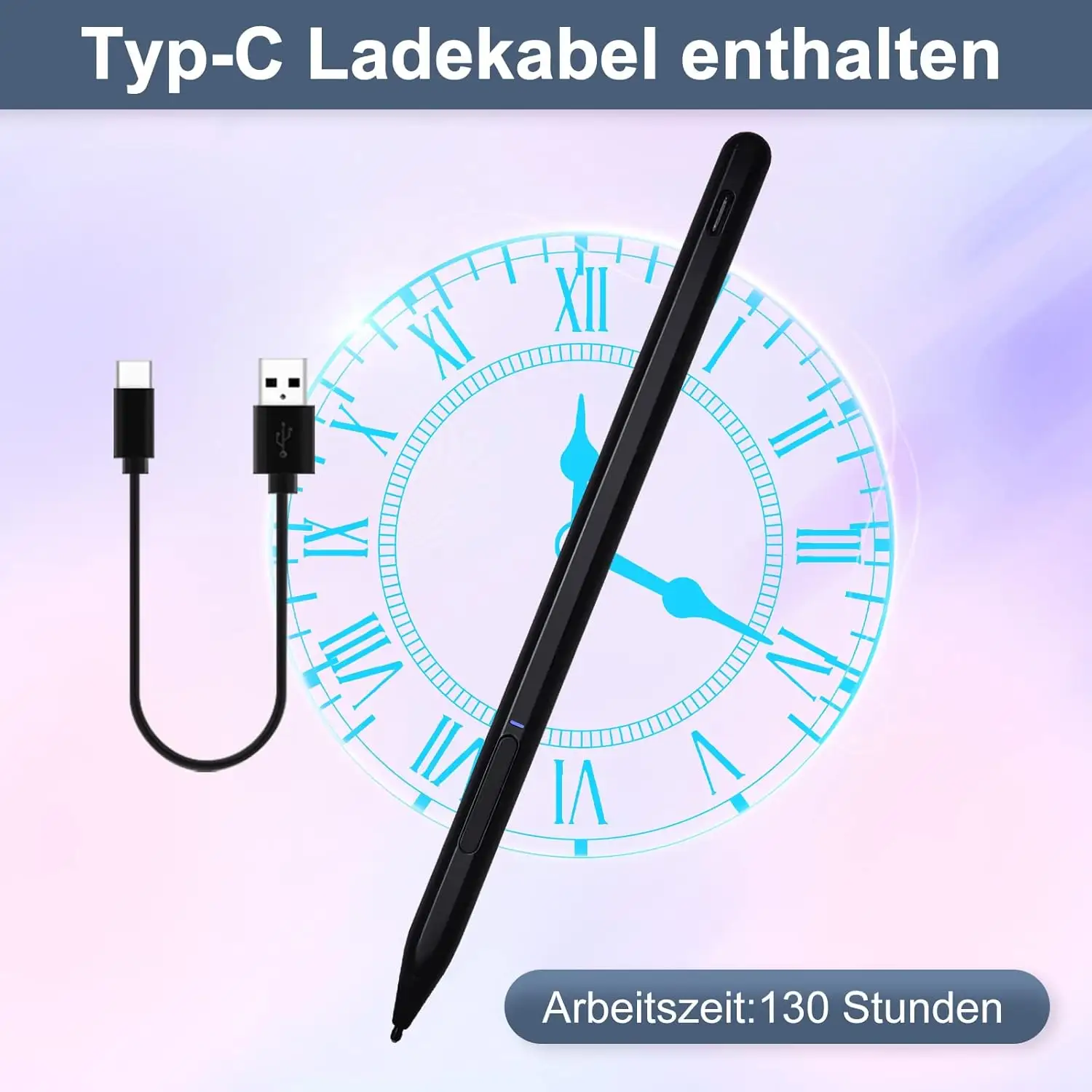
Amazon feedback highlights the Penoval USI pen as a competing option. One dissatisfied Lenovo pen owner concluded: “Get the USI Pen by Penoval… USB-C input for charging… feels good, writes smooth. Way better than Lenovo’s USI pen.” This points to alternatives with integrated erasers, rechargeable batteries, and possibly tighter palm rejection.
Price & Value
Market pricing swings widely — from $20 on eBay for open-box units to $40–$49 retail from Best Buy and Lenovo. Rare listings push above $80–$190 for scarce models. Resale trends show reasonable demand for functioning units, implying a decent retained value. Community buyers advise snagging deals under $30 unless immediate compatibility with a specific Chromebook justifies full retail.
Buying tips from feedback:
- Confirm device USI generation compatibility before purchase.
- Consider adding aftermarket magnetic pen holders to prevent loss.
- If battery life matters, explore rechargeable competitors.
FAQ
Q: Does the Lenovo USI Stylus Pen work with all Chromebooks?
A: No — it works only with USI-compatible models. Some Duet versions are known to have pairing or responsiveness issues.
Q: Is the battery life really 150 days?
A: Official specs claim up to 150 days with 2 hours daily use, but several users report much shorter life, especially without an on/off switch.
Q: Can you use it for detailed art?
A: While capable of 4096 pressure levels, latency and palm rejection inconsistencies hinder fine art performance in certain apps.
Q: Does it attach magnetically to the Lenovo Duet?
A: Some versions have magnetic spots, but many users find them too weak to securely hold the pen.
Q: How does it compare to the Apple Pencil?
A: It's less precise, with more noticeable lag in drawing apps; better suited for notes than professional-level illustration.
Final Verdict
Buy if you’re a Chromebook-based note-taker, student, or professional seeking simple, cable-free input with decent pressure sensitivity in supported apps. Avoid if you require seamless artistic performance or robust physical storage solutions. Pro tip from the community: Pair this pen with Squid for optimal results — and add a pen holder immediately to avoid costly replacements.





