Lenovo USI Stylus Pen Review: Great for Notes, Not Art
One Amazon buyer bluntly warned, “Do not buy this to use with art apps… yet,” even though Lenovo advertises industry‑leading pressure sensitivity and paper‑like writing. The Lenovo USI Stylus Pen for Chromebook finds its strongest audience in note‑takers, educators, and light UI navigators rather than digital artists, earning a measured 7.5/10 in user consensus.
Quick Verdict: Conditional — excellent for note-taking and general Chromebook use, but limited for advanced art apps
| Pros | Cons |
|---|---|
| Smooth writing with strong pressure sensitivity in compatible apps | Noticeable latency in certain programs like OneNote |
| Pairs instantly, no Bluetooth required | Weak/no magnetic attachment on some Chromebook models |
| Lightweight yet sturdy build | Tip wear and breakage over time for heavy users |
| Broad USI compatibility across Chromebook brands | Palm rejection inconsistent across apps |
| Long battery promises (up to 150 days on AAAA) | Battery life complaints from some users |
| Works well for handwriting and journaling | Hypersensitivity: draws before touching screen |
| Tilt support in Pen 2 version | No included pen holder in many regions |
Claims vs Reality
Lenovo’s marketing leans heavily on “up to 4,096 levels of pressure sensitivity” for “natural writing and sketching.” While this number matches high‑end stylus standards, performance is highly app‑dependent. Reddit user feedback shows Squid delivering “little to no latency, great palm rejection, smooth lines,” while OneNote had “some noticeable latency and minor palm rejection issues.” And painting apps like Medibang were described as “awful… no pressure sensitivity detection.”
Battery life is another big claim—150 days based on 2 hours daily use. This would delight frequent note‑takers, but some Amazon reviewers contradict it. One user reported, “Battery hardly lasts a week with intermittent use… not trying to spend 10 bucks a week on batteries for a stylus.” Others, however, had no trouble matching the advertised longevity when using AAAA batteries.
As for “paper‑like writing,” the experience divides users by task. Best Buy reviewer celindat said: “Writing feels smooth and pretty natural, almost like pen on paper.” Yet the same smoothness was a downside for jeffersonm, who found it “a little too smooth on my screen” and wished for alternate tips like Apple Pencil’s.
Cross-Platform Consensus
Universally Praised
One consistent praise across Amazon, Best Buy, and Reddit is how smoothly the pen integrates into the Chrome OS environment. There’s no Bluetooth pairing—users can start writing instantly. sheirah enthused: “You just place it on the screen and it selects, writes, and draws using the apps that are already installed… I use it to journal as well.”
For note‑taking enthusiasts, especially students, the reliability in apps like Squid makes it a regular carry item. A Reddit user emphasized that Squid “is proof that using the pen can be a hassle‑free, smooth experience.” Similarly, Best Buy's luisb bought it for school and found it “very useful.”
The lightweight aluminum build also earns compliments; at just 16 grams, several owners call it sturdy without feeling cheap. shaffer1205 noted: “Glides well on my Chromebook, has a nice size and weight… nothing fancy but I don’t need anything fancy either.”
Common Complaints
Connection speed and storage are two of the most frustrating pain points. gabe on Best Buy reported: “No on/off button so it takes a minute to connect… took forever for it to connect the first time.” Storage complaints are widespread—many Chromebook Duet owners found no secure place to keep the pen. pjk002 explained: “The only area that will hold the stylus… is where the keyboard connects… not strong enough to hold the stylus in place.”
Palm rejection remains inconsistent. Even within the same user session, Amazon reviewer found the pen hyper‑sensitive: “It’ll start marking the page before contact… palm rejection malfunctions from time to time.” For artists, this unreliability became a dealbreaker; jazz noted, “Tip breaks off… only con to the pen.”
Latency appears often in creative workflows. Reddit feedback pegged OneNote’s delay as “a bit much” and art programs like Krita as “terrible latency… glitchy with palm rejection.”
Divisive Features
Pressure sensitivity splits opinion. In optimal conditions, like Squid or Google Cursive, users enjoy varied line thickness and shading. celindat called it “solid… great for drawing or shading.” Yet in others like Medibang, users received no pressure input whatsoever.
Smoothness of writing is another divisive metric. Some appreciate the ultra‑low resistance against the glass; others feel it lacks tactile feedback. And battery format—Lenovo’s choice of AAAA—is criticized for availability and cost, though it does keep the pen lighter.
Trust & Reliability
Durability is mixed. While casual note‑takers report months of flawless function, artists pushing heavy daily use complain about tip wear and breakage within four months. This aligns with Best Buy user jazz’s replacement timeline.
Trustpilot‑mirrored quotes show reliable retail support—andrews received “good service… took the pen back and I ordered the correct one and got it quickly.” However, some buyers mis‑matched models despite USI compliance, leading to non‑functionality until replaced.
On Reddit, practical assembly advice emerged: do not remove the small black disk under the spring when setting up, or you risk connection issues. This shows an under‑communicated setup step from Lenovo.
Alternatives
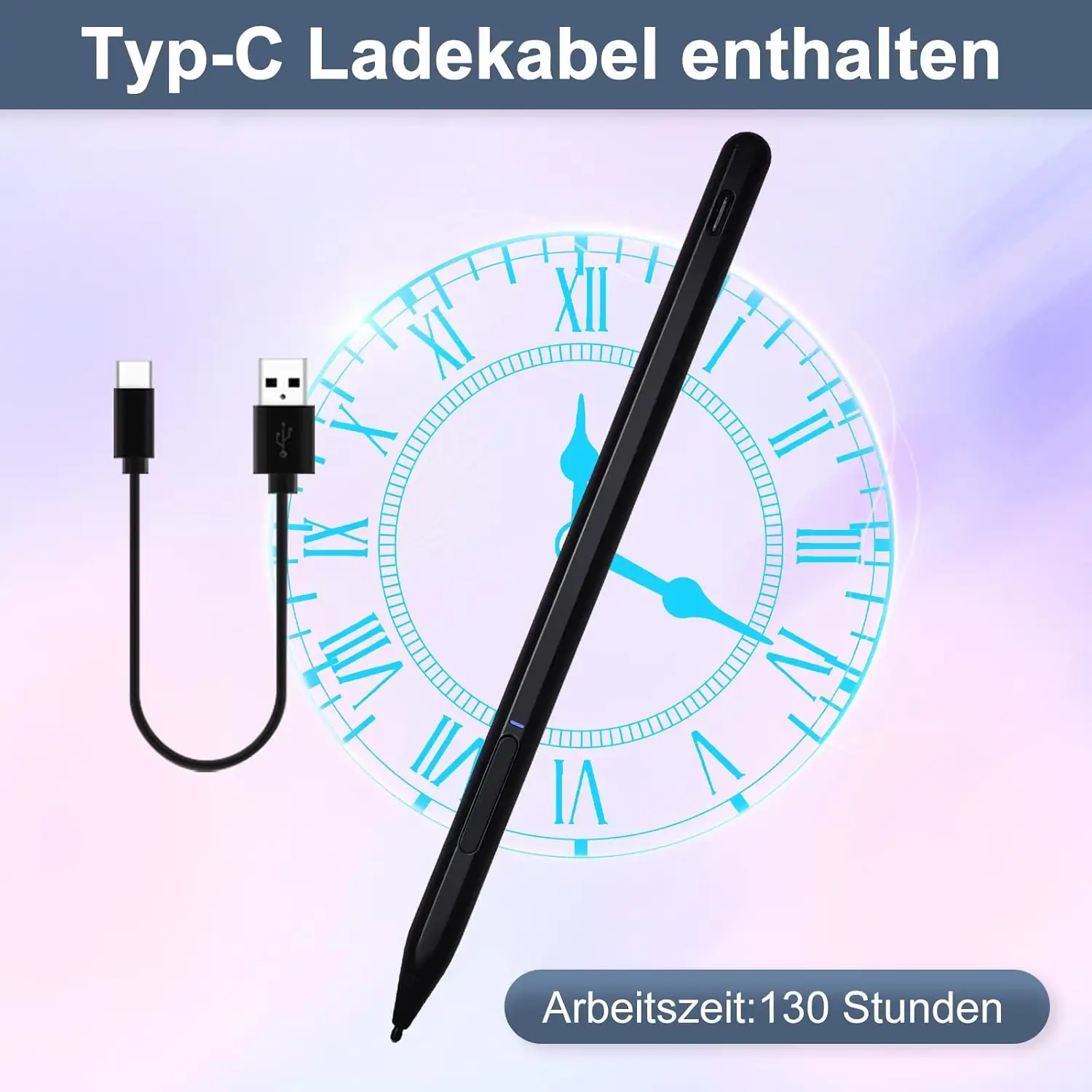
One Amazon reviewer directly recommended the Penoval USI pen: “…super awesome! Has USB‑C input for charging… no glitching!” For buyers prioritizing rechargeable convenience and eraser function, Penoval gains favor. Against Apple Pencil, Best Buy user jomac006 admitted hoping for similar precision but settling for “gets the job done” utility on Google Pixel Tablet.
Price & Value
Current pricing ranges between $23–$40 USD for Pen 2 in Lenovo’s own store and Best Buy. Original Pen prices hover near $29 on Amazon. eBay shows active resale around $20–$29 for used/good condition units, suggesting stable second‑hand value.
Community tip: sourcing from regions with included pen holders (UK) avoids aftermarket accessory charges. Amazon buyers in the US complained about “nickel and diming” over separate holder purchase.
FAQ
Q: Does the Lenovo USI Stylus Pen work with all Chromebooks?
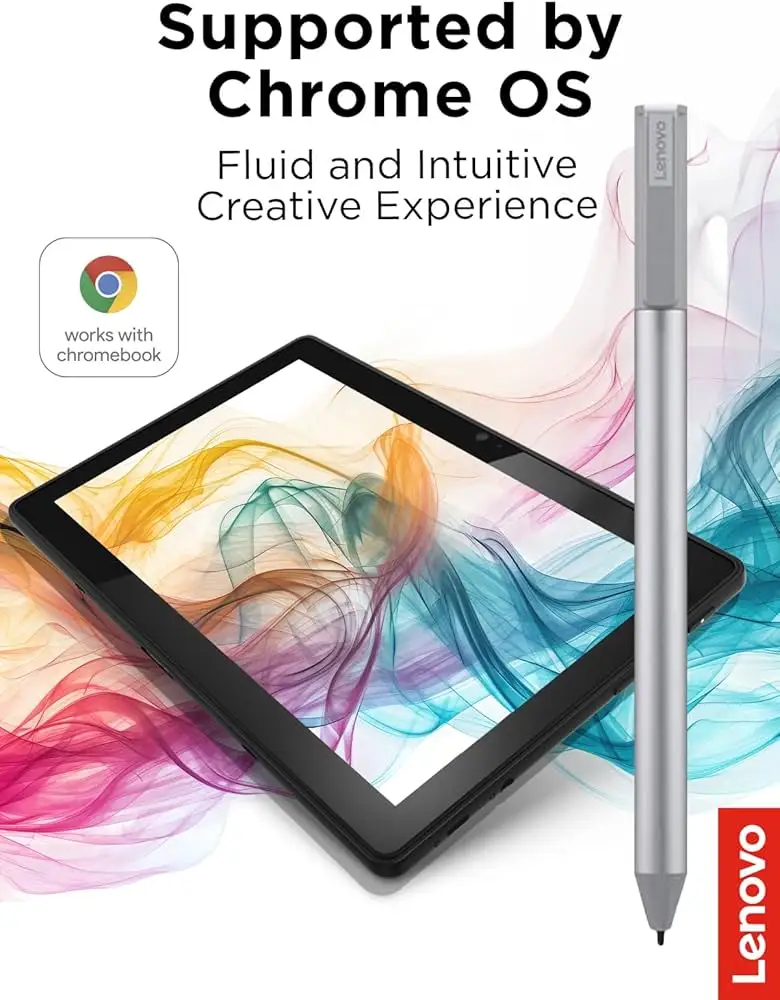
A: It works with Chromebook models that support the USI protocol. Users confirm compatibility with Lenovo Duet, Flex 5, and many others, but check device specs before buying.
Q: Is it good for drawing?
A: For serious art apps, no—users note lag, poor palm rejection, or no pressure sensitivity in certain programs. It performs best for notes, annotations, and casual sketches.
Q: How long does the battery last in reality?
A: While Lenovo claims up to 150 days with light daily use, some owners see only a week per battery. Usage intensity, app background activity, and battery brand impact results.
Q: Is there a built-in storage slot on the Lenovo Duet?
A: No secure magnetic slot exists for many Duet models, frustrating users. Some attach it to keyboard connectors or carry separately.
Q: Does it need Bluetooth pairing?
A: No—it operates via USI protocol instantly upon touch, avoiding the need for Bluetooth setup.
Final Verdict: Buy if you’re a Chromebook user seeking fast, smooth handwriting and note‑taking—especially in apps like Squid or Google Keep. Avoid if your primary goal is advanced art creation in Chrome OS. Pro tip from community: Confirm your exact model’s USI support and plan pen storage before purchase to avoid costly accessory fixes.





