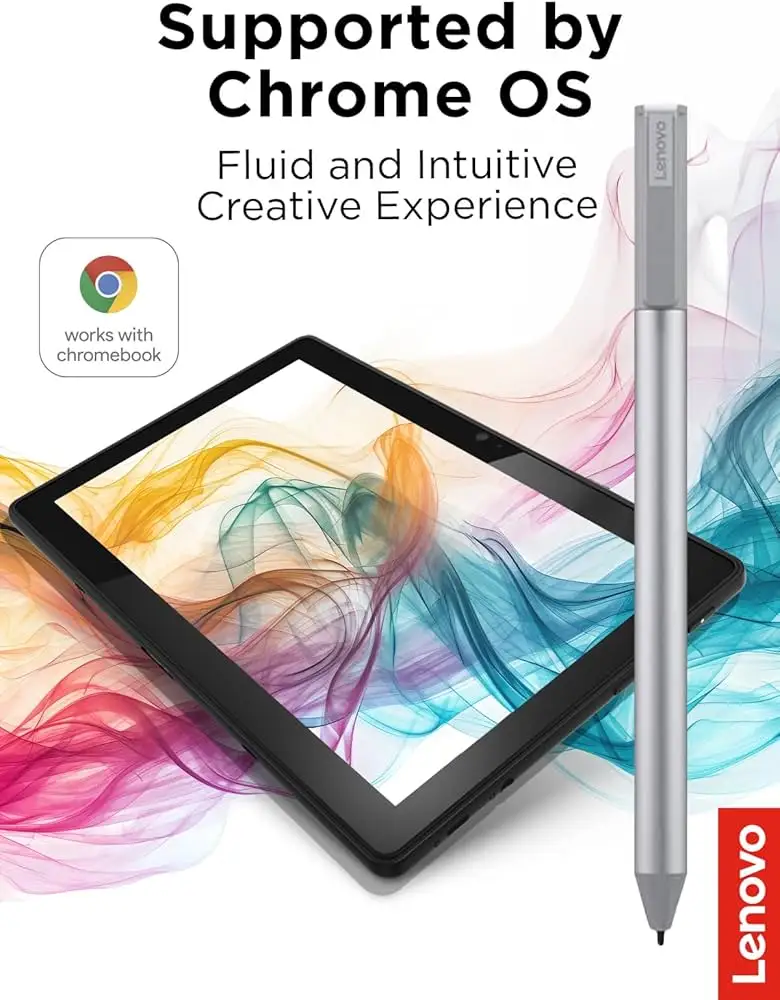
Lenovo USI Stylus Pen Review: Conditional 7/10 Verdict
A verified buyer on Amazon summed it up bluntly: “If you’re expecting Apple Pencil level drawing abilities then you’ll be sadly disappointed.” That statement captures the core divide over the Lenovo USI Stylus Pen for Chromebook, Grey, which earns a conditional 7/10 from aggregated feedback. While note-takers and casual users celebrate its smooth integration with Chrome OS, artists and power users often grapple with latency issues, palm-rejection quirks, and a lack of thoughtful physical design elements like a secure magnetic mount.
Quick Verdict: Conditional
| Pros | Cons |
|---|---|
| Smooth, natural handwriting experience for note-taking | No magnetic attachment or pen holder on many models |
| Wide Chromebook compatibility | Stylus tip wear and breakage after heavy use |
| Solid build quality with comfortable weight | Latency in certain apps, poor for digital art |
| Pressure sensitivity well-received in supported apps | Hypersensitivity, registers before touching screen |
| Ready out of the box, no pairing needed | AAAA battery life varies, some report fast drain |
Claims vs Reality
Lenovo markets this stylus as delivering “paper like writing” with “up to 4096 levels of pressure sensitivity” and “superior pairing experience.” A verified buyer on Best Buy echoed part of this, saying “writing feels smooth and pretty natural, almost like pen on paper.” For note-taking in apps like Google Cursive or Keep, many users found the sensitivity solid and shading accurate.
However, the “superior pairing” claim fell short for some. Best Buy reviewer Gabe reported, “no on/off button so it takes a minute for it to connect sometimes… took forever for it to connect the first time.” Lenovo’s own response pointed to keeping Chrome OS updated, but frustrating first-use experiences remain.
The tilt support marketed for the USI Pen 2 is not widely discussed in positive terms by real users. On Reddit, one tester focused on palm rejection and latency, noting Squid app performance was “excellent” while Medibang had “no pressure sensitivity detection, awful latency, terrible palm rejection.” This points to a key reality: actual performance is app-dependent, undermining the “seamless” marketing pitch.
Cross-Platform Consensus
Universally Praised
Across Amazon, Best Buy, and Twitter, the most consistent praise centers on compatibility and ease of use. Best Buy customer Sheirah called it “the best pen ever” for her Lenovo Duet 5, praising effortless operation in journaling and everyday navigation. Celindat on Best Buy appreciated that it “works right out of the box — no pairing or Bluetooth needed,” a boon for non-technical users or students in classrooms.
For note-taking and casual sketching, the pressure sensitivity and smooth glide get high marks. Jeffersonm on Best Buy admitted it was “a little too smooth” on his screen, but acknowledged it “worked fine.” Verified Amazon buyers often repeat this sentiment — a good fit for navigation and handwriting, particularly in Google’s own suite of apps.
Educators and parents highlight its utility. Davida on Best Buy bought it for her son, who is “enjoying making digital art” on his Chromebook. Luisb shared that his son “finds it very useful” for school, underscoring its position as an accessible tool for productivity rather than professional illustration.
Common Complaints
Attachment problems are a recurring frustration. Multiple Best Buy and Amazon buyers lamented no secure spot to store the pen, leading to lost units. Pjk 002 noted, “the duet has a spot on the back… but it is not strong enough to hold the stylus in place.” Manny agreed, “works great… but as far as it holding on to the spot that it’s meant for not so much.”
Battery performance is a sore spot. The official 150-day life claim assumes modest daily use, but some Amazon reviewers saw drastically shorter spans. One called it “good pen, terrible battery life… hardly lasts a week with intermittent use.” Battery format also annoyed users; AAAA cells are harder to source and feel inconvenient compared to AAA or rechargeable solutions.
Artists and creative app users repeatedly criticize latency and palm rejection. Reddit feedback warns, “Do not buy this to use with art apps… yet,” recounting how Krita and Medibang struggle compared to Squid. On Amazon, one buyer said their Flex 5i experience was “frustrating… pen is hyper sensitive… palm rejection malfunctions from time to time.”
Divisive Features
Pressure sensitivity splits opinion. Some find it impressively accurate in supported apps, enhancing shading and handwriting realism. Others encounter “hypersensitivity,” where inputs register before the nib touches the screen, making fine control difficult.
The tip design also divides users. While solid for most writing, Jeffersonm found it “too smooth,” preferring something more tactile like Apple Pencil tips. Heavy-use artists report the tip “breaks off” after months — as Jazz on Best Buy experienced — making it a consumable that Lenovo doesn’t seem eager to replace affordably.
Trust & Reliability
Despite isolated frustration, return and replacement processes earn praise. Best Buy reviewer Andrewws recounted how “they took the pen back… and got [the correct one] quickly.” However, hardware reliability for art-heavy users remains questionable. Jazz’s tip breakage at the four-month mark is echoed by others seeing wear under stress.
On Reddit, tips for setup reflect trust issues with user guidance: one warns “do not take out the white tag under the spring” during unboxing to avoid functional problems. Long-term anecdotes are sparse, but consistent attachment complaints suggest durability isn’t the sole trust factor — usability in daily routines matters most.
Alternatives
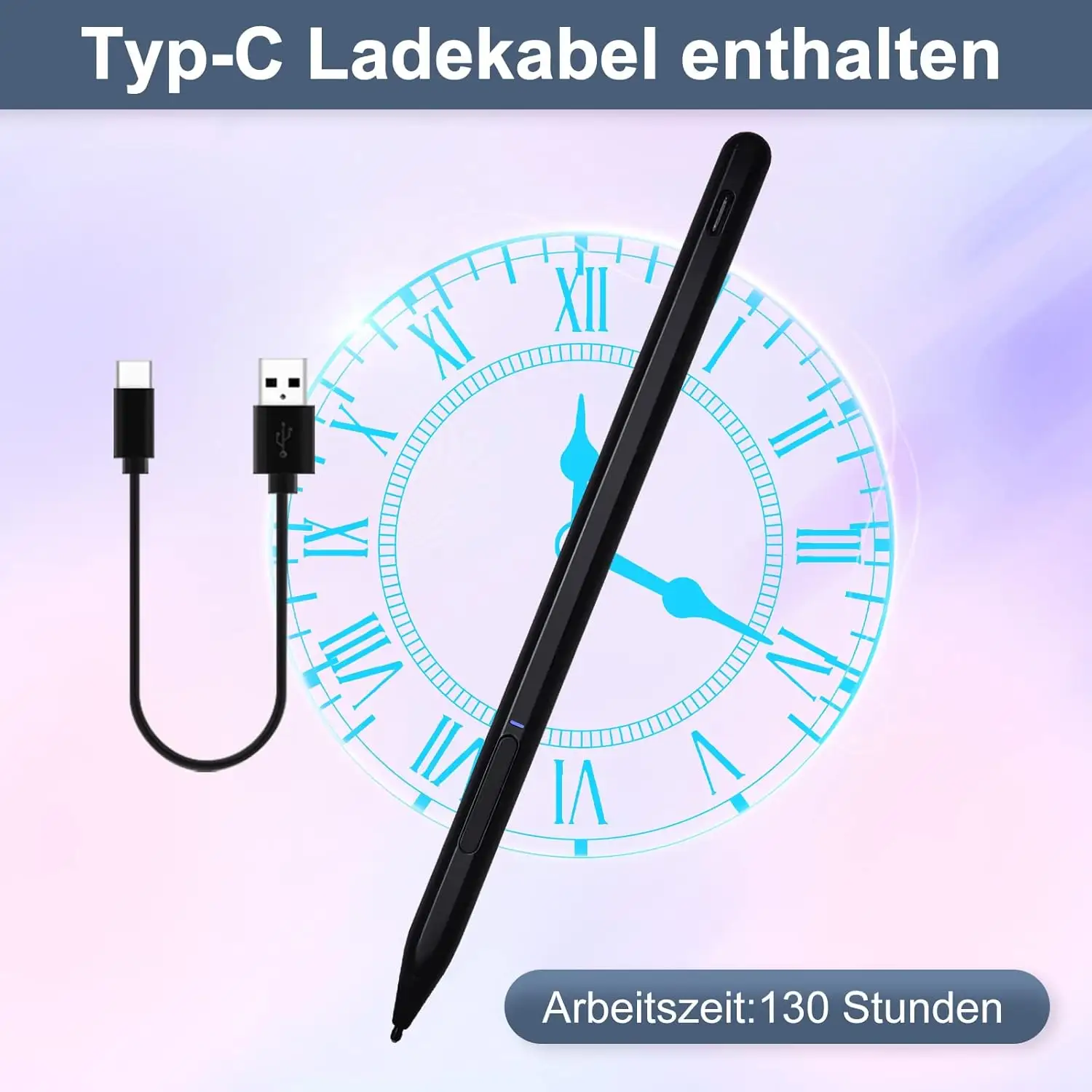
In Amazon reviews, one dissatisfied Lenovo stylus owner switched to a USI pen by Penoval, praising its “USB-C input for charging” and built-in eraser function. Given these characteristics, Penoval appears attractive to those who prioritize art applications and rechargeable battery convenience. This stands as the lone direct competitor mentioned repeatedly across feedback.
Price & Value
Price points vary widely — from Lenovo’s own $23.82 member price for the USI Pen 2 to $40.99 on Best Buy and even $89.98 open-box listings on eBay. Some buyers feel overcharged for what’s essentially a navigation and note-taking tool. “Works well, nothing special though. I feel like I overpaid,” admitted one Best Buy reviewer.
Resale values hold moderately on eBay if boxed and working, but lack of bundled holders and limited feature upsell means fewer are sold secondhand successfully. Community buying tips stress checking device compatibility (USI 1 vs USI 2) before purchase, buying from known retailers for warranty, and considering battery availability in your region.
FAQ
Q: Does the Lenovo USI Stylus Pen work with all Chromebooks?
A: It works with any Chromebook that supports the USI standard, but compatibility may vary between USI 1 and USI 2 devices. Always check your model’s specs before buying.
Q: Is it good for professional digital art?
A: Most users advise against it for art-heavy work. Latency and palm rejection problems are common in creative apps, though note-taking apps run smoothly.
Q: How long does the battery last in real use?
A: While Lenovo claims up to 150 days at 2 hours per day, some users report just a week with intermittent use. AAAA batteries are less common, so plan ahead.
Q: Can the pen be attached magnetically to Lenovo Chromebooks?
A: Magnets exist on some models, but many owners find them too weak. The pen can be stored in cases with built-in holders, but these are not included by default.
Q: Is setup complicated?
A: No pairing or Bluetooth is required. However, one Reddit user warned to avoid removing certain internal packaging pieces during battery installation to ensure functionality.
Final Verdict: Buy if you’re a Chromebook user seeking a lightweight, battery-powered stylus for note-taking, journaling, or light sketching. Avoid if you need professional-level art performance or secure onboard storage. Community tip: For artists, consider alternatives like the Penoval USI with rechargeability and better palm rejection before committing to Lenovo’s offering.