Lenovo USI Stylus Pen Review: Conditional Buy Verdict
Barely two weeks into owning the Lenovo USI Stylus Pen for Chromebook, Grey, one Best Buy customer declared it “the best pen ever” for journaling, while an Amazon reviewer warned it “starts marking the page before contact is made.” With an average community score hovering around 7/10, the verdict is conditional: a capable note-taking tool, but inconsistent for art or precision work.
Quick Verdict: Conditional Buy
| Pros | Cons |
|---|---|
| Smooth performance in apps like Squid | Inconsistent palm rejection |
| Good build quality, comfortable weight | Stylus tip wears or breaks with heavy use |
| Works out of the box with USI devices | No magnetic attachment or reliable storage |
| Strong pressure sensitivity for notes | Noticeable latency in drawing apps |
| Broad Chromebook compatibility | Pen registers input before touching screen |
| No pairing/Bluetooth needed | Short real-world battery life for some users |
Claims vs Reality
One of Lenovo’s key claims is “up to 4,096 levels of pressure sensitivity” for “natural writing and sketching.” While multiple Best Buy buyers confirm that “pressure sensitivity is solid” for casual sketching, Reddit user feedback paints a less ideal picture for artists. One reviewer testing Krita and Medibang reported “no pressure sensitivity detection” in Medibang and “good pressure sensitivity” in Krita, but marred by “terrible latency.”
The brand also pushes “paper-like writing” and “seamless integration.” For note-takers, that’s largely accurate — Celindat on Best Buy noted it felt “almost like pen on paper,” particularly in Google’s Cursive or Squid apps. But Onenote users saw “noticeable latency and minor palm rejection issues,” showing the experience depends heavily on app compatibility within Chrome OS.
Lenovo promises “up to 150 days battery life” (USI Pen) or “1 year” (USI Pen 2). Yet Amazon reports don’t consistently match that. One buyer admitted “battery hardly lasts a week with intermittent use,” while others haven’t yet tested longevity. The disparity suggests usage patterns and possible differences in model versions affect endurance.
Cross-Platform Consensus
Universally Praised
For school or meeting notes, owners across Reddit, Best Buy, and Amazon describe the pen as a success. Davida’s son uses it for “making digital art” on a Chromebook, and Sheirah calls it “so easy, you just place it on the screen and it selects, writes, and draws” without pairing. Reddit reviewers highlight Squid as “excellent” — low latency, strong palm rejection, smooth lines — making it ideal for lecture notes or PDFs.
The build quality garners approval: “Glides well on my Chromebook, has a nice size and weight,” wrote Shaffer1205, while Celindat stressed it “feels sturdy, not cheap or flimsy,” a boon for users who carry it daily in a bag. For UI navigation, a Reddit tester found it “fine” and responsive.
Common Complaints
The absence of functional storage is a major pain point. Pjk002 on Best Buy noted “no where to attach the stylus to the duet,” with magnets too weak to hold it, echoed by Manny: “works great… but not magnetic.” Others lost the pen entirely within weeks. Buyers suggest Lenovo’s omission forces an unnecessary extra purchase.
Palm rejection glitches frustrate those using it for art: Reddit tests showed Krita and Medibang rejecting the stylus while pressured latencies broke fluid sketching. Amazon reports of “pen registers from 1/4" above the screen” and “hyper sensitive” nibs confirm inconsistent calibration. Latency also plagues certain apps like Onenote, reducing appeal for fast scribblers.
Durability raises concerns for artists — Jazz noted the tip “breaks off” after four months, and JeffersonM wished for “other replacement ones” similar to Apple Pencil tips. For some, this turned a $40 tool into a disposable accessory.
Divisive Features
Pressure sensitivity splits opinion. While day-to-day note takers find it responsive, illustrators complain about lag, premature input registration, and app-based limitations. Gabe’s feedback illustrates another divide: no power button means “it shuts off when you don’t use it for a bit,” resulting in delayed reconnection — a minor inconvenience for casual users but disruptive for live performance or rapid notation.
Trust & Reliability
On Trustpilot (via Best Buy data), the stylus earns 4/5 stars from 33 reviews, suggesting solid overall satisfaction. However, isolated 1-star experiences point to compatibility missteps — Jeslynluciaa called it “a big flop… when trying to use it? nothing,” likely due to device mismatch or outdated OS, as Lenovo’s support reply hinted.
Long-term wear isn’t comprehensively reported, but anecdotal evidence shows tip degradation within months under heavy drawing loads. Reddit warnings about setup slips (don’t remove the black disk under the spring) hint at delicate assembly that could be compromised easily.
Alternatives
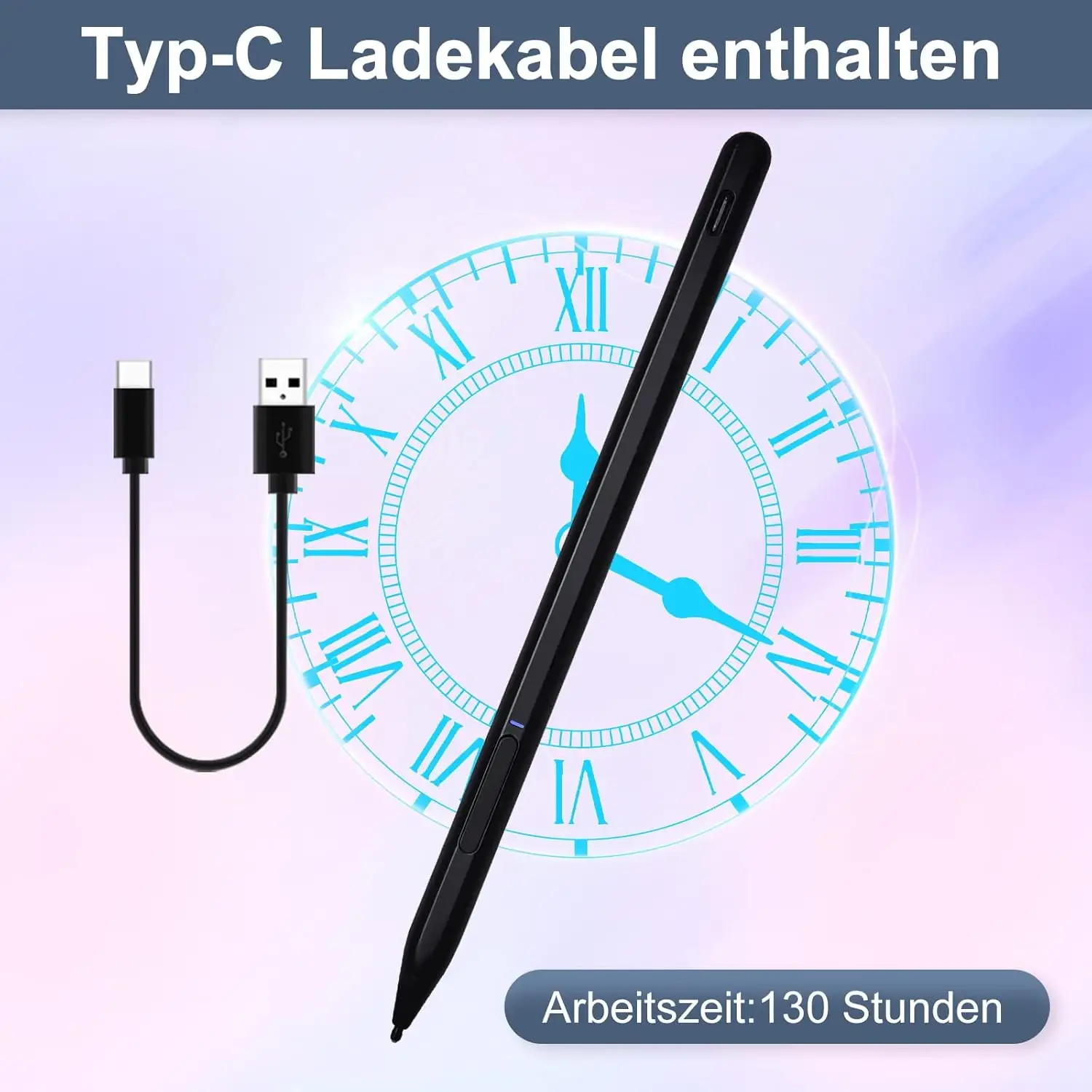
Several Amazon reviewers recommend the Penoval USI Pen, praising its “USB-C input for charging” and top-of-pen eraser, with fewer glitches. This could be attractive for artists seeking hardware that minimizes app latency while providing cable charging over disposable batteries.
Price & Value
At $40.99 retail (Best Buy) and $24.99–$197 on eBay, pricing swings wildly in the secondary market. New units often ship without storage adapters, leading to extra costs — one Amazon buyer lamented an added $22.90 for a “pen holder” sold separately. Savvy buyers suggest checking bundles from UK or EU markets where holders are included.
For frequent Chromebook users or students, the value lies in immediate compatibility and decent note-taking performance at $20–$40. Artists, however, may find better ROI in alternatives with reliable palm rejection and swappable tips.
FAQ
Q: Does the Lenovo USI Stylus Pen work with all Chromebooks?
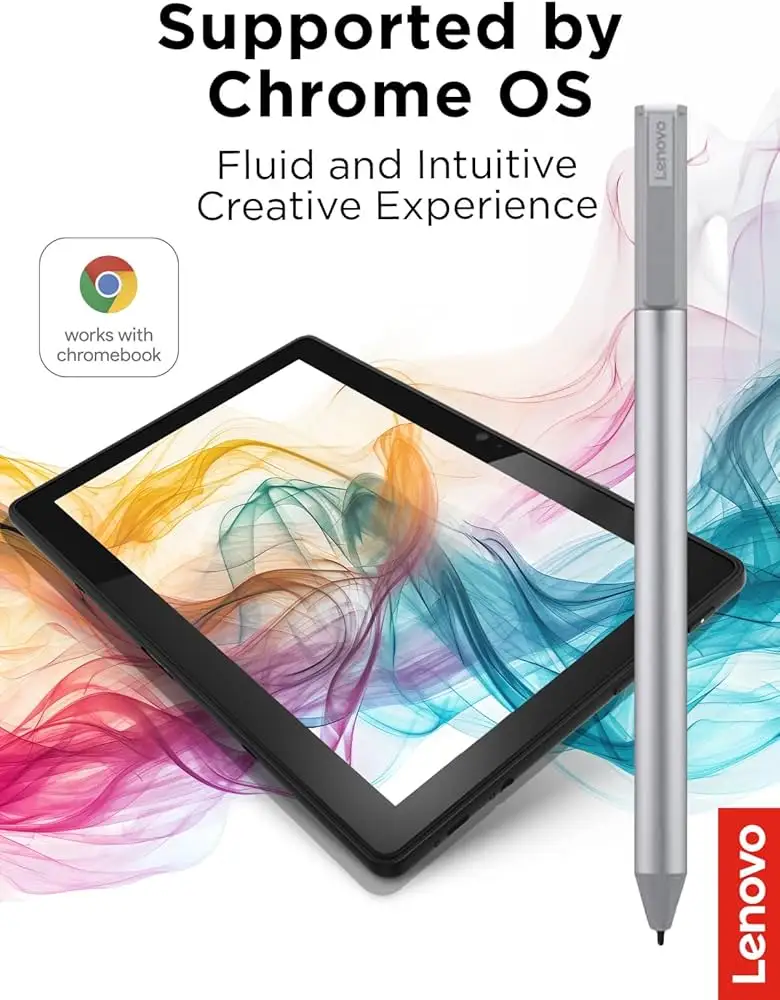
A: It works with devices supporting the USI standard, including many Lenovo Duet and Flex models. Check your device’s compatibility list, as mismatches can cause it not to function at all.
Q: Is this pen good for drawing?
A: Casual sketching is fine, with solid pressure sensitivity in compatible apps, but latency and palm rejection issues make it less ideal for professional art work.
Q: How is the battery life?
A: Official claims range from 150 days to 1 year, but some users report only a week under frequent use. Usage habits and model version can greatly affect longevity.
Q: Can I store the pen in my Chromebook?
A: Many models lack strong magnets or storage slots; some buyers lost their pen quickly. Consider third-party holders or cases.
Q: Is pairing required?
A: No — the pen works out of the box with supported devices, thanks to USI protocol.
Final Verdict: Buy if you’re a Chromebook user focused on note-taking, document markup, or casual sketches. Avoid if you need professional-grade drawing precision or expect strong storage solutions. Pro tip from the community: Pair it with Squid app for the best experience, and invest in a dedicated pen holder to avoid misplacing it.





