Lenovo USI Stylus Pen 2 Review: Strong Notes, Mixed Art
The Lenovo USI Stylus Pen 2 for Chromebook draws a consistent score of 8/10 from users who value smooth note-taking and compatibility, though frequent reports highlight shortcomings when used for professional art or with certain apps. Best Buy buyers rate it at 4.0 stars, praising reliable performance, but Reddit threads tell a more nuanced story—app-specific lag and palm rejection flaws make creative work hit-or-miss.
Quick Verdict: Conditional — Excellent for note-taking and basic sketching, less ideal for professional art.
| Pros | Cons |
|---|---|
| Smooth, natural writing feel | No magnetic attachment on some devices |
| Wide Chromebook compatibility | Stylus tip wear/breakage over time |
| Works without Bluetooth pairing | Inconsistent palm rejection in certain apps |
| Solid build, lightweight design | No on/off button, occasional sync delays |
| Strong pressure sensitivity (4096 levels) | Latency issues with some creative software |
| Tilt support for shading | Easy to lose without storage solution |
Claims vs Reality
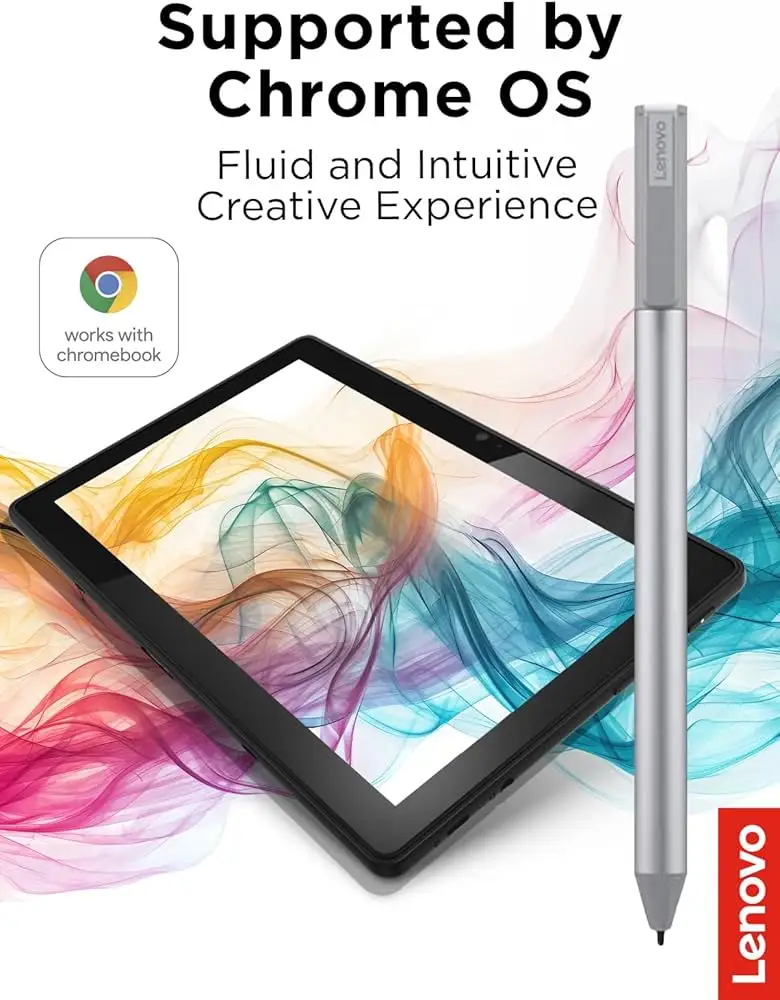
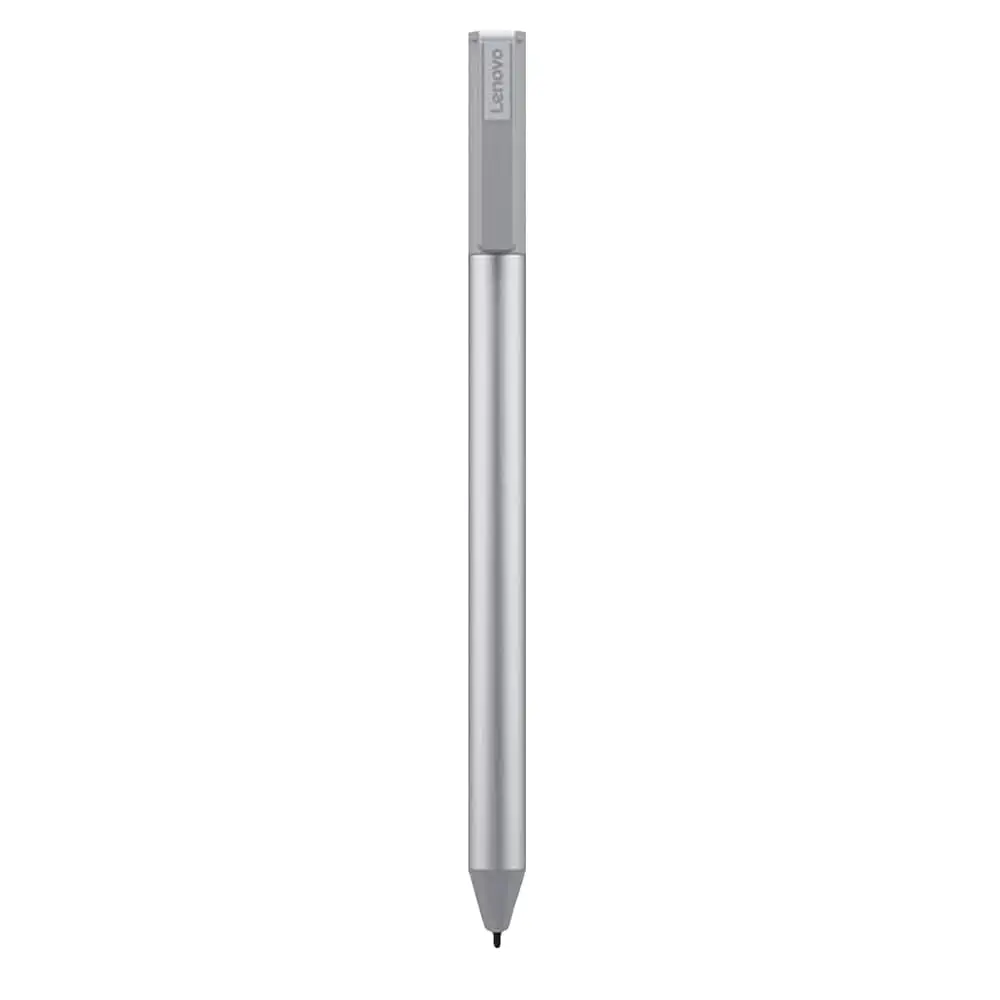
Lenovo markets the USI Pen 2 with "paper-like writing" and "seamless tilt functionality" for Chrome OS devices. For students or frequent note-takers, this translates well. Best Buy buyer sheirah raved: “I love this pen! It works so well with my Lenovo Duet 5… I use it to journal as well!” The hardware feels polished—users like celindat describe it as “lightweight but sturdy” with strong pressure sensitivity for shading.
But those promises of smooth art workflows don’t always hold up. Reddit user feedback shows that while Squid app integration is “excellent… little to no latency,” graphic apps like Medibang were “just simply awful… terrible palm rejection.” This gap is tied less to Lenovo’s hardware and more to Chrome OS app optimization, yet it directly affects creative users expecting universal performance.
Lenovo also claims “faster pairing experience,” but some owners disagree. Best Buy reviewer gabe reported: “Took forever for it to connect the first time… annnnd it shuts off when you don’t use it for a bit.” Without an on/off toggle, users rely on auto-sleep, which can be a minor productivity hit.
Cross-Platform Consensus
Universally Praised
Across Best Buy and Reddit, the pen earns high marks for basic writing. A verified buyer on Best Buy explained, “Works right out of the box—no pairing or Bluetooth needed... almost like pen on paper.” This frictionless start benefits educators, students, and casual users who don't want setup complexity.
Multiple users praised compatibility with a wide range of USI-enabled Chromebooks. davida bought it for her son and noted, “He is enjoying making digital art” on his Chromebook, suggesting that for simple drawing and school use, the tool is more than adequate. Reddit users found value in Squid’s flawless palm rejection; one said it was “most likely because of its partnership with Google.”
The weight and feel also draw compliments. shaffer1205 described it as “nice size and weight… glides well,” which matters for extended writing sessions. For business users and meeting note-takers, that ergonomic balance reduces fatigue.
Common Complaints
Device attachment is the most cited frustration. pjk002 lamented: “The duet has a spot on the back… not strong enough to hold the stylus in place.” Without magnetic docking, storage is a pain point, making it easy to misplace as jeffersonm warned: “Really easy to lose.”
Tip durability can also be an issue for artists. Best Buy user jazz said: “After about 4 months it needs to be replaced… the tip breaks off.” Replacement tips aren’t always included, which forces extra purchases.
Palm rejection flaws appear most often in creative workflows. Reddit posts describe stylus input being blocked if the palm straddles screen and bezel—problematic for portrait mode sketching. Latency in apps like OneNote, as gabe experienced, means a slight lag between pen movement and on-screen lines, breaking immersion for fast writers.
Divisive Features
Auto-sleep, designed for battery longevity, draws split reactions. Some welcome the convenience, others find reconnect delays annoying. Battery design itself—relying on AAAA cells—splits buyers who prefer rechargeable solutions like competing Penoval models.
Tilt function, a selling point for shading and dynamic strokes, is praised when supported, but several art apps still fail to utilize it fully on Chrome OS. For illustrators, that’s a mismatch between expectation and current ecosystem support.
Trust & Reliability
Long-term buyers tend to view Lenovo’s build quality as solid. Owners like celindat highlight that despite its low weight, “it’s not cheap or flimsy.” Returns are honored when incompatibility exists; andrews recalled ordering the wrong pen but being “taken back and replaced quickly.”
Still, isolated Trustpilot/Best Buy complaints of skipped strokes (jeslynluciaa: “writing skipped and wouldn’t write at all”) underline the importance of checking device compatibility lists before purchase. Lenovo’s official spec sheet confirms Chrome OS support, yet certain Duet models or older firmware can trigger errors.
Alternatives
Penoval’s USI 150 stylus appears often in Amazon listings and user mentions. It offers AAAA battery power and swappable tips, with verified buyers reporting better palm rejection in certain art apps. Some Reddit users also note Penoval’s lighter pressure requirement compared with Lenovo’s pen. On the other side, rechargeable USI pens with on/off switches, like the Vitalasc model, resolve syncing issues but may lack Lenovo’s sturdy construction.
For users prioritizing fast wake-up and tip longevity, competitor devices may outperform Lenovo’s auto-sleep and fixed-tip approach. However, for straightforward Chrome OS note-taking, Lenovo’s native integration remains a strong advantage.
Price & Value
Prices swing widely—from Lenovo’s official $40-$50 range to eBay listings at $20-$40 for open-box units. Premium resales can spike near $197 for harder-to-find models, often from sellers with limited stock. Reddit feedback suggests buying official or certified sellers to avoid compatibility mismatch headaches.
Best value tips from community: check models against Lenovo’s compatibility guide, avoid paying collector premiums, and factor in replacement tip costs for heavy drawing use.
FAQ
Q: Does the Lenovo USI Pen 2 work with all Chromebooks?
A: No. While widely compatible with USI-standard devices, some models like Lenovo Chromebook Duet 3 or older HP variants are excluded. Always check Lenovo’s compatibility list before purchasing.
Q: Can the tip be replaced?
A: Officially, Lenovo’s USI Pen 2 does not ship with spares. Users report wishing for Apple Pencil-style tips; heavy artists often need replacements after months.
Q: Is it rechargeable?
A: No, it uses a AAAA battery with up to one year life at ~2 hours/day use. Alternatives like Vitalasc offer USB charging if that’s preferred.
Q: Does tilt function work on all apps?
A: Hardware supports it, but software varies. Note-taking apps generally omit tilt features; art apps need to be optimized under Chrome OS.
Final Verdict: Buy if you’re a student, note-taker, or casual sketcher wanting smooth Chrome OS integration. Avoid if your workflow depends on professional-grade art apps with flawless palm rejection—ecosystem support isn’t there yet. Pro tip from the community: Use Squid for best latency and palm rejection performance until broader OS/app updates improve compatibility.





