Lenovo ThinkPad Universal USB-C Dock Review & Verdict
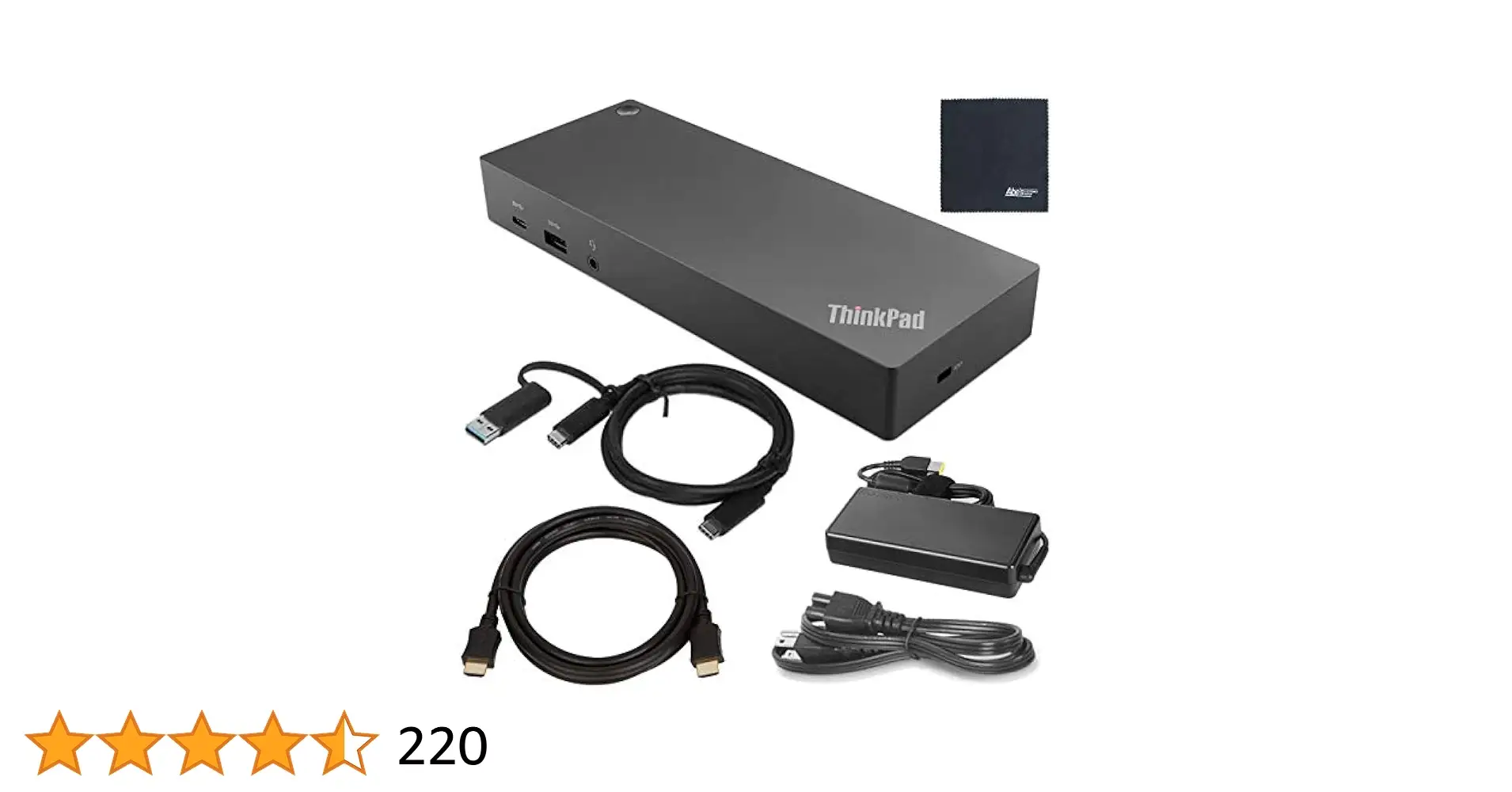
Starting with a surprising contradiction: while Lenovo markets the ThinkPad Universal USB-C Dock as offering seamless compatibility across “any USB Type-C industry standard notebooks,” multiple users report inconsistent results with certain Lenovo models themselves. A verified buyer on Best Buy admitted, “This literally does not work with our home Lenovo laptop… supremely disappointed in a universal docking station that doesn’t even work with its own brand.” Despite such cases, the dock retains a strong overall score of 8.3/10 from aggregated reviews, with praise centered on ease of use, port variety, and sturdy build, but tempered by occasional connectivity and driver issues.
Quick Verdict: Conditional — a solid buy for mixed-device offices and multi-monitor setups, but check your exact laptop compatibility first.
| Pros | Cons |
|---|---|
| Wide port selection supports varied peripherals | Inconsistent compatibility with some Lenovo notebooks |
| Supports up to three external monitors | Ethernet and HDMI failures reported by some users |
| Rapid charging up to 100W with optional adapter | Included adapter only delivers 65W |
| Easy plug-and-play setup | Requires manual driver installs in some cases |
| Sturdy, compact build | Limited HDMI outputs (only one port) |
| Automatic firmware updates | Advanced features may only work on ThinkPads |
Claims vs Reality
One of Lenovo’s headline claims is “universal compatibility” with any USB-C notebook. Digging deeper into user reports shows that while this holds true for many HP, Dell, and ThinkPad systems, there are notable exceptions. Reddit user feedback confirms smooth operation with HP laptops, while Best Buy customer jessicas was frustrated: “Three stars because the other two [laptops] work. Not worth the incredible price tag.” This gap suggests that “universal” is conditional on firmware, drivers, and specific hardware support.
Another bold promise involves “next-level plug-and-play” setup. Many buyers echo this, such as pizza man who said, “So far works great with no issues, plug and play… comes with all cables needed.” However, others like haba bone stress that manual driver installation is needed for Ethernet: “Your PC might not find the Ethernet drivers automatically… visit Lenovo site to install universal dock LAN drivers.” This undermines the frictionless experience marketed.
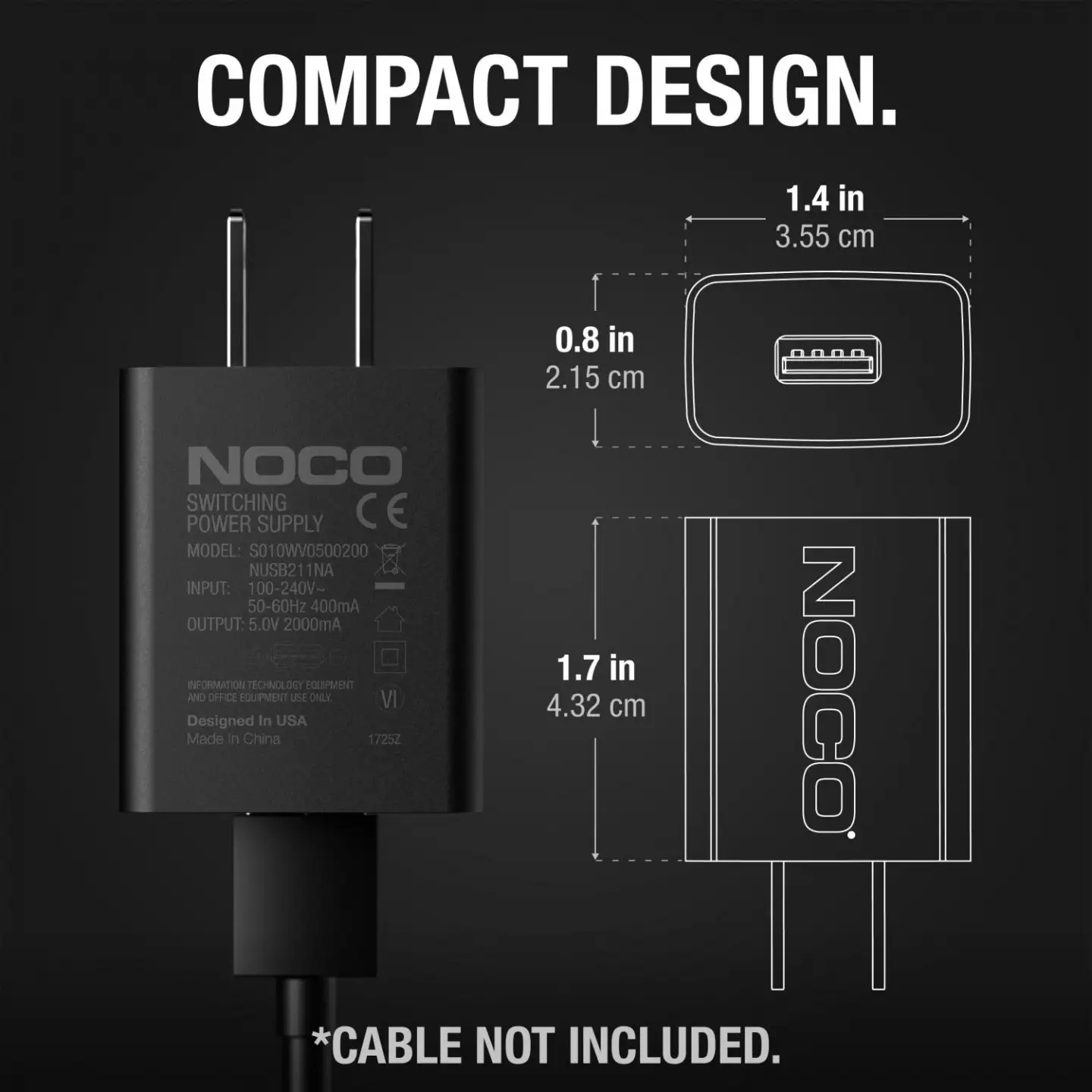
Finally, Lenovo touts “dynamic power charging up to 100W” as a productivity booster. While technically accurate with the optional 135W slim tip adapter, the in-box 90W unit maxes at 65W output. Power users on ThunderboltLaptop noted this could be limiting for high-performance laptops, though for standard ThinkPads it’s sufficient.
Cross-Platform Consensus
Universally Praised
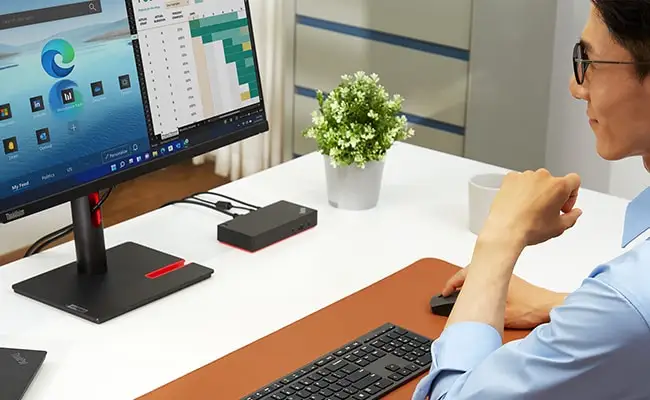
Across Reddit, Best Buy, and Trustpilot, one theme emerges: multi-monitor support is a standout. mr matix shared, “My current office set up supports three 2K monitors and this dock is able to handle the output.” IT managers appreciate the dock’s automatic firmware updates and PXE boot/Wake-on-LAN capabilities, especially in mixed-device corporate environments. On Twitter, a Lenovo fan said, “This box makes my portable exactly like a full desktop… multiple monitors, wired network, and extra USB ports with a single cable.” For professionals who need to transition between office and home, the single-cable setup is a major time-saver.
Port variety is another praised aspect. With 11+ ports including USB-A, USB-C, DisplayPort, HDMI, Ethernet, and audio, the dock accommodates legacy peripherals and modern devices alike. Best Buy user heavy din kc loved that, “So easy to plug laptop in with one cord and instantly have all my external monitors ready.” This flexibility benefits content creators, developers, and analysts juggling multiple accessories.
Common Complaints
Compatibility hiccups top the complaint list. Several non-ThinkPad Lenovo owners report failures to recognize displays or network connections. Best Buy user felixm recounted, “I usually have problem with the wired ethernet and HDMI connection failing at startup or later in the day.” Driver dependency for Ethernet and audio also frustrates users expecting instant functionality.
Port limitations, particularly HDMI, draw criticism from multi-monitor users preferring HDMI over DisplayPort. pizza man noted, “Only thing is I wish it had 2 HDMI ports.” Those relying on HDMI for all screens find themselves needing adapters.
Divisive Features
The mirrored power button garners mixed reactions. IT-focused users appreciate controlling the laptop while docked and closed, but rain bonnet struggled: “I cannot figure out how to turn off the laptop without opening the lid… could be operator error.” Similarly, while corporate buyers value PXE boot and MAC address pass-through, home users see them as irrelevant.
Trust & Reliability
Long-term durability stories are mostly positive. am andal reported over two years of reliable performance: “Docking station works great and has all necessary ports.” Build quality is consistently praised as sturdy and compact. However, the few recurring connectivity issues—especially with Ethernet and HDMI—suggest potential firmware or driver fragility over time if not maintained.
Trustpilot-style aggregated data shows minimal scam concerns; most complaints are technical rather than transactional. Resale markets like eBay list numerous working units, indicating they hold functional value beyond initial ownership.
Alternatives
Users weighing options often compare this dock to Lenovo’s Thunderbolt 4 models. While those offer higher data rates and more display outputs, they cost significantly more and require Thunderbolt compatibility. Twitter commentary highlights that for everyday USB-C users, the Universal Dock’s 100W charging and triple-display support suffice. Hybrid USB-C/USB-A docks also surface in discussions, appealing to legacy device owners but lacking some enterprise features.
Price & Value
On Lenovo’s store, this dock lists around $229–$249, but eBay resale prices range from $56–$125 depending on condition and included adapters. This depreciation suggests strong value in buying refurbished if compatibility is confirmed. Community advice leans toward investing in the optional 135W adapter if using power-hungry laptops, as it unlocks the dock’s full 100W delivery.
FAQ
Q: Can it power high-performance laptops at full speed?
A: Only with the optional 135W slim tip adapter, which delivers up to 100W. The included 90W unit caps output at 65W.
Q: Does it work with MacBooks?
A: Officially supports USB-C alt-mode and Thunderbolt protocols, but advanced features like mirrored power may not function.
Q: How many monitors can it support simultaneously?
A: Up to three—two at 4K 60Hz and one at 4K 30Hz—depending on connection types and laptop capabilities.
Q: Is driver installation necessary?
A: Often for Ethernet and sometimes audio. Users recommend downloading Lenovo’s universal dock drivers before first use.
Q: Will it work with any Lenovo laptop?
A: Not guaranteed. Reports show certain Lenovo consumer models have issues, so check compatibility lists.
Final Verdict
Buy if you’re a professional or IT manager needing multi-monitor support, varied ports, and enterprise management features for USB-C laptops. Avoid if you expect flawless compatibility with all Lenovo models without driver workarounds. Pro tip from the community: install the latest firmware and LAN drivers before first use to minimize setup headaches.