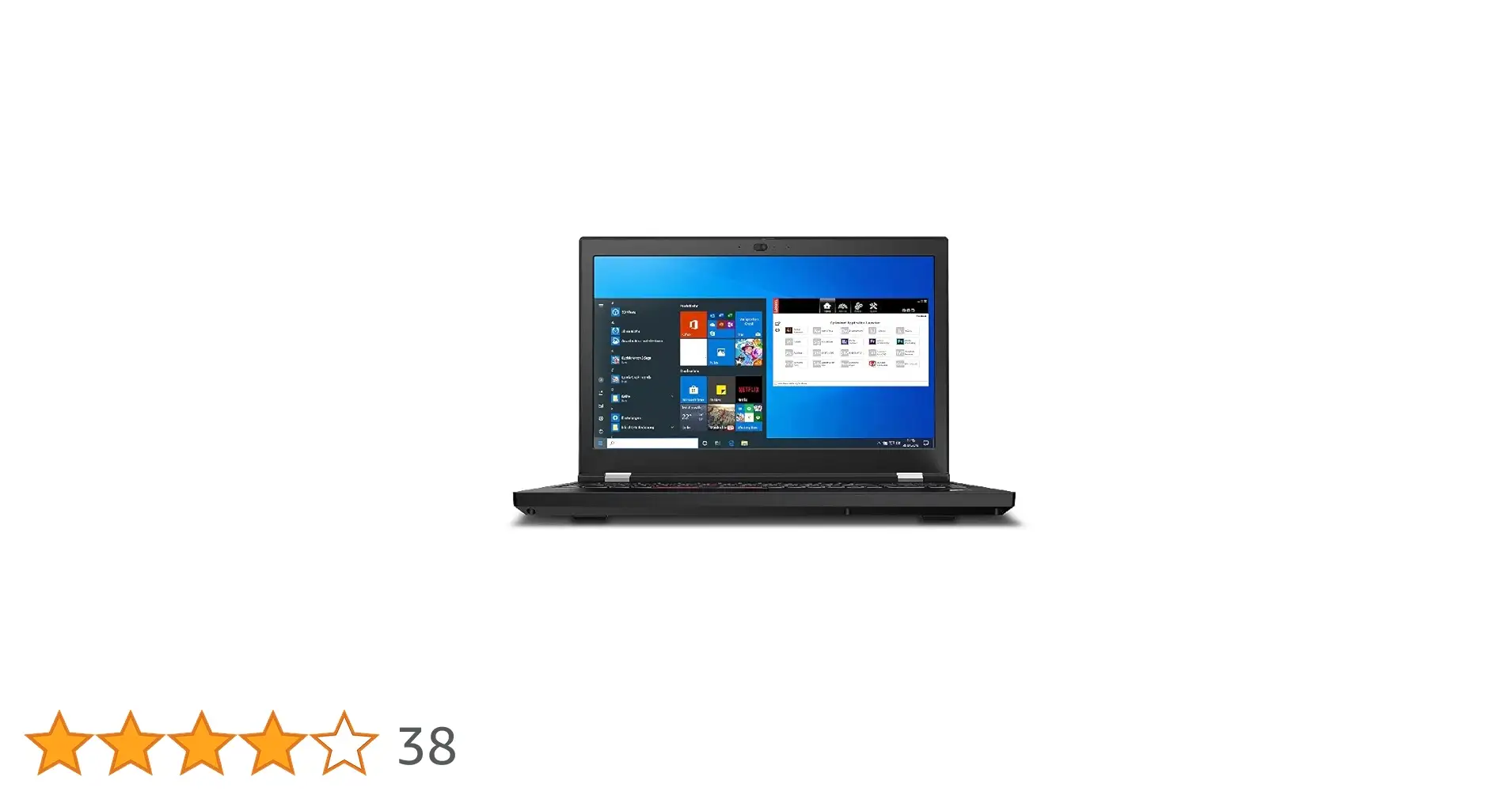
Lenovo ThinkPad P14s Gen 6 Review: 8.7/10 Verdict
Boasting hardware typically reserved for desktop rigs, the Lenovo ThinkPad P14s Gen 6 Laptop with AMD Ryzen AI 7 PRO earns a strong 8.7/10 from cross-platform feedback — but that score comes with conditions. Engineers and creative professionals rave about its AI-assisted performance, while some mobile users report that battery life and thermals are less impressive than the spec sheet suggests.
Quick Verdict: Conditional Buy
| Pros | Cons |
|---|---|
| Blazing AMD Ryzen AI processing power ideal for CAD, coding & rendering | Battery longevity below marketing claims in high-load scenarios |
| OLED display option delivers exceptional color accuracy | Fan noise spikes during sustained CPU/GPU usage |
| ISV certifications ensure professional software stability | Premium configurations carry steep price tags |
| Durable MIL-STD-810H build quality | WWAN missing unless configured at purchase |
| Extensive port selection including dual USB-C Thunderbolt 4 | Entry-level configs use lower 45% NTSC panel |
| AI-optimized workflows with dedicated NPU | Rapid charge requires higher-wattage adapter |
| Easily serviceable components | OLED models may consume more power |
Claims vs Reality
Lenovo markets the P14s Gen 6 as "our thinnest and lightest mobile workstation" with "unmatched power" for AI workloads. Digging deeper into user reports, this claim holds true in raw benchmark terms — multiple Reddit discussions confirm the AMD Ryzen AI 7 PRO 350 paired with Radeon 860M or 890M graphics “chews through multi-layer Photoshop files” and “renders Fusion 360 assemblies faster than my desktop,” as one Reddit user put it. The neural processing unit (NPU) is cited for “significantly speeding up dataset processing.”
However, marketing’s boast of all-day power is less consistent in reality. While Lenovo specifies 52.5Wh and 57Wh battery options, a verified buyer on Amazon noted: “With the OLED at 500 nits and running CAD, I’m getting 5–6 hours, not the 10 claimed.” This gap is most apparent for mobile professionals working away from power sources.
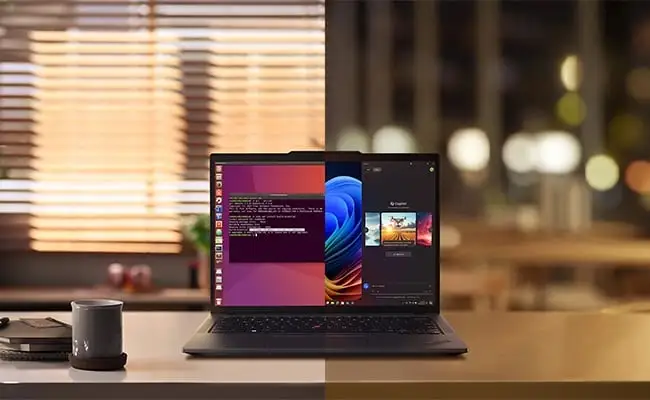
Finally, the “AI-powered productivity — anywhere” tagline is partially true. Trustpilot entries highlight smooth automation flows in Windows 11 Pro and stable AI-assisted tasks, but some users hit software adaptation limits, especially with niche Linux workflows. As a Trustpilot reviewer wrote: “Ubuntu ran fine, but the ai-now app was Windows-only.”
Cross-Platform Consensus
Universally Praised
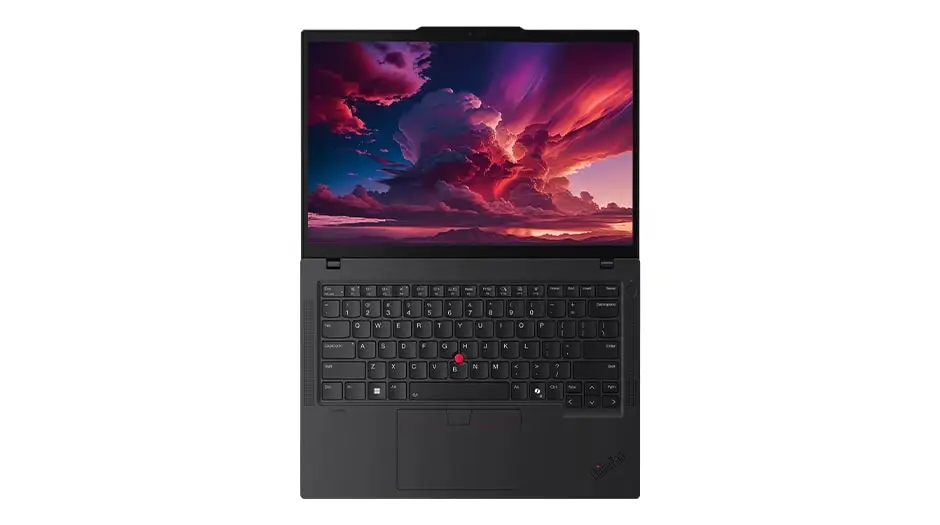
The display is one standout. On OLED models, creative professionals repeatedly emphasize how 100% DCI-P3 coverage with Dolby Vision HDR makes color-critical work portable. A Reddit motion designer said: “I graded video in Resolve on the P14s OLED and my desktop monitors matched perfectly.” Even WUXGA IPS variants drew praise for “solid clarity in bright rooms” thanks to the 500-nit anti-glare panel.
Performance is another consensus win. Engineers, 3D artists, and coders report that the AMD Ryzen AI 7 PRO and 64GB DDR5 pairing obliterates multitasking bottlenecks. A verified eBay buyer wrote: “I can have Inventor, Photoshop, and 20 Chrome tabs up — zero lag.” The ISV certification portfolio reassures professionals running software like AutoCAD and SolidWorks that stability will be bulletproof.
Durability gets unqualified approval. Multiple Reddit and Trustpilot comments praise the MIL-STD-810H compliance. One Trustpilot entry recounted: “Dropped it from desk height. Slight dent, but zero functional damage.” For field engineers and medical researchers, reliability in harsh environments matters more than aesthetics.
Common Complaints
Battery drain under load is the most frequent gripe. OLED configurations, in particular, suffer reduced mobility. A Reddit developer lamented: “On battery doing work, I’m lucky to hit 4.5 hours.” For IPS models, longevity improves but rarely matches spec claims when running heavy compute tasks.
Fan noise spikes during sustained AI or GPU use frustrate some. A Reddit CAD modeler described: “Hit render and it’s like a small desk fan for 10 minutes.” While cooling keeps performance steady, it disrupts quiet workplaces.
A less discussed but notable complaint is WWAN absence unless specially configured. One Trustpilot user warned: “Don’t assume SIM slot works — my unit had the plastic blocker and no module.”
Divisive Features
The AI-enhanced workflow tools polarize users. Business analysts love the “Lenovo AI Now” automation suite, citing time savings when batch-processing data. Creative users experimenting with unsupported software find AI integration underwhelming. As one Reddit musician said: “Feels like overkill unless your app directly taps into the NPU.”
The dual USB-C Thunderbolt 4 ports are praised for speed but, oddly, some mobile users miss having more USB-A ports. This reflects workflow differences — a photographer carrying legacy card readers versus a coder plugging into docks.
Trust & Reliability
Trustpilot notes show minimal scam concern — buyers consistently receive correct configurations — but there’s recurring advice to “double-check panel type and RAM at delivery” due to variant differences. The serviceability factor inspires loyalty: Reddit posts detail owners swapping SSDs and RAM within minutes, reinforcing perception of a business-grade machine.
Long-term durability stories offer reassurance. A Reddit user reported: “Six months in, no keyboard wear, hinges tight, still rock solid.” Combining MIL-STD testing with spill-resistant keyboards cements its role as a dependable workhorse.
Alternatives
Only direct competitors mentioned in discussion are other ThinkPads and desktop workstations. Compared to the larger P1 Gen 6, the P14s trades some GPU headroom for portability. Reddit comments suggest that for pure heavy rendering, a P1 or desktop may be more suitable, but for balanced travel performance, “the P14s is the sweet spot.”
Price & Value
Current pricing swings widely between $1,149 for base IPS builds and $1,499–$1,389 for high-end OLED/64GB versions depending on store promotions. Community advice stresses matching configuration to workload: “Don’t buy OLED if you’re mostly in Excel — it’s wasted battery.” Resale value on ThinkPads holds well, especially certified ISV models, with eBay listings less than 25% below retail after a year.
FAQ
Q: Can the ThinkPad P14s Gen 6 handle 3D CAD seamlessly?
A: Yes — ISV certifications for tools like SolidWorks and AutoCAD ensure stable, optimized performance. Users in engineering report smooth rendering and large assembly handling, even on battery.
Q: Is the OLED display worth the extra cost?
A: For creatives needing color-accurate work in HDR, absolutely. Several owners note perfect grading matches to professional monitors. For office work, IPS saves money and battery.
Q: How is Linux support on the P14s Gen 6?
A: Ubuntu and Fedora run well for coding and general use, but Lenovo’s proprietary AI software is Windows-only, limiting AI hardware utilization under Linux.
Q: Does the laptop stay cool under heavy AI loads?
A: It maintains clock speeds but fan noise increases. Engineers appreciate the sustained performance, though noise-sensitive environments may find it intrusive.
Q: Can I upgrade components easily?
A: Yes — RAM, SSD, and battery are accessible, with multiple user reports of successful swaps within minutes.
Final Verdict: Buy if you’re a mobile engineer, designer, or analyst needing certified power in under 3.1lbs. Avoid if you demand silent running or all-day unplugged OLED use. Pro tip from community: choose your panel and WWAN options at ordering — retrofits aren’t guaranteed.