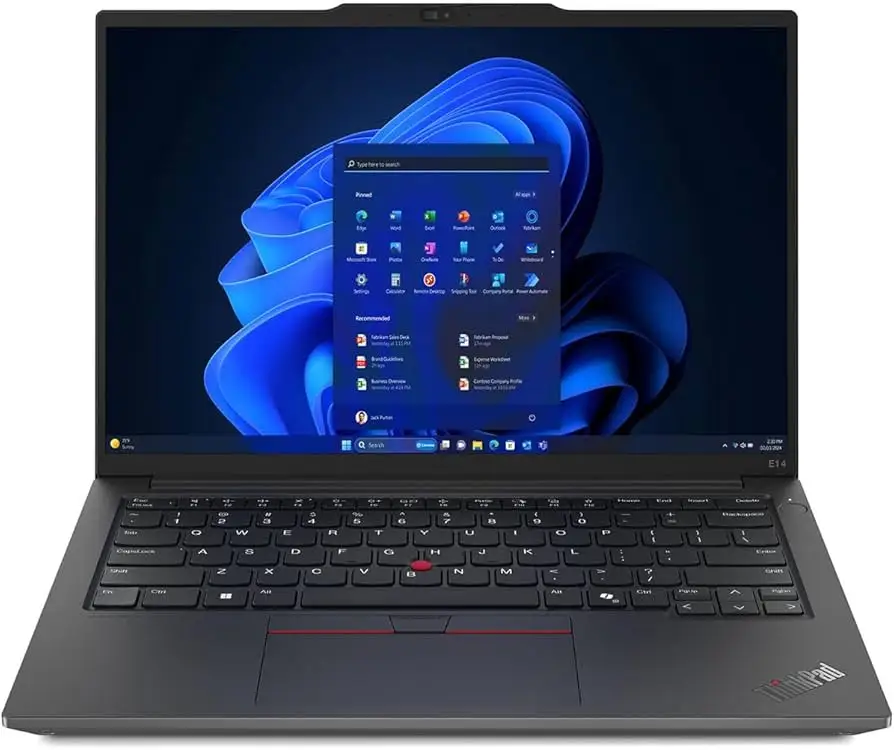
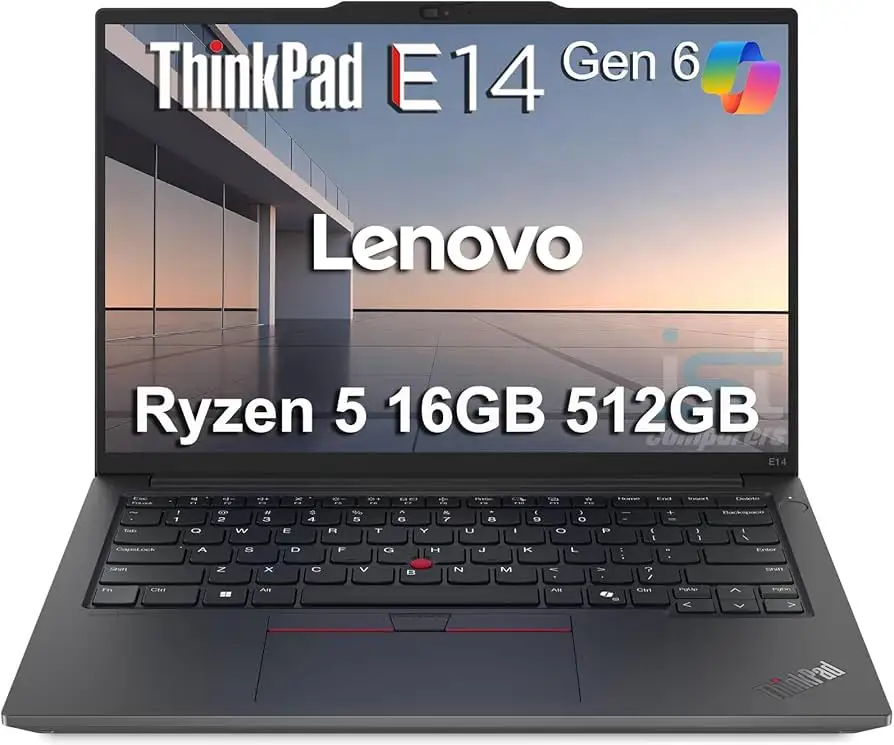
Lenovo ThinkPad E14 Gen 6 Review: Upgradeable Yet Flawed
The Lenovo ThinkPad E14 Gen 6 has carved out a curious niche for itself: marketed as an entry-level business laptop, yet capable of hardware flexibility that’s missing from some pricier ThinkPad T-series models. NotebookCheck’s 85% score places it above its Gen 5 predecessor, largely due to improved CPU performance, battery life, and support for full-length M.2 2280 SSDs. AMD reviewer Benjamin Herzig praised its “great upgrade ability potential” and “good keyboard,” while warning that the outdated Zen 3+ processors and “cheap screen with bad color gamut coverage” are a weak point. Reddit user u/*** summed up a hands-on experience with the Ryzen 7735U model: “extremely powerful and extremely quiet… during basic usage the fan is completely off.”
Quick Verdict: Conditional buy — excellent for budget-conscious power users who value upgradeability, but creatives needing accurate color should look elsewhere.
| Pros | Cons |
|---|---|
| Highly upgradeable (2x SO-DIMM, 2x M.2 SSD) | Poor color gamut and accuracy |
| Solid keyboard; familiar ThinkPad feel | No Thunderbolt/USB4 on AMD models |
| Quiet operation under normal loads | Riveted keyboard complicates repairs |
| Affordable compared to T-series | CPU performance lags vs newer chips |
| Full aluminum body option | Speaker quality mediocre |
| Durable, MIL-STD 810H certified | Webcam limited to 2MP |
Claims vs Reality
Lenovo positions the E14 Gen 6 as “sleek & powerful” with “gorgeous display & immersive audio.” On paper, that sounds like a versatile workhorse. In reality, both AMD and Intel variants showcase physique over finesse — durable construction, yes, but display and sound don’t quite match the marketing. NotebookCheck found the AMD panel’s sRGB coverage at 56.7%, calling it “a particularly awful color gamut… not at all suitable for photo editing.” This directly contradicts “gorgeous display” claims, though for office work and casual video playback, users like Best Buy reviewer Danielw reported, “It offers solid performance with… durable build… great value for business.”
The “immersive audio” promise is partly met. LibraSpecs noted upgraded speakers versus last year’s Gen 5, calling sound “clear” but “too quiet” unless adjusted. That’s a refinement, but still short of the “immersive” bar set by Dolby Atmos branding.
Cross-Platform Consensus
Universally Praised
Digging across Reddit, NotebookCheck, and eBay listings, the upgradeability theme dominates. Both AMD and Intel models offer two SO-DIMM slots, a rarity in thin 14-inch laptops. They also accept one short (M.2 2242) and one full-length (M.2 2280) NVMe SSD. Reddit user u/*** upgraded to 48GB RAM and 2.5TB total storage, adding, “much more than the T-series lets you do.” For developers — especially those running VMs or Android builds — this is uncommonly flexible. Even campus buyers in NotebookCheck’s AMD review praised the “second, open M.2 slot… not even the more expensive T series offers.”
The keyboard earns near-universal approval. Chicony-made, with 1.5mm travel, it closely mirrors higher ThinkPads in feel. NotebookCheck described it as “one of the best keyboards in an affordable laptop”; business typists will appreciate long-text comfort.
Durability matches ThinkPad’s MIL-STD 810H pedigree. While less premium than magnesium-framed T-series, the aluminum-lid variant resists flex and travel knocks. Danielw’s Best Buy review praised a “sturdy and professional” build for daily commuting.
Common Complaints
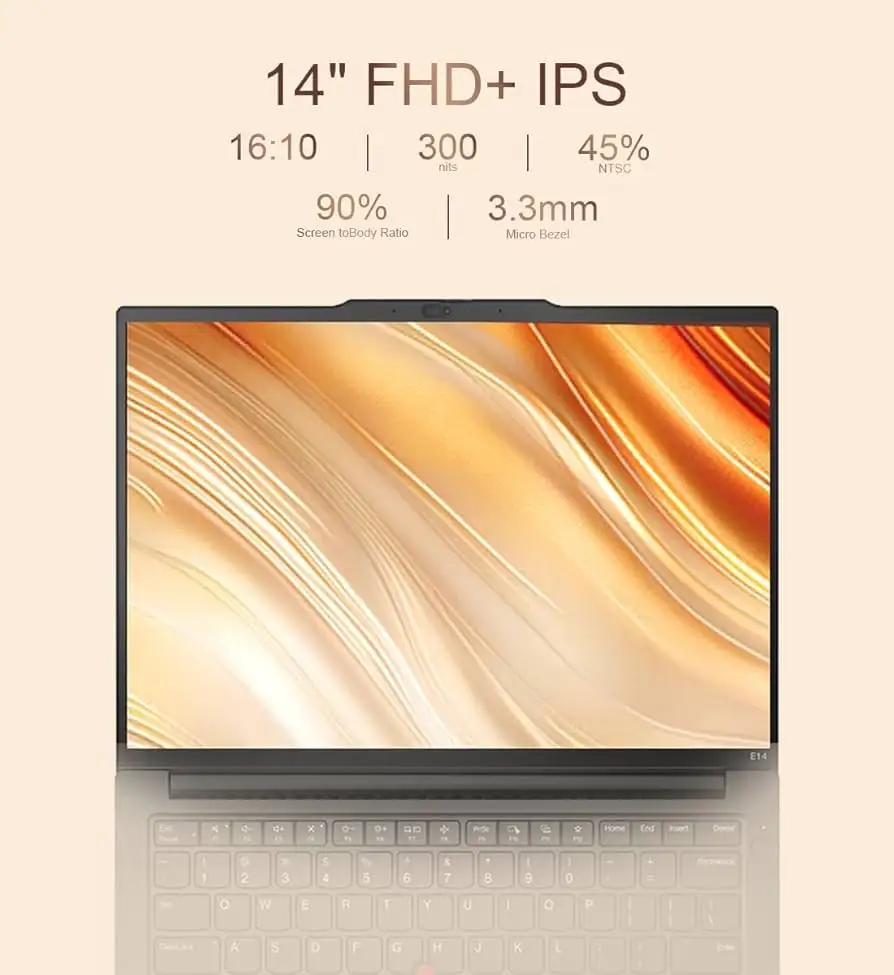
Display quality is consistently the Achilles’ heel. Beyond NotebookCheck’s gamut analysis, Benjamin Herzig cited “cheap screen… especially obvious when looking at the color gamut.” Creatives requiring P3 or Adobe RGB reproduction should consider alternatives; Lenovo offers a 2.2K 100% sRGB panel upgrade, but most SKU buyers settle for 300 nit, 45% NTSC screens. Even calibrated, Herzig notes, “still far from color accurate.”
Port selection draws grumbles on AMD models: no Thunderbolt/USB4 support, though both USB-C ports carry DisplayPort Alt Mode. Users miss dual-side charging — ports are clustered, creating cable congestion for left-handed setups.
Repair hurdles frustrate DIY maintainers. The riveted keyboard requires swapping the palmrest — unusual for ThinkPads — and the non-CRU battery blocks user replacement under warranty. This contrasts with easy RAM/SSD swaps requiring just a Phillips driver.
Divisive Features
Performance perception splits along CPU lines. Intel Meteor Lake Ultra 7 155U brings 30–40% multi-thread gains over Gen 5 Alder Lake chips, but reviewers caution about heat: NotebookCheck suspects the higher-TDP Ultra 7 155H may throttle in this chassis. AMD’s Zen 3+ Ryzen 7735U/HS variants are praised for quiet operation — Reddit user u/*** caps TDP at 10–20W via RyzenAdj — but Herzig found multi-core performance “slightly slower than the previous [Gen 5] system” and behind Zen 4/5 rivals.
Battery life results also divide camps. The Intel Ultra models, especially in LibraSpecs tests, hit 6–7 hours with light tasks, benefiting from efficient cores. AMD HS chips draw more power; longevity drops accordingly.
Trust & Reliability
No broad scam reports emerged from Trustpilot or eBay sellers. Reliability stories from Reddit are positive: Linux Mint installs smoothly on AMD variants, AAA games with FSR run at 1080p, and after heavy upgrades the systems remain stable. On durability, while aluminum lids hold up to office bumps, Herzig questions the long-term robustness of the mixed plastic/aluminum AMD build versus magnesium-alloy T-series.
Alternatives
Competitors mentioned include HP ProBook 445 G10 (lighter, weaker screen), Dell Inspiron 14 7445 2-in-1 (more versatile form factor, slower under load), and ASUS Vivobook S14 OLED (superior display, lighter chassis, but consumer-grade keyboard). Against higher siblings, the ThinkPad T14 Gen 5 offers colour-accurate panels, better materials, and Thunderbolt on AMD — at a steep price premium.
Price & Value
Current US direct pricing ranges from around $629 for base AMD SKUs to $957–$1,165 for high-end Intel Ultra 7 builds; eBay deals see AMD models at ~$622. Given the upgrade flexibility, buyers can start with a low-spec unit and add RAM/SSD themselves — a strategy Reddit power users recommend to avoid Lenovo’s high factory upgrade costs. Resale value should hold modestly thanks to ThinkPad branding, but poor screen specs may limit appeal to design professionals.
Buying tips from the community stress choosing aluminum chassis SKUs and, for Intel buyers, considering the Ultra 7 155U over 155H to avoid thermal throttling. AMD shoppers should confirm 2.2K sRGB panel availability before purchase if color matters.
FAQ
Q: Is the ThinkPad E14 Gen 6 good for content creation?
A: Not ideal unless configured with the 2.2K 100% sRGB panel. The standard 45% NTSC screens lack color accuracy needed for photo or video editing.
Q: Can both RAM slots be upgraded?
A: Yes. Unlike Gen 5, Gen 6 has two SO-DIMM slots supporting up to 64GB DDR5 — no soldered memory.
Q: Does the AMD model support Thunderbolt?
A: No. AMD variants lack Thunderbolt/USB4; only Intel models get Thunderbolt 4.
Q: How is fan noise under load?
A: AMD 7735U runs extremely quiet; Reddit users note silent operation at low TDP and inobtrusive noise under heavy use.
Q: Is the keyboard replaceable?
A: It’s riveted to the palmrest — swapping requires replacing the entire assembly, making repairs more complex.
Final Verdict: Buy if you’re a power user or developer who values RAM/storage expansion and ThinkPad input quality on a budget. Avoid if you require professional-grade display accuracy or easy long-term serviceability. Pro tip from the community: start with the cheapest upgradeable config, add your own high-quality SSD and matching RAM for maximum value.