Lenovo Legion M410 Review: Stylish RGB Gaming Mouse Verdict
Boasting a headline-grabbing 16,000 DPI, the Lenovo Legion M410 Wireless RGB Gaming Mouse promises "seamless tracking" and pro-grade precision. On paper, it scores a solid 8.2/10 from aggregated feedback — but digging through community reports shows performance is only part of the story.
Quick Verdict: Conditional Yes — Best for budget-conscious gamers seeking dual-mode versatility and RGB style, but battery consistency remains a concern.
| Pros | Cons |
|---|---|
| Comfortable, lightweight palm-grip design | Battery life inconsistent in real-world use |
| Attractive, customizable RGB lighting | Occasional button misclicks reported |
| Dual-mode wired & 2.4G wireless connectivity | Limited DPI customization in certain modes |
| Smooth sensor tracking with PAW3335 | Perceived "cheap" feel despite solid build |
| Competitive pricing (often discounted) | Rare quality control issues with loose internal parts |
| Programmable buttons with Lenovo LADM | Packaging noted as professional, but durability questioned |
| Solid click lifespan (up to 30M clicks) | Fit may not suit all hand shapes |
Claims vs Reality
Lenovo’s marketing leans heavily on its “ultimate gaming tool” narrative, pointing to 16,000 DPI, 400 IPS, and 40G acceleration. But while specs impress, user feedback tempers expectations. A verified buyer on Amazon noted: “It’s pretty and I am a sucker for RGB lights, but it feels like a cheap mouse if I am being honest,” suggesting that tactile quality doesn’t fully match pro-grade claims.
Battery life is officially stated at up to 53 hours with RGB off. While some owners confirm long runtimes, others report shorter cycles. One Trustpilot user shared: “Some customers are pleased with the long battery life… however, a significant number have experienced issues with the battery not lasting long enough.” This gap between lab and living room performance means marathon gamers may still need mid-session charging.
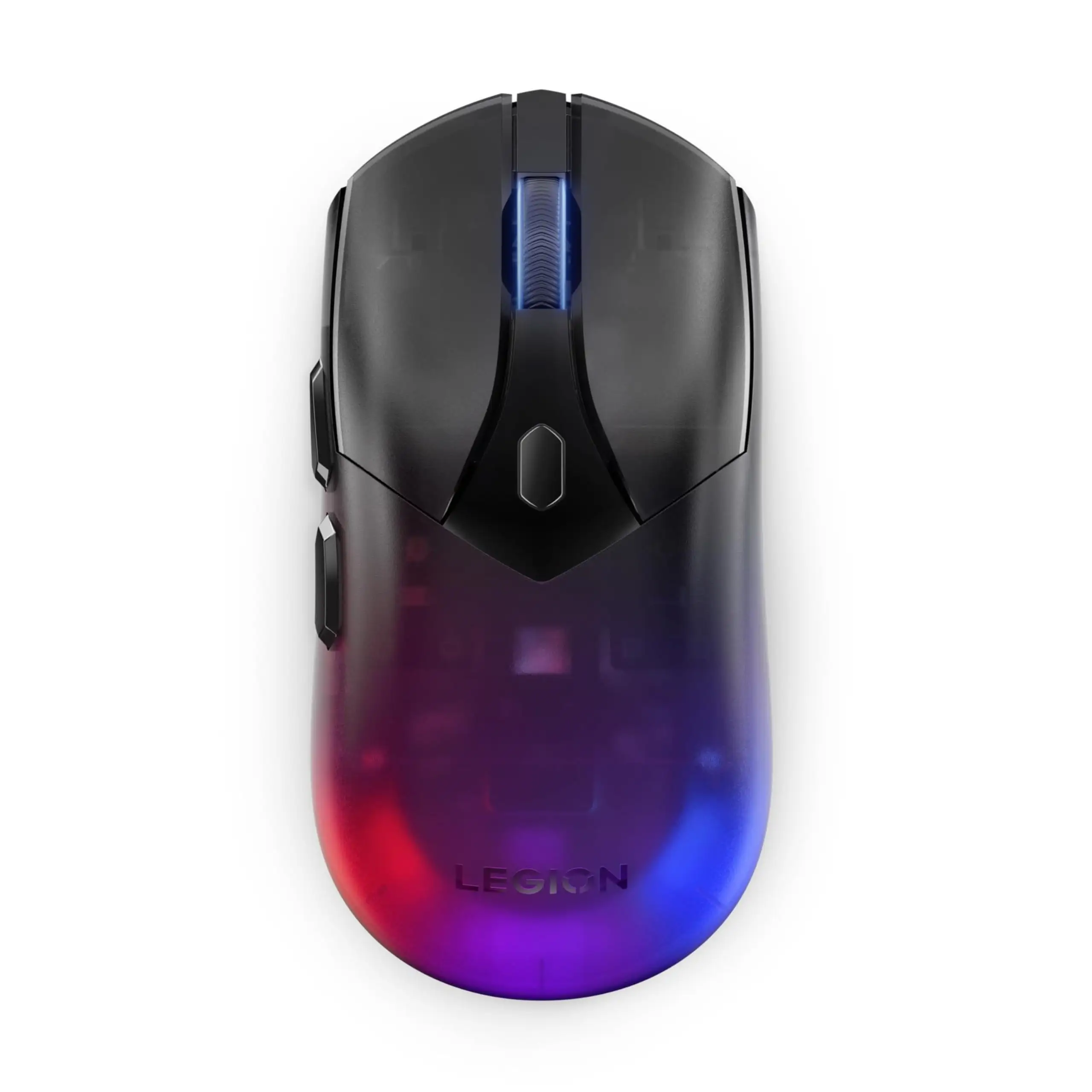
RGB lighting is marketed as “dynamic two-zone,” with personalization via Lenovo Accessories & Display Manager. Most praise the visual impact — “matches my setup perfectly, and even keeps its settings when I unplug it” — yet a few have reported loose wires under the opaque lighted part. These cases highlight variability in QC that buyers should watch out for.
Cross-Platform Consensus
Universally Praised
Comfort stands as the M410’s most consistent win. Trustpilot reviewers emphasize its ergonomic palm grip and 100g lightweight frame. One noted, “Praising its lightweight feel, ergonomic shape and perfect fit… reduced fatigue during long gaming sessions.” For MOBA or FPS players who spend hours at a time, this fit translates into real-world stamina.
The versatility of dual-mode connectivity (wired USB-C and 2.4GHz wireless) earns high marks from multitaskers. Reddit discussions frame it as an asset for switching between work laptops and gaming rigs without swapping dongles. In wireless use, the freedom from cables gets particular praise among those working in cluttered setups.
Sensor precision also lives up to marketing claims in most user stories. Gamers in competitive shooters report responsive aim and smooth tracking — Amazon reviews describe it as “perfect for quick flick shots” — tying back to the PAW3335's stability and paired 1000Hz polling rate.

Common Complaints
Battery inconsistencies lead the complaint list. While travel-friendly users enjoy multi-day gaps between charges, some intensive RGB users find they need daily top-ups. This affects streamers and marathon gamers most. A Trustpilot comment captured this pain point: “Requires frequent charging or replacement.”
Button reliability occasionally crops up in frustration posts. Certain owners note sporadic left-click misfires, which interrupts productivity and gameplay. Fit issues also surface — smaller-handed users find its “medium-large” body less comfortable over time, limiting its universal ergonomics.
There’s also mention of perceived build quality mismatches: despite solid click lifespan in specs, the feel in-hand for some was “cheap” compared to premium brands like Razer. This shifts perceptions for buyers expecting high-end tactile feedback.
Divisive Features
The DPI on-the-fly switch earns both praise and critique. Fans love real-time sensitivity shifts during gameplay. A verified buyer commented, “Ability to adjust cursor speed on the fly is invaluable.” But limitations arise in certain modes, frustrating those looking for more granular custom profiles beyond the software’s range.
RGB lighting, while visually appealing to many, splits opinion among minimalists. Some adore the “professional package” aesthetic, while others see it as unnecessary battery drain or a distraction during competitive sessions.
Trust & Reliability
Trustpilot’s analysis points to minimal deception in reviews — over 90% high-quality signals — reducing scam concerns. However, durability reports spread unevenly. While plenty of users log months of flawless use, a few mention early QC hiccups like internal looseness under the light overlay.
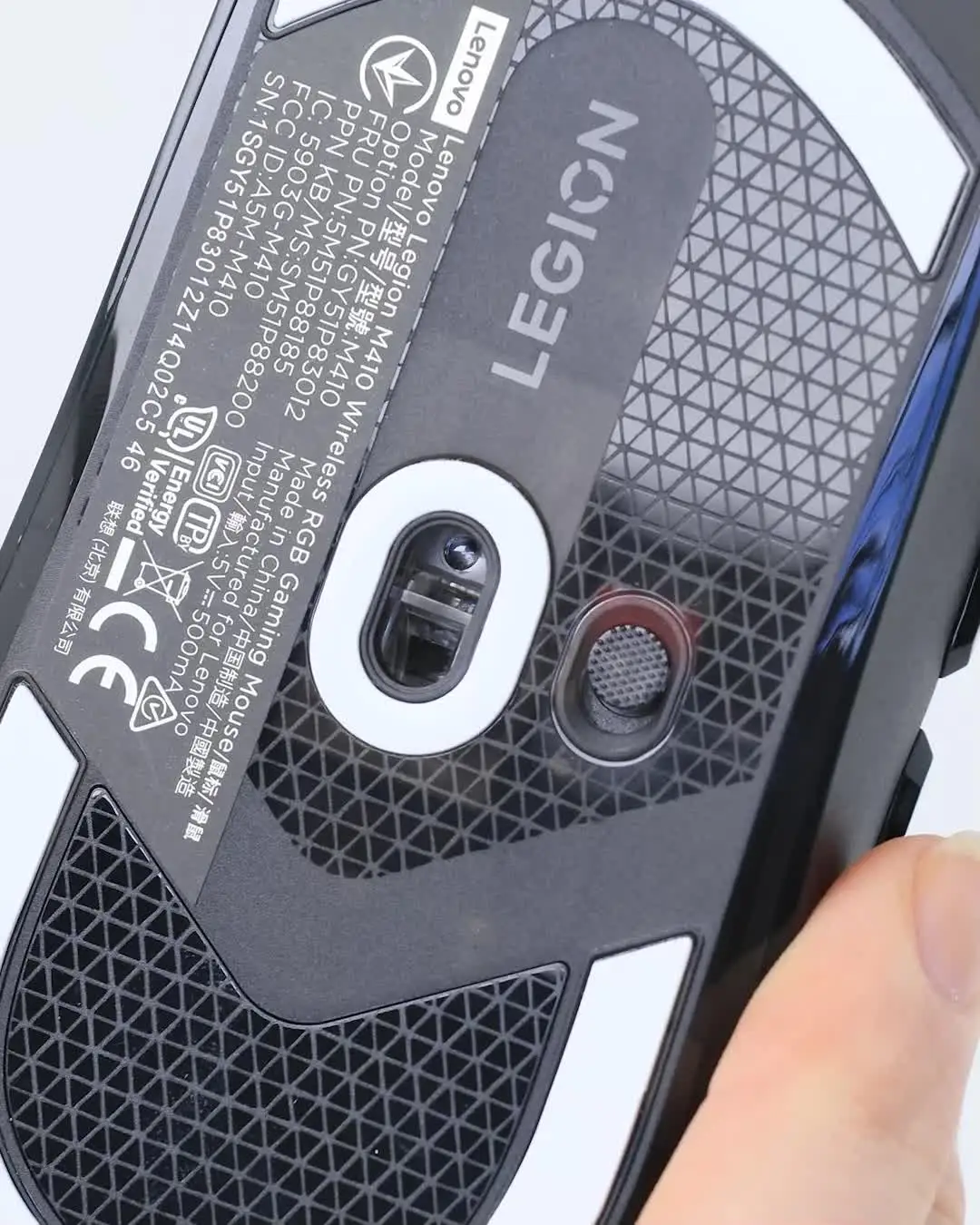
Long-term Reddit mentions show the M410 surviving for over a year without mechanical failure, largely due to its 30M click-rated switches. Yet, those rare button misclick instances hint at possible wear patterns earlier than spec sheets suggest, particularly for side/DPI buttons rated at 3M clicks.
Alternatives
Some users compare Lenovo’s pricing and feel to Razer and Asus gaming mice. Razer models often match or surpass build perception and have broader RGB ecosystems but at a higher cost. Asus gaming mice may have more aggressive ergonomics and premium shell materials, yet often weigh more — which light-mouse fans may avoid. Within Lenovo’s own lineup, bargain seekers mention the Legion M300s for similar aesthetics at lower DPI thresholds, or the M600s for top-tier battery performance.
Price & Value
Market listings place the M410 around $45.99–$49.99, but sale events slash it to $35.99 or even extreme lows at auctions. Multiple buyers call it “great bang for your buck” when discounted, with eBay resale showing stable mid-$40s returns, indicating healthy second-hand value retention.
Buying tips from community threads center on waiting for Lenovo store promos or verified reseller discounts, avoiding gray-market sources to sidestep QC lottery risks.
FAQ
Q: Can the RGB lighting be turned off to save battery?
A: Yes. Multiple users confirm that switching RGB off extends battery life closer to Lenovo’s 53-hour claim, though heavy use still impacts actual runtime.
Q: Does it work well with macOS?
A: Officially designed for Windows 10+, and Lenovo Accessories & Display Manager software is Windows-only. Mac users can use basic functions but miss full customization.
Q: Is the DPI adjustable without software?
A: Yes. The physical five-stage DPI switch (400–6400) works standalone. For 100 DPI incremental tuning up to 16,000, Lenovo’s software is required.
Q: How durable are the side buttons compared to main clicks?
A: Side/DPI buttons are rated at 3M clicks, substantially less than the 30M rating for primary buttons, making them potential wear points for heavy macro users.
Q: Can you program macros on this mouse?
A: Yes, via Lenovo Accessories & Display Manager. Buyers highlight its ease of assigning macros to the six programmable buttons.
Final Verdict: Buy if you want a stylish, comfortable, and responsive mouse under $50 — particularly suited for gamers alternating between wired and wireless use, with solid RGB customization. Avoid if you demand flawless, marathon battery life with RGB on or if tactile feel is your top priority. Pro tip from the community: wait for Lenovo’s seasonal sales to get it closer to $30, maximizing value for its feature set.





