KODAK 10.1 Inch WiFi Digital Picture Frame Review: Conditional
“Only send 6 photos at a time.” That single line from a third-party blog review collides head-on with the promise of effortless sharing that draws many people to the KODAK 10.1 Inch WiFi Digital Picture Frame in the first place. Based on the provided feedback and listings, the verdict is conditional: it looks good and can be genuinely convenient, but setup/software and power expectations can sour the experience. Score: 6.8/10
Quick Verdict
Conditional — worth it if you want a decent-looking 10.1" WiFi frame for simple sharing and can tolerate app/setup quirks; avoid if you need reliable long-term software and smooth performance.
| What buyers care about | What feedback says | Best for | Risk |
|---|---|---|---|
| Picture quality & brightness | “great looking picture… plenty bright” (Fakespot-reposted review text) | Living room display, gift aesthetics | Some report visual artifacts/blur lines |
| Ease of use | “super easy to use… purchased for elders” (Fakespot-reposted review text) | Non-technical family members (when setup works) | Others: “set up didn’t work out at all” |
| Sharing from phone (WiFi/app) | “upload photos… anytime and anywhere” (Kodak product listing) | Families sharing remotely | Reports of app limits + spam/verification issues |
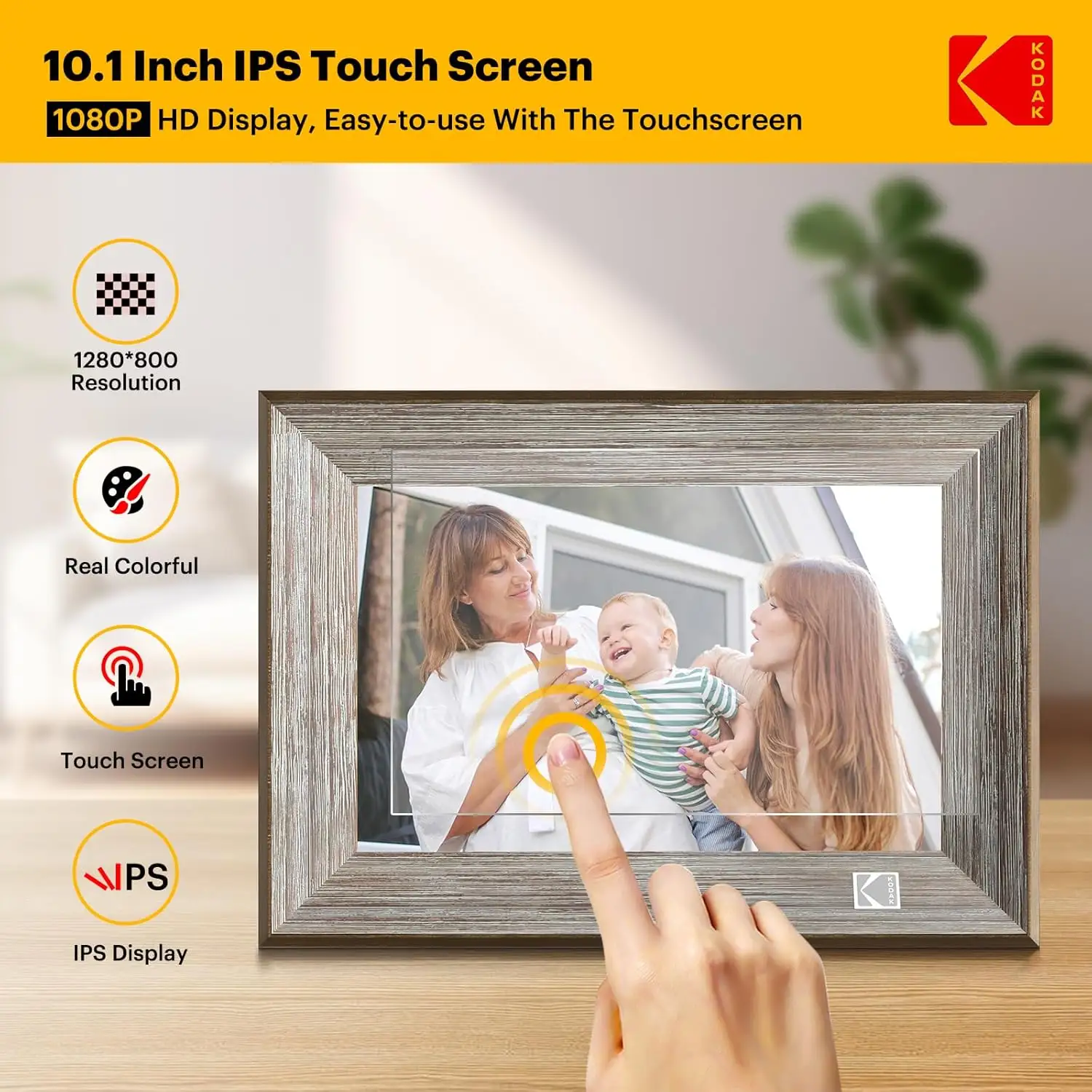
| Touchscreen responsiveness | Mixed | Occasional on-frame browsing | “touch screen is very insensitive” |
| Battery / portability | Conflicting | Moving room-to-room (if true) | “battery can’t even last a day” |
| Value vs competitors | Critical comparisons exist | Budget buyers | Competitors cited as more capable |
Claims vs Reality
Kodak’s listings repeatedly sell a simple story: quick setup, vivid screen, and effortless sharing from anywhere. Digging deeper into the provided material, the biggest gap isn’t the screen size or the idea of WiFi—it’s what happens after you unbox it and try to live with the software and power behavior day to day.
Claim 1: “Easy to use… setup takes just a few steps.” On Amazon’s specs page, the product pitch is explicit: “set up takes just a few steps” and the “intuitive touch screen makes use easier than ever.” But user-derived text captured by Fakespot tells a different story for some households. A reviewer excerpted there wrote: “was really happy to try this out but instantly disappointed when the (should’ve been soo easy) set up didn’t work out at all.” Another snippet points to unclear documentation: “the instructions aren’t as descriptive as they should be.”
For gift-givers—especially those buying for parents or grandparents—this gap matters. The same Fakespot-reposted feedback also includes a positive scenario (“purchased for elders who are not very tech savvy”), but the negative setup accounts suggest that when onboarding fails, the “gift” quickly turns into a tech-support obligation.
Claim 2: WiFi sharing from anywhere (and video). Multiple Kodak listings emphasize instant remote sharing, including: “send photos or small videos (max. 15 seconds)… from anywhere in the world” (Kodak product page text shown under Twitter/X data) and Amazon’s “Share Photos and Videos.” Yet a third-party comparison blog hosted by Pix-Star argues Kodak’s cloud/app flow is limiting: it claims “you can only send 6 photos at a time with the app,” and “only send photos to one kodak frame at a time.” Pix-Star’s blog also alleges Kodak frames lack “multi-frame control group” functionality and remote control features that family administrators often want.
For families trying to keep multiple relatives’ frames updated, that limitation—if accurate—turns “share instantly” into a repetitive chore. And it directly contradicts the frictionless “share moments instantly” language repeated across listings.
Claim 3: Battery-powered convenience vs real endurance. One product listing (kodakdigitals.com for the RWF-108V) touts “mobility thanks to the built-in battery.” Meanwhile, the Pix-Star blog claims Kodak advertises 4–7 hours but “in practice… 3–4-hour battery life,” especially with WiFi syncing. In the Fakespot-reposted negatives, one reviewer goes further: “it’s a shame the battery can’t even last a day.”
If you’re buying this specifically to avoid placing a frame near an outlet, the reports suggest you should be skeptical. While some models/listings emphasize corded power and others mention battery, user-facing reality described here consistently warns that portability may be more marketing than lifestyle—especially once WiFi features are used.
Cross-Platform Consensus
A recurring pattern emerged across the provided sources: people want this to be a “set it and forget it” family display, and it can succeed at that when the basics click—screen, décor, and simple sending. But the same sources also surface recurring frustration with software friction, touch responsiveness, and power expectations.
Universally Praised
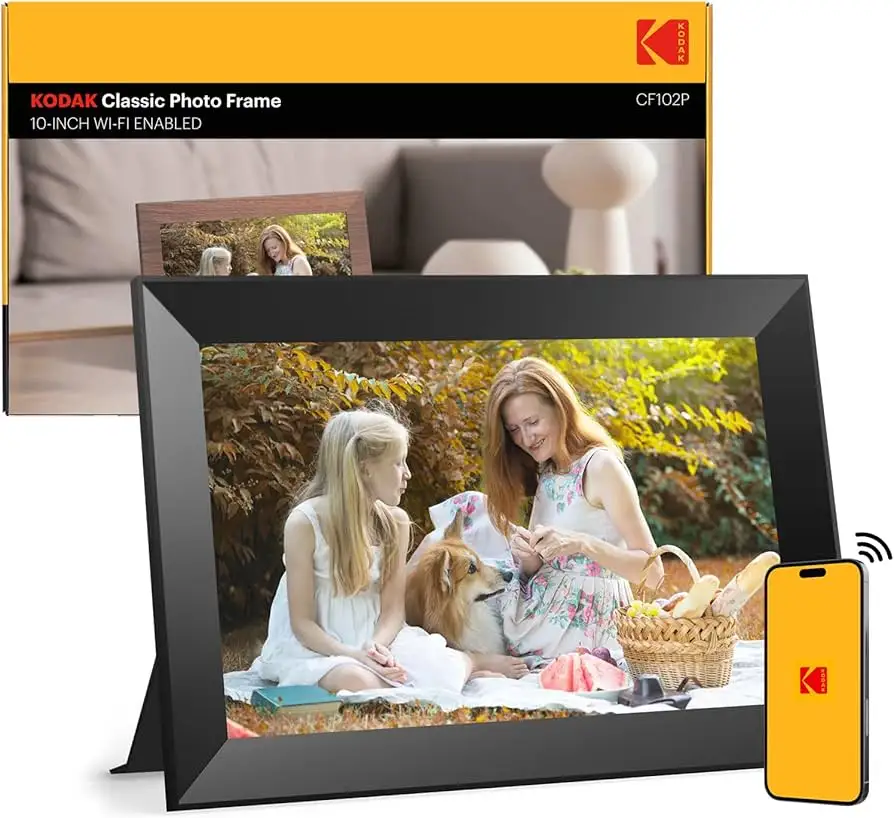
The most consistent praise centers on how the frame looks in a room and how “photo-like” the display can feel. In the Fakespot-reposted pros, a reviewer wrote: “the frame has a great looking picture that is plenty bright. it looks classy and enhances the decor of the room.” That aesthetic emphasis shows up again in the same block: “the wood finish looks elegant and matches any décor.” For homeowners and gift buyers, this isn’t a trivial benefit—it’s the difference between something that stays on a shelf versus something that becomes part of the living space.
Convenience—when it works—also gets strong approval. One Fakespot-reposted pro says the frame being “wifi-enabled… allows it to upload photos from my cell phone directly to the photo frame without using usb or sd cards. transferring photos is very easy and convenient.” This is exactly the use case for adult children sharing updates with parents across distance: you take a photo on your phone, push it to the frame, and the household sees it without anyone hunting for a USB stick.
There’s also a theme of “good gift energy,” especially for family connection. The Fakespot-reposted text includes: “great gift for grandparents during pandemic… it brings up & sparks so much conversation!” Even without more detailed long-term diaries, that line captures the emotional job these frames are hired to do: keep stories circulating in a household, not trapped in a camera roll.
After those narratives, the implied “why” becomes clear: décor-focused buyers, families separated by distance, and grandparents who want passive enjoyment benefit most when the frame is bright, attractive, and easy to push photos to.
Key praised themes (as reflected in provided feedback):
- “great looking picture… plenty bright” (Fakespot-reposted review text)
- “looks classy… enhances the decor” (Fakespot-reposted review text)
- “upload photos from my cell phone… transferring photos is very easy” (Fakespot-reposted review text)
Common Complaints
The sharpest complaints cluster around setup and the software experience. One Fakespot-reposted account reads like a classic “gift turned troubleshooting session”: “instantly disappointed when the… set up didn’t work out at all.” Another snippet ties the struggle to documentation quality: “the instructions aren’t as descriptive as they should be.” For older recipients, unclear instructions can effectively brick the experience unless a tech-savvy relative intervenes.
A second recurring pain point is responsiveness and visual smoothness. In the Fakespot-reposted cons, one reviewer said: “the frame doesn’t have enough graphical power to switch pictures smoothly. everything is blurred from these lines.” Another noted: “the touch screen is very insensitive.” For users who interact with the frame often—swiping, selecting albums, changing settings—this becomes a daily irritation rather than a one-time annoyance.
Support access also appears as a frustration. One Fakespot-reposted snippet says: “my husband was very frustrated with the set up and tried to contact support for assistance but never was able to reach anyone.” For a product category that’s often purchased as a gift, poor support reachability can turn minor snags into returns.
Common complaint themes (from provided user-derived excerpts):
- Setup failures: “set up didn’t work out at all” (Fakespot-reposted)
- Weak instructions: “aren’t as descriptive as they should be” (Fakespot-reposted)
- Performance/touch issues: “blurred from these lines” / “touch screen is very insensitive” (Fakespot-reposted)
- Support difficulty: “never was able to reach anyone” (Fakespot-reposted)
Divisive Features
“Easy for elders” is one of the most polarized claims in the available feedback. On one side, a Fakespot-reposted pro says: “super easy to use… purchased for elders who are not very tech savvy.” On the other side, the Pix-Star blog asserts the “buggy software and confusing interface aren’t great for elderly users.” That’s not just disagreement—it suggests experiences may vary depending on the exact model/app version, the recipient’s comfort with phone-based verification, and how smooth the initial setup goes.
Battery/portability is similarly conflicted because the broader Kodak ecosystem includes both corded and battery-forward messaging. The Pix-Star blog argues real-world endurance is short (claiming “3–4-hour battery life”), while a Fakespot-reposted pro mentions “long lasting batteries,” and a con says “battery can’t even last a day.” For buyers, that’s a warning flag: power behavior may not be predictable enough to anchor your purchase decision unless you confirm the specific SKU’s power design and your usage pattern (always plugged in vs moved around).
Trust & Reliability
The trust story in the provided data is uneasy, largely because one of the clearest “meta signals” comes from Fakespot’s analysis rather than direct, individually attributable reviews. Fakespot labels the product page as “Fake Review” and reports “there may be deception involved,” while also stating “66.1% of the reviews are reliable” and that the product had “345 reviews” as of its analysis date (Nov 9, 2023). That combination—some reliability, some risk—suggests you should weigh recurring, specific complaints (setup failures, touch issues) more heavily than generic praise.
Long-term durability is also questioned by the Pix-Star blog, which claims Kodak frames “don’t have the greatest quality control or longevity.” While the prompt asks for “6 months later” Reddit durability posts, the provided Reddit section contains product-description style text and a competitor blog link rather than user-thread diaries. With the data given, durability concerns appear as warnings from third-party commentary and aggregated review analysis, not first-person long-term ownership logs.
Alternatives
Only a few named competitors appear in the provided sources, but they’re presented in a direct “feature-gap” narrative. The Pix-Star blog positions Pix-Star as more family-admin friendly, highlighting a “web interface,” “multi-frame control group,” and remote management features like adjusting settings and pushing photos across many frames. It also claims Pix-Star can send “up to 250 photos” at once, contrasting Kodak’s alleged “6 photos at a time” limit.
The same blog also mentions Nixplay as part of the “top frames” Kodak struggles to compete with. In this dataset, those alternatives aren’t backed by user quotes—just a competitor-authored critique—so treat them as directional context rather than verified consensus. Still, if your primary need is centralized management of multiple frames (for extended families), the competitor claims outline exactly where Kodak may fall short.
Price & Value
The pricing picture is inconsistent across platforms and regions, which is typical for electronics sold through multiple channels. Amazon US shows $129.99 for the 10.1" WiFi frame listing with “32GB Storage” and “1280 x 800” (34 reviews, 4.4/5). Another Amazon listing (Amazon Belgium) describes a 10.1" Kodak frame at €161.32 with “1920 x 1200” resolution—suggesting different SKUs exist under similar naming.
On resale markets, eBay listings show a wide spread for Kodak Wi-Fi digital frames, from budget used units (some under $40) to new/brand-name listings around $100–$150. For value-focused buyers, that spread implies two buying tips from the market data: (1) you may find significantly cheaper open-box units, and (2) model confusion is real, so confirm resolution, internal storage (16GB vs 32GB), and whether the unit is intended to be battery-powered or strictly corded.
From the community/third-party commentary angle, value is tightly tied to software. If setup is smooth, the “easy… convenient” sharing story in the Fakespot-reposted pros can make the price feel justified. If you hit verification-email issues (“verification code… in the email spam folder,” per a Fakespot-reposted snippet), the value proposition drops quickly because the product’s core promise is convenience.
FAQ
Q: Is it actually easy to set up for grandparents?
A: Conditional. One Fakespot-reposted reviewer said it was “super easy to use… purchased for elders who are not very tech savvy,” but others described setup failing: “instantly disappointed when the… set up didn’t work out at all,” and complained “the instructions aren’t as descriptive as they should be.”
Q: Can you share photos remotely from your phone?
A: Yes, the listings emphasize WiFi/app sharing “anytime and anywhere,” and a Fakespot-reposted pro says uploading from a phone is “very easy and convenient.” However, a Pix-Star blog claims the Kodak app can be limited (e.g., “only send 6 photos at a time”), so expectations should be cautious.
Q: How good is the screen quality in real use?
A: Many comments in the provided feedback praise it. A Fakespot-reposted reviewer wrote the frame has a “great looking picture… plenty bright,” and that it “looks classy and enhances the decor.” But at least one complaint mentioned display/performance issues: “everything is blurred from these lines.”
Q: Does the battery last long enough to use unplugged?
A: Reports conflict. The Pix-Star blog claims real-world battery life can be closer to “3–4-hour battery life,” and a Fakespot-reposted con says “battery can’t even last a day.” Another Fakespot-reposted pro mentions “long lasting batteries,” so battery performance may vary by model and usage (especially WiFi syncing).
Final Verdict
Buy the KODAK 10.1 Inch WiFi Digital Picture Frame if you’re a décor-minded gift buyer who wants a bright, good-looking frame and will mostly use simple phone-to-frame sharing—especially if someone can help with setup. Avoid it if you’re managing multiple frames across a family network or you need consistently smooth software and responsive touch controls.
Pro tip from the community: if setup stalls, one Fakespot-reposted snippet says they “finally discovered the verification code in the email spam folder,” suggesting email verification/filters can be a hidden blocker.