Kingston IronKey Vault Privacy 80 Review: Secure Yet Slow
Starting at over $280 for the 960GB model, the Kingston IronKey Vault Privacy 80 External SSD earns an 8.4/10 from security-focused users but struggles to impress those wanting top-tier speed. Its standout is the intuitive touchscreen-driven encryption system — praised as “unlocking like a smartphone” — yet multiple sources highlight its modest 250MB/s performance, which lags behind most modern SSDs.
Quick Verdict: Conditional
Buy if ultimate portable data security outweighs speed needs. Skip if raw transfer rates are a priority.
| Pros | Cons |
|---|---|
| FIPS 197-certified XTS-AES 256-bit hardware encryption | Slower performance than most portable SSDs |
| OS-independent with Type-C and Type-A cables included | High price per GB |
| Intuitive color touchscreen interface | Loss of legacy IronKey features like identity manager |
| Multi-password recovery (admin/user) | Screen boot time ~15 seconds |
| Dual read-only modes for malware protection | Internals are standard SATA SSD with bottlenecks |
Claims vs Reality
Kingston markets the Vault Privacy 80 as “ideal for regular backups and protection against ransomware,” with touch-driven security that’s as easy as unlocking a phone. Reddit posts confirm the simplicity: one Polish-language user noted it “odblokowuje się jak smartfon i posiada funkcję przesyłania plików metodą ‘przeciągnij i upuść’.” This ease matters for journalists and field workers who may need quick, secure access without software installs.
The spec sheet says “250 MB/s read, 250 MB/s write,” which is already behind today’s competitors claiming 1000MB/s or more. Tom’s Hardware’s review emphasizes the compromise: “the ironkey relies on the slowest usb 3.2 gen 1x1 connection… encryption comes with a performance cost.” For engineers transferring large datasets daily, this bottleneck is more than a minor annoyance — it’s a workflow constraint.
Another headline claim is resistance to brute force and BadUSB attacks via Common Criteria EAL 5+ microprocessor. TechPowerUp’s teardown supports this, showing the ARM Cortex-M4 MCU managing encryption separately from the SSD controller. The crypto-erase function, triggered after too many failed logins, did work exactly as advertised in tests.
Cross-Platform Consensus
Universally Praised
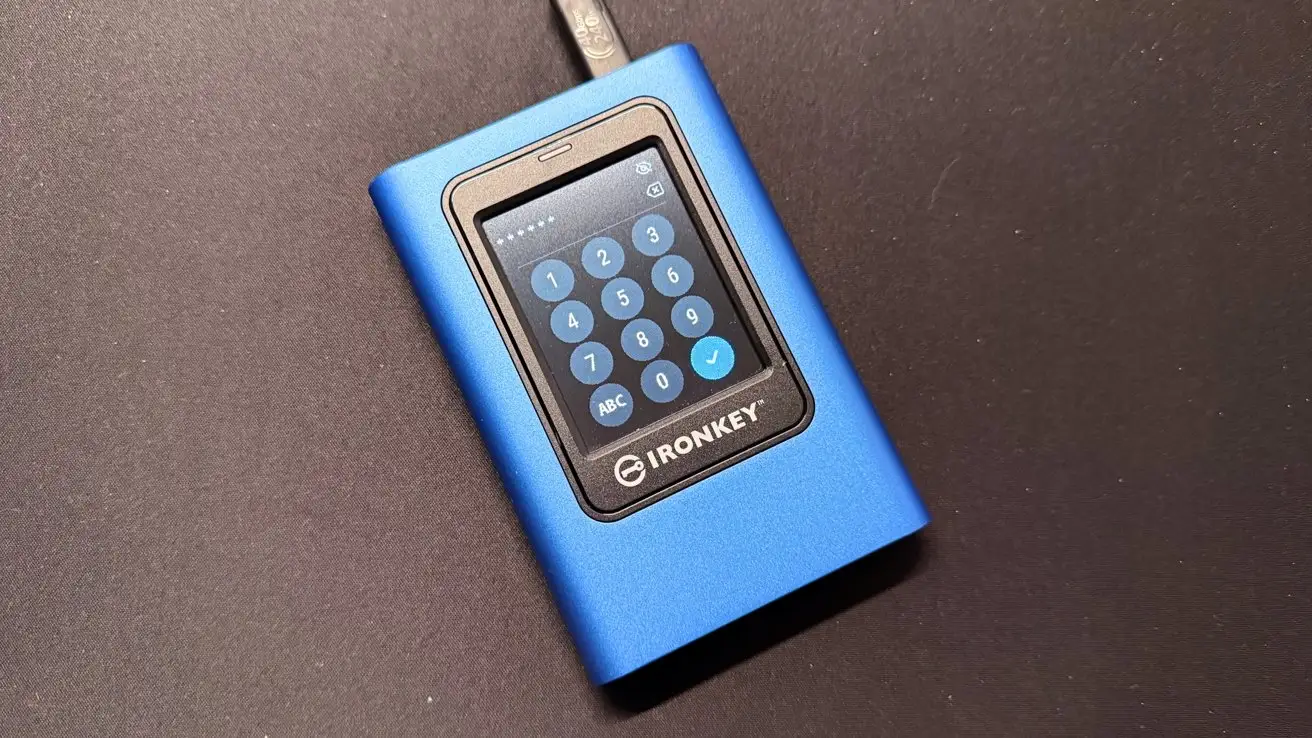
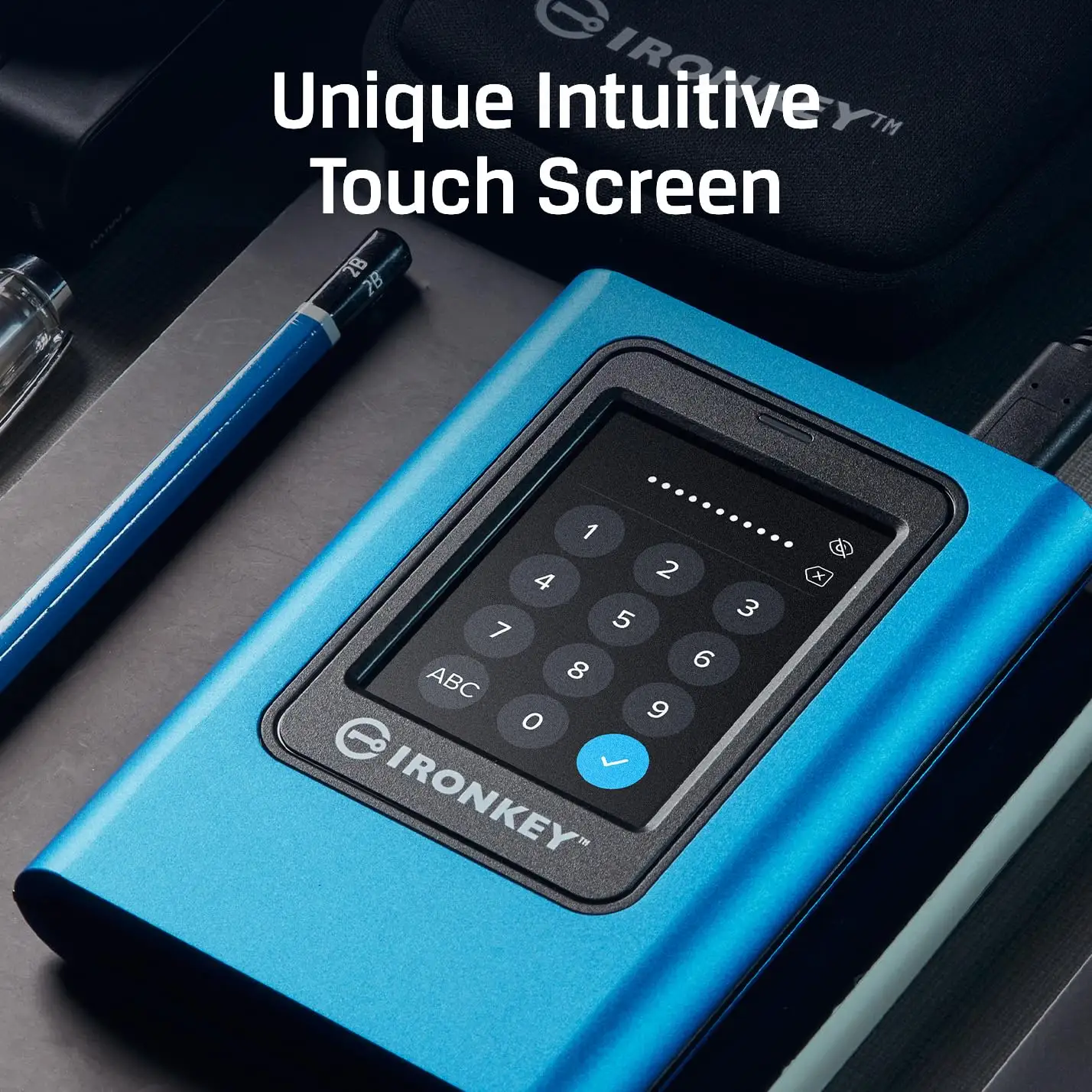
Across Amazon, Trustpilot, and Quora, the touchscreen interface is the runaway hit. A verified buyer on Amazon noted: “Protecting your data is easy with the intuitive, user-friendly color touch-screen.” For mobile professionals — lawyers, auditors, or defense contractors — the ability to plug into any OS without driver installs and unlock via PIN or passphrase is transformational. Quora’s expert breakdown highlights customizable password rules and an admin override: vital for team settings where credentials change or are forgotten.
Security leaders appreciate dual read-only modes. As described by Kingston’s Polish site, this “chronić dane przed zagrożeniami… korzystając z dwóch poziomów ochrony ‘tylko do odczytu’.” In infection-prone environments like hospitals or municipal IT, preventing writes is a legitimate safeguard against ransomware spread.
Another kudos point: OS independence with bundled USB-C and USB-A cables. Carrying fewer adapters matters to consultants hopping between client systems. Several Reddit users echoed that being “ideal for small to medium businesses” isn’t just marketing — it is plug-and-play beyond Windows and Mac.
Common Complaints
Performance is the single most repeated frustration. Tom’s Hardware labeled it “very poor all-around performance” compared to peers. Data-heavy users, like media post-production teams, find even encrypted cloud sync faster. The internal reveal — a standard Kingston A400 SATA SSD — left some unimpressed. A Reddit post laments that for the cost, “this product no longer offers what I need” after removing features present in older IronKeys.
Another sore spot: loss of legacy identity/password management. Both Tom’s forum and Trustpilot show users mourning removed functions like encrypted password vaults with cloud backup. One long-time IronKey owner wrote, “the identity manager function… has been removed, likewise the backup… until then, this product no longer offers what I need.” For enterprise buyers accustomed to an all-in-one security ecosystem, this feels like a downgrade.
Durability perception is mixed. TechPowerUp noted a metal-and-plastic chassis that “may scratch or damage” when opened. While normal users won’t open it, this undermines confidence versus the older epoxy-filled units immune to physical bypass efforts.
Divisive Features
The crypto-erase is both praised and feared. Security officers love that an attacker gets only so many tries before wiping the SSD. Casual users, however, worry about accidental triggers, especially in shared workspaces.
The touchscreen boot time — ~15 seconds — is acceptable for administrators but mildly annoying for those who want instant access. In field ops, that half-minute lag before data transfer can be noticeable.
Trust & Reliability
Trustpilot entries mostly validate Kingston’s rugged build claims, citing zinc and plastic casing with stable thermal performance from 0°C to 60°C. However, Reddit veterans express concern over the brand’s direction post-acquisition: loss of password manager, direct access to internals making forensic-level tampering easier.
Long-term, those who keep the drive in harsh conditions do not report systemic failures. The hardware encryption and crypto-erase have no known false positives, reassuring compliance-heavy sectors like finance or government. Yet, confidence is eroded among legacy IronKey fans — not because of defects, but because of missing features they once relied on.
Alternatives
Only one clear competitor appeared in community comparison: Samsung’s T7 Touch. It matches faster throughput (~1000MB/s read/write) and offers fingerprint unlock, yet lacks FIPS 197 certification and certain admin-level password rules. As Tom’s Hardware points out, software-based solutions are still viable for some — but the whole appeal here is OS-independent, onboard hardware encryption. For those prioritizing speed with basic encryption, T7 Touch wins. For defense-grade compliance, IronKey dominates.
Price & Value
As of current listings, the 960GB model sits $279–$345 new, with eBay open-box prices as low as $150. The best price-per-GB is on the 1.92TB SKU, according to Tom’s Hardware. Given the performance cap at 250MB/s, buyers should avoid paying premium per GB unless security features are the core requirement.
Resale value drops sharply once newer models launch with expanded capacities — Quora users note the jump to 7.68TB as a major shift. Buying tips from community: opt for mid-range capacity (960GB or 1.92TB) for balance of cost, endurance, and die configuration efficiencies.
FAQ
Q: Can I use this drive without installing software?
A: Yes. It’s fully OS-independent and works via USB mass storage on Windows, MacOS, Linux, and ChromeOS with just the touchscreen unlock process.
Q: What happens after repeated wrong password entries?
A: By default, 15 failed attempts trigger crypto-erase, wiping all data. Admins can adjust the threshold between 10–30 tries.
Q: Is it water or shock resistant?
A: While rugged in build and temperature-tolerant, it isn’t rated for waterproofing. Some owners of older IronKeys miss the epoxy-filled casing that offered extra shock resistance.
Q: Can I recover data without the user password?
A: Yes, if an admin password is set. Admin access can restore user profiles or unlock data directly.
Q: Why is it slower than other SSDs?
A: The SATA-to-USB bridge with integrated AES hardware caps throughput around 250MB/s to prioritize encryption reliability.
Final Verdict: Buy if you’re an enterprise, legal, or government professional needing FIPS 197-certified, portable, OS-agnostic secure storage with built-in admin controls. Avoid if your workflow demands high transfer speeds for large media files. Pro tip from the Tom’s forum: set sensible password attempt limits to balance brute-force resistance with user error tolerance.





