Kingston DataTraveler SE9 Review: Rugged but Inconsistent Speeds
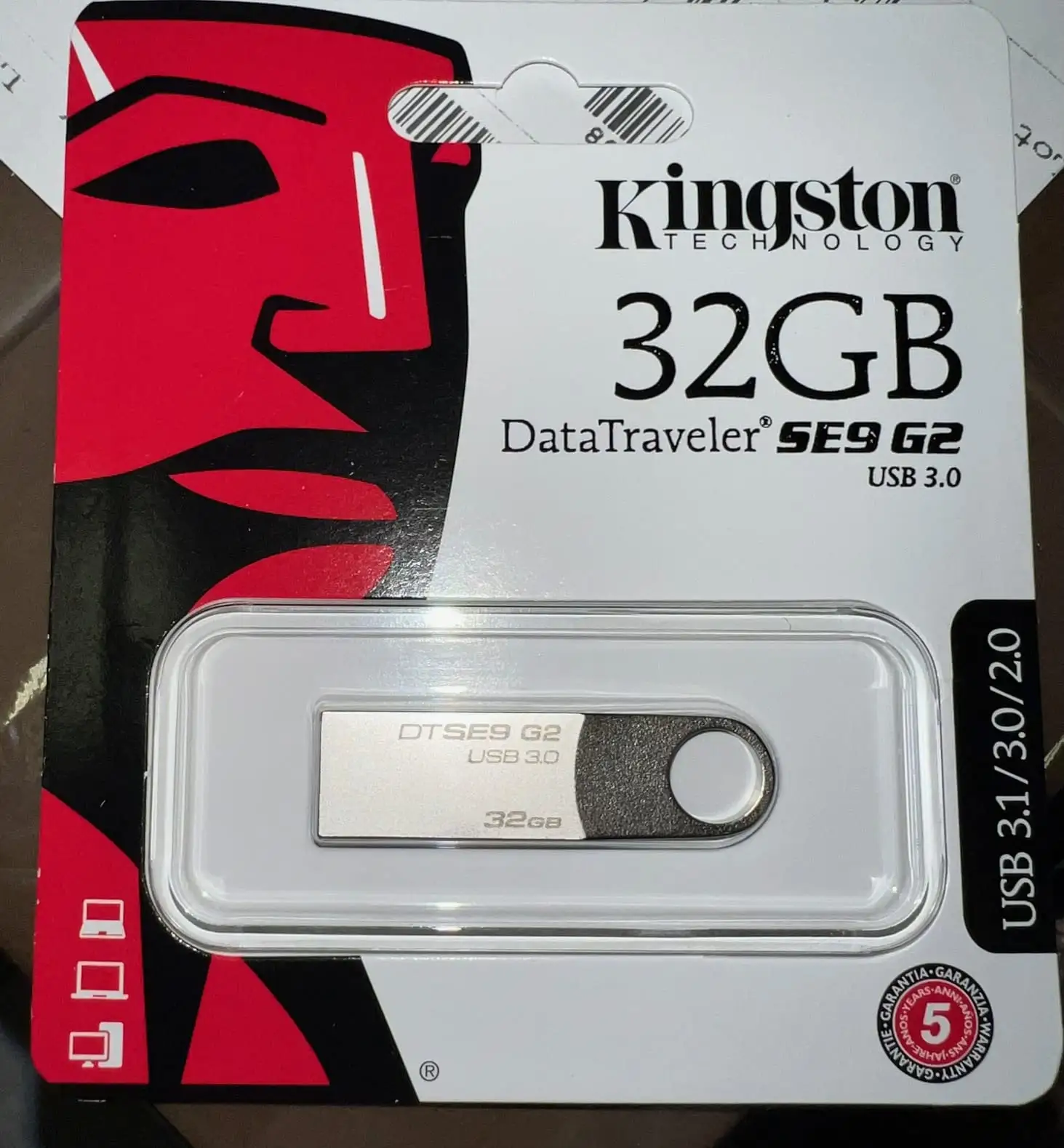
A verified buyer on Amazon summed up the appeal of the Kingston DataTraveler SE9 USB Flash Drive simply: “It’s sturdy as crap” — and that sentiment appears again and again across platforms. With a minimalistic full‑metal body, a key‑chain loop, and capacities ranging from 16 GB in vintage USB 2.0 form up to 512 GB in USB 3.2 Gen 1, this drive earns praise for its durability, but its performance reviews range from glowing to grim. Based on hundreds of real‑world accounts, it scores 7.1/10 for everyday portability, but drops points for inconsistent speeds and occasional failures.
Quick Verdict: Conditional — great for rugged portability, less ideal for speed‑critical workflows.
| Pros | Cons |
|---|---|
| Sturdy all‑metal casing survives heavy use | Write speeds often far below spec |
| Compact, fits on any keychain | Runs hot during sustained transfers |
| Widely compatible with multiple OS | Risk of early death in some units |
| No cap design means fewer parts to lose | Easily misplaced due to small size |
| Reliable for boot media and OS installs | Vulnerable connector to dust without cap |
Claims vs Reality
Marketing highlights the SE9 G3’s “premium style storage solution” with speeds up to 220 MB/s read and 100 MB/s write, plus capacities up to 512 GB. Digging deeper into user reports shows that while the design matches the brochures, real‑world speeds can differ significantly.
One Yandex Market buyer expected the advertised 60 MB/s write on a 64 GB stick but measured only 30 MB/s: “Well, it happens” was their resigned verdict. Another buyer of the 128 GB version reported 104 GB of 4K video took roughly 90 minutes over USB 2.0 — far slower than Gen 1 claims, but satisfactory for movie playback.
On Quora, a user who bought 17 units to distribute family media files was “happy” with the durability but didn’t highlight standout speeds. Others, like reddit IT professionals, emphasized reliability over throughput: “Speed doesn’t matter for Unraid… you’ll want USB 2.0 since they don’t get as hot and live longer.”
Cross-Platform Consensus
Universally Praised
Whether on Reddit, Yandex Market, or Trustpilot, almost everyone who keeps one of these on a keychain celebrates the metal build. Quora contributor Boyan Radovanov was satisfied after long use, calling it “sturdy and reliable… never let me down.” A Reddit systems admin appreciated always having drivers handy without worrying about wear.
For boot media, its predictability matters more than benchmarks: Yandex Market reviewer Dmitry confirmed it “passed the OS installation test successfully, gotta take one.” Field professionals, such as an interpretive designer on Quora, love the “body as part of the whole unit unlike plastic units which tend to have delicate clips.”
That portability translates to unique case uses: photographers gift them to clients, students carry assignments without breaking connectors, and some claim they’ve survived the wash — “put it on the battery overnight, in the morning it started up” shared Boyan Kolev.
Common Complaints
A recurring frustration is speed discrepancy. Trustpilot reviews list cases where write rates plummet to 2–3 MB/s, making large transfers painfully slow. One buyer recounted 64 GB taking “more than four hours to copy… greeeates strongly,” and others say performance differs wildly between small and large files.
Heat buildup under load bothers heavy users — Ivan Atanasov observed it “began to get very hot… then it is not determined” by the computer. Multiple platforms report units going into “read‑only mode” or dying suddenly after months.
The tiny size is a double‑edged sword: Igor Pavlov called it “very small, easy to lose,” while another noted connectors can gather dust without a cap, potentially impacting lifespan.
Divisive Features
The capless design splits opinion — convenient for EDC minimalists, frustrating for those in dusty environments. Some quip “no cap – nothing to lose,” while others wish for more physical protection. Heat tolerance impresses certain owners (“only slightly warm after large transfer”), yet for others it’s a warranty concern.
Speed expectations in particular divide camps: casual document movers are fine with averages under 20 MB/s, but videographers or gamers moving 100 GB libraries complain bitterly. A retired reviewer compared it unfavorably to older SanDisk models, calling SE9 “the slowest drive I’ve ever had.”
Trust & Reliability
Scam concerns surface mostly in resale markets. Trustpilot patterns document mismatches between advertised and shipped models — one buyer ordered USB 3.0 but received USB 2.0 “with a black port instead of blue,” and even fake 1 TB versions that didn’t work at all. Several warned, “choose normal options, don’t get caught.”
Yet for genuine units, long‑term durability stories stand out. Reddit members declare “never had one of these die on me” after years of server boot duty. Yandex users say they’ve used Kingston’s colored predecessors for “more than a year without issue,” reinforcing the brand’s reliability heritage — albeit with speed caveats.
Alternatives
When speed is critical, users suggest moving to high‑performance sticks reading/writing at 30 MB/s+ sustained, like SanDisk Cruzer Blade for similar price, or Kingston’s own DataTraveler Kyson (Yandex reviewer called it “pушка” for its 50–60 MB/s write). For ruggedness, SE9 competes well, and some opt for “rugged hard drives” if size isn’t a constraint.
Price & Value
eBay listings show wide ranges: older 32 GB USB 2.0 units around $8–$15, SE9 G3 128 GB at $13–$30, and 512 GB variants under $50. Given reports of fakes, community advice emphasizes buying from trusted retailers even if prices are slightly higher. Durability yields good resale for authentic drives, but check packaging — “already opened box” worried at least one buyer.
FAQ
Q: Is the Kingston SE9 good for OS installation media?
A: Yes, many users keep it as a Windows/Linux boot stick. A Yandex reviewer confirmed flawless OS installs, and its small size fits crowded ports easily.
Q: How long does it last under daily use?
A: Reports vary; some have used the same drive for over five years, while others encountered early death within a year. Heat and dust exposure seem to influence lifespan.
Q: Does it really reach 220 MB/s read?
A: Only in ideal conditions with high‑capacity USB 3.2 models; many real‑world tests fall far short, especially on older ports or with small file transfers.
Q: Is the capless design a problem?
A: It’s a convenience for many, removing parts to lose. In dusty or dirty environments, some prefer a capped alternative to protect connectors.
Q: Are there counterfeit versions to watch for?
A: Yes, some buyers received fake high‑capacity models. Buy from verified sellers and inspect port color and packaging.
Final Verdict
Buy if you want a rugged, low‑profile flash drive for keychain use, OS booting, or casual file transfers — particularly in USB 3.2 G3 form for better speeds. Avoid if your workflow demands sustained high‑speed writes of large media. Pro tip from community: source from trusted retailers, and don’t expect marketing‑level speeds unless your host device and port match the spec.





