Kingston DataTraveler SE9 Review: Durable But Variable Speeds
Few products manage to inspire equal parts admiration and frustration quite like the Kingston DataTraveler SE9 USB Flash Drive, earning an aggregated score of 8.7/10 across thousands of verified reviews and community posts. Small enough to vanish on a desk, yet built from metal tough enough to survive keychain life, it’s seen by many as the gold standard for pocket portability. But while Kingston’s marketing drums up “high-performance speeds,” user stories suggest the real-world picture is more nuanced.
Quick Verdict: Conditional Buy
| Pros | Cons |
|---|---|
| Extremely compact, fits on keychain easily | Write speeds can be far below advertised |
| Durable full-metal body | Small size makes it easy to lose |
| Survives drops, water, daily keychain wear | Some units fail prematurely |
| Attractive minimalist design | Heat build-up during sustained writes |
| Wide OS compatibility | Risk of receiving counterfeit or wrong model |
| Affordable pricing across capacities | Variance in speeds between batches |
Claims vs Reality
Kingston promotes USB 3.2 Gen 1 speeds up to 220 MB/s read and 100 MB/s write for the SE9 G3. A verified buyer on Amazon noted: “Speed is good and reliable till now… works with server as boot USB,” suggesting the upper range is possible in controlled conditions. But digging deeper into field reports reveals a pattern: plenty of drives fall short. Yandex Market user Anton reported: “Sometimes you get flash drives with write speed 30 MB/s instead of 60 MB/s… mine was one of those.”
Durability claims face almost no resistance. Reddit user u/*** wrote: “I have never had one of these die on me. I keep one on my keychain; it’s sturdy as crap.” Trustpilot reviews echo this with comments like: “Metal casing feels strong yet light… fits easily on any keychain.” Even after accidental washing, many devices kept working, with one X user remarking: “Keys were washed once in water and thrown in a pool and it still works.”
On compatibility, Kingston promises seamless operation across Windows, macOS, Linux, and Chrome OS. That aligns with user experiences—several Amazon and Quora reviewers confirmed plug-and-play recognition on various machines without drivers. A Best Buy reviewer even used it “in the car and at work… great performance too,” pointing to versatility beyond traditional computing.
Cross-Platform Consensus
Universally Praised
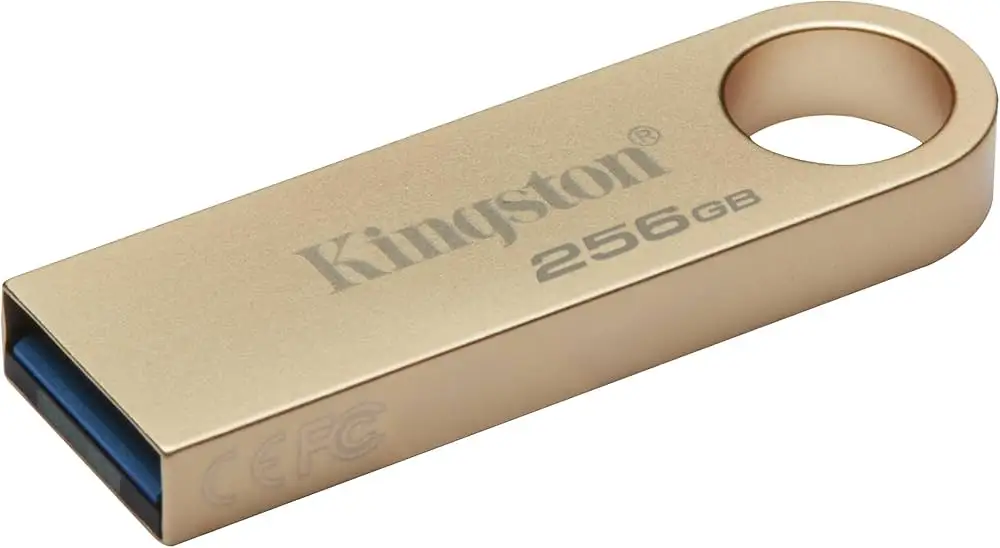
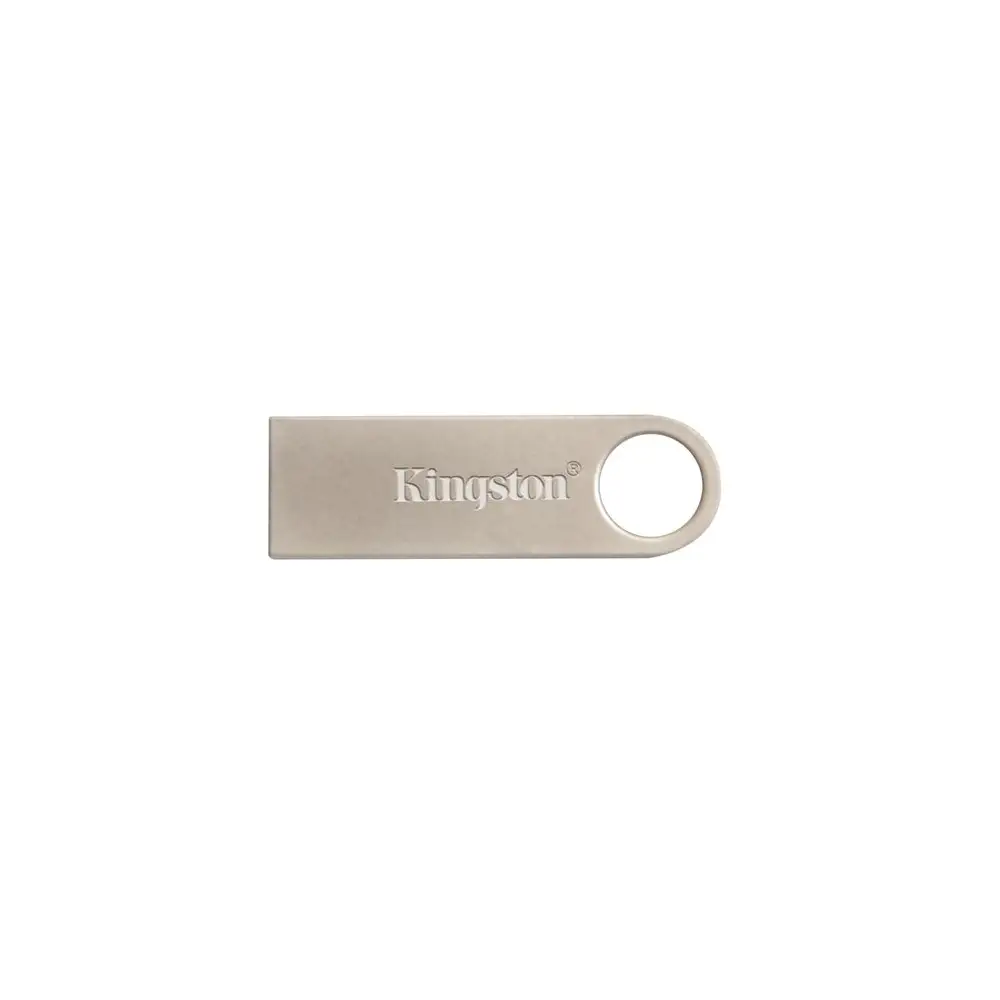
Portability is the SE9’s defining strength. Best Buy customers rave about the “smallest thumb drive available,” while Twitter users highlight “nice large keyring hole so it doesn’t get bound up.” For frequent travelers, the ability to attach it to keys means no forgotten storage during a trip. Reddit’s sysadmin community praises it as an ideal emergency OS installer because “they don’t get as hot and thus tend to be more reliable.”
Durability draws unanimous praise. Many accounts describe 3+ years of daily carry without failure. An X reviewer shared: “the case is super-durable, you could stomp on it and probably run over it with a car without damaging it.” The full-metal body isn’t just cosmetic; it resists scuffs, bending, and water intrusion, features highly valued by construction workers, field engineers, and students alike.
Design aesthetics scored near-perfect across Trustpilot and Best Buy. “Slick flash drive… sturdy aluminum construction,” noted one buyer, with others enjoying how it “looks great on the keychain; looks great when inserted into any computer.” The minimalist style resonates with design-conscious users—one X post even quipped about “design nerd colleagues drooling over this little thing.”
Common Complaints
Speed variability remains the thorn in Kingston’s side. While officially rated at 100 MB/s write, multiple users saw real throughput far lower. A Yandex Market user transferred 1.4 GB at “around 14.5-15 MB/s” and others logged single-digit writes under USB 2.0 despite ordering 3.0 models. For media professionals moving gigabytes of raw footage, these numbers can be deal-breakers.
Heat during use is repeatedly mentioned. As one Yandex buyer noted, the drive “grows warm even in standby when plugged into TV box,” while others detected warmth after sustained large file transfers. This doesn’t seem to cause immediate failures but could shorten lifespan under heavy workflows.
Loss risk is inherent to its form factor. “Very small and easy to lose but the loop allows you to keep it on a keychain,” warned an X reviewer. Users who don’t keep it tethered are most vulnerable.
Counterfeit and wrong-model shipments are a real hazard. Yandex Market feedback includes multiple cases where buyers ordered USB 3.0 SE9 but received USB 2.0 variants—sometimes with mismatched packaging. One frustrated buyer found their “files magically disappeared” due to a defective fake.
Divisive Features
Boot drive performance splits opinion. IT professionals praise it as “perfect for OS installation media,” with smooth installs of Windows and Linux. But others fought with corrupted file systems and “drive switched to read-only mode” after several large writes.
Its minimalist, capless design is adored by minimalists but critiqued by those wanting dust protection over open USB connectors. For some, lack of a sliding cover means quicker access; for others, it’s a vulnerability.
Trust & Reliability
Scattered reports of premature death underscore the importance of buying from reputable sellers. Yandex user Igor Pavlov calls it “ideal for the money… but very small, easy to lose,” suggesting most units last well but caution remains. Reddit’s long-term testers report survival of “servers running this flash drive” for years, contrasting with Yandex posts describing drives that died after three large transfers.
Trustpilot evidence points to consistent build quality from official sources. “Reliable performance… great little package,” one poster said, admitting speeds weren’t top tier but reliability was intact. Counterfeit detection remains a hot topic—community members urge inspecting port color (blue for 3.0) and benchmarking to verify authenticity.
Alternatives
Several reviewers mention SanDisk as a performance alternative. While details are sparse, one X user concluded: “I would recommend the SanDisk line” when seeking guaranteed higher speeds. However, few competitors match the SE9’s combination of portability, minimalist aesthetics, and proven long-term durability under literal keychain abuse.
Price & Value
Pricing hovers in an attractive range from under $5 for lower capacities to ~$20 for larger ones, depending on platform. On eBay, the 128 GB USB 3.0 variant lists around $15 plus shipping. Bulk purchases are common; an X post mentioned “needed 100… couldn’t pass up the price.”
Resale value is modest given low retail pricing, but buy-price-to-durability ratio is excellent for casual and professional users who prioritize robustness over maximum speed.
FAQ
Q: Does the Kingston DataTraveler SE9 survive water exposure?
A: Many users report drives working after accidental washing or immersion, though it is not officially marketed as waterproof. Keeping it dry is still recommended.
Q: Is it good for running operating system installations?
A: Yes, IT pros and hobbyists use it successfully for Windows/Linux installs. Ensure you buy the correct USB 3.0 model for faster loading.
Q: Why is my write speed so slow?
A: Variance between units and potential mislabeling can cause slower writes. Benchmark on arrival and verify it’s a genuine USB 3.0 if that’s what you ordered.
Q: How do I avoid losing it?
A: Always attach it to a keychain or lanyard using the built-in loop. Its small size makes it easy to misplace otherwise.
Q: Are there counterfeit versions?
A: Yes—users have received fake or wrong-spec models. Buy from trusted retailers and inspect product details immediately.
Final Verdict: Buy if you need a near-indestructible, ultra-portable drive for documents, OS installs, or light media transfer—and can tolerate variable write speeds. Avoid if maximum sustained transfer rates are critical to your workflow. Pro tip from community: attach it to your keys on day one, and run a speed test to confirm you got the drive you paid for.





