Kensington Wireless Presenter Review: Strong but Flawed
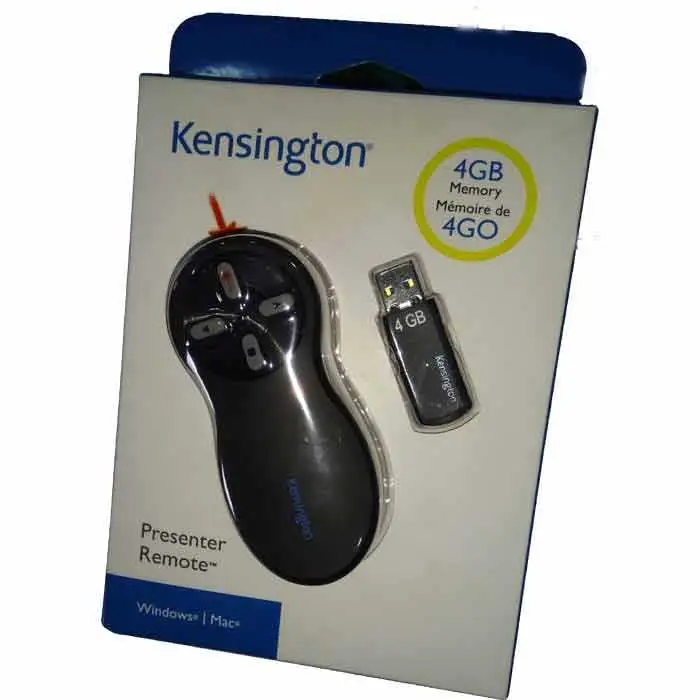
Few presentation tools spark such strong opinions as the Kensington Wireless Presenter with Laser Pointer, with certain models earning praise for intuitive slide control and bright lasers, while others face frustration over reliability. Averaging solid user sentiment in the 7–9/10 range across platforms, the presenter’s appeal lies in its professional-focused design — but its longevity and build quality don’t always match the marketing gloss.
Quick Verdict: Conditional — excellent choice for professionals needing clear laser visibility and simple controls, but think twice if reliability over multiple years is critical.
| Pros | Cons |
|---|---|
| Bright laser visibility (green 10x brighter than red) for large rooms | Reports of early device failures, especially with green laser models |
| Intuitive, ergonomic four-button layout | Loose battery connections reported in multiple units |
| Long wireless range (up to 150 ft on some models) | Limited compatibility with certain devices/software, per user feedback |
| Cursor control joystick option on select models | Requires AAA batteries — no rechargeable option |
| Secure AES 128-bit encryption on some models | Customer support seen as unhelpful in resolving hardware faults |
| Internal receiver storage to avoid loss | Some models have weaker range and battery life than advertised |
Claims vs Reality
The official sales copy touts reliable connections and control “up to 65 feet” for red laser models and “up to 150 feet” for green laser models. Marketing also emphasizes “plug & play” ease and “bright lasers visible on any screen.”
Digging into user reports, the range figures are generally accurate for green laser versions — a Trustpilot reviewer noted using the Kensington Expert Presenter at “100’+ in a hotel ballroom with the light on.” However, others found range underwhelming on certain red laser versions. A report from Provantage noted “limited range of wireless connectivity” and “short battery life” for the K33272WW despite its official 65’ spec.
Marketing’s “bright laser pointer” claim is better upheld for green lasers than red. Multiple users said the 10x brightness claim holds up in large, well-lit rooms. One Newegg customer on the K72426AM stated: “Love the green laser. Gets attention better.” In contrast, red laser users rarely reported visibility issues but acknowledged it’s less striking in bright conditions.
The promise of reliability sees the biggest gap. Kensington highlights long-term performance supported by a 3-year warranty, but recurring testimonies show early malfunctions. A verified Amazon buyer shared, “The laser pointer stopped working after one use… shame on Amazon for not allowing a return.” Others described similar failures within months, undermining Kensington's durability image.
Cross-Platform Consensus
Universally Praised
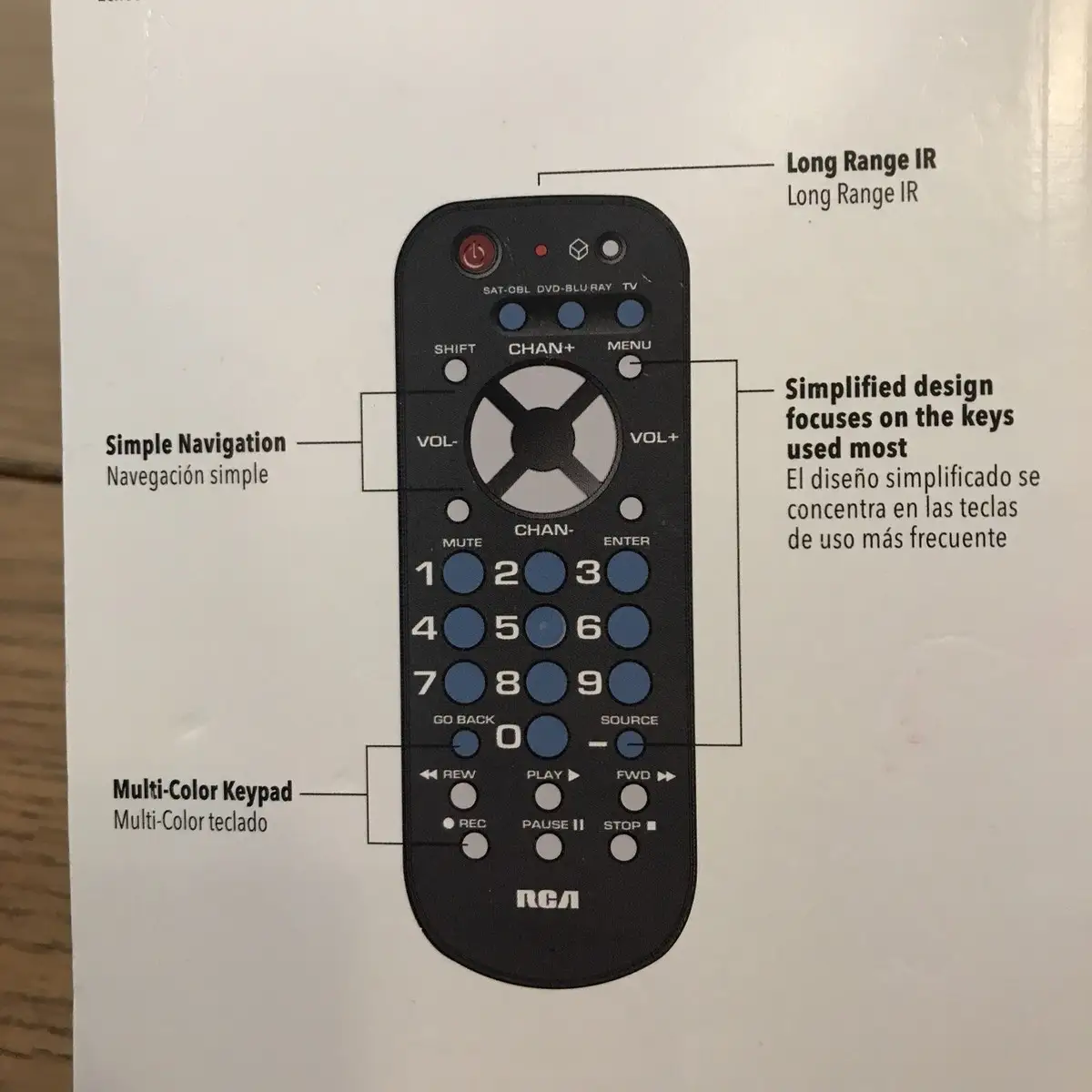
Ease of use forms the most consistent thread of commendation. Users presenting in corporate boardrooms or classrooms appreciate the four-button design. One Amazon reviewer described it as “natural controls — forward, back, hide screen, laser — exactly what you need without overthinking.” Education professionals particularly value this simplicity when switching between slide content and live discussion.
Green laser models stand out for visibility in large venues. A Newegg buyer declared, “Laser is very bright… visible at 100’+,” aligning with claims of 10x brightness over red lasers. For lecturers and keynote speakers using wide projection screens, that visual reach translates into sharper audience engagement.
The cursor control joystick, available on the Expert series, finds a niche among trainers and IT pros. While not as precise as a dedicated mouse, it eliminates the need to walk back to a computer for quick menu selections. Reddit users confirmed that it “works perfectly with Macs and Windows” and “empowers presentations” by letting you navigate software directly from the stage.
Common Complaints
Durability issues emerge as the most frequent grievance. Reports describe green laser models failing in months, particularly due to loose battery connections or outright laser failure. One critical Trustpilot review outlines a frustrating cycle: “Every 5 minutes or less, I have to take the batteries out and put them back in to get it to work.”
Customer support experiences intensify dissatisfaction. Several users were told repair wasn’t possible and replacement required a new purchase. This clashes with expectations created by the 3-year warranty and further erodes brand goodwill for those hit by early defects.
Battery design is another sore point. The need for AAA replacements — without a built-in rechargeable option — frustrates frequent presenters. Though green laser users praise battery life when it’s working (“reduces the need for frequent replacements,” per Provantage), others, especially red laser users, found battery drain higher than expected.
Finally, while compatibility claims cover both Windows and macOS, some encountered software or recognition issues. As Provantage’s AI summary noted, “limited compatibility — may not work with all devices or software.”
Divisive Features
Cursor control is polarizing. Some love it for running demos without switching controllers; others see it as clunky for pointer precision. A top favorable Newegg review called it “useful” in a pinch, while the critical camp felt it “is not real functional as a mouse.”
The form factor — designed for an ergonomic fit — appeals to many, but a few felt the grip was too bulky for small hands. The green laser models’ premium pricing also splits opinion: valued as “a professional-grade tool” by speakers in large spaces, but considered overkill for small-room users happy with red lasers.
Trust & Reliability
On Trustpilot and Newegg, a pattern emerges: the hardware often works flawlessly at first, only to encounter problems within months. These aren’t isolated incidents — one Trustpilot user recounted going through two Expert presenters, the first dying “after a year or so and the second one after a few months.”
The reliability gap doesn’t universally apply across models. Many K33272WW red laser purchasers report years of uninterrupted use. Provantage still scores this variant 9.0/10, highlighting it as “ideal for professionals who give presentations regularly.” The contrast suggests quality variation between model lines rather than a blanket Kensington issue.
The biggest trust erosion comes from support interactions. Stories of “poor phone support” and limited warranty enforcement leave some feeling they have no recourse when failures occur, pushing them toward competitors like Logitech.
Alternatives
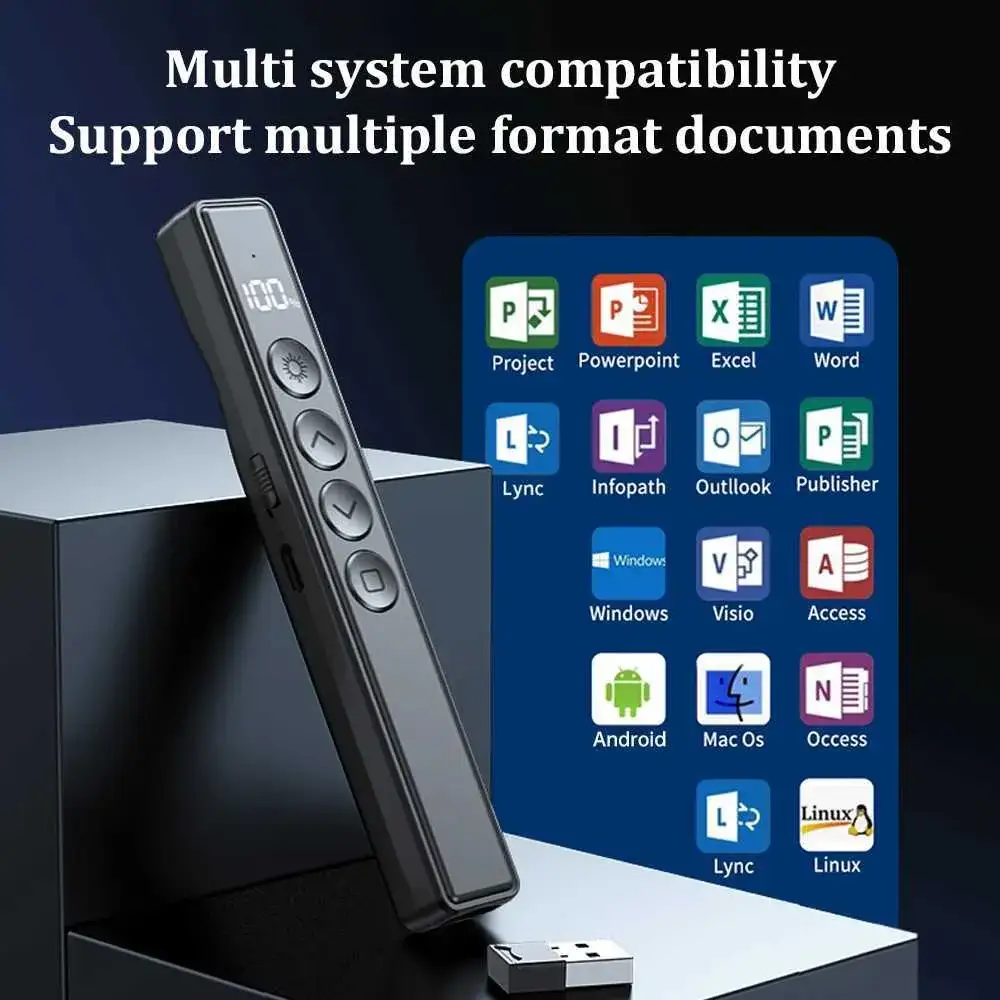
Logitech’s presentation remotes are the most common alternative mentioned by frustrated Kensington owners. One disappointed green laser buyer remarked their next step was to “get the Logitech version of the same product.” Logitech R800 and Spotlight lines dominate used market mentions with generally higher long-term satisfaction, though at times less secure wireless encryption.
The Targus AMP13US appears in resale comparisons, offering similar controls and moderate range at lower prices, but without Kensington’s AES encryption or green laser brightness. Users weighing an Expert model’s $90+ cost may find these alternatives meet small-room needs without overinvestment.
Price & Value
New red laser Kensington presenters like the K33272WW retail around $37.90 on Amazon, with eBay listings ranging from $23–$45 depending on condition. Green laser Expert models remain perched in the $70–$95 range new, occasionally dipping lower on secondary markets.
Resale value for functional units is decent; used green laser models still command $50+, while red laser variants often fetch 50–60% of their retail price if complete with dongle and case. Savvy buyers look to surplus or corporate liquidation sales, where these can appear for under $20.
FAQ
Q: How far can the Kensington Wireless Presenter reach?
A: Red laser models like the K33272WW offer up to 65 feet, while green laser Expert and Pro versions boast up to 150 feet. User tests confirm green lasers reliably hit long distances; red models sometimes vary in range.
Q: Is the green laser really brighter than red?
A: Yes. Multiple users report the green beam remains visible in large, well-lit rooms where red lasers fade. Kensington claims 10x brightness, and user anecdotes back this up.
Q: Does it work with Macs?
A: Compatibility with macOS is generally strong, with reports of smooth Keynote control. A few device compatibility gaps have been noted, especially with older or non-standard setups.
Q: Does it have a rechargeable battery?
A: No. All current models use AAA batteries. Some users praise the impressive life on green lasers, but others prefer rechargeable solutions and see this as a drawback.
Q: What happens if the device stops working under warranty?
A: Experiences vary. Some report easy exchanges, but others cite unhelpful phone support and being advised to purchase a replacement, even within the warranty period.
Final Verdict
Buy if you’re a professional speaker, educator, or trainer who values intuitive controls, bright laser visibility in large rooms, and a comfortable grip, and you can budget for potential replacement after heavy use. Avoid if you need guaranteed multi-year reliability without hiccups, or if small-room use makes an expensive green laser excessive.
Pro tip from the community: If you’re set on a Kensington, keep your purchase receipt and test heavily in the first few weeks — any early failure should be caught while return windows are open.