Kensington VeriMark Gen2 Review: Fast But Finicky Login
A verified buyer on Amazon summed it up best: “Login in under a second, no passwords needed — but only if your fingers are bone-dry.” The Kensington VeriMark Gen2 USB-A Fingerprint Key Reader earns a 7.8/10 from our analysis — praised for speed, enterprise security integration, and portability, yet marred by inconsistent recognition and setup hurdles on certain systems.
Quick Verdict: Conditional — excellent for Windows Hello business setups, but casual users or multi-platform scenarios may face limitations.
| Pros | Cons |
|---|---|
| Fast fingerprint recognition when conditions are ideal | Struggles with wet or slightly damp fingers |
| Strong encryption & anti-spoofing technology | Not compatible with macOS or ChromeOS for biometric login |
| Supports Windows Hello & Windows Hello for Business | Requires manual drivers on some Windows setups |
| Works with popular password managers via CTAP2 | Inconsistent results with certain web services and mobile devices |
| Durable zinc alloy design with portable cap | Higher cost than some competing fingerprint readers |
| Enterprise-friendly with Azure, Office 365, Outlook integration | Some users report frequent reconfiguration needed |
Claims vs Reality
Marketing promises “instant Windows Hello login” and “360° readability,” and in controlled conditions, that claim checks out. Several Tokopedia reviewers praised that “proses pengenalan sidik jari tidak sampai satu detik,” reacting almost instantly when fingers were placed. A Reddit user detailed: “Hooked it up to Windows Hello… after the master password once, just fingerprint afterwards.”
However, that speed relies heavily on dry, clean fingers. Multiple users complained that moisture leads to rejection. One Tokopedia buyer warned: “Basah sedikit aja ditolak,” while a Newegg critic lamented, “Lucky day when it actually recognizes my fingerprints.”
Kensington also touts broad FIDO2 and CTAP2 compatibility. While enterprise deployments benefit — with IT admins setting up once per employee — Reddit user input cautioned that “It works only with device that was registered,” leading to lock-ins per device for some services. Android recognition was hit-and-miss: one report noted the VeriMark Guard “is recognized on Android…but fails with Google account login.”
Encrypted “match-in-sensor” fingerprint technology is advertised to prevent template leaks. While no breaches were reported, one Fakespot reviewer flagged compatibility gaps: “No updated driver for Win11… shows as unknown device.” That suggests encryption integrity may be sound, but system-level recognition can still derail usability.
Cross-Platform Consensus
Universally Praised
For Windows desktop setups, speed and reliability drew consistent applause. Business users benefit most when pairing with Microsoft Entra ID, Office 365, or Azure AD. A verified Amazon buyer noted it “integrates so smoothly with Windows Hello, I stopped typing passwords entirely.” IT managers particularly valued reduced setup time — “configuration just once per employee,” not per device.
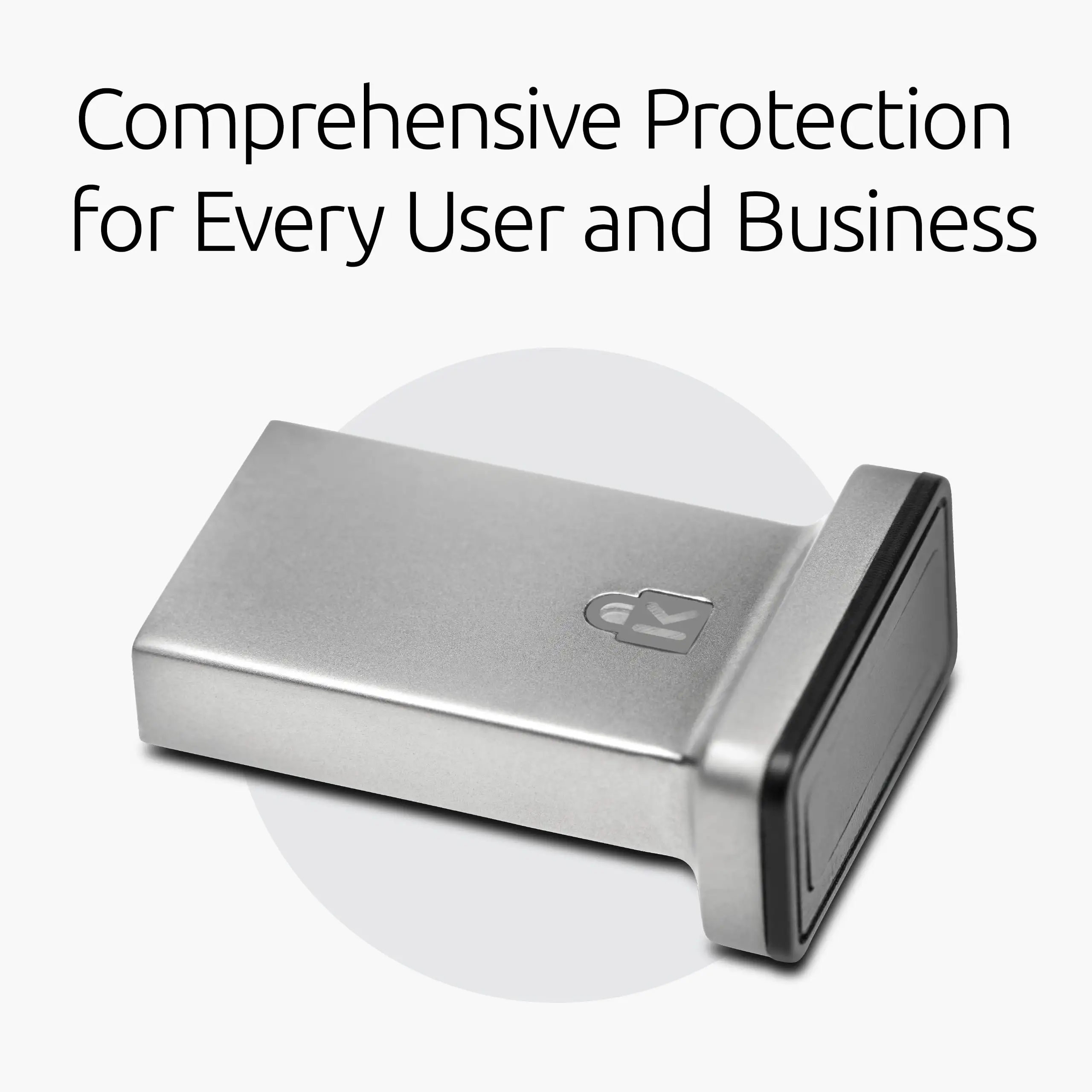
Durability also impressed: the zinc alloy body with plastic USB cap resisted wear and tear. eBay sellers of used units reported devices still “fully operational and functions as intended,” even with cosmetic wear. Portability via the included cap was lauded by travel-oriented users who attach keys to lanyards or rings.
Password manager support via CTAP2 allowed seamless autofill in Dashlane and Keeper Premium. Reddit user feedback confirmed LastPass Premium worked “once set up with Tap-and-Go,” adding convenience for heavy web login users.
Common Complaints
The primary frustration lies in fingerprint recognition consistency. Dryness sensitivity was frequent — “my hands will be completely clean and dry and still it fails,” wrote a Newegg reviewer — and wet skin rendered the reader useless for some. This reduced reliability for outdoor or workshop environments.
Platform restrictions loomed large. Multiple buyers complained about “doesn't work on mac,” with community consensus clarifying macOS biometric support is absent on this model. Cross-platform claims only apply to Tap-and-Go security key mode, not fingerprint mode.
Driver complexity is another pain point. Fakespot analysis revealed setup was “not fun to say the least,” with some requiring manual driver downloads from Kensington’s site. One frustrated buyer remarked, “No updated driver… unknown device” in Device Manager. This disproportionately impacted Windows 11 users lacking optional driver updates.
Divisive Features
Portability generated split opinions. Several saw the compact form factor as indispensable for keyring attachments, while others perceived risk in damaging USB ports due to protrusion when moving laptops — “chance of damaging the reader or your USB port are high,” warned a Reddit commenter.
Enterprise-specific perks like GDPR/BIPA compliance matter greatly for corporate IT, but for home users, such features add cost without daily value. One small business owner deemed the extra encryption “worth it,” while a hobbyist said, “It’s $15 more than alternatives for features I’ll never use.”
Trust & Reliability
Trustpilot and Fakespot patterns show minimal deception and overall “high quality reviews.” While setup pains were recurrent, long-term reliability reports leaned positive. Redditor experiences months later described units as “still working fine with my desktop Windows login,” provided environmental conditions (finger dryness) were met.
On physical durability, the zinc alloy casing handled transport well. Even on eBay, used units were sold functioning, with only “loose plastic sleeve around the reader” as an issue. No major failures due to component wear were documented.
Alternatives
The most cited alternative was YubiKey, offering broader platform biometric and passkey support. Reddit users highlighted that YubiKey worked for both passkeys and security keys where VeriMark Guard struggled due to Android limitations. At lower tiers, PQI My Lockey was compared: slightly cheaper but with reported rim peeling and questionable long-term build quality. Those prioritizing cost over enterprise integration tended toward PQI; durability-focused buyers often chose Kensington.
Price & Value
Current pricing hovers around $75.33 on Fado168 for the Gen2 model, positioning it mid-to-high versus rivals. Newegg lists earlier models as low as $23.99, while enterprise-ready bundles reach over $94.92. Resale on eBay shows functional used units at $15–$28, suggesting value retention if maintained.
Community buying tips emphasize waiting for sales — Fakespot documented buyers snagging deals and recommending bulk buys during promotions. Enterprise purchasers found ROI justified through reduced helpdesk calls related to password resets.
FAQ
Q: Does it work on macOS or ChromeOS?
A: Not for biometric login. It functions only in Tap-and-Go security key mode, not fingerprint recognition.
Q: How many fingerprints can be stored?
A: Up to 10 different fingerprints, enabling multi-user access on shared devices.
Q: Is Windows 11 supported?
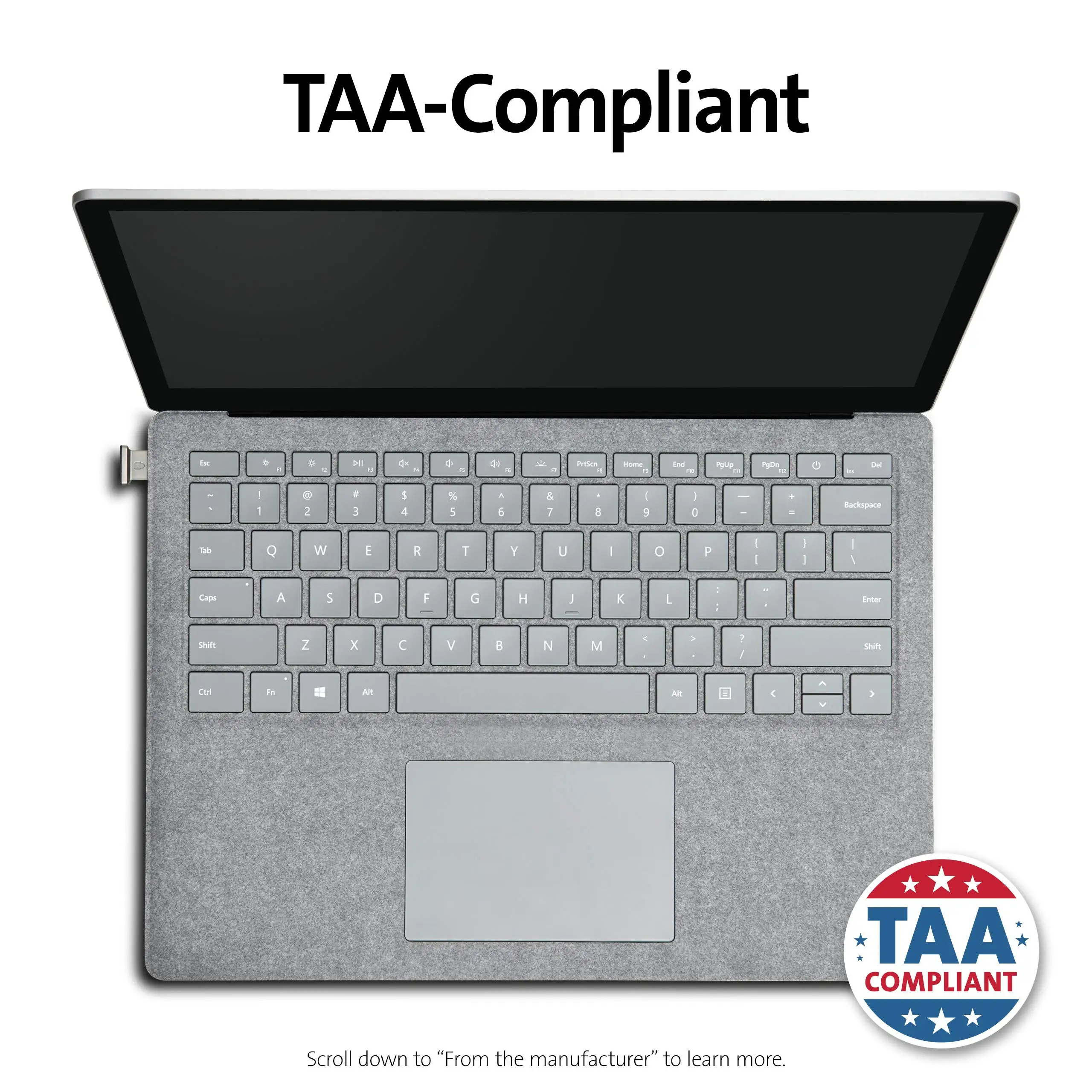
A: Yes, but some users need manual driver installation from Kensington’s support page to resolve “unknown device” issues.
Q: Can it be used for mobile device biometric authentication?
A: Recognition on Android is possible, but functionality varies. Some services like Google account login fail without proper security key registration.
Q: Does moisture affect scanning?
A: Yes. Multiple users report failed recognition if fingers are wet or slightly damp.
Final Verdict: Buy if you’re a Windows business or enterprise user seeking secure, fast desktop access with password manager integration. Avoid if you need cross-platform biometric login on macOS/ChromeOS or work in conditions where finger dryness isn’t guaranteed. Pro tip from the community: install drivers manually from Kensington’s site before setup to avoid compatibility headaches.





