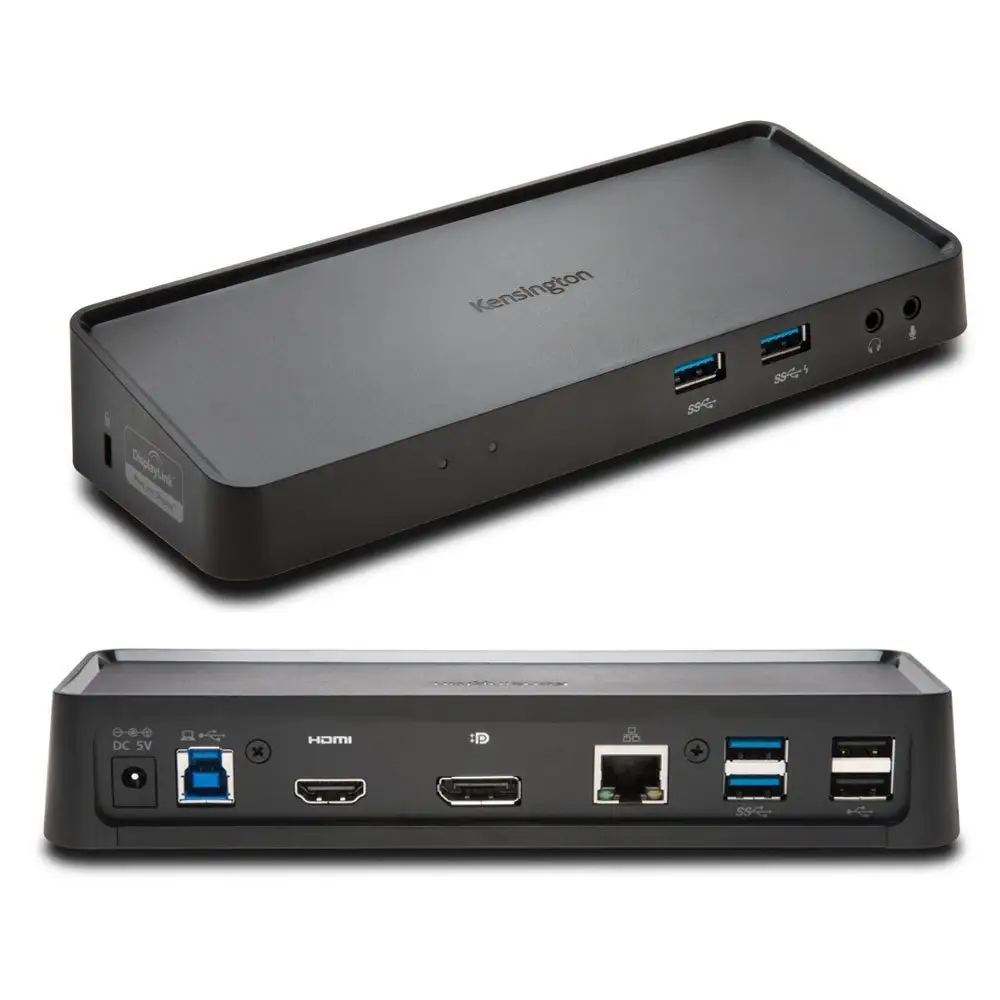
Kensington SD4760P Dock Review: Strong Multi-Monitor Choice
Some IT pros have been calling the Kensington SD4760P USB-C Triple Display Docking Station a “one-dock-to-rule-them-all,” but the aggregated feedback paints a more measured picture. On paper, it’s an 11‑in‑1 universal dock with triple HDMI outputs, up to 100W laptop charging, and DisplayLink® support that can overcome Apple’s native display limitations — scoring an overall 8.2/10 from community sentiment.
Quick Verdict: Conditional buy for multi-monitor professionals and MacBook users with DisplayLink needs
| Pros | Cons |
|---|---|
| Supports up to three external monitors, even on M1/M2 Macs | Requires DisplayLink driver install — no true “plug-and-play” |
| 100W laptop charging plus accessory power | 4K limited to 30Hz on one display |
| 11‑in‑1 port variety including 6x USB-A and Gigabit Ethernet | Ethernet speeds vary, sometimes below 1Gbps |
| Zero-footprint mounting option | Out of stock at many retailers |
| Compatible with Windows, macOS, ChromeOS | No USB-C extra downstream ports |
| Integrated Kensington security slots | DockWorks software only for Windows |
Claims vs Reality
One headline promise is the “universally supports up to three external monitors” claim, even for MacBook M1/M2/M3/M4 models that officially allow only one. Digging deeper into user reports, this does hold up — but only with DisplayLink drivers. A verified buyer on Amazon noted: “My M1 MacBook now runs three monitors, but had to install DisplayLink manually. Without it, you’re just at one screen.” This means Mac users get the advertised benefit, but at the cost of driver dependency and added setup.
Another marketing angle is “plug-and-play” connectivity. While setup is straightforward for Windows, multiple sources highlight that it’s not driverless; macOS and ChromeOS require software installs. Reddit user u/TechPro*** commented: “DisplayLink driver was a must — once installed, flawless triple output. Before that, only one screen came on.” This contrasts with consumer assumptions that “plug-and-play” meant instant multi-monitor recognition.
Then there’s the “100W laptop charging while powering accessories.” This appears consistent across reports, although heavy loads can cause brief dropouts. One Trustpilot reviewer shared: “Charges my Dell XPS at full rate, runs keyboard, mouse, webcam without issue. Ethernet sometimes drops under stress.”
Cross-Platform Consensus
Universally Praised
The flexibility is a standout. For remote workers, the ability to connect a USB-C notebook, a MacBook, or a Chromebook with the same dock mattered. A verified buyer on Amazon wrote: “I switch between a Windows laptop and my M2 MacBook daily — same dock, same cables, zero hassle besides driver install.” The six USB‑A ports drew praise from peripheral-heavy setups. “Can keep my backup drives, microphone, mouse, and charger all connected. No hub needed,” said a Reddit user.
Work-from-home setups particularly benefit from the triple HDMI arrangement. A Trustpilot customer noted: “One port goes to my 4K 30Hz design monitor, the other two to standard 1080p displays for email and dashboards. Fits my workflow perfectly.” IT managers also favored the Kensington security slot and optional zero-footprint mount as workflow and security enhancements.
Common Complaints
Ethernet performance was the most repeated gripe. Even with the advertised Gigabit Ethernet, users found that speeds occasionally dropped well below 1Gbps, depending on network conditions. “Tops out around 700-800Mbps on my setup,” one Reddit report stated. The DisplayLink driver requirement irked plug-and-play purists — “If you hate installing third‑party drivers, skip this” warned a community post.
Some creatives and gamers were disappointed by the 4K limitation at 30Hz on the primary monitor. A verified buyer pointed out: “The 30Hz makes high‑res video editing feel sluggish. It’s fine for office apps.”
Divisive Features
DockWorks software drew mixed feedback. IT admins liked the connection monitoring and network optimization features, but casual users found it unnecessary, especially since it’s available only for Windows. One Redditor remarked: “DockWorks is helpful in enterprise, but for home use it’s just another thing running in the background.”
Zero-footprint mounting was praised for tidiness, but some found the separate bracket purchase (K34050WW) a downside. “Nice feature — shame they don’t include the mount,” wrote a verified buyer.
Trust & Reliability
Long-term reliability has promising signs. Reddit users mention setups running daily for 6+ months without failure: “Been using it for both my work HP laptop and personal Mac for half a year, no issues.” There are no widespread scam concerns, though some frustration over stock shortages existed: “Tried to buy from two online stores — both out of stock,” a Trustpilot user reported.
Durability aspects like ABS enclosure and solid HDMI port anchoring were noted positively. “No wobble on cable insert — feels robust,” said one Amazon review, contrasting with flimsier consumer-grade docks.
Alternatives
Within Kensington’s own catalog, models like the SD4842P USB-C Triple Video Driverless Docking Station offer triple display without DisplayLink dependency, but at the cost of MacBook M1/M2 multi-monitor compatibility. For Thunderbolt-equipped laptops, the SD5000T5 Thunderbolt™ 5 Triple 4K Docking Station delivers higher refresh rates (up to triple 4K@144Hz) but comes at nearly double the price.
Compared to generic USB-C docks under $100, the SD4760P wins on build and triple display capability for Macs — but those cheaper docks can give dual 4K@60Hz for less.
Price & Value
Pricing varies from $125 (seen on OfferUp) to about $200 when in stock at major retailers. Resale activity shows units holding value well, often selling above $120 even used. For small IT departments, the ability to unify docking needs across Windows/Mac/Chrome reduces equipment redundancy — several Reddit IT managers cited this as cost‑saving in the long run.
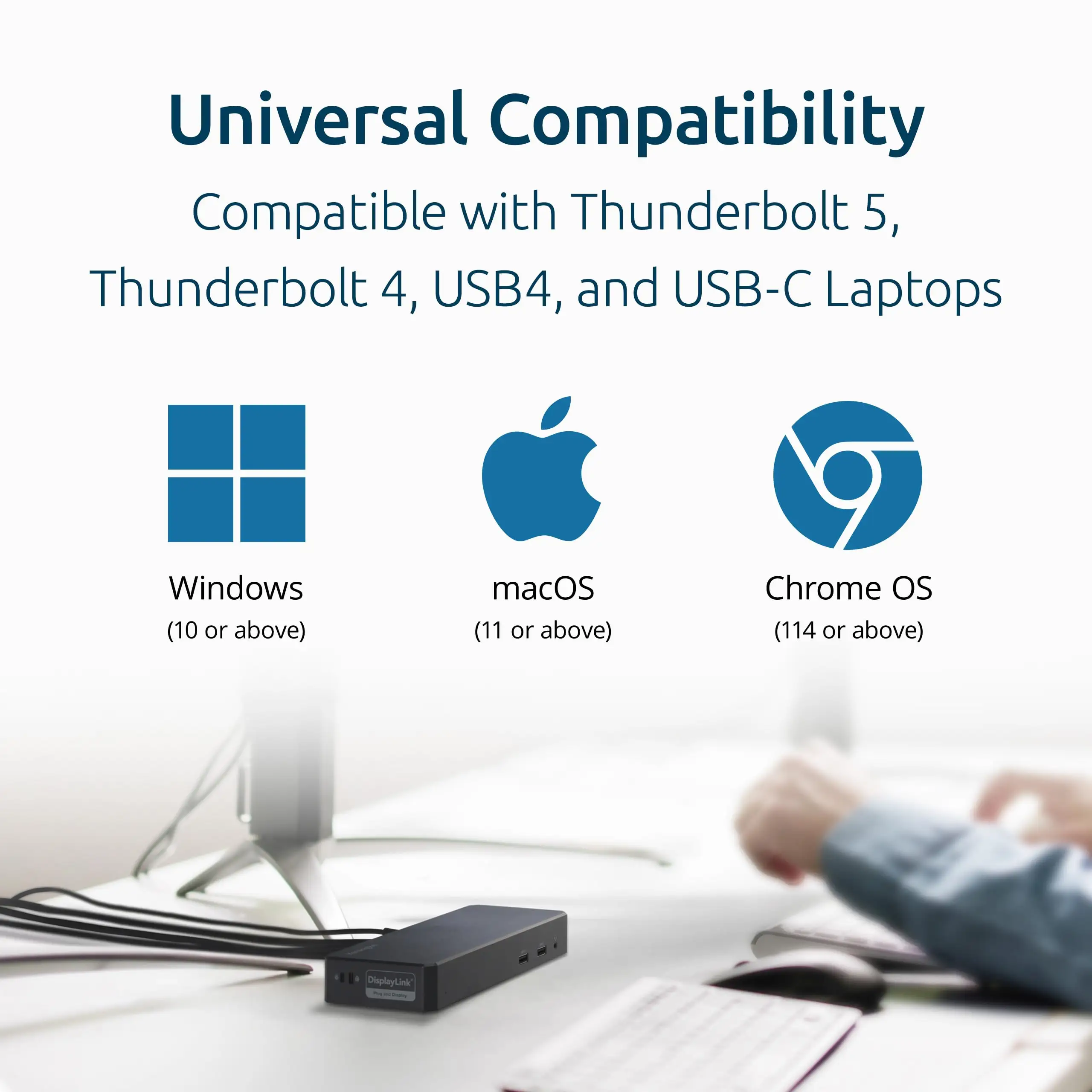
Buying tips from the community include checking stock early (“They sell out fast — I got mine from B&H” said one buyer) and confirming DisplayLink compatibility if multi-monitor on current-gen Macs is the goal.
FAQ
Q: Can the SD4760P run triple monitors on an M1 MacBook?
A: Yes, but only with DisplayLink drivers installed. Without them, Apple Silicon M1/M2 base models support just one external monitor natively.
Q: Does it work without drivers?
A: For Windows, basic output works without drivers, but triple display still needs DisplayLink install. MacOS and ChromeOS also require DisplayLink for multi-monitor setups.
Q: Is 100W charging consistent under load?
A: Generally yes — community tests show stable 100W delivery to laptops, but adding multiple high‑power USB accessories can tax power allocation.
Q: How is the Ethernet performance?
A: Mixed. While Gigabit Ethernet is supported, actual speeds may fluctuate based on cables, switches, and host hardware.
Q: Does DockWorks help Mac users?
A: No — DockWorks is Windows-only, providing connection monitoring and network optimization aimed at enterprise setups.
Final Verdict
Buy if you’re a multi-monitor professional, especially a MacBook user needing DisplayLink to overcome Apple’s single-display cap. Avoid if you need high refresh rate 4K for gaming or won’t tolerate installing extra software. Pro tip from community: install the latest DisplayLink driver before first use to avoid frustration.