JLab JBuds Vertical Mouse Review: Comfort vs Connectivity
A Reddit user described the JLab JBuds Ergonomic Vertical Mouse as the “best ergonomic mouse I have used in years,” giving it top marks for wrist pain relief. With a community average of 4.3/5 stars across multiple platforms and strong praise for comfort, this $39.99 vertical mouse earns a solid 8.5/10 verdict for everyday work and home use—although persistent Bluetooth quirks and scroll wheel fragility keep it from perfection.
Quick Verdict: Conditional — Excellent for ergonomic comfort and value, but software and connectivity limitations require compromises.
| Pros | Cons |
|---|---|
| Dramatic wrist pain relief for many users | Bluetooth disconnects for some |
| Affordable compared to Logitech MX Vertical | Scroll wheel durability issues |
| Long battery life (over 4 months, per spec) | Customization app only works with USB dongle |
| Silent clicks suit quiet environments | Plastic feels cheap to some buyers |
| Easy switch between 3 devices | Top button on Mac not remappable |
| Lightweight and comfortable | Occasional sluggish wake from idle |
| Strong ergonomic design (natural handshake) | Sensitive “home” button easy to hit accidentally |
Claims vs Reality
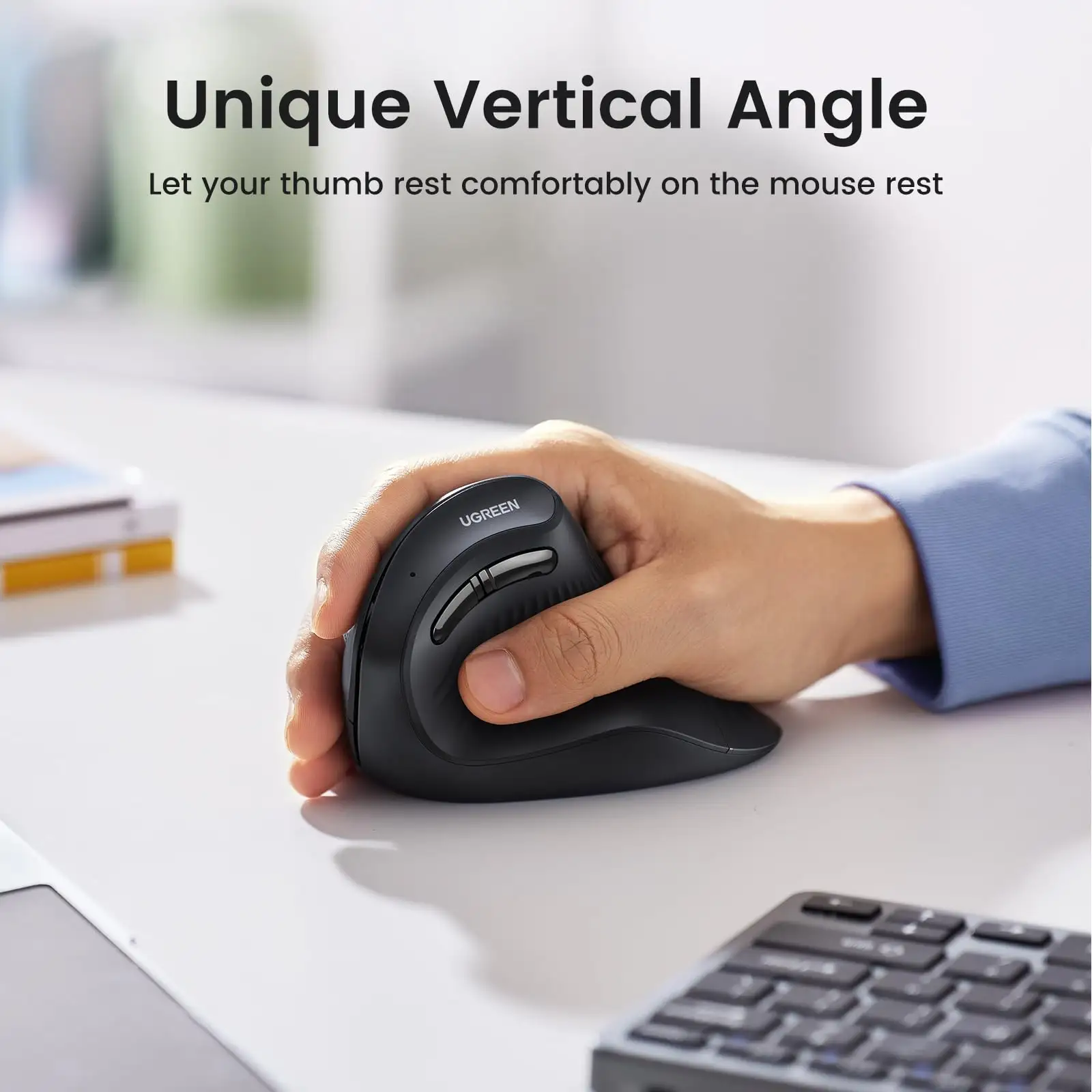
One of JLab’s headline promises is a natural handshake position to reduce wrist strain, pitched as resting at a comfortable 52° angle. Marketing calls this “blissful comfort,” but buyers back up the claim with specifics: A verified Best Buy customer said, “I got this because my wrist was killing me… I’ll never go back as this mouse completely solved the painful use before.” Multiple Amazon reviewers echoed relief after “8 hours of use” without pain.
Another selling point is multi-device switching between up to 3 saved devices via Bluetooth 5.2 or 2.4GHz USB dongle. Specs call this effortless, yet reality shows mixed results. One Reddit report complained the mouse “will not auto connect after pairing… have to re-pair to Bluetooth every time I shutdown and reboot.” Amazon users also noted hourly disconnects unless they switched to USB dongle.
For silent clicks and customizable buttons via JLab Work App, friction arose when the brand’s own software ignored Bluetooth connections. “The customization app only works if you use the included USB dongle,” one frustrated Best Buy buyer confirmed. In addition, Mac users found some buttons not remappable, with one Amazon customer calling the hardcoded Cmd+D shortcut “disappointing… laggy, disconnects, cheap feeling.”
Cross-Platform Consensus
Universally Praised
Comfort is the product’s strongest card. Across Reddit, Amazon, and Best Buy, wrist pain relief dominates. One Best Buy customer summed it up: “From now on, no conventional mouse any more,” while another added, “My wrist is thankful I got it!” For those with carpal tunnel, the vertical position and shape are transformative—Amazon users reported being able to “work 12 hours daily” without discomfort, and some bought two units for work and home setups.
Affordability and value came second in praise. Buyers consistently compared it favorably to the Logitech MX Vertical, noting it was “much more comfortable than Logitech’s offering for a much better price” and “best bang for your buck, compared to the other ergonomic mouse that is twice as much.”
Battery performance also garnered satisfaction. Official specs tout “4+ months battery life,” and while real-world feedback varies, many reported “very long time without a charge” and “pretty efficient… like Logitech ones.”
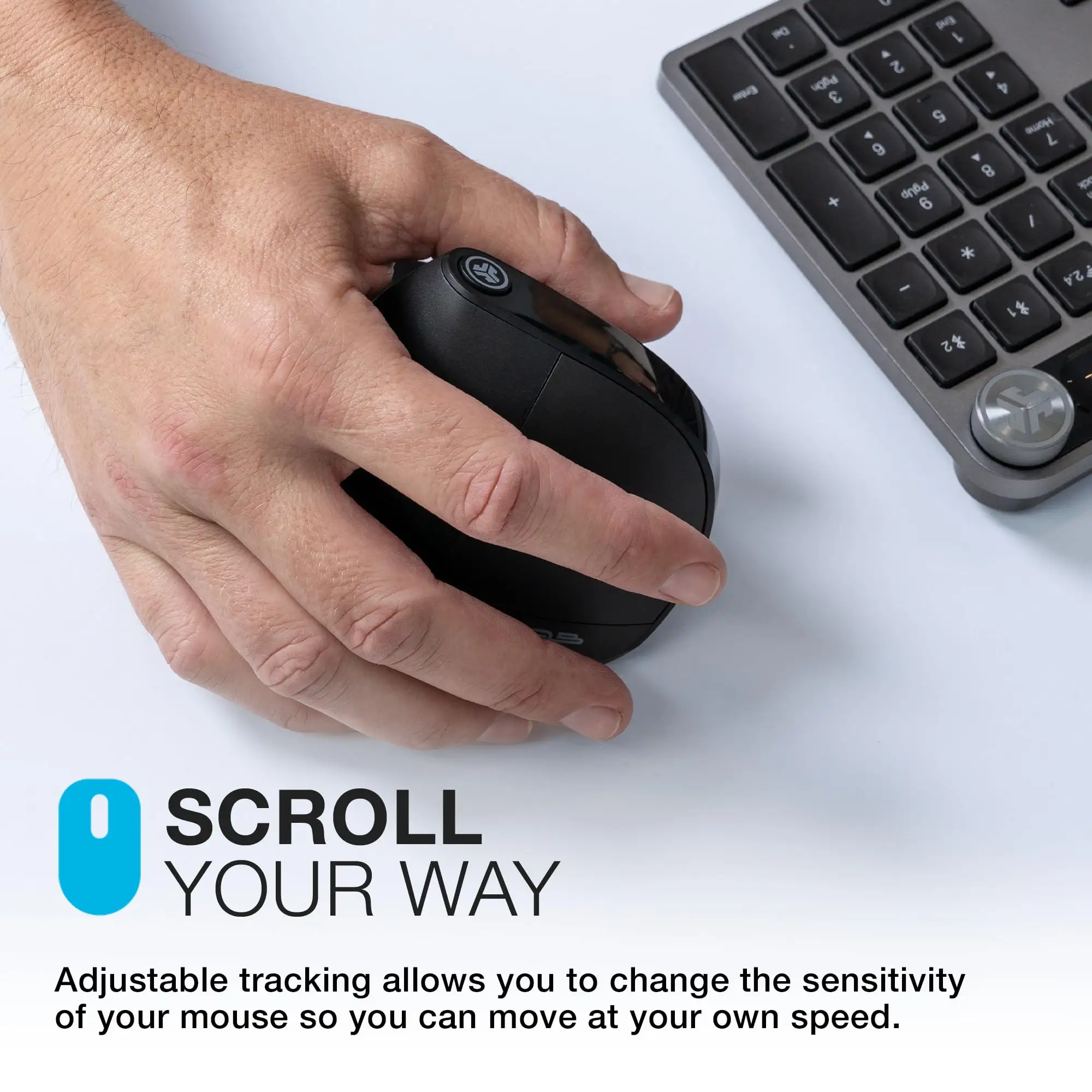
Silent operation was well appreciated by those in shared spaces. “Doesn't have an annoying click—perfect for me,” wrote one Amazon reviewer, especially valuable for remote workers in cafés or during Zoom-heavy days.
Common Complaints
Connectivity is the recurring frustration. Bluetooth instability appears in multiple reports, creating interruptions for Mac and PC users alike. “Bluetooth will not stay connected… doesn’t work very well,” admitted an Amazon buyer, relegating them to the USB dongle. For multi-device workflow enthusiasts, this undercuts the core selling point.
Scroll wheel quality is questioned by several buyers. Best Buy reviewers cited it feeling “sluggish and fragile,” while one reported total scroll wheel failure after six months of use. This durability gap is particularly problematic for users in spreadsheet-heavy or design tasks.
Customization limitations impact advanced users. The JLab Work App’s inability to recognize the mouse over Bluetooth disappointed those who “streamline tasks like cutting and pasting.” Mac-specific complaints about non-remappable buttons intensify the divide.
Build feel also emerged as a concern. While light weight is a plus in mobility terms, some buyers warned it “may not survive lots of drops” and that “plastic feels cheap to the touch.”
Divisive Features
The shape’s ergonomics are mostly loved, but some buyers cannot adjust. One Best Buy customer returned it after finding “could not adjust to the feel,” despite liking the concept. Size perception also varies—Amazon reports call it “bulky” compared to other vertical mice, while others find midsize proportions perfect.
Wake-from-idle lag divides opinions. Some shrug off the extra second; others call it disruptive. Feature sensitivity, like the “very sensitive home button” on top, is minor for some but a daily annoyance for others.
Trust & Reliability
Looking at long-term durability, there’s no widespread call of scam concerns—JLab maintains a 2-year warranty. However, performance after six months shows cracks. Scroll wheel malfunction is the main repeat failure, and connectivity problems persisting from day one often remain unresolved by firmware or app updates.
Trustpilot-type sentiments (via Best Buy and Amazon) show disappointment when advertised features fail due to software limits. While “gutting” for the brand, they acknowledge customer service responses asking users to reach out for fixes. This suggests willingness to support, but not always swift resolution.
Alternatives
The natural comparison is the Logitech MX Vertical, mentioned several times by buyers. While Logitech leads in build quality and flawless connectivity, its high price makes JLab’s $39.99 offering compelling for budget-conscious ergonomic seekers. One Reddit user framed it clearly: “Best bang for your buck… twice as much for Logitech.”
Other vertical mice like the Delux M618 or Evoluent VM4RB have steeper angles and RGB or OLED features, but eBay resale trends show higher prices and niche adoption. JLab sits as an accessible middle ground with decent ergonomic chops without premium cost.
Price & Value
At $39.99 retail (frequent sale at $27.99), community consensus says the comfort alone matches or exceeds pricier rivals. eBay resale suggests modest value retention—open-box listings hover around $34.99, while used units drop near $20. This supports buying new unless steep discounts appear.
Tip from seasoned buyers: “Pair any JBuds mouse or keyboard to one dongle” for cleaner setups—handy for cutting costs and USB port usage.
FAQ
Q: Can the JLab JBuds Ergonomic Mouse switch between multiple devices quickly?
A: Yes, up to three, using Bluetooth 5.2 or the 2.4GHz dongle. However, some users report Bluetooth disconnect issues, making the dongle more reliable for daily switching.
Q: Is the JLab Work App customization available via Bluetooth?
A: No. Users found the app only detects the mouse over USB dongle. Bluetooth users cannot program buttons, which limits productivity setups.
Q: How does the ergonomic angle feel compared to other vertical mice?
A: Most find the 52° handshake angle comfortable, reducing wrist strain immediately. A few found it bulky or struggled to adapt compared to slim vertical models.
Q: Does it work for Mac users?
A: Yes, but one top button is hardcoded to Cmd+D and not remappable, frustrating for those wanting Mac-specific shortcuts.
Q: How long does the battery actually last?
A: Specs claim 4+ months, and multiple users report going “a very long time without a charge,” often comparable to premium models.
Final Verdict: Buy if you’re a work-from-home professional or office user seeking affordable wrist pain relief and quiet clicks, and you’re okay using the USB dongle for best performance. Avoid if you require flawless Bluetooth stability or heavy customization without cables. Pro tip from the community: Get two—one for home and one for work—so you never go back to a conventional mouse.





