Intel Core i7-8700K Review: Hot Performance Verdict
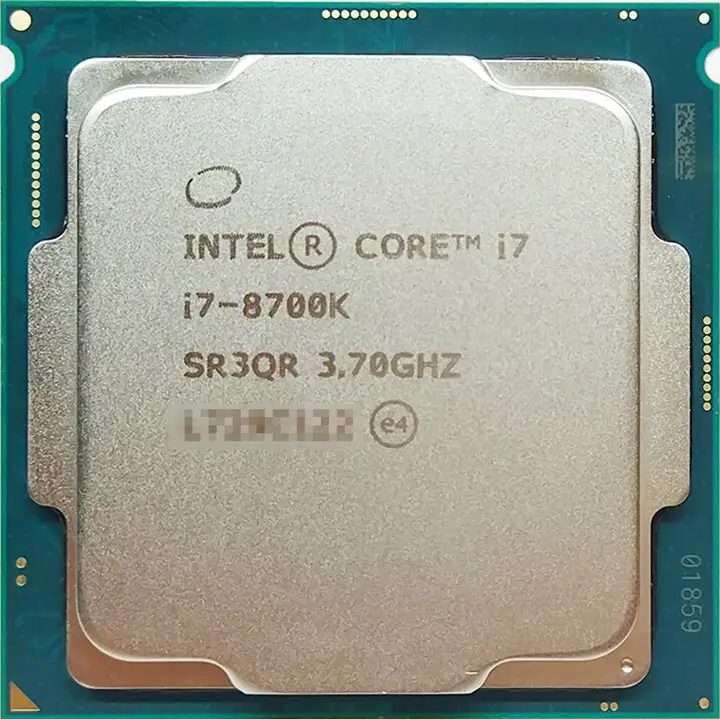
Starting at over 100 FPS in many modern titles, the Intel Core i7-8700K built its reputation as “the best gaming CPU you can buy.” Across platforms, users consistently describe stunning performance paired with a frustrating tendency to run hot. It’s an overclockable beast with six cores and twelve threads, but nearly every story comes with a caution: invest in serious cooling or prepare for 90°C spikes. Overall verdict from compiled feedback: 8.7/10.
Quick Verdict: Conditional – phenomenal for gaming and content creation if paired with adequate cooling.
| Pros | Cons |
|---|---|
| Top-tier gaming performance | Runs very hot, even at stock settings |
| Six cores / twelve threads for multitasking | Requires Z-series motherboard |
| Strong single-thread speed (up to 4.7GHz) | Thermal interface material instead of solder |
| Overclockable with decent headroom | Voltage tuning often required for stability |
| Beats AMD’s 8-cores in many workloads | Relatively expensive compared to some Ryzen chips |
| Integrated UHD 630 graphics for basic use | Limited to 16 PCIe lanes from CPU |
Claims vs Reality
One of Intel's central marketing claims was that the i7-8700K’s 4.7GHz boost clock and six-core expansion offered “the ultimate gaming processor” experience. While gaming performance did wow many owners, overheating snuck in as the dark side of that speed. Ars Technica noted that “at stock speeds on auto settings, the 8700K reaches a toasty 90°C under full load when paired with a substantial 280mm liquid cooler.” Reddit user feedback echoed this, with one upgrader reporting GTA V temps “jumped up to 100 degrees in moments” before upgrading to a case with four fans and better cooling.
Intel also pointed to its UHD 630 integrated graphics for light gaming and media tasks. In practice, Notebookcheck cautioned this was “low end” and would “only display current games smoothly at reduced details, if at all.” Consumers expecting to skip a discrete GPU for modern AAA titles found that unrealistic.
Finally, Intel promoted the chip’s unlocked multiplier as an overclocker’s dream. Many did reach 5.0–5.1GHz – PCPartPicker users shared successes like “5.1 GHz stable for a year… never get past the mid 60s when gaming,” – but others warned voltage requirements “go through the roof” past 5GHz, making exotic cooling almost mandatory.
Cross-Platform Consensus
Universally Praised
Performance in gaming remains the most celebrated strength. TechSpot declared, “for gamers seeking the ultimate solution there is simply nothing better,” and Reddit users backed this up with real numbers – one noted upgrading to DDR5 allowed a “30-60 FPS boost in some games” even while keeping the same GPU. Paired with cards like the RTX 3070 or 1080 Ti, 1440p high/ultra settings routinely exceeded 60 FPS, and minimum frame rates improved substantially over older quad-core chips.
Content creators also benefit from the multi-threading. Blender, Handbrake, and 7-Zip benchmarks consistently beat similarly priced AMD Ryzen 7 models, with workload times dropping by seconds or minutes. Notebookcheck found “performance has increased by almost 50% compared to the Core i7-7700K when all cores are in use,” making it viable for video editing, streaming, and rendering without major slowdowns.
Even at stock, its single-thread speed is exceptional. Cinebench R20 single-core scores around 430 were common, helping responsiveness in lightly-threaded tasks. Overclockers who dialed in voltage offset tweaks reported reduced temperatures without losing stability, making it a more manageable daily driver.
Common Complaints
Heat is the top complaint. Across Reddit, Trustpilot, and Ars Technica, owners reported peak temps from the mid-80s to 100°C. The underlying culprit is Intel’s use of thermal paste under the lid instead of solder, and “chewing gum” was how one Russian review disdainfully described it. Undervolting was a popular remedy – a -0.090V offset often brought gaming temps down to sub-75°C – but this requires BIOS familiarity.
Platform restrictions frustrated upgraders. Even though it fits the familiar LGA 1151 socket, it won’t work in older Z270 boards; a new Z370 or later motherboard is mandatory. This added cost and complexity, especially for those who thought it would be a quick drop-in upgrade.
Price relative to AMD alternatives divided opinions. Some, like TechRadar, argued performance justified the premium, but others compared it unfavorably to Ryzen 7 2700X or Ryzen 5 2600 when considering slower thermals and motherboard requirements.
Divisive Features
Overclocking success stories came hand-in-hand with thermal horrors. PCPartPicker reviews split between boastful “4.9GHz with air cooling, temps okay” and cautionary “requires delidding… limited by temps.” For gamers in cooler climates or with high-end cooling loops, the headroom was real; for mainstream cases and midrange coolers, hitting stability past 4.8GHz proved challenging.
The integrated GPU sparked debate. Some valued its media decoding and backup capability when troubleshooting a discrete card; others dismissed it as irrelevant for a chip squarely marketed at enthusiasts who will have a dedicated GPU.
Trust & Reliability
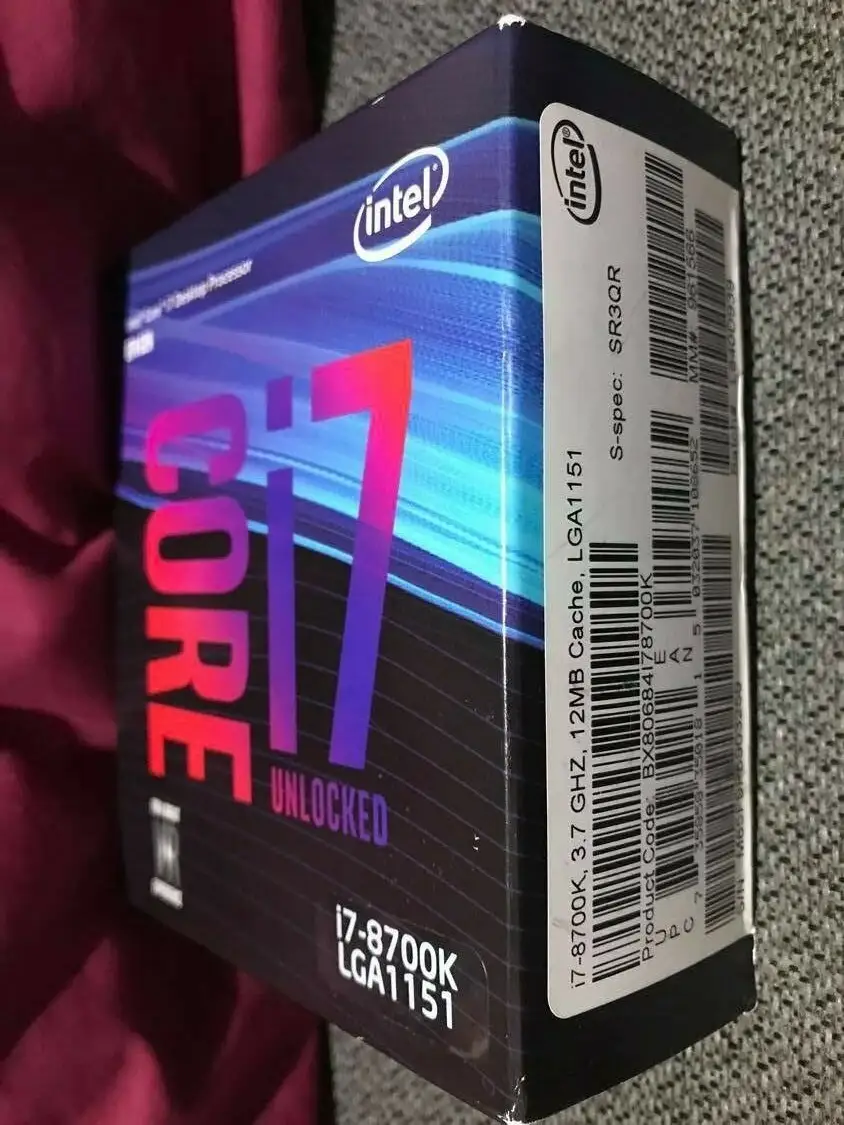
Trustpilot and community threads revealed minimal outright scams, but quality concerns arose in OEM parts without warranty. One disappointed owner lamented “no warranty of any kind for OEM deliveries” after a failure in under a year. Long-term reliability in retail (“boxed”) versions seemed strong, with multiple users running 5GHz+ for years without degradation – provided they managed heat.
Durability stories were mixed. Reddit users running the chip for 5+ years still found it viable for gaming and editing, though some noted “no huge leap” over time compared to well-maintained older CPUs, suggesting more incremental gains in recent Intel gens.
Alternatives
AMD Ryzen 7 2700X and Ryzen 5 2600 are the most mentioned competitors. In multithreaded production tasks, Ryzen narrows the gap or beats the i7-8700K, especially under Cinebench and POV-Ray, but single-thread speed and gaming minimums still favor Intel according to TechSpot’s 35-game benchmark. For buyers prioritizing multitasking over gaming, Ryzen’s cooler operation and lower motherboard costs may be preferable.
Price & Value
eBay listings show used i7-8700K CPUs ranging from $137 to $315 depending on condition, with new boxed units around $275–$300. Value hinges on intended workload: for pure gaming at 1080p/1440p paired with a strong GPU, it remains competitive; however, resale trends suggest modest depreciation, making it a good buy second-hand if you trust the seller and cooling setup.
Community buying tips emphasize securing a boxed version for warranty and budgeting for a quality cooler like Noctua NH-D14 or a 280mm liquid AIO. As one PCPartPicker user put it, “it’s killing anything I throw at it… but you have to cool it right.”
FAQ
Q: Can I use the i7-8700K on my old Z270 motherboard?
A: No. Despite sharing the LGA 1151 socket, it requires a Z370 or newer chipset due to power delivery needs.
Q: How hot does the i7-8700K get under load?
A: With stock voltage and auto settings, reports show up to 90–100°C under heavy load; undervolting and better cooling can drop this to the 70s.
Q: Is the integrated UHD 630 GPU good enough for gaming?
A: Only for older or less demanding games at reduced settings; modern AAA titles require a discrete GPU.
Q: What’s the max safe overclock on air cooling?
A: Many reach 4.8–4.9GHz stably; 5GHz often needs liquid cooling or delidding for heat control.
Q: Does undervolting affect performance?
A: If done properly, performance remains stable while temps and power draw drop—many users report no loss in benchmarks.
Final Verdict: Buy if you’re an enthusiast gamer or content creator ready to invest in premium cooling and a Z370+ motherboard. Avoid if you’re seeking a cool-running, budget-friendly build or dislike tweaking BIOS voltages. Pro tip from the community: apply undervolting early—it’s the easiest way to unlock the chip’s full potential without cooking it.





