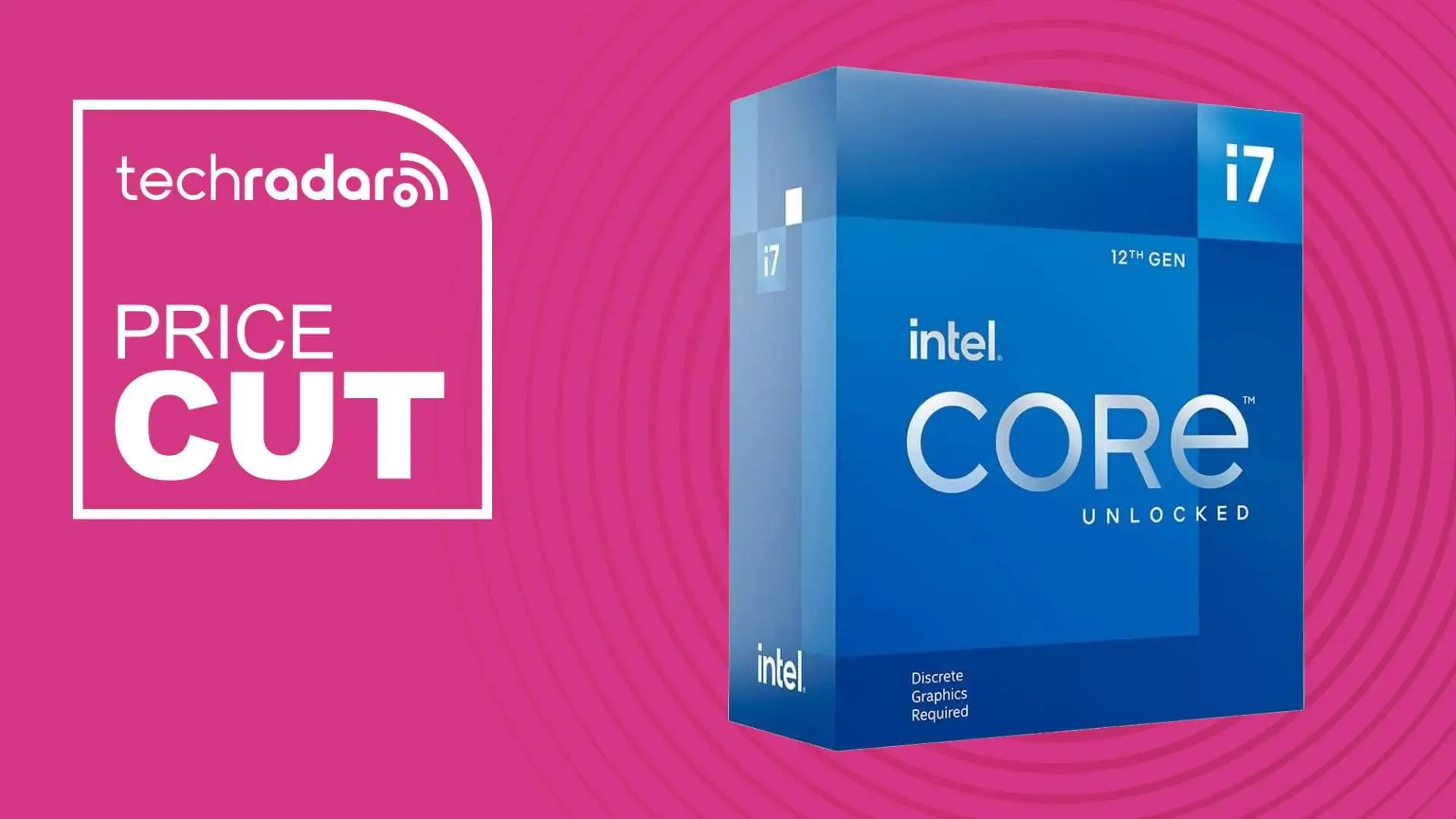
Intel Core i7-12700K Review: Near-Flagship Value Verdict
Digging into cross-platform reports, the Intel Core i7-12700K consistently emerges as a high-performance processor that delivers near-flagship gaming capabilities at a far more forgiving price point. Across Reddit, PCPartPicker, Tom’s Hardware, and TechPowerUp, users rate it between 9 and 9.5 out of 10 for its balance of speed, efficiency, and cost. Its hybrid architecture—eight performance cores and four efficiency cores—has impressed gamers, content creators, and multitaskers alike. Yet, some long-term users point to quirks in thread scheduling and occasional micro-stuttering, making it a conditional buy for those sensitive to such issues.
Quick Verdict: Yes, especially for gamers and prosumers willing to pair it with DDR5 or high-speed DDR4, but caution for ultra-latency-sensitive users.
| Pros | Cons |
|---|---|
| Near Core i9-12900K gaming performance at lower cost | Occasional thread scheduling quirks under Windows 10 |
| Strong single- and multi-thread performance | No bundled cooler |
| DDR5 and PCIe 5.0 support for next-gen upgrades | Higher motherboard costs for DDR5 |
| Integrated UHD 770 graphics for troubleshooting and Quick Sync use | Power draw higher than comparable AMD chips |
| Easier to cool than 13th/14th gen i7/i9 chips | Reports of rare micro-stutter in long sessions |
Claims vs Reality
Intel markets the i7-12700K as “built for the next generation of gaming” with “game and multitask without compromise.” In practice, Reddit user reports confirm this for most scenarios: “Super hard to CPU bottleneck in most games… very little difference in gaming compared to 14th gen,” shared one builder who paired it with a 4070 Super. Tom’s Hardware found it “matches 12900K gaming performance” while beating AMD Ryzen 7 5800X and 5900X in many titles.
Another claim is seamless workload distribution via Intel Thread Director. While Windows 11 users largely back this, TechPowerUp cautions that “some workloads get scheduled onto the wrong cores,” noting MySQL server processes bottlenecked when misassigned to E-cores. This affects productivity more than gaming, but professionals relying on consistent multi-thread performance should be aware.
Intel also touts “power efficiency improved.” Compared to the i9-12900K, TechPowerUp confirms better efficiency, even beating Ryzen 7 5800X in energy-per-task metrics. However, AMD's Ryzen 9 5900X and 5950X still lead in raw efficiency.
Cross-Platform Consensus
Universally Praised
Gamers benefit most from the i7-12700K’s ability to push high frame rates without bottlenecking modern GPUs. A verified PCPartPicker buyer wrote: “Runs very fast even without manual overclocking; plenty of FPS in CPU-intensive games, with 40% CPU usage in GPU-intensive games.” For streamers, the integrated UHD 770 graphics allow Quick Sync encoding or serve as a fallback GPU if the discrete card fails—something Reddit users cite as a reason to choose the 'K' over the slightly cheaper 'KF'.
Content creators in 3D rendering, CAD, and video editing report excellent throughput. One PCPartPicker reviewer described it as “more than enough for multitasking and gaming… temps acceptable at 30-33°C idle and 47-60°C under load.” Tom’s Hardware benchmarks show it matching or surpassing Ryzen 9 5900X in single-core tasks, which benefits software like Adobe Photoshop and many DAWs.
Upgraders from older Intel chips found substantial gains. A Reddit user compared Twitch streaming CPU usage: “On my old 6600K used 20-30% CPU; on 12700K it’s like 3-5%.” The ability to pair with either DDR4 or DDR5 gives flexibility—budget builders can use cheap DDR4 now, while enthusiasts opt for DDR5.
Common Complaints
Long-session gamers have reported micro-stuttering. On Intel’s community forum, one owner noted: “If I have the PC on all day… when I want to run a game at night, it doesn’t seem as fluid, gives some lags… restarting fixes it.” Another blamed E-cores and chipset timing issues. These rare but consistent reports suggest that those sensitive to frame pacing should monitor system behavior.
Platform cost is a sticking point. DDR5 motherboards and RAM remain pricier than DDR4 equivalents, and early DDR5 runs at higher latency in Gear 2 mode. Tom’s Hardware warns that “you’ll only find DDR4 support on lower-end Z690 boards… no motherboard supports both DDR4 and DDR5.”
The lack of a bundled cooler means extra expense and planning. High-performance air or liquid cooling is recommended to handle sustained loads, though most users find it easier to cool than 13th/14th gen i7/i9 chips.
Divisive Features
The hybrid architecture draws praise for balancing performance and efficiency cores, but TechPowerUp and some Reddit threads highlight placement issues in non-gaming workloads. Windows 11 mitigates this via Thread Director, yet Windows 10 users may need utilities like Process Lasso to manually assign cores.
Integrated graphics are a pro for troubleshooting and Quick Sync, but those who always use a discrete GPU may prefer the 'KF' variant for a small savings.
Trust & Reliability
Trustpilot and PCPartPicker feedback show consistent satisfaction over months of use. Reddit builders revisiting their rigs weeks later report no degradation: “Still leaves you to go with 13th/14th gen later if you want a future upgrade.” The main reliability concern is thread scheduling quirks, but hardware stability is solid—no widespread BIOS or crash issues like earlier Rocket Lake chips.
No significant scam patterns emerged; eBay listings match market prices, though buyers should note “open box” or “ES version” processors may differ from retail in warranty and performance.
Alternatives
The most cited competitor is AMD’s Ryzen 7 5800X, which at similar launch pricing trails in single-core performance. Ryzen 9 5900X offers more cores (12P/24T) and better efficiency but costs more. Intel’s own i9-12900K is marginally faster in multi-thread tasks but runs hotter and consumes more power; most users agree the small gains aren’t worth the premium. Budget-conscious gamers may consider the i5-12600K, which retains much of Alder Lake’s gaming advantage at a lower price.
Price & Value
Prices have dropped significantly since launch, with eBay and Amazon deals around $185–$289 compared to the original $409 MSRP. Reddit users jumped on Black Friday sales as low as $170. Resale value remains strong due to DDR5 and PCIe 5.0 support, appealing to upgraders. Community buying tips include checking Micro Center in-store deals and considering DDR4 boards for cost savings if DDR5 performance gains aren’t crucial.
FAQ
Q: Is the i7-12700K worth it for gaming in 2024?
A: Yes, for most gamers it offers near-top-tier performance at a fraction of flagship prices. Users pairing it with GPUs like the 4070 Super or 3080 report no bottlenecks and high FPS even in demanding titles.
Q: Should I choose the 'K' or 'KF' version?
A: Choose 'K' if you want integrated graphics for Quick Sync or troubleshooting without a GPU. The 'KF' saves ~$25 but lacks iGPU capabilities.
Q: Does it need liquid cooling?
A: Not necessarily. Many users achieve safe temps with quality air coolers, but sustained multi-thread loads benefit from AIO liquid solutions.
Q: Will it work with DDR4 memory?
A: Yes, it supports DDR4-3200 and DDR5-4800, but motherboard choice dictates compatibility—boards support one type, not both.
Q: How does it perform on Windows 10?
A: Performance is strong, but thread scheduling isn’t as optimized as on Windows 11. Utilities can help manually assign workloads.
Final Verdict: Buy if you’re a gamer, content creator, or multitasker seeking near-flagship performance with future-proof features like DDR5 and PCIe 5.0. Avoid if you’re ultra-sensitive to rare micro-stutters or plan to stay on Windows 10 without manual tuning. Pro tip from the community: grab DDR4-compatible boards for budget builds now, then move to DDR5 later when prices drop.