Hyperkin HDTV Cable PS1/PS2 Review: Worth Buying?
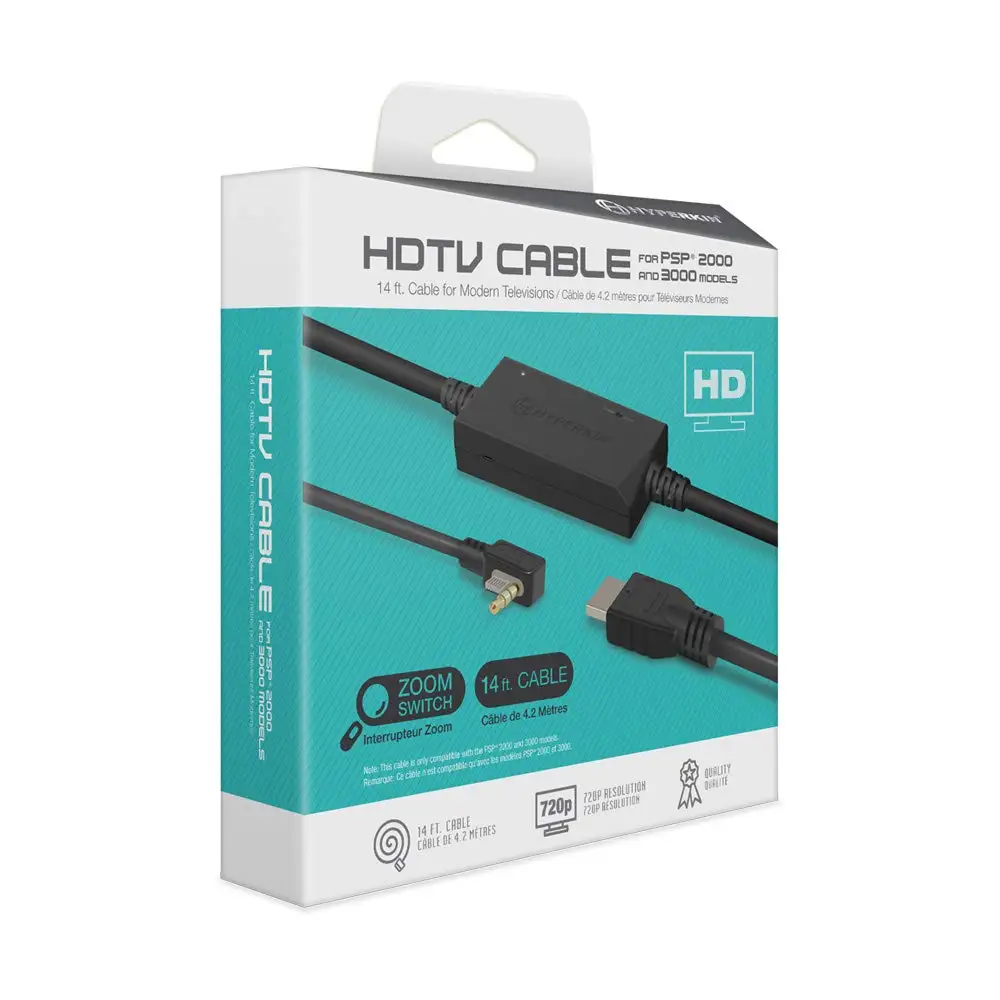
One Reddit user summed it up in a single line: “I picked up this HDMI cable last year and have been amazed at how good it makes PS2 look on HDTVs.” That enthusiasm captures the best-case scenario for the Hyperkin HDTV Cable for PS1/PS2, but the overall picture from community feedback lands at a 7.5/10 — capable, affordable, yet prone to specific faults that limit its appeal for some retro gamers.
Quick Verdict: Conditional — worth it for plug-and-play gamers who want an easy HDMI solution, but not ideal for purists or those demanding flawless audio performance.
| Pros | Cons |
|---|---|
| Simple plug-and-play HDMI connection for PS1 & PS2 | Audio static and distortion reported after extended use |
| Affordable compared to OSSC/RetroTINK setups | Does not support DVD playback without green hue issue |
| 720p upscaling improves sharpness over composite | Tight connector fit on PS One can be awkward |
| Eliminates need for rare component cables | Inconsistent performance on certain TVs |
| Aspect ratio (16:9 / 4:3) switch included | Requires external 5v USB power supply |
| No noticeable input lag reported | Reds oversaturated in some PS1 games |
| Portable 7-foot cable length | DAC wear over time can cause fuzziness |
Claims vs Reality
Marketing materials emphasize 720p resolution support and “crisp, stereo audio” with universal compatibility across all PS1 and PS2 models. Digging into user reports, the video quality claim broadly holds up — most buyers note clear improvement over composite. A verified buyer on Amazon remarked: “Clearer image and readability of text makes the cable worth it,” which aligns with the stated goal.
However, the audio claim shows cracks. Best Buy reviewer Dominic warned: “The picture quality is decent and it works with PS1 and PS2 games, however the audio quality is quite poor with static.” This feedback clashes with Hyperkin’s “crisp audio” promise, revealing that while the DAC inside handles video adequately, audio circuitry may falter over time.
Compatibility is another selling point, promoted as universal for all PS1/PS2 models. In practice, Reddit user feedback confirms broad fit but flags quirks. One player noted that on the PS One, “the connection… was extremely tight,” while another cited “inconsistent on when it wants to work” on an older Panasonic HDTV. These cases suggest that while the connector pinout is correct, tolerance fit and TV-specific signal handling can affect real-world use.
Cross-Platform Consensus
Universally Praised
Across Reddit, Best Buy, and Patreon reviews, users consistently appreciate the cable’s convenience. It bypasses the need for obsolete AV or component inputs, a boon for owners of modern flat screens without analog ports. Reddit user u/psxfan*** explained: “It is the best hassle-free option as well,” illustrating how time-strapped gamers benefit from plug-and-play ease.
Video clarity gets approval from multiple angles. Patreon’s reviewer concluded, “Graphics looked much improved over the stock composite cables… quality looked good and I did not notice any increase in lag.” For HDTV owners, the prospect of sharper visuals without introducing latency is critical, especially for reaction-heavy PS2 titles.
Price point also earns praise. While OSSC or RetroTINK devices can cost 4-6x more, this $30 cable hits an accessible entry point. A Fakespot profile echoed this: “It really makes the colors pop and has a nice crisp image… worth the money.”
Common Complaints
Audio issues dominate the complaint section. Static is the most cited flaw, with reports of deterioration over time due to DAC wear. Fakespot data warns that “after some extensive use… audio will be severely staticky,” eventually leading to “total sound failure.” For gamers invested in titles with rich audio landscapes, this flaw can be a dealbreaker.
Hardware rigidity presents mild frustration. The PS One connector tightness drew multiple remarks — potentially stressing ports over long-term use. Additionally, DVD playback fails to meet expectations. The Patreon test revealed a persistent green hue, mirroring issues seen in Pound-branded cables, effectively removing the PS2’s DVD playback function from the feature set.
Signal reliability is uneven across TV brands. One Reddit user described the cable as “really good picture quality, it’s just inconsistent on when it wants to work… sometimes I get audio but nothing shows up on screen.” Such issues disproportionately affect owners of older LCDs with stricter HDMI handshake requirements.
Divisive Features
The 720p upscaling split opinions. For casual players, the boost is satisfactory; purists compare it unfavorably to high-end scalers. As Patreon’s reviewer noted, “I don’t think the quality was quite up to par with… component cables and an OSSC,” a reminder that budget gear rarely rivals pro setups.
Color reproduction saw mixed reactions. While many found colors vibrant, PS1 players occasionally encountered oversaturation. Crash Bandicoot’s reds were “a bit blown out,” an artefact likely rooted in the internal scaler’s color profile.
Trust & Reliability
Scam concerns are minimal — most buyers receive functioning units matching product descriptions. eBay seller histories show thousands sold with positive feedback. The greater worry is longevity: DAC degradation noted in Fakespot and Reddit implies the unit’s internals are not built for decades-long service. Extended ownership stories show a shelf life of 1–2 years before audio decay, particularly in heavy-use scenarios.
On the upside, durability in physical build is decent. Patreon’s tester reported no lag or functional breakage despite tight fit quirks, and Reddit users mention owning units “since 2016” still working for video output. Where reliability wavers, it’s almost always in the audio channel.
Alternatives
Users frequently mention official Sony component cables paired with a separate HDMI converter as a higher-quality (but pricier and more complex) alternative. Reddit user techbuff*** advised: “Buy a PS2/PS3 component cable and use an HDMI adapter for that instead.” This delivers better color accuracy and audio purity but requires rarer cables and more setup space.
Cheaper composite-to-HDMI converters exist but tend to yield “fuzzy” images, according to multiple Reddit posts. The Hyperkin cable sits in the middle ground — better than barebones converters, not as pristine as high-end scalers.
Price & Value
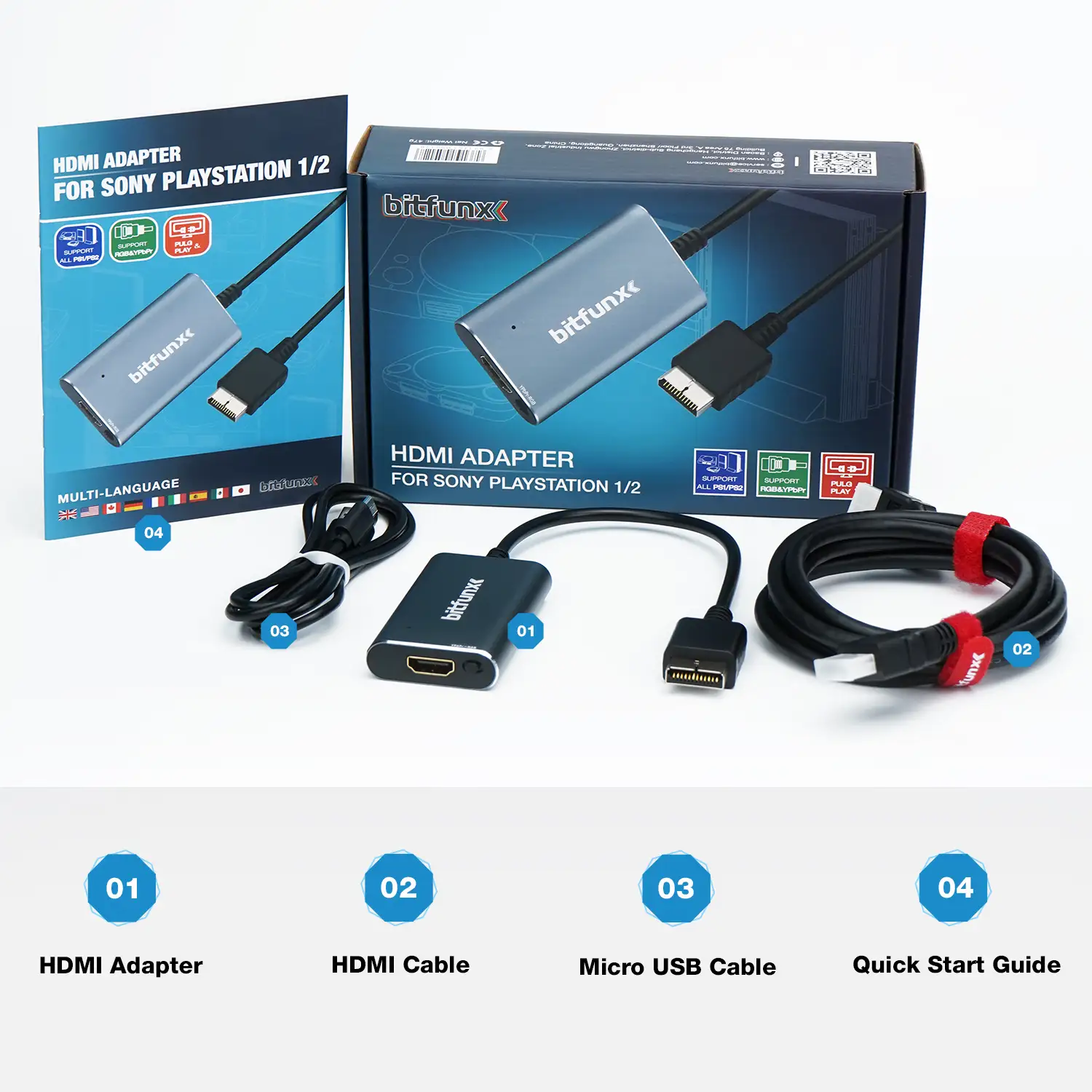
Current retail pricing hovers between $29.99 and $32.99 new, with eBay resale values close to retail due to steady demand. Buyers should note the added cost of a 5V 1A USB power supply, as it’s not included. Seasoned community members recommend watching for minor discounts — ZedLabz advertised it at $34.50 before dropping to $29.99 in 2022.
FAQ
Q: Does the Hyperkin HDTV Cable support PS2 DVD playback?
A: No, multiple users report a persistent green hue on DVDs, making it unsuitable for non-game media viewing.
Q: Is there input lag with this cable?
A: According to Patreon testing and Reddit feedback, no noticeable input lag is present, making it viable for action and rhythm games.
Q: Will it work on any HDTV?
A: Compatibility is high, but some older HDTVs may encounter signal or audio inconsistencies. Results vary by brand and HDMI port sensitivity.
Q: How do I fix missing color issues?
A: Best Buy reviewer Sasuke95 advises switching the PS2’s output setting from RGB to YPbPr or vice versa in the system menu.
Q: Does it require additional accessories?
A: Yes, a 5V 1A USB power source is required for operation, which is not included in the package.
Final Verdict
Buy if you’re a casual retro gamer wanting quick, inexpensive PS1/PS2 HDMI playback on modern TVs without chasing rare components. Avoid if you need flawless audio or intend to rely heavily on PS2’s DVD playback. Pro tip from the community: keep an official composite/component backup to troubleshoot audio issues as they arise — you may end up needing it before the video output fails.





