HP Victus 15 Gaming Laptop Review: Budget Power with Caveats
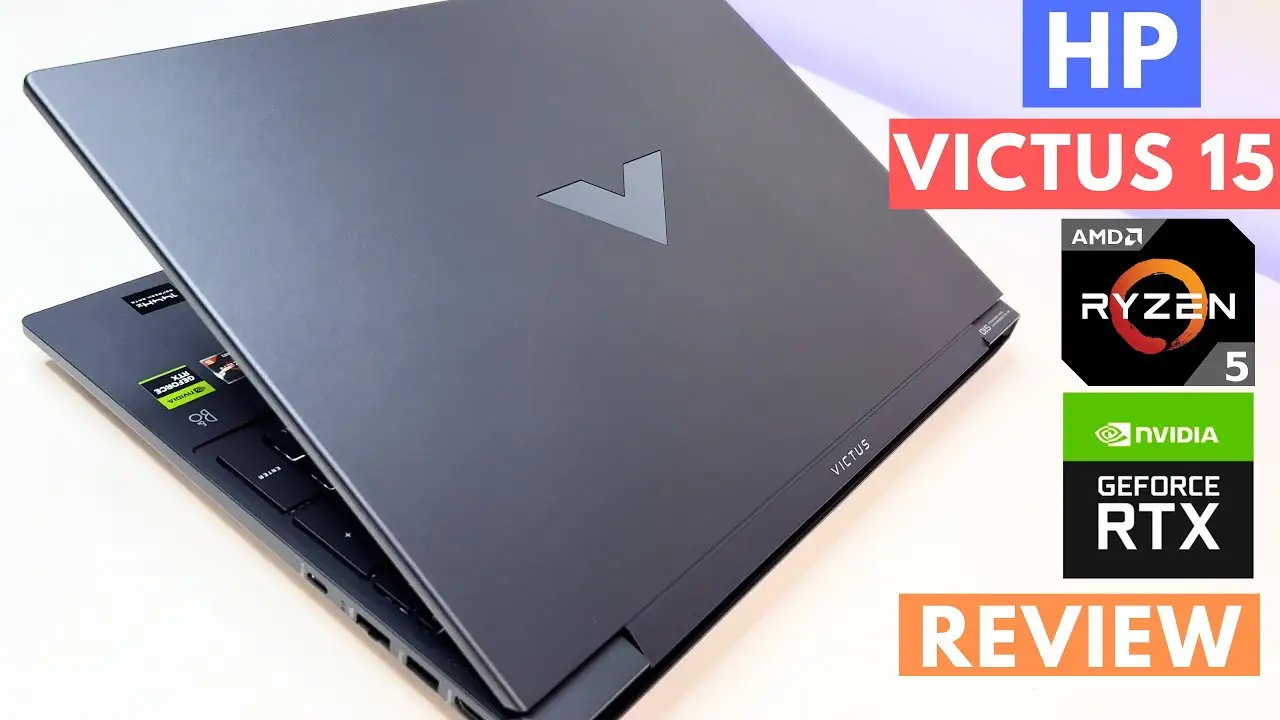
The HP Victus 15.6-inch Gaming Laptop (AMD Ryzen 5, NVIDIA RTX 2050) has built a reputation as one of the most budget-friendly gaming laptops that manages to pack in a few premium features—earning a community verdict of 8.4/10 across platforms. While its powerful CPU/GPU combo and high-refresh-rate screen win it fans among gamers and content creators, battery life and thermal quirks temper the praise.
Quick Verdict: Conditional — great value for budget gamers and multitaskers, but expect to upgrade RAM and manage heat for peak performance.
| Pros | Cons |
|---|---|
| Strong Ryzen 5 7535HS CPU rivaling mid-tier chips | Battery life drops sharply during gaming |
| RTX 2050 delivers smooth gameplay at 1080p medium/high | Runs hot under load; fans get loud |
| 144Hz FHD display for fluid visuals | Speakers are quiet for media use |
| Upgradeable RAM and storage | Ships with only 8GB in single-channel config |
| Sleek, modern design with backlit keyboard | Chassis flex and awkward power button placement |
| Competitive sale prices under $500 | USB-C lacks charging support |
Claims vs Reality
HP’s marketing emphasizes “peak gaming performance” with the AMD Ryzen 5 processor, RTX graphics, and “updated thermal design.” On paper, the Ryzen 5 7535HS paired with the RTX 2050 should offer stability in popular titles. Reddit user on r/Amd praised: “This little beast with 16GB DDR5 runs competitive shooters like butter.”
However, digging deeper into reports, real-world thermal behavior challenges the claim. A Best Buy reviewer noted: “It’s optimized pretty good… but the two fans are on one side, so the other side heats up faster — not good for high-intensity FPS.” While the heat isn’t constant, extended AAA gaming sessions generate noticeable warmth around the keyboard, echoing Fakespot’s warning about heat through the F-keys.
The “updated thermal design” also seems situational. Trustpilot reviewers report adaptive cooling during lighter loads, but heavy gaming increases fan noise substantially. One buyer summarized: “When the fan is at full blast…it sounds like a jet fighter…not that loud but noticeable.”
Cross-Platform Consensus
Universally Praised
Upgradeability sits at the top of user praise. Many shoppers, like Best Buy reviewer ariel, called the RAM slot access “extremely easy,” with several noting dramatic performance boosts after adding another 8GB stick to enable dual-channel memory. Reddit users also celebrate the flexible storage configuration, with the 512GB PCIe SSD delivering “lightning quick” boot times and ease of replacement.
Gamers and creatives alike applaud the 144Hz display. A Trustly Reviews breakdown highlights its competitive edge: “The refresh rate is a standout feature at this price point.” A Reddit user using it for video editing confessed, “The anti-glare screen is a godsend… crisp and fluid; perfect for heavy timeline scrubbing.”
The Ryzen 5 7535HS wins respect for multitasking. Trustpilot user mustango reported smooth medium/advanced editing in Filmora 12, praising “plenty powerful” CPU performance when paired with DDR5 memory. Even with the entry-level RTX 2050, esports titles run comfortably at high settings—one Best Buy reviewer documented stable 144 FPS in CPU-heavy games with V-Sync enabled.
Common Complaints
Battery life is a recurrent sore spot. While HP suggests modern standby and efficient usage, Best Buy ratings show it averaging 4.1/5 in battery life, with several calling it “a laptop meant to be plugged in.” Trustpilot user liam logged “about 3 hours” under standard browsing, while gaming drops battery life drastically—sometimes below two hours depending on settings.
Heat and fan noise cause frustration, especially among FPS players and long-form video editors. Fakespot reviewers describe the fan pitch as high and distracting without a headset, and Best Buy’s stephanie laments uneven thermal spread due to fan placement.
Audio output from B&O-tuned speakers disappoints. Trustpilot’s nachiketa claimed: “It is shown that Bang & Olufsen audio is equipped but… very low average sound.”
Design quirks—most notably the power button placement—draw ire. A Reddit user found it “perplexing and easy to misclick,” while the trackpad button design is described as “finicky and hard to locate by touch.”
Divisive Features
The RTX 2050 GPU splits opinion. Budget-conscious buyers praise its price-to-performance ratio, with zoom noting smooth 120 FPS in Persona 3 Reload at 1080p. Others believe the GPU bottlenecks AAA ambitions, advising upgrades to higher-tier chips for ultra settings.
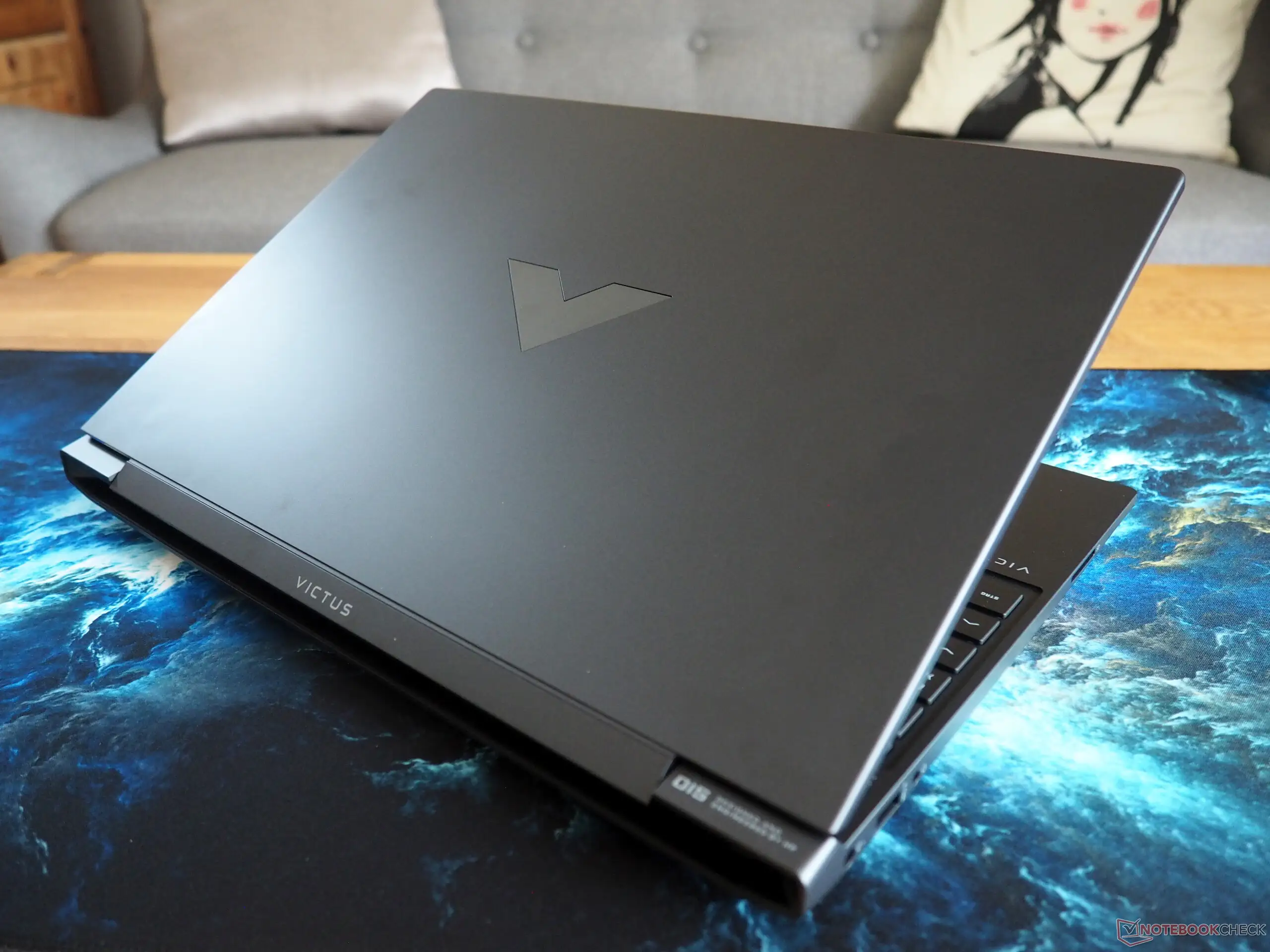
The plastic chassis is another point of contention. Some appreciate the lightweight build, while others—like Trustpilot’s erikl—note flexing when lifting from corners, occasionally triggering unintended trackpad clicks.
Sale pricing creates different buyer expectations: those paying ~$450 tend to forgive drawbacks, while full-price purchasers scrutinize limitations more closely.
Trust & Reliability
No widespread scam concerns have surfaced, but Trustpilot entries show occasional shipping discrepancies, like missing USB accessories. Durability narratives are cautiously optimistic—Best Buy’s kendal reports his unit “still in superb condition” after a year, and gaming performance remains intact with upgraded RAM.
Long-term performance seems stable when properly maintained. One Reddit editor working outside gaming contexts noted reliable speed over months, aided by the upgraded dual-channel RAM configuration for better task handling.
Alternatives
The RTX 3050 variant of the Victus enters comparison often, especially from Best Buy reviewers who concluded the 2050 performs “almost as good” for most needs. Those gaming at ultra settings or tackling modern AAA titles with ray tracing may seek laptops with 3060 GPUs or equivalent.
From a practical standpoint, non-gamers leveraging the Victus for productivity could cross-shop HP’s ProBook line—offering quieter thermals and better battery life—at similar prices during promotions.
Price & Value
As of community data, the Victus 15’s sweet spot lies in sales between $450–$550. eBay’s refurbished listings hover around $510 with warranties, while slickdeals tracked new unit promos at $450 during Black Friday. Buyers consistently stress that at the sub-$500 level, performance compromises are more palatable—especially with high-refresh screens uncommon in that bracket.
Resale value holds decently if kept in good condition, aided by upgradeability and continued demand for budget-friendly gaming setups.
FAQ
Q: Is the RAM upgrade worth it?
A: Yes—switching from 8GB single-channel DDR5 to at least 16GB dual-channel boosts gaming FPS and smoothness in editing. Multiple users say it’s the “first mod” you should make.
Q: How does it handle AAA games?
A: Expect medium settings for fluid gameplay in most titles. High settings work for older AAA and esports, but RTX 2050 struggles at ultra in newer releases.
Q: Can it be used for content creation?
A: Absolutely—video editors report good timeline scrubbing with the Ryzen 5 CPU, especially paired with upgraded RAM and SSD storage.
Q: Does it support USB-C charging?
A: No, USB-C supports data and DisplayPort but not power delivery—several reviewers wish this feature was included.
Q: Is battery life adequate for travel?
A: Mixed—light use can approach 5-6 hours, but gaming reduces life sharply. Many suggest keeping the charger in your bag.
Final Verdict
Buy if you’re a budget gamer, student, or creative who values a high-refresh screen and is willing to tweak RAM and manage heat. Avoid if you need long unplugged gaming sessions or demand whisper-quiet operation. Pro tip from community: shop during sales under $500, upgrade RAM immediately, and use a cooling pad to unlock its full budget brilliance.





