HP USB-C Dock G5 Review: Versatile but Risky Buy
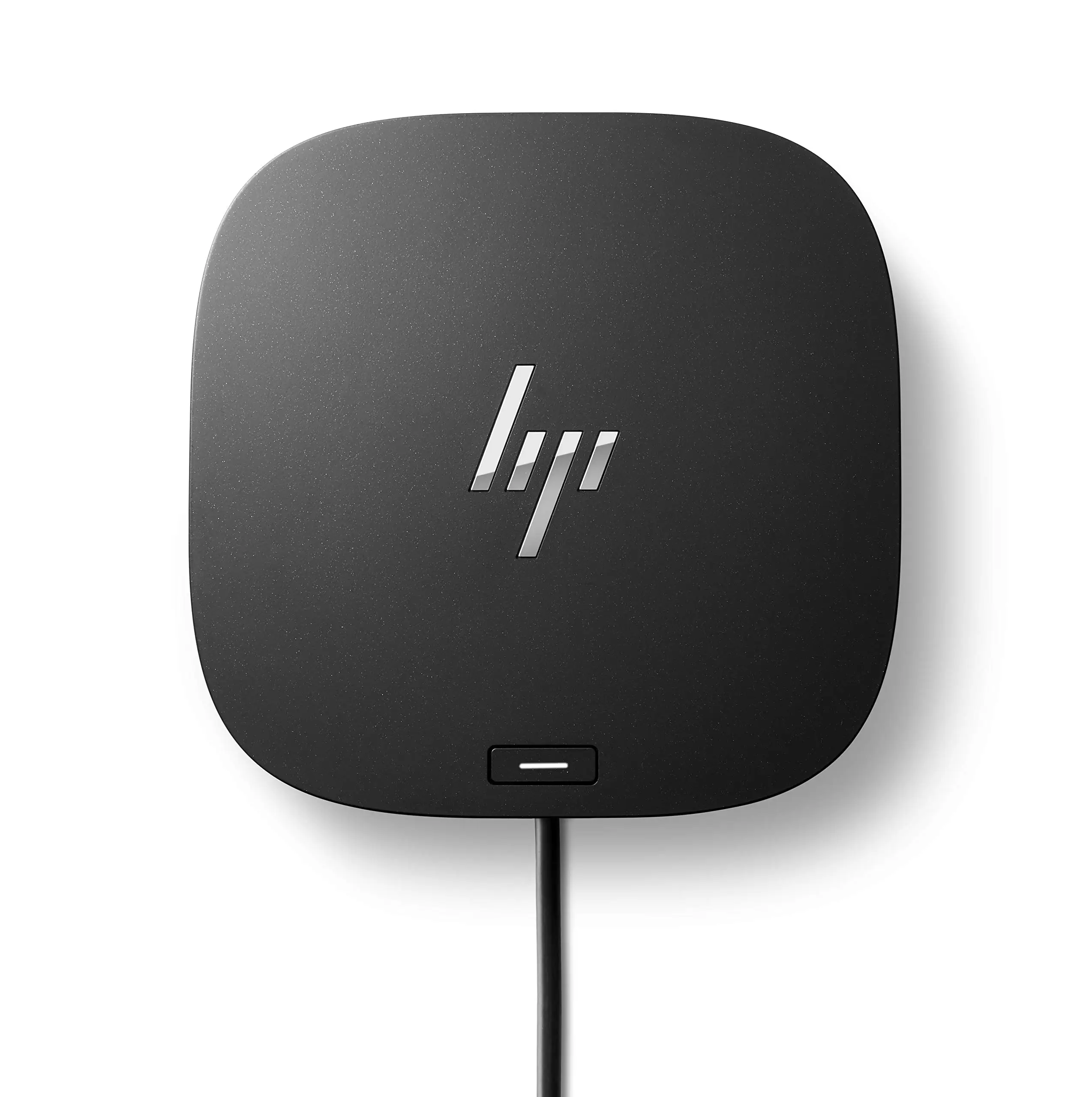
The HP USB-C Dock G5 11-in-1 Adapter has earned a reputation as both a versatile productivity tool and, for some, a source of frustration. Based on hundreds of cross-platform user reports, it scores a 6.5/10 overall — praised for its broad port selection, compact design, and single-cable convenience, but marred by frequent compatibility issues, inconsistent performance, and firmware quirks that users say should have been addressed before release.
Quick Verdict: Conditional — Excellent for certain HP and compatible USB-C/Thunderbolt laptops, risky for mixed-brand or Mac setups.
| Pros | Cons |
|---|---|
| Supports up to 3 displays (with compatible GPUs) | Compatibility issues with many non-HP and some HP models |
| Up to 100W USB-C Power Delivery | HDMI port failures reported out of the box |
| Compact 5x5 inch footprint | Frequent need to unplug/replug to restore function |
| Multiple USB-A, USB-C, DP, HDMI, Ethernet ports | MacOS limited support (no Ethernet/audio drivers) |
| Solid build quality | Firmware updates required for stability |
| Single-cable connection for data, video, power | Some units only deliver power, not data/video |
Claims vs Reality
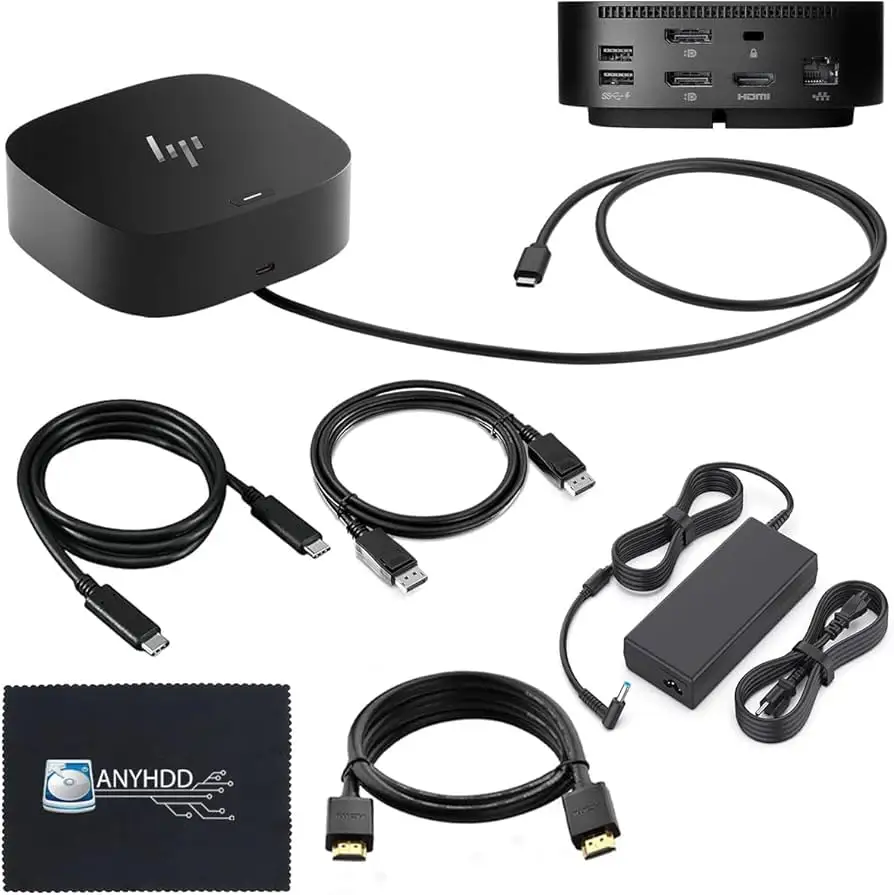
HP markets the Dock G5 as “universal” — compatible with HP and non-HP USB-C and Thunderbolt-enabled laptops — and capable of driving three displays while charging a laptop at up to 100W. That promise resonates with remote workers and professionals tired of cable clutter.
However, a recurring contradiction emerged. While officially rated for broad compatibility, many users report the opposite. A verified buyer on HP’s store wrote: “Not compatible with my HP Pavilion laptop… the rep insisted it would work. It is not compatible and therefore does not work.” Others discovered that certain HP consumer laptops have USB-C ports that support only data transfer, not charging or display output, making the dock useless for those systems.
Another claim — “works with MacOS” — is partially true. HP does note that Ethernet and audio drivers are unsupported on macOS, but Reddit user feedback shows deeper limitations. One MacBook Pro owner explained: “The dock works very sporadically… most of the time it says connected but not charging… as soon as I plug the iPad Mini into the dock, it quits charging the MBP.” In extreme cases, users reported hardware damage: “The first time I tried using the display drivers… it blew a screen fuse in my MBP. $530 logic board replacement.”
Cross-Platform Consensus
Universally Praised
When the Dock G5 works as intended, it transforms workflows. Office-based professionals with HP EliteBook or Envy-series laptops benefit most. Reddit user Tom W L shared: “I can quickly connect to my high speed home network and multiple monitors… enough USB ports for flight and game controllers… low latency for all my devices.”
The single-cable setup is a favorite among hybrid workers. A verified HP buyer noted: “Now my office is clean and tidy. Appreciate the Ethernet connection.” For those with compatible hardware, multi-monitor setups are smooth and stable. One user reported using the dock to run two additional monitors plus the laptop screen with no lag.
Build quality and port variety also draw consistent praise. Multiple users highlight the convenience of four USB-A ports, two DisplayPorts, HDMI 2.0, Ethernet, and a USB-C port with data/power out. As one summed up: “This little beauty does everything I want it to in a compact package… everything works well together.”
Common Complaints
The most frequent frustration is device compatibility. Many buyers assumed “universal” meant plug-and-play for any USB-C laptop — only to find otherwise. HP’s own support confirmed some models (e.g., HP Pavilion, HP 15-dy4013dx, EliteBook 820 G3) are incompatible because their USB-C ports lack DisplayPort Alt Mode or Power Delivery.
Another recurring issue is inconsistent operation. HP Store reviews are filled with reports like: “Only delivers power but not handling data or video… had to find a workaround on Reddit.” Some docks intermittently lose connection to monitors or peripherals until unplugged and replugged. HDMI port failures out of the box are not uncommon — one user switched to DisplayPort rather than endure a warranty exchange.
Divisive Features
Power delivery earns mixed feedback. The dock supports up to 100W, but high-performance laptops may still require their original chargers for full performance. For some, that’s a minor inconvenience; for others, it defeats the purpose.
Firmware updates are another sore point. HP promotes “efficient firmware updates,” but several owners report needing them immediately to fix core functions. As one put it: “A product like this shouldn’t require sleuthing on social media just to function properly.”
Trust & Reliability
Long-term reliability is a gamble. Some Reddit and HP Store reviewers report flawless use for months, while others describe units failing within weeks. A few users replaced defective docks only to encounter the same issues in the replacement.
On Trustpilot and HP’s own store, patterns emerge: incompatibility with certain HP consumer laptops, unreliable wake-from-sleep behavior, and docks that only work after elaborate power-cycling rituals. The perception among some buyers is that HP’s “universal” claim is misleading without clearer compatibility disclosures.
Alternatives
In MacBook contexts, users advise avoiding the G5 entirely, recommending docks from CalDigit or OWC that fully support macOS multi-display and charging. For Windows users needing bulletproof reliability, Dell’s WD19 series is often cited as a safer bet — though it sacrifices some of HP’s network manageability features.
Price & Value
HP lists the Dock G5 for around $159, but resale markets tell another story. eBay listings show used units selling between $35–$75, with open-box deals as low as $29.99. The steep secondary market discount reflects both high original MSRP and mixed buyer satisfaction.
Community buying advice is consistent: verify your laptop’s USB-C capabilities (Power Delivery, DisplayPort Alt Mode) before purchasing, and consider buying used or refurbished to mitigate risk.
FAQ
Q: Can the HP USB-C Dock G5 run three external monitors?
A: Only if your laptop’s GPU and USB-C port support it. HP clarifies that the dock supports three displays including the notebook screen. For some systems, that means two external monitors plus the laptop display.
Q: Does it work with MacBook Pro M1/M2?
A: Not for extended dual external displays — macOS and Apple Silicon limitations apply. Ethernet/audio drivers are not supported, and some users report charging instability.
Q: Is it compatible with all HP laptops?
A: No. Certain HP consumer models have USB-C ports that only handle data, not charging or video output, making the dock unusable for those systems.
Q: Can I use all video ports (2x DP + HDMI) at once?
A: No. The dock supports up to three displays total, counting your laptop’s built-in screen.
Q: Does the dock have an on/off switch?
A: No. Several users wish it did to avoid daily plug/unplug cycles that wear out USB-C ports.
Final Verdict: Buy if you own a supported HP business-class laptop (EliteBook, ZBook, ProBook) or a verified-compatible USB-C/Thunderbolt system and want a compact, multi-monitor docking setup with network manageability. Avoid if you rely on macOS multi-display, own an HP Pavilion, or need guaranteed plug-and-play across multiple brands. Pro tip from the community: check your laptop’s USB-C specs before purchase, and keep DisplayPort cables handy in case HDMI fails.