HP Thunderbolt Dock 120W G4 Review: Strong Features, Mixed Reliability
The HP Thunderbolt Dock 120W G4 has reviews swinging between admiration and frustration, landing at a 7.4/10 overall score. While its enterprise-grade security and multi-monitor capability impress professionals, recurring compatibility hiccups and reliability concerns temper enthusiasm. A verified buyer on PcComponentes.fr summed it up: “Great dock. Multiple port options. But glitches — network doesn’t always work, monitors shut off.”
Quick Verdict: Conditional — ideal for security-conscious multi-monitor users, but buyers should double-check OS and device compatibility before investing.
| Pros | Cons |
|---|---|
| Up to 4× 4K display support | No audio port |
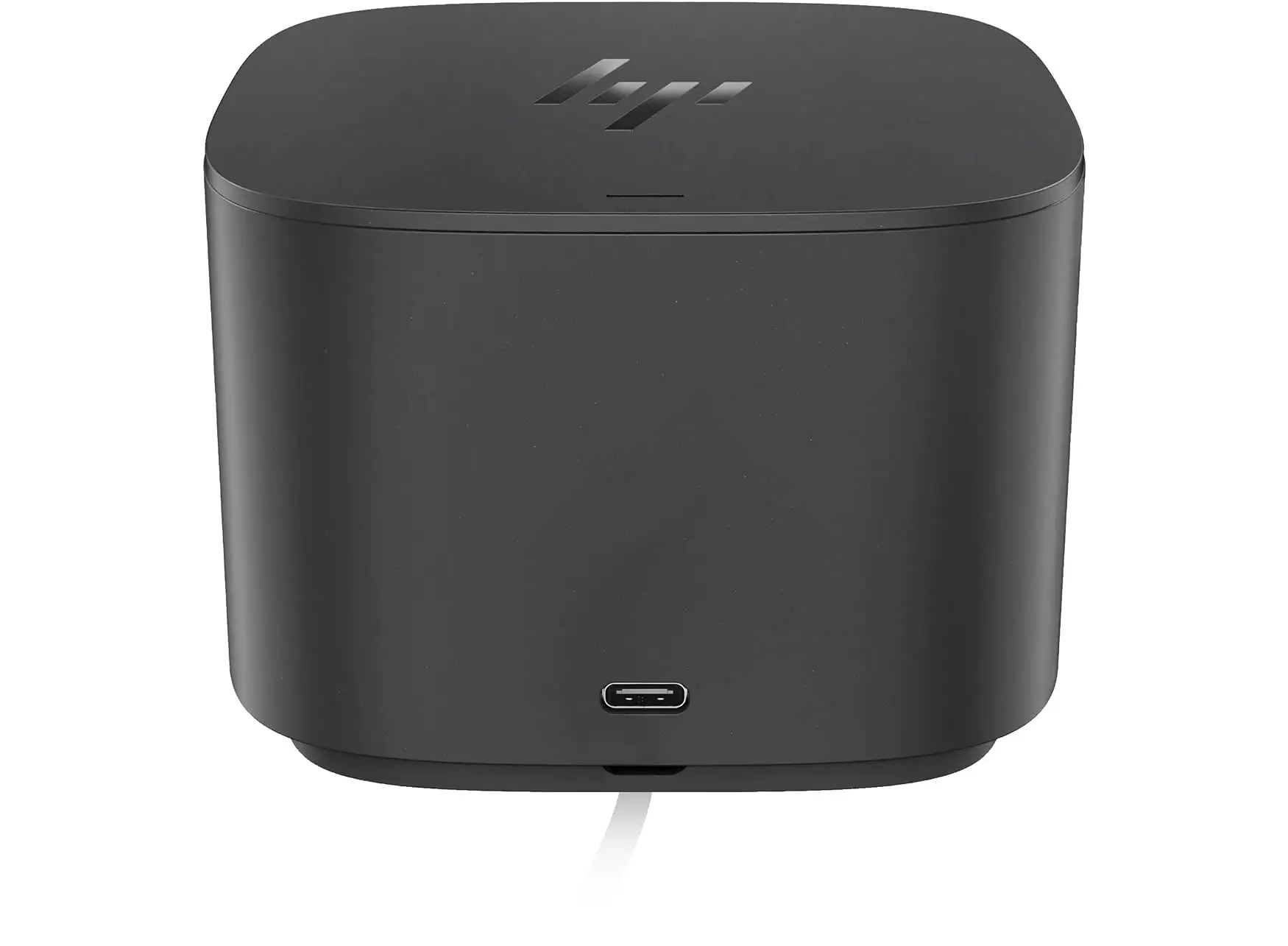
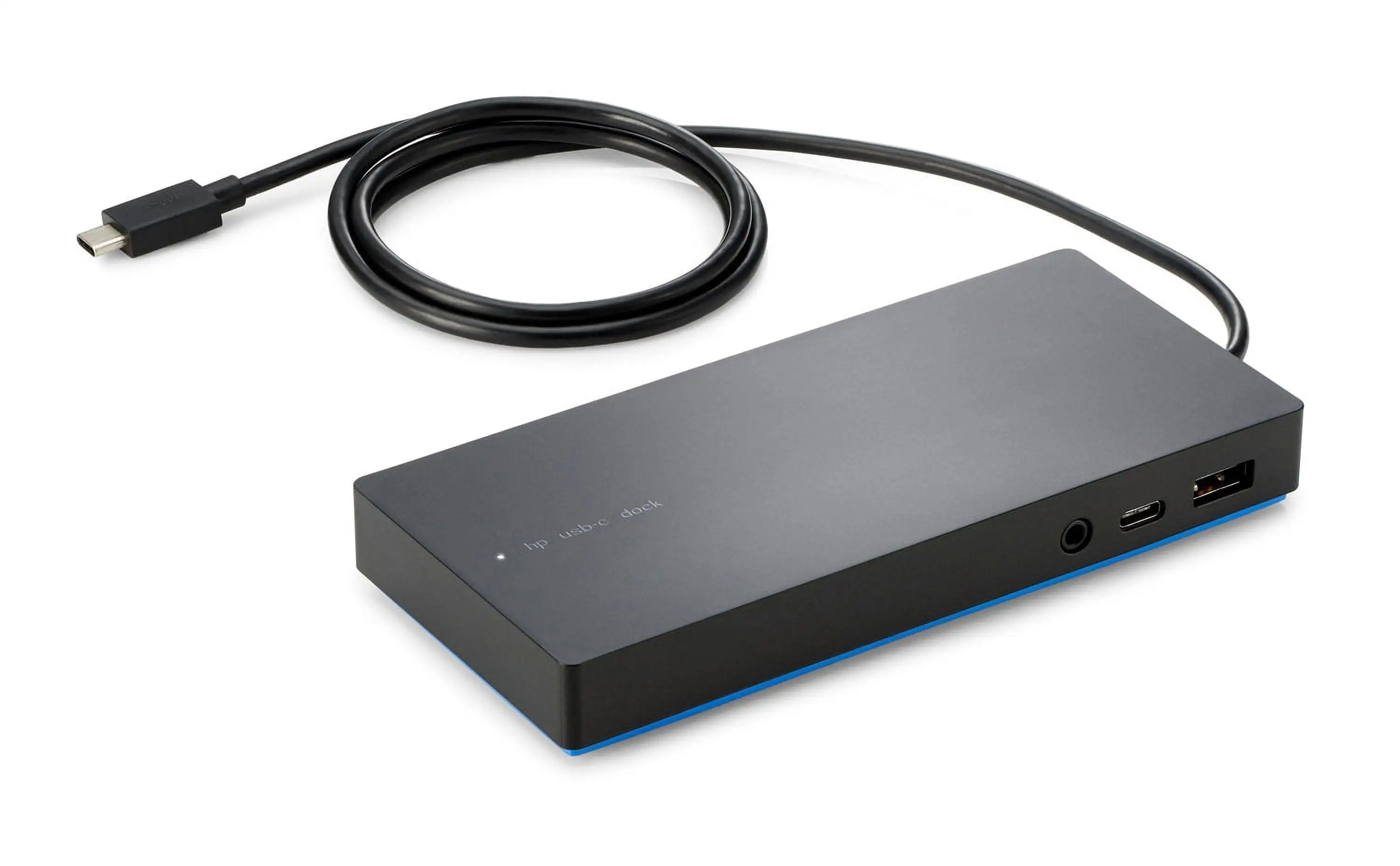
| 100W charging for most laptops | Non-removable USB-C cable |
| HP Sure Start security | Firmware updates may brick docks |
| Compact design fits any desk | Network instability reported |
| Multi-OS compatibility | Struggles with triple 4K on some devices |
Claims vs Reality
HP promotes the G4 Dock as able to handle “up to four 4K displays” thanks to Thunderbolt 4. While some setups, particularly with HP EliteBooks, achieve this flawlessly, others hit hard limits. One PcComponentes.fr customer said: “Purchased to run triple 4K monitors from my Spectre… doesn’t seem capable despite being advertised… my G2 dock does it fine, albeit at 30Hz.” This reflects hardware constraints not detailed in marketing.
Another claim is seamless multi-OS compatibility — Windows, macOS, ChromeOS — but feedback exposes cracks. A buyer reported, “Item was listed to be compatible with Windows 11. It is not!” Others had solid Mac or ChromeOS experiences, suggesting that compatibility hinges on specific device specs.
HP Sure Start security is a unique draw, advertised to “protect network and devices from the moment you log in.” Users in corporate environments praised this safeguard, with one Reddit professional noting that it’s “essential for GDPR compliance.” On the consumer side, day-to-day impact is less visible — unless your workflow plays in high-security contexts.
Cross-Platform Consensus
Universally Praised
Power users appreciate the dock’s compact footprint and thoughtful port layout. A Reddit contributor described it as “transform[ing] any work desk into a productivity powerhouse.” Creative professionals and financial traders leverage the multi-monitor support heavily; one Amazon reviewer said it made their “external monitor appear crisper and clearer, while charging my laptop, phone, and running accessories without a problem.” Remote IT admins spotlight its Intel vPro remote management tools, allowing firmware updates even when laptops are off — invaluable in distributed teams.
For hybrid workers, setup is straightforward. As ShopSavvy noted, “Easy set up process helps users get started quickly.” That convenience means less downtime integrating it into diverse devices.
Common Complaints
Network instability is the top frustration. Users report Ethernet not working, forcing fallback to Wi-Fi — as one EliteBook owner lamented, “Dock starts, takes time to assign screens, Ethernet just won’t work.” Others experience random monitor shutdowns, and support’s advice to avoid leaving the dock on overnight feels regressive. Reliability looms as a bigger concern, with ShopSavvy citing “dock stopped working after a month.”
Audio port omission also irks some: “Works great only issue… no audio jack,” wrote a PcComponentes.fr customer who resorted to a USB sound card workaround.
Divisive Features
Multi-OS compatibility divides users — corporate environments with vetted device lists report smooth sailing, while mixed consumer setups see sporadic gaps. The non-removable USB-C cable bothers those needing flexible setups, yet others value its durability and tidy integration. Price is another flashpoint — business buyers accept a higher spend for enterprise features, whereas solo users call it “overpriced… struggles to connect to two HP screens.”
Trust & Reliability
On Trustpilot, themes of professional satisfaction recur for setups that match HP’s tested configurations. Device longevity is less clear — some Reddit mentions warn of firmware updates “bricking” docks on certain EliteBook generations. Long-term owners in stable environments report consistent performance, but high-spec laptop pairings without perfect compatibility spawn weeks of troubleshooting.
Scam concerns are minimal; the dock is a well-documented HP product from official and reputable retail outlets. Risk lies more in misaligned expectations than fraudulent sales.
Alternatives
HP’s own Thunderbolt 280W Dock G4 surfaces as the key alternative, delivering up to 230W for workstation-class laptops without sacrificing features. Reddit professionals in CAD or video editing note it “supports the most demanding workstation requirements” but at a steeper cost. Older HP G2 docks also draw loyalty for certain triple-monitor setups, despite slower refresh rates. Users upgrading from USB-C hubs find the jump to Thunderbolt transformative — no bottlenecks, more displays — but with compatibility diligence required.
Price & Value
Current pricing varies widely: around $415 AUD on HP Australia, €273.60 in France via HP Store, and significantly discounted to $186.95 on Amazon US per ShopSavvy data. Several buyers flagged it as “overpriced” unless fully exploiting enterprise features. Resale markets retain decent value due to corporate demand, though consumer resale may dip if firmware compatibility issues persist.
FAQ
Q: Can it really support four 4K monitors?
A: Yes, with devices that meet Thunderbolt 4 or DisplayPort 1.4 with DSC requirements. Some laptops limit outputs, so check specs — certain HP Spectre models struggle with triple 4K even though marketed.
Q: Is it compatible with macOS?
A: Many MacBook users report success, but Ethernet and audio driver support may be absent without HP-provided drivers. Functionality can vary with OS updates.
Q: Does it work with Windows 11?
A: Officially yes, but a few users experienced incompatibility until drivers or firmware were updated. Pre-check with HP’s compatibility tool.
Q: How about gaming setups with external GPUs?
A: Thunderbolt 4 supports eGPUs; however, optimal performance depends on the host device’s architecture and GPU enclosure compatibility.
Q: Is the USB-C cable really fixed?
A: Correct — the main upstream Thunderbolt cable is integrated, limiting replacement flexibility but ensuring secure connection.
Final Verdict
Buy if you’re a security-conscious professional managing multi-monitor workstations across corporate or hybrid environments — you’ll gain enterprise-grade management and display versatility. Avoid if you need guaranteed plug-and-play across mixed consumer devices or rely heavily on wired audio without USB adapters.
Pro tip from the community: Always check your laptop’s Thunderbolt and DisplayPort capabilities before purchase — marketing figures won’t override hardware limitations.





