HP Slim External CD/DVD RW Drive Review: Conditional Buy
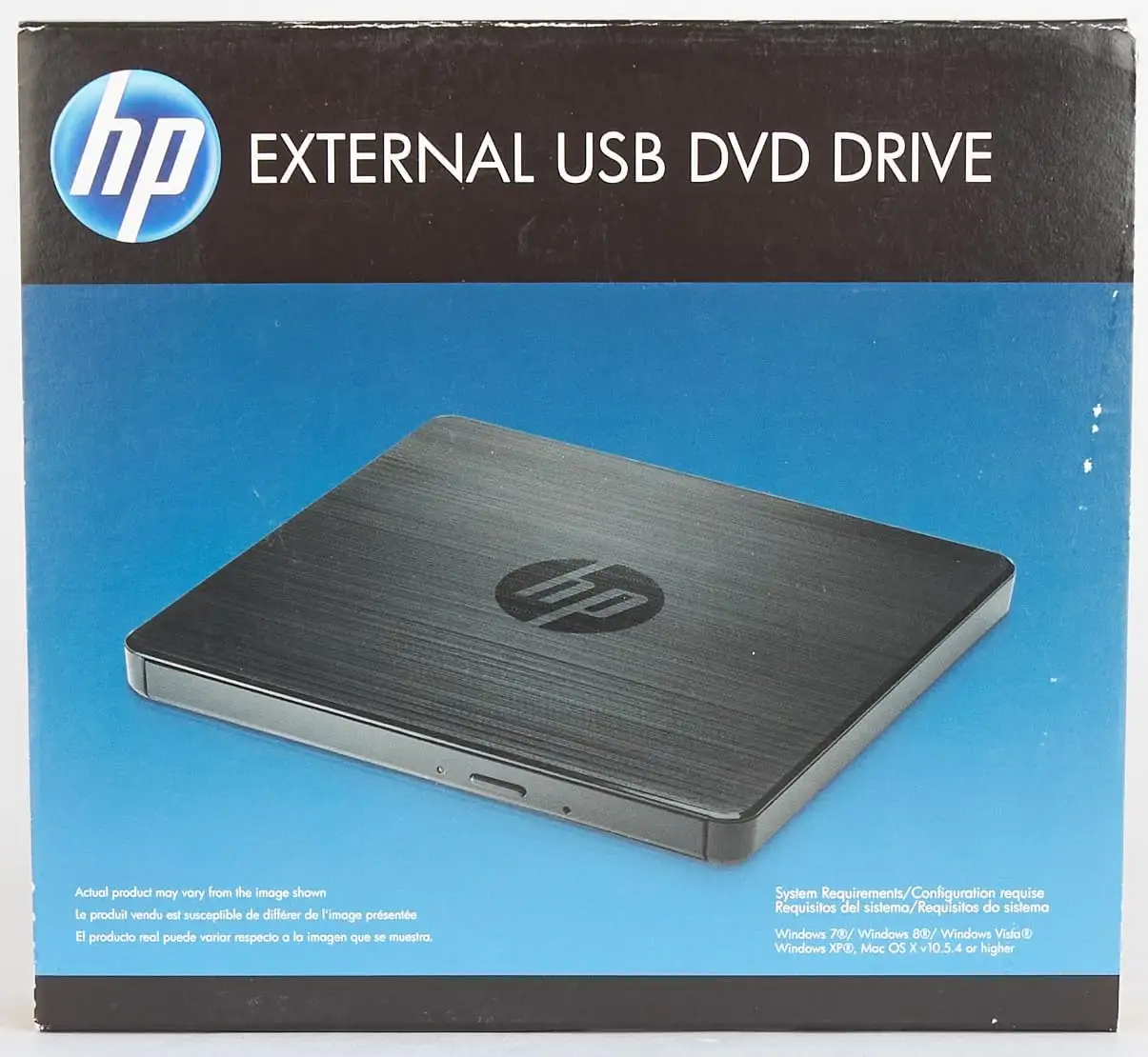
An unusually split reception surrounds the HP External Portable Slim CD/DVD RW Drive, USB, Black — praised by many for plug-and-play convenience yet marred by frustrations over compatibility and performance inconsistencies. Averaging 4.6/5 stars on Amazon but just 2.8/5 on Trustpilot, the verdict points to a conditional 7/10 score: solid for basic CD/DVD read-write needs, risky for more demanding use.
Quick Verdict: Conditional buy
| Pros | Cons |
|---|---|
| Easy plug-and-play setup on most systems | Some DVDs fail to read, especially on Windows 10/11 without extra apps |
| Compact, lightweight, travel-friendly | Durability concerns under prolonged use |
| Works well for OS installs and software loading | Sparse instructions and no bundled playback/burning software |
| Compatible with multiple OS versions | Inconsistent performance with media types |
| Smooth CD reading and ripping for many users | Misleading marketing claims for DVD playback support |
| Positive customer service experiences | Noisy operation if not on flat surface |
| Brand match preference for HP laptop owners | Needs extra purchase for certain functions on newer OS |
Claims vs Reality
HP markets this drive as having up to 8x DVD and 24x CD burning speeds, buffer under-run protection, and broad OS compatibility — promising to “play from or record to CDs and DVDs” with ease. Official specs tout operation without an external power source and full support for multiple formats.
However, while the device does perform quick burns in optimal conditions, Reddit user Christopher*** recounted: “I bought this HP drive to use with a new HP laptop. Unfortunately, it didn’t want to work with him easily… sent him back.” His case was salvaged by commendable seller support but raises questions on plug-and-play reliability across setups.
Official compatibility includes Windows 11, yet Amazon buyers warn of hidden caveats. One noted: “Will play CDs but not DVDs without app on Windows 11.” This directly undercuts the advertised “play DVDs” feature — suggesting that while the hardware can read DVDs in theory, practical playback may require paid software.
Speed claims mostly check out for lightweight use; Amazon reviewers report rapid CD transfers: “So far I have transferred over 100 CDs to an MP3 player without any problems.” But Trustpilot feedback from herve l. cautions against sustained multimedia DVD use due to potential noise and instability if the drive isn’t on a perfectly flat surface.
Cross-Platform Consensus
Universally Praised
Ease of setup is the most consistent win across Amazon, Reddit, and Trustpilot accounts. A verified Amazon buyer wrote: “Plugged it in and it worked. Nothing to download.” For casual users — especially those needing a drive only occasionally for software installs or backups — the convenience is significant.
CD operations, whether reading or burning, draw near-universal approval. A music collector on Amazon said: “Used to burn audio music CDs for wife and me,” confirming smooth use for audio purposes. Tech hobbyists also highlight its role in OS installs: “Built a new computer… plugged in the HP DVD unit, performed a save/exit in BIOS, the OS prompt came up and all was good!”
Aligning brand with laptop choice also resonates with loyal buyers; several noted choosing HP to match existing hardware, with one Amazon review stating: “Since I was going to be using an HP computer also I chose the same brand.”
Common Complaints
The most persistent frustration lies in DVD support under modern OS environments. Oscar c. recounted gifting the drive for playing a memorial video, only to find: “Works well with some DVDs, but not… memorial video… nothing happens when saving to this drive.” Users facing *.ifo and *.bup file formats often hit compatibility snags without third-party software.
Sparse documentation compounds the issue. Herve l. received “used non original packaging” and “instructions were sparse even though it’s really plug and play,” pointing to the absence of bundled guides or clear troubleshooting steps.
Marketing language implying universal DVD playback has led to anger. Quinton k. vented: “HP sales team assured me this item will allow me to… rip music from my CDs… Windows Media Player throws an error for every single track.” This underscores the mismatch between expectation-setting and actual workflow readiness.
Durability concerns emerge in prolonged or off-surface usage. Herve l. warned: “It must also be used on a flat surface, otherwise the drive will make noise and become unbalanced.”
Divisive Features
Buffer under-run protection and speed optimization are lauded by buyers who burn discs regularly. For them, the speed and lack of errors are a genuine selling point. Yet power users needing flawless DVD functional support find themselves disappointed.
Customer service polarizes as well — while Christopher B.’s TurboTax CD recovery story paints HP sellers as “ruling” in a landscape where “customer service is all but extinct,” other buyers like ismael h. struggle to get return authorizations, calling their purchase “a fiasco… very disappointed.”
Trust & Reliability
Trustpilot’s low score reflects a risk for buyers prioritizing high reliability over occasional use. Reports of misadvertised capability and media incompatibility weigh against the otherwise positive Amazon majority.
Long-term durability stories suggest the drive holds up for light-duty tasks like OS installation or occasional CD ripping. But repeated video DVD use, especially for important archival footage, amplifies compatibility issues — an area where older full-size internal drives outperform.
Customer trust is heavily swayed by individual seller responsiveness. Christopher B.’s retrieval of a left-behind disc highlights seller dedication, contrasting sharply with unresolved return struggles.
Alternatives
Within HP’s own ecosystem, buyers sometimes opt for the GP70N model, which appears on eBay listings and may offer similar form factor. However, community discussion lacks direct performance comparisons.
Third-party drives often bundle media playback software, potentially eliminating the Windows 11 DVD playback block. This could be appealing for multimedia-focused users, though brand cohesion and the sleek minimalism of HP’s design might matter more to those integrating into existing HP setups.
Price & Value
On Amazon US, the drive currently sits around $46.69 — well below its former $109 list price. UK listings at £29.99 signal moderate affordability, with eBay used prices dipping to $27.74. Resale retains value among brand loyalists but declines sharply among general buyers given software compatibility limitations.
Buying tips from community advice center on assessing your primary use case: OS and CD tasks = safe purchase; DVD movie playback = factor in third-party app expense. As one Amazon note puts it: “You get your monies worth… mostly use it for playing my CDs and downloading software.”
FAQ
Q: Can it play DVDs on Windows 11 without extra software?
A: No. Multiple users confirm DVD playback requires additional apps under Windows 11, though CDs work fine without extras.
Q: Is it suitable for creating bootable OS media?
A: Yes. Buyers describe successful OS installations via BIOS boot with no errors.
Q: Does it come with playback or burning software?
A: No. The unit is hardware-only; playback/burning depends on your own installed apps.
Q: How portable is the drive?
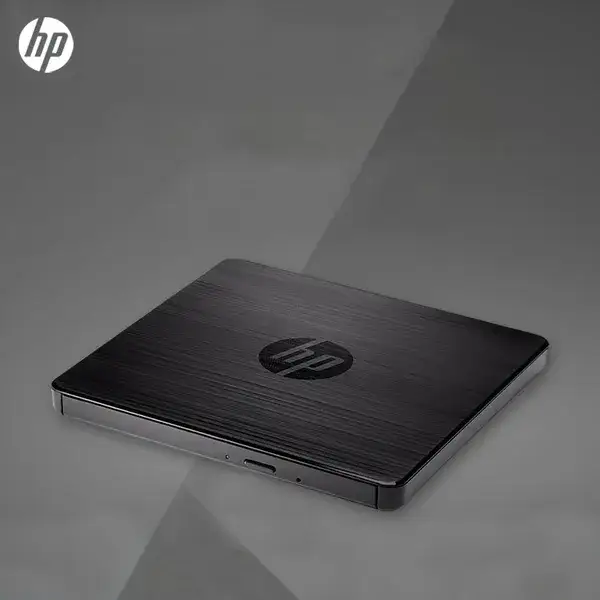
A: Very. At roughly 0.55 inches thick and 10.5 ounces, it’s fully USB-powered and easy to pack.
Q: Does it require a flat surface?
A: For stable operation, yes. Users have reported noise and imbalance otherwise.
Final Verdict: Buy if you need a compact, reliable CD burner or OS installer for Windows and Mac, especially in an HP-centric setup. Avoid if your main goal is DVD movie playback on newer OS without paying for extra software. Pro tip from community: budget for a compatible media app if working with DVDs on Windows 10/11.





