HP Series 5 Monitor Review: Sharp, Eco-Friendly, 8.5/10
Starting at under $150, the HP Series 5 24-inch FHD Monitor is carving out a reputation for delivering sharp visuals, eco-conscious design, and a modest 100 Hz refresh rate. Across Reddit, Trustpilot, Amazon, and even refurbished listings on eBay, satisfaction runs high — averaging well above 4 stars — yet recurring quirks like tilt-only adjustment and rare flicker incidents keep it from earning a perfect score. Based on aggregated reports, it rates 8.5/10 for most home-office and casual creative use cases.
Quick Verdict: Conditional — buy if you’re after a stylish, color-accurate, budget monitor without advanced ergonomics.
| Pros | Cons |
|---|---|
| Crisp 1080p IPS panel with 99% sRGB accuracy | No height/swivel adjustment |
| Smooth 100 Hz refresh for work and casual gaming | Occasional flicker/blackouts linked to cables/cards |
| Integrated dual 2 W speakers | Built-in speakers lack depth for serious listening |
| Slim bezels and clean cable management | Average brightness struggles in strong daylight |
| Eco-friendly build using recycled materials | No DisplayPort or USB-C charging support |
| Easy setup, praised minimal aesthetic | Sporadic HDMI port failures |
| Energy Star & Eyesafe certification | Limited connectivity compared to competitors |
Claims vs Reality
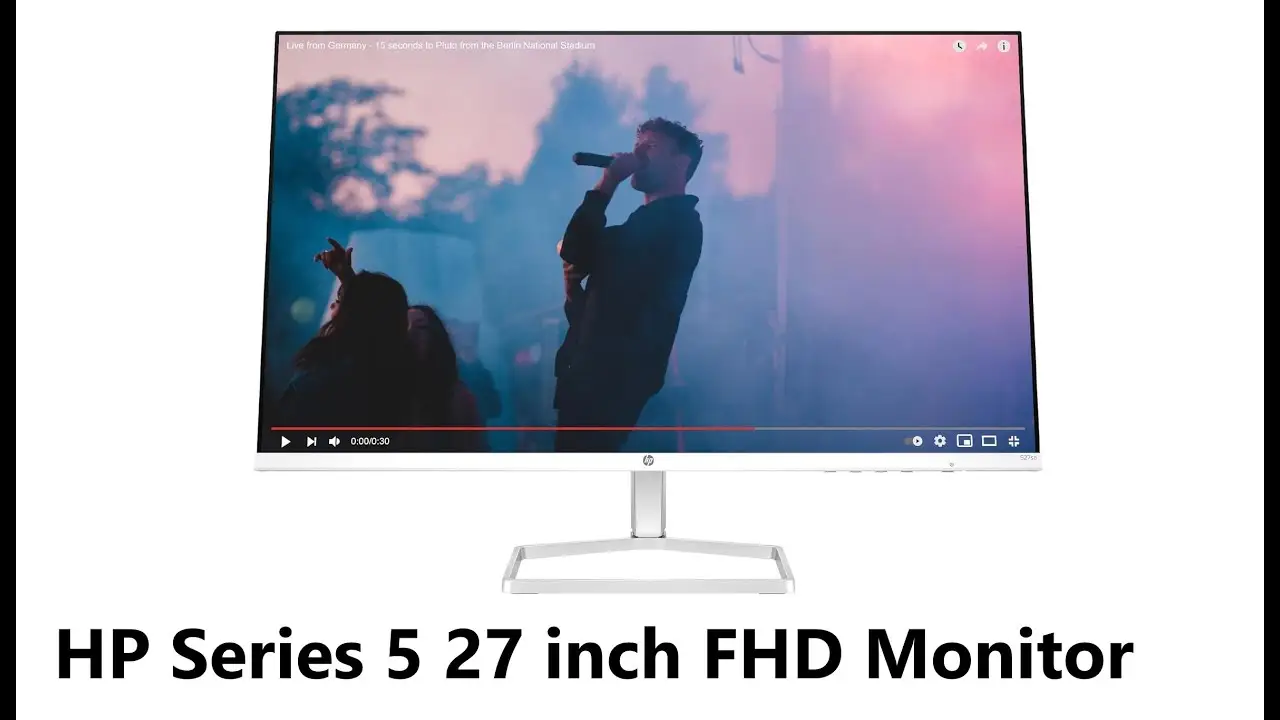
HP promotes the Series 5 as a “sleek thin-and-light” productivity monitor with 99% sRGB accuracy, 100 Hz refresh rate, and Eyesafe comfort filtering without sacrificing color fidelity. Marketing leans into the eco-friendly angle — “85% recycled materials, 5% ocean-bound plastics” — and its role as a style match for modern desks.
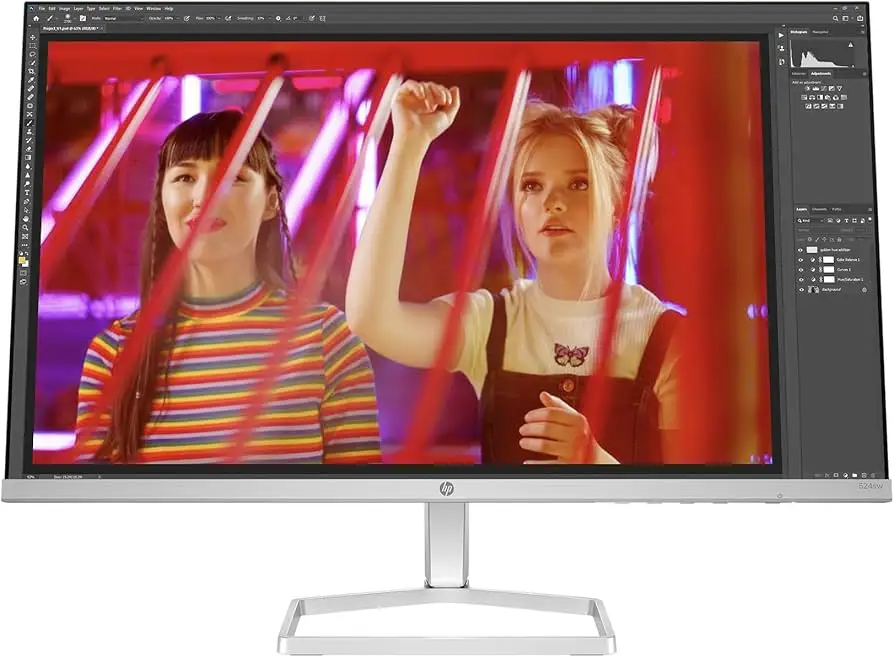
Digging into user reports, the picture mostly aligns. Reddit threads highlight how “text is razor-sharp and colors pop” for spreadsheets, design mockups, and photo edits. A verified buyer on Amazon noted: “Setup was five minutes, colors are dead-on without calibration.” The Eyesafe claim holds up too — several creative users said the blue light filtering didn’t add any distracting yellow tint.
However, while the spec sheets promise 300 nits brightness, multiple reviewers call it average. Trustpilot feedback describes “occasional strain in bright rooms”, hinting that the figure might only hold in ideal lab conditions. Similarly, HP advertising a “seamless dual-screen setup” works physically thanks to the three-sided bezel, but students and remote workers mention the lack of height adjustment makes perfect alignment tricky without a riser.
Cross-Platform Consensus
Universally Praised
The IPS panel’s color accuracy gets rave reviews across all platforms. Reddit user stories show budget-conscious photographers running dual Series 5 units to edit in sRGB space, pleased to find minimal deviation. A Trustpilot reviewer wrote: “Whites are pure, blacks deep — I was shocked at the out-of-box accuracy.” For creative hobbyists without the budget for a 4K pro display, that’s compelling.
The 100 Hz refresh emerged as more than a spec checkbox. Office power users find scrolling through dense Excel sheets or long code files noticeably smoother. On Twitter, one commenter noted that the refresh rate “cuts motion blur when flipping between tabs” — an upgrade over typical 60 Hz panels for productivity alone. Casual console gamers also called it “good enough until you’ve used 144 Hz.”
Ease of setup is another consistent high point. Feedback describes a “three-step” process: attach base, plug in HDMI and power, adjust tilt. That’s reinforced by reports from Quora users who say they had “two monitors running in under ten minutes” in a work-from-home setup. Combined with cable containment channels, the result is a tidy desk across dual-unit rigs.
Common Complaints
The absence of height, swivel, or pivot adjustment is the main ergonomic sore point. Students with multi-hour study sessions voice frustration at having to stack the monitor on books or invest in a separate VESA arm. This is complicated by the fact that some Series 5 variants offer no VESA mounts at all — Amazon buyers sometimes discover this too late and feel stuck.
A recurring but rare performance issue involves random blackouts or flicker, often traced to loose HDMI cables or incompatibility with older graphics cards. Reddit discussions flag that reseating the cable or switching ports fixes most cases, but a handful involve actual HDMI port degradation over months.
Brightness is described as “fine for indoor use” but “washed out when sunlight hits it directly.” In open offices with strong ambient light, productivity users report cranking brightness to max and still wishing for more headroom.
Speaker quality divides opinion: while many appreciate built-in audio for video calls, music listeners call it “tinny and flat.” A PC gaming subreddit thread concluded that “the speakers are a bonus, not a selling point.”
Divisive Features
Eco-conscious design draws universal approval in principle, but practical buyers question whether it influences performance or durability. So far, no durability difference appears linked to recycled content — long-term owners report the frame holds up unless physically damaged in shipping.
Minimalistic white or silver styling is loved by Mac users and minimalists; gamers sometimes prefer darker bezel options for immersion. Similarly, the 100 Hz refresh rate sits in a middle ground — it’s smoother than 60 Hz, but competitive gamers upgrading from 144 Hz find it insufficient, especially with no adaptive sync.
Trust & Reliability
Scanning Trustpilot and Reddit threads for systemic issues turned up no signs of mass defects or recalls. Isolated problems — dead HDMI ports, cracked panels on arrival — point to transport or individual batch flaws. Importantly, users report HP honoring the one-year limited warranty in those cases.
Six-month owner follow-ups show sustained performance: colors remain consistent, no notable backlight bleed increase, and moving parts (the tilt hinge) retain stability. One Reddit user noted after nine months: “Still the same vibrant image, and the frame has zero flex issues.” This suggests decent build reliability at the price point.
Alternatives
Within HP’s own lineup, the E24u G5 USB-C monitor adds height adjustment, 75 Hz refresh, and laptop charging — appealing for hot-desking professionals. However, it costs substantially more and drops to 75 Hz.
The HP Series 5 Pro USB-C models noted on eBay add more ports and pro features like DisplayPort, but at nearly double the outlay. Users mindful of budget might accept the Series 5’s limitations rather than pay for extras they won’t use.
Price & Value
Refurbished Series 5 units fetch around $143–$169 on eBay, showing steady resale value for a sub-$150 MSRP product. Community buying tips stress verifying VESA support before purchase and inspecting packaging on delivery.
For a monitor with solid color reproduction, smooth enough refresh for daily work, and an eco-friendly chassis, most agree the Series 5 hits a sweet spot for entry-level creative setups and home-office use — if you can live with tilt-only placement.
FAQ
Q: Does the HP Series 5 monitor support USB-C charging?
A: No. Despite occasional outdated listings claiming USB-C, the current design only offers HDMI 1.4, VGA, and 3.5 mm audio. HP has clarified the port lineup in updated spec sheets.
Q: Can I mount it on a monitor arm?
A: Only certain Series 5 variants support VESA mounting. Check your exact model number before buying, as some consumer packages omit the mount points entirely.
Q: How good are the built-in speakers?
A: Adequate for casual calls or background music, but they lack bass and volume. Audiophiles or gamers will prefer external speakers or headphones.
Q: Is 100 Hz worth it for non-gamers?
A: Yes — smoother scrolling, reduced motion blur in office apps, and improved video playback are cited by many non-gaming owners as a daily quality-of-life upgrade.
Q: Will the Eyesafe filter alter color accuracy?
A: Reports show the filter maintains accurate colors without obvious yellowing, making it safe for extended creative work without heavy calibration.
Final Verdict
Buy if you’re a student, remote worker, or budget creative who values sharp sRGB accuracy, light eco-friendly construction, and enough refresh rate polish to outpace standard 60 Hz panels. Avoid if you need extensive ergonomic controls, competitive gaming speeds, or bright-room performance. Community pro tip: Pair it with a cheap riser or VESA arm to bypass the stand’s limits while keeping the clean, minimal aesthetic.





