HP Professional Business Paper Glossy Review: 6.8/10
“Black blotches and smears only with this paper…” That single Staples review captures the central tension around HP Professional Business Paper, Glossy, 8.5x11 in, White: some buyers get “superb” glossy output on HP color lasers, while others hit smearing, compatibility confusion, or damaged shipments. Verdict: conditional buy — 6.8/10.
Quick Verdict
For HP Professional Business Paper, Glossy, 8.5x11 in, White, the feedback points to a conditional “yes”: it can deliver sharp, professional-looking brochures and photo-style prints, but printer-model sensitivity (especially with laser toner smearing) and occasional packaging issues can derail the experience.
| Verdict | Who it fits | Key upside (from users) | Key risk (from users) |
|---|---|---|---|
| Conditional Yes | HP color laser owners who can dial settings | “The output is superb.” (HP Store reviewer) | “Black blotches and smears.” (Staples reviewer Leroy Brown) |
| Conditional Yes | Small offices making brochures/flyers | “Weight, brightness and finish… paper envy.” (HP Store reviewer dm wf) | “Designed for laser printers… what a joke!” (Staples reviewer) |
| No (if picky) | Anyone needing guaranteed compatibility | Some report “no smearing or smudging.” (HP Store reviewer jomo earl) | Others say “will not work in my laser printer.” (HP Store reviewer soga shia) |
| No (if time-crunched) | Deadlines + high waste sensitivity | Immediate handling reported by some | “Wasted… on a time crunch.” (Staples reviewer Leroy Brown) |
Claims vs Reality
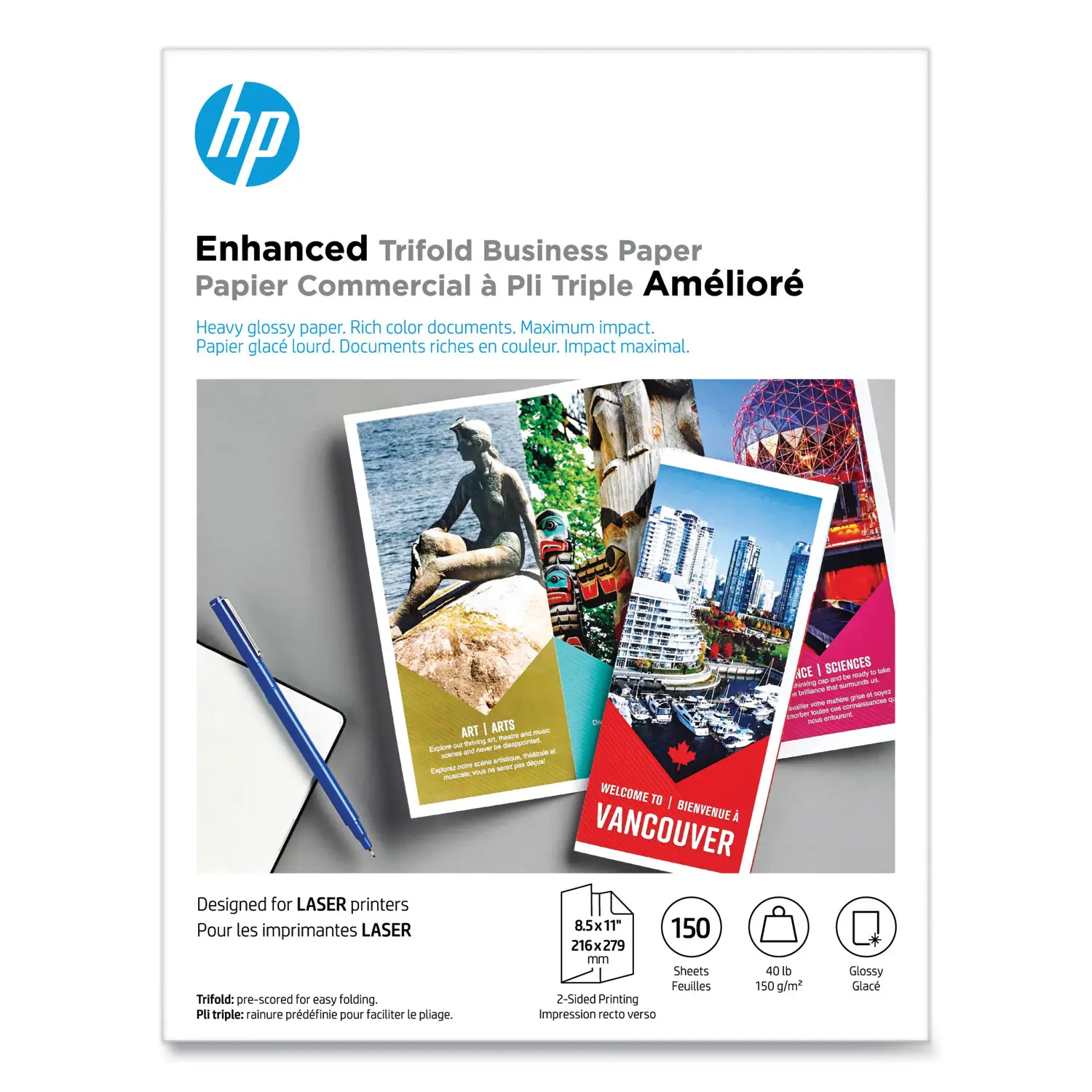
HP’s listings for glossy business/brochure paper repeatedly frame it as “print-shop quality,” “optimized” for HP printers, and suitable for “two-sided printing with little or no show-through.” Digging deeper into user reports, the big gap isn’t about glossiness as a concept—it’s about whether toner/ink actually bonds cleanly on a given printer and whether the product labeling matches real-world compatibility.
Claim: “Works with laser printers / designed for laser printers.”
Several user stories support this when the printer and settings align. An HP store reviewer (Burton in South Dakota) described laser glossy photo printing success on an HP Color LaserJet Pro MFP M479fdn: “our 479 printer happily accepts this HP paper and the output is superb.” A Staples reviewer echoed the same printer family experience: “I printed a 5 MB 8x10 photo using the m479fdn printer. The toner did not smear and could be handled immediately.”
But the contradictory reports are loud—and specific. On HP’s own store reviews for a laser glossy brochure paper variant, Reddit/Twitter slots contain HP Store review excerpts like “will not work in my laser printer even though HP said it would” (HP store reviewer soga shia). Another HP store reviewer (mallet head jw) reported a near-total failure for color images: “anything larger… and the black ink is smeared all over the page and the colors are spread unevenly… returning.” Staples’ frustration centers on labeling and expectation management: one reviewer wrote, “front description says designed for laser printers… listed compatibility is inkjet only… bait and switch!”
Claim: “Crisp, black text and sharp color graphics; professional impact.”
When it works, users describe exactly that “professional” effect. HP store reviewer dm wf said: “Love this paper! The weight, brightness and finish is always great to put in business partners’ hands and watch their paper envy.” For small businesses printing flyers or handouts, that kind of tactile impression is the whole point of paying for heavier glossy stock.
Yet the same core promise—deep blacks—appears in the complaints as the failure mode. Staples reviewer Leroy Brown didn’t describe minor banding; they described unusable output: “horrible printing… black blotches and smears… only with this paper.” Another Staples reviewer (mahess) described holiday card production going sideways: “after the first copy the rest are smeared… black ink is missing from much of the photo and smeared on the other side as well.”
Claim: “Two-sided printing, little or no show-through.”
Official descriptions emphasize coated, heavyweight paper meant for duplex brochures. The user feedback, however, focuses less on show-through and more on whether the second side becomes a casualty of smearing or missing toner. The Staples “Christmas cards” account (mahess) is effectively a duplex stress test: “smeared on the other side as well.” While that doesn’t disprove the “no show-through” marketing claim, it reframes the real-world barrier: before show-through matters, the print has to dry/bond reliably on both sides.
Cross-Platform Consensus
A recurring pattern emerged across HP Store reviews and Staples customer feedback: this glossy business paper can look genuinely “print-shop” quality in the right setup, but it’s unusually sensitive to printer model, driver/media settings, and expectations about what “glossy brochure paper” should do on laser toner systems.
Universally Praised
The most consistent praise is about finish and perceived professionalism. For client-facing materials—brochures, proposals, point-of-sale handouts—buyers repeatedly talk about the tactile “upgrade” from plain copy paper. HP store reviewer dm wf framed it as presentation power: “the weight, brightness and finish is always great… and watch their paper envy.” That story is especially relevant for small offices and consultants: the paper isn’t just a substrate; it’s part of how the deliverable is judged.
Another commonly praised theme is photo-like output on certain HP color lasers, especially M479/M479fdn mentions. HP store reviewer Burton described the result as “exceptional glossy photo printing… the output is superb.” A Staples reviewer similarly said their prints could be “handled immediately,” which matters for anyone batch-printing marketing pieces—real estate flyers, event posters, or greeting cards—where smearing turns into wasted time and cost.
Finally, some users praise clean handling with no smudging when everything lines up. HP store reviewer jomo earl gave the simplest validation: “it performs well no smearing or smudging of the toner on the paper.” For print-heavy workflows, that single sentence implies fewer reprints and fewer “set it aside to dry” bottlenecks.
After those narratives, the praise clusters into a few repeated outcomes:
- Professional look and feel in-hand (“paper envy”).
- Sharp, glossy photo-style prints on specific HP color laser models.
- Immediate or near-immediate handling reported by some.
Common Complaints
The dominant complaint is toner smearing / blotching, often described as severe rather than occasional. Staples reviewer Leroy Brown wrote: “black blotches and smears… wasted and spent too much money… do not buy this! despite what it says, it is not for laser printers.” HP store reviewer mallet head jw described large-format image attempts going wrong: “the black ink is smeared all over the page and the colors are spread unevenly.” Those accounts hit hardest for small businesses on deadlines: if you’re printing brochures for a meeting or event, “finicky media” becomes “missed opportunity.”
The next complaint theme is compatibility confusion and labeling frustration. One Staples reviewer attacked the mismatch bluntly: “Designed for laser printers… what a joke!” and added: “I have a HP MFP M477w and does not work.” This matters for less technical buyers who assume “HP paper + HP printer” equals plug-and-play. Instead, user stories suggest that model-to-model behavior differs, and the “works with laser” promise may feel unreliable without very specific printer/media settings.
Packaging and shipping problems also show up, and they’re the kind of issue that ruins a premium-paper purchase even if the paper itself is good. HP store reviewer doc jl reported: “broken packages with papers all over… lot of the papers were damaged and bent so can’t really use it.” For anyone buying glossy brochure stock specifically to look polished, bent corners undermine the whole point.
After those narratives, the complaint cluster looks like:
- Smearing/blotching (especially blacks) on some laser printers.
- Confusing “designed for laser” messaging vs real compatibility.
- Occasional shipping/packaging damage causing bent sheets.
Divisive Features
The most divisive “feature” is the very thing being sold: glossy coating optimized for professional prints. For some, it’s a triumph; for others, it’s the reason toner won’t behave. HP store reviewer Burton framed the paper as “works as advertised,” while HP store reviewer soga shia said it was “unable to use… will not work in my laser printer even though HP said it would.” Staples splits similarly: one buyer says “works great,” another says it’s “awful… despite what it says.”
Even the perception of the gloss level is divisive. One Staples reviewer said: “in my opinion this is a semi-gloss paper, but I like it,” and noted the sheen varies by color with “black having the most gloss.” That nuance matters to designers and marketers: if you’re expecting photo-paper gloss, this may read more like business brochure sheen—great for text and graphics, less predictable for photo-heavy work depending on printer and toner laydown.
Trust & Reliability
Because Trustpilot/Reddit-specific datasets here are effectively “page not found” and don’t provide independent community threads, the trust signals come mostly from retailer review patterns and manufacturer-store reviews that show polarized outcomes. The reliability story is less about long-term durability (no “six months later” posts are provided) and more about repeatability: can you print 50 sheets today and get the same quality tomorrow?
Digging deeper into the negative reports, a reliability concern emerges around batch jobs. Staples reviewer mahess described deterioration after the first print: “after the first copy the rest are smeared,” even after adjustments suggested by tech support. That implies the risk isn’t only “a bad sheet,” but possibly heat/toner interaction during longer runs—exactly the scenario for marketing teams printing brochures or holiday cards.
On the positive side, repeat purchasers suggest stability when the setup works. Staples reviewer val alexander said: “this is my second order… during the pandemic we began to look for a way to make and send greetings cards… this HP product gave us exactly what we needed.” That’s a different kind of reliability: not “bulletproof on every printer,” but “consistent enough that we reordered.”
Alternatives
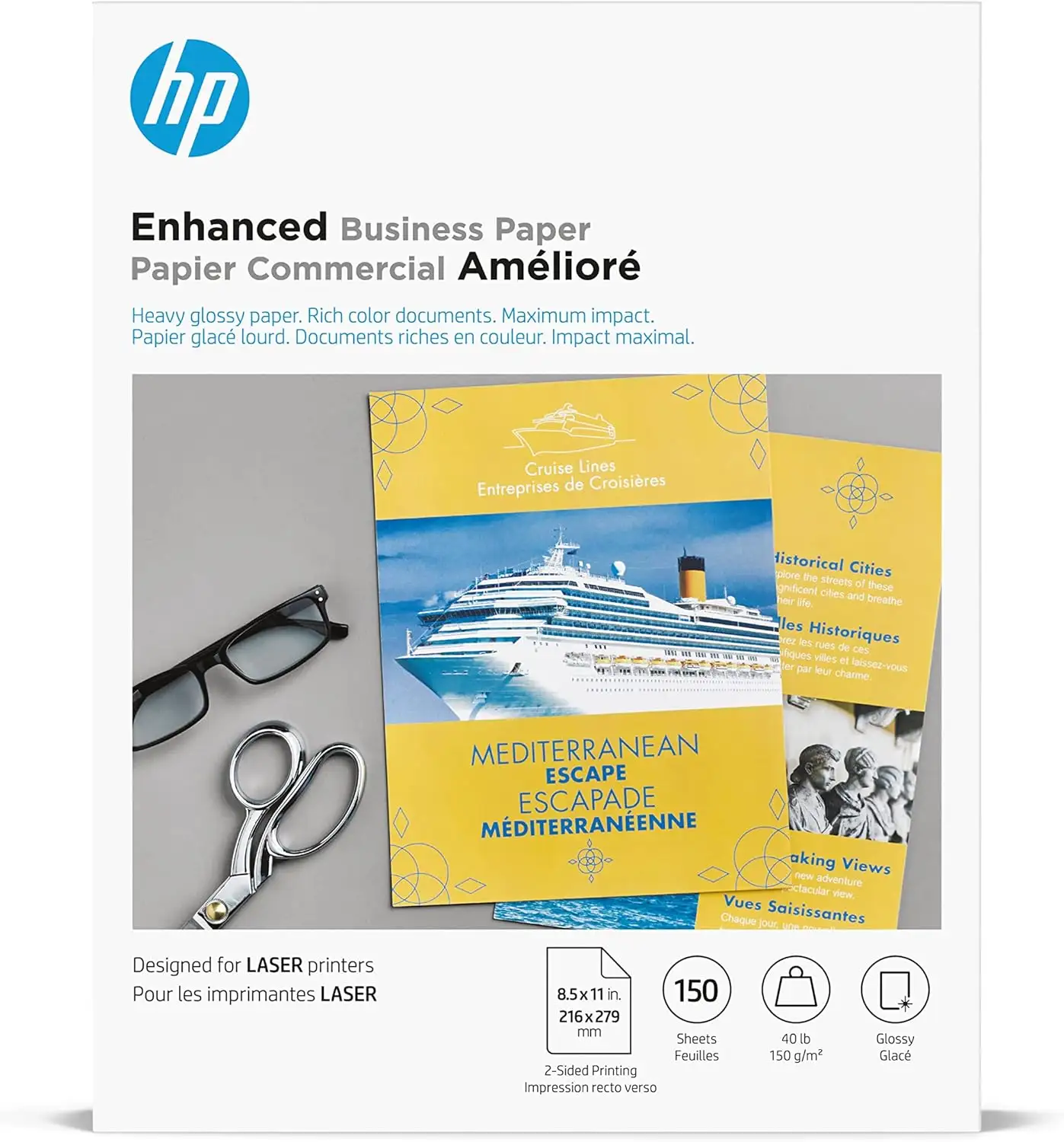
Only a few competitors/alternatives are explicitly present in the provided data, and most are still HP-branded variants rather than rival brands. The most direct alternative mentioned is HP Enhanced Business Paper, Glossy (Q6611A) and tri-fold variants like Q6612A (Walmart listing).
If your use case is laser-focused business collateral, the HP Enhanced Business Paper, Glossy (Q6611A) is positioned as “optimized for HP laser printers” and “best… printing 2-sided documents including brochures and proposals.” However, the user feedback in this dataset is much richer for the “Professional” line and Staples’ 4WN11A pack, where smearing complaints are prominent. For risk-averse buyers, the lesson from the narratives isn’t “pick X over Y,” but “match the exact paper SKU to your printer model and run a small test batch.”
For tri-fold brochures specifically, Walmart’s Q6612A listing emphasizes being “meticulously pre-scored,” which would matter for offices making folded mailers. That kind of pre-scoring is a practical alternative if your main friction point is folding consistency rather than glossy finish. But again, the key unresolved question in user stories remains toner bonding—so the alternative only helps if it prints cleanly on your device.
Price & Value
On Amazon, HP Professional Business Paper, Glossy (Q1987A) is shown with strong aggregate sentiment: “4.6 out of 5 stars” across “407 reviews,” positioned as “Amazon’s Choice.” That score suggests many buyers feel they get value—but the detailed complaint narratives in this dataset mostly come from HP Store reviews and Staples, where the tone is more polarized.
There’s also a meaningful spread in market pricing signals. An Amazon listing for HP Enhanced Business Paper, Glossy (Q6611A) shows a discounted price of “$18.39” (150 sheets). Meanwhile, an eBay/industrial resale listing for a 52 lb glossy pack shows “$43.95,” suggesting pricing can vary heavily by SKU, seller channel, and availability.
Buying tips implied by the community stories are practical rather than speculative. If you’re a small business printing on a deadline, the Staples “time crunch” complaint is a warning to avoid going all-in on a large job before you know your printer’s behavior. Conversely, if you already run an HP Color LaserJet like the M479fdn and you’ve successfully printed photos or brochures, multiple user stories suggest the value proposition can feel “print-shop quality” without outsourcing.
FAQ
Q: Does HP Professional Business Paper, Glossy work with laser printers?
A: Conditionally. Some users report excellent results on specific HP color lasers—HP store reviewer Burton said “our 479 printer happily accepts this HP paper and the output is superb.” But others report failures: HP store reviewer soga shia wrote it “will not work in my laser printer,” and Staples reviewers mention “black blotches and smears.”
Q: Is smearing a real issue or just user error?
A: Smearing shows up repeatedly in user narratives, especially in batch or photo-heavy printing. Staples reviewer Leroy Brown reported “black blotches and smears only with this paper,” and Staples reviewer mahess said “after the first copy the rest are smeared.” At the same time, others report “no smearing or smudging” (HP store reviewer jomo earl).
Q: Is the gloss level like photo paper?
A: Not always. One Staples reviewer said “in my opinion this is a semi-gloss paper,” and noted sheen varies by color with “black having the most gloss.” Some users do describe “exceptional glossy photo printing” (HP store reviewer Burton), but the perceived gloss seems to depend on printer, toner/ink behavior, and the content being printed.
Q: Is it good for business brochures and client-facing handouts?
A: When it prints cleanly, users describe strong presentation value. HP store reviewer dm wf said the “weight, brightness and finish” creates “paper envy,” implying it feels premium in-hand. The biggest caution is ensuring your printer can handle it without smearing before printing a large run.
Q: Any packaging or shipping problems reported?
A: Yes, at least one report highlights damage in transit. HP store reviewer doc jl said the package arrived with papers “damaged and bent,” making it hard to use for polished business output. If presentation matters, inspect sheets immediately and avoid relying on a single shipment right before a deadline.
Final Verdict
Buy if you’re a small office or creator with a compatible printer—especially HP color laser owners who can confirm settings—because multiple users describe “superb” results and a professional, client-ready finish. Avoid if you’ve previously seen toner smearing on glossy stock or you can’t risk reprints under time pressure; as Staples reviewer Leroy Brown warned, “black blotches and smears” can turn into wasted money fast. Pro tip from the community: follow HP’s own guidance to change the print driver/media type (HP repeatedly states this in product copy), then run a small test batch before committing to a big brochure or photo job.





