HP OMEN 27q Review: Budget 1440p Gaming Monitor Verdict
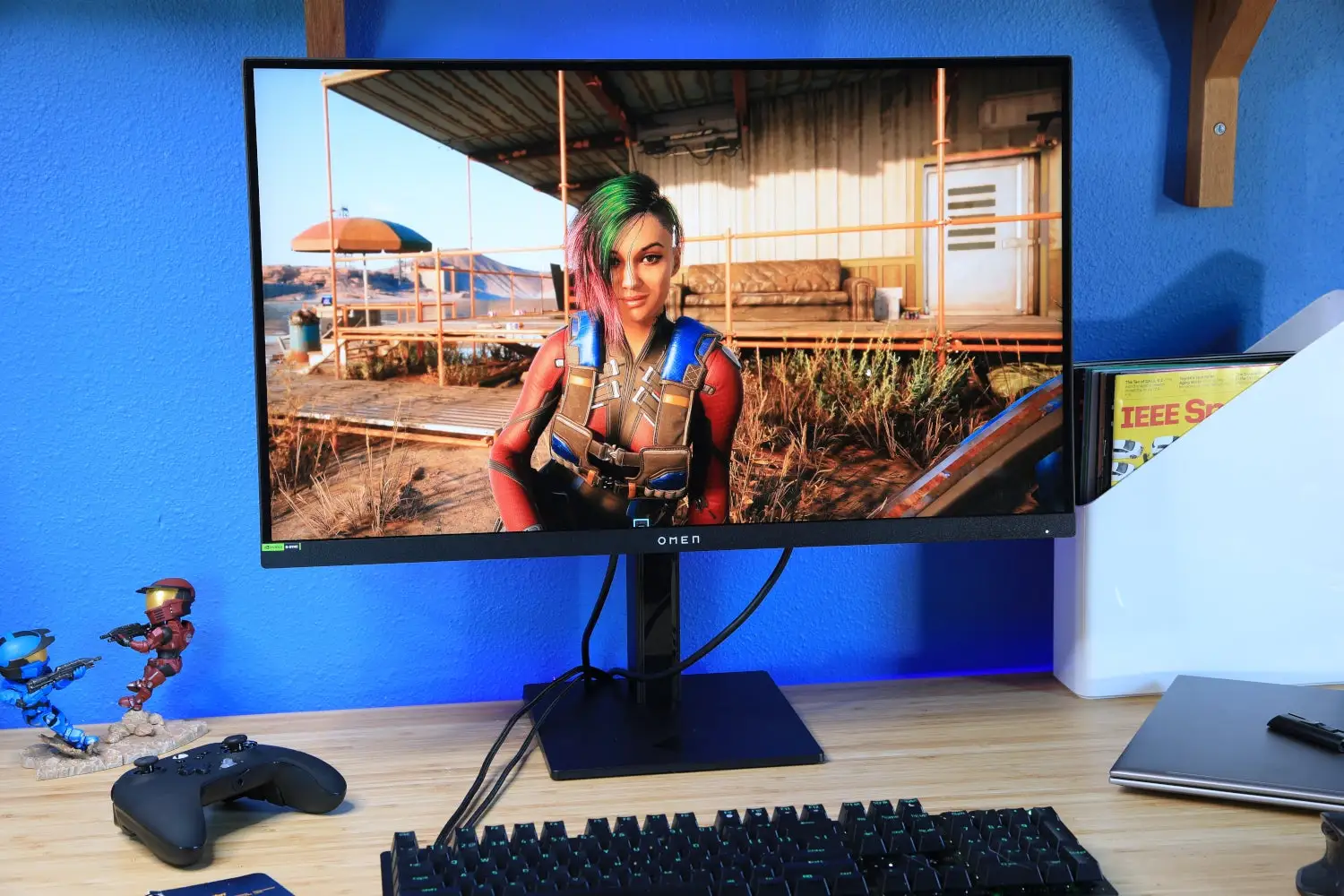
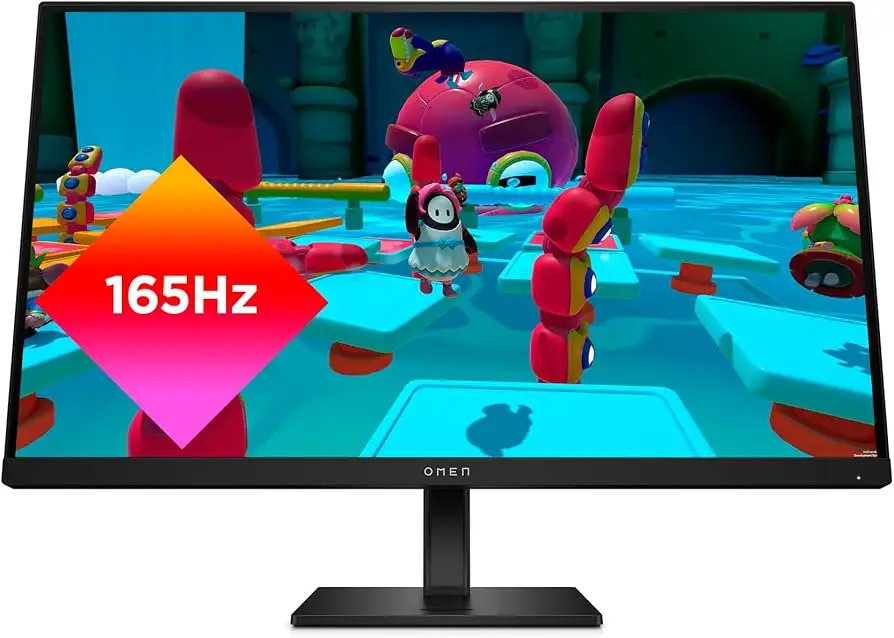
A Reddit reviewer put it bluntly: “For $200, you won’t find a 1440p IPS with high refresh rate and full adjustability like this.” The HP OMEN 27q QHD Gaming Monitor (2023) has earned a reputation for delivering performance that feels a tier above its budget-friendly category. Our verdict: 8/10 — sharp, fast, and colorful, but burdened by mediocre HDR and intrusive software.
Quick Verdict: Conditional
| Pros | Cons |
|---|---|
| Crisp QHD resolution on a 27" IPS panel | Weak HDR performance with backlight bleed |
| 165Hz refresh rate + 1ms GTG keeps motion sharp | Omen Gaming Hub installs without user consent |
| Wide color gamut (99% sRGB, 95% DCI-P3) | Saturated reds hard to tweak |
| Fully adjustable stand (height, tilt, swivel) | Contrast ratio only ~950–1000:1 |
| Solid value in $180–$250 sale range | HDR mode locks you out of best color profile |
| AMD FreeSync Premium + G-SYNC compatibility | Some ghosting in fast-paced scenes |
| Minimal backlight bleed (for many users) | Basic build quality compared to rivals |
Claims vs Reality
HP’s marketing bills the 27q as “vibrant color with 99% sRGB and 95% DCI-P3” and a “165Hz refresh rate for smooth gameplay.” On paper, these specs are accurate, but color precision needs manual unlocking. The default profile is underwhelming until switched to “native color mode.” A reviewer on Trustpilot noted, “Switching profiles instantly opened doors to richer visuals… but why hide it?”
Another big claim: “HDR with up to 400 nits brightness.” While technically hitting 494 nits peak in HDR mode, Reddit user feedback warns that it doesn’t improve contrast or color range. One described, “HDR just flickers brightness dynamically and lags behind the content. Not worth it.”
Lastly, HP boasts “Omen Gaming Hub for customization.” In reality, multiple users—including Redditor u/Tech***—reported the software self-installed without permission, calling it “bloatware” and noting that all essential controls are already in the monitor’s OSD.
Cross-Platform Consensus
Universally Praised
The consensus across Reddit, Trustpilot, and retail reviews is that the 165Hz refresh paired with 1440p resolution delivers a sweet spot for gaming. Players in fast-action shooters benefit from the clarity and responsiveness — Trustpilot cited, “No blur even swinging camera wildly in Battlefield 2042.” This makes it attractive for competitive gamers who can’t justify pricier, higher-refresh panels.
Color fidelity is another win, especially after switching to the hidden profile. A verified buyer on Amazon shared, “Games, movies, even web browsing come alive at 93% DCI-P3… it’s richer than most cheap monitors I’ve owned.” IPS viewing angles at 178° minimize color shifts, useful for collaborative setups or content creators working with multiple viewers.
For ergonomic needs, the fully adjustable stand is rare in this price tier. Reddit user u/Pixels*** praised, “Height adjust, tilt, pivot — you can’t usually get all three under $200.” This helps both gamers and office workers adapt the monitor to long usage sessions.
Common Complaints
The HDR mode is widely criticized. Backlight bleed and low contrast (~950:1 tested) limit its impact. One Trustpilot reviewer said, “HDR doesn’t expand colors or depth… I leave it off.” This hits those seeking cinematic visuals in single-player titles or creators testing HDR workflows.
Another frustration: software intrusion. Multiple Redditors complained that Omen Gaming Hub auto-installs when connected via DisplayPort, without prompts. A reviewer from gsmgotech noted, “I uninstalled and it never came back, but it was alarming.”
Some users also reported ghosting, particularly in dark scenes or quick motion. While not deal-breaking, it’s noticeable for esports players. Ghosting reports were more common from those sensitive to motion artifacts.
Divisive Features
The saturated reds sparked debate. For some, it adds vibrancy; for others, it’s difficult to control. One Amazon buyer explained, “Reds pop too hard… feels unnatural.” This aligns with creative professionals needing calibrated monitors for photo/video work — casual gamers may enjoy the extra punch.
Speaker quality is another split. Casual users label them “surprisingly good” at moderate volume, but audiophiles find them thin. As one Best Buy customer put it, “Fine for YouTube, terrible for music.”
Trust & Reliability
Durability narratives lean positive. Several Reddit users reported 6+ months of daily use without pixel defects or performance drops. One noted, “Still as bright and sharp as day one, stand feels solid.” However, there are isolated dead pixel cases — Best Buy exchanged affected units without hassle.
Trust concerns center on the Omen Gaming Hub’s intrusive install. This raised alarms among privacy-conscious buyers. While not malware, it’s bloatware hidden in the process.
Alternatives
Community discussions often reference the Acer Nitro XV272U VBMIIPRX and Gigabyte M27Q P. The Acer offers 170Hz, 97% DCI-P3 coverage, and >1000:1 contrast — often at $150 on sale — making it a color-accurate rival. Gigabyte’s entry matches sharpness and speed but adds a USB hub and better contrast for around $280. As Trustpilot analysis states, “If one’s on sale, grab it. HP wins on price, Acer wins on display quality.”
Price & Value
Sale pricing ($180–$200) dramatically boosts value. In this range, it undercuts competitors and still offers full ergonomics, wide gamut, and AMD/G-SYNC support. Resale value is moderate — refurbished units on eBay list around $227, holding ~80% of sale price. Buyers advise: watch major sale events, avoid MSRP ($269+), and check return policies for pixel defects.
FAQ
Q: Does the HP OMEN 27q support consoles?
A: Yes. With HDMI 2.0, it’s compatible with modern consoles, supporting up to 1440p/120Hz on Xbox Series X/S and similar on PS5.
Q: Can the built-in speakers replace desktop speakers?
A: They’re functional for casual use, but many users find them thin. Gamers and music listeners prefer dedicated speakers or headphones.
Q: Is the 1ms response time real?
A: Only in “Overdrive” mode. Without it, expect ~7–10ms. Overdrive can slightly distort visuals, so adjust settings per game.
Q: How is the backlight bleed?
A: Many report minimal bleed, but HDR exacerbates it. Bleed levels vary between units.
Q: Can FreeSync and G-SYNC both work?
A: Yes. Multiple buyers confirmed smooth performance with both technologies when paired with compatible GPUs.
Final Verdict
Buy if you’re a PC or console gamer seeking 1440p/165Hz performance on a budget, especially for competitive shooters. Avoid if HDR quality and true deep blacks are critical to your workflow or entertainment.
Pro tip from the community: Switch to “native color mode” immediately for the full DCI-P3 spectrum, and leave HDR off unless testing. This unlocks the monitor’s real visual potential without the flaws.





