HP M610dn Printer Review: Fast but Risky Choice
Few enterprise printers spark such polarized opinions as the HP LaserJet Enterprise M610dn Monochrome Printer — earning a divided score of 6.5/10 across community reviews. Some businesses hail it as “lightning fast” and capable of handling 10,000+ weekly mailers, while others call it “a lemon” plagued with jams, noise, and toner incompatibility.
Quick Verdict: Conditional — excellent for high-volume monochrome printing in controlled office settings, but risky in terms of reliability and supply limitations.
| Pros | Cons |
|---|---|
| Very fast print speeds (up to 55 ppm) | Multiple reports of early malfunctions or “dead on arrival” units |
| Crisp text and professional-quality output | Strict toner compatibility — only works with HP 147A |
| High monthly duty cycle (up to 250,000 pages) | Frequent jamming issues, especially with label stock |
| Secure enterprise-grade features (HP Sure Start, encryption) | Loud operation — high-pitched noise reported |
| Expandable paper handling with optional trays | Poor customer support experiences reported |
| Durable in some harsh work environments | Additional cost for legal-size printing hardware |
Claims vs Reality
HP markets the M610dn as “the world’s most secure printing” with speeds up to 55 pages per minute and a first page out time as fast as 5 seconds. On paper, it’s positioned as a robust, energy-efficient workgroup printer. Digging deeper into user reports, execution sometimes falls short.
For example, while HP claims instant readiness, Reddit user brandon s noted: “received printer and within a week it was printing super faded jobs… had to return it.” Others reported delays far beyond advertised times, with one buyer explaining, “had to wait for over 10 minutes to print” despite the specs. This suggests that network setup, firmware, or hardware inconsistencies can undermine the speed advantage.
Similarly, HP highlights security and durability for high-volume environments. While CPA offices and large mail operations praised its handling of 10,000+ letters weekly, many small businesses encountered mechanical fragility. Lawyer 10 said: “cheap, flimsy plastic parts… reports an unclearable jam… support was a nightmare.” This disconnect indicates that while the hardware may survive controlled IT-managed setups, it struggles under frequent user intervention.
Cross-Platform Consensus
Universally Praised
Speed remains the M610dn’s strongest selling point. In busy print shops replacing older HP M602s, kcampbels shared, “super fast… been using them for 2 months now with no complaints.” CPA offices, mailing houses, and high-volume invoice printers consistently praise its throughput. Too fast tiff recounted printing “around 10,000 letters a week… fast, efficient, capable of getting the job done quickly.”
Text print quality also earns consistent respect. Ho fl stated, “the print is clear and crisp and is fast,” and even in draft mode, it maintains professional readability. For enterprises dealing strictly with monochrome documents, this delivers predictable output for client-facing work.
Security-minded IT departments value HP’s enterprise features. These include hardware encryption, run-time intrusion protection, and secure boot protocols. In certain industries — finance, healthcare, law — that can be critical, and reviews from tech support pros confirm integration with JetAdvantage Security Manager without major drama.
Common Complaints
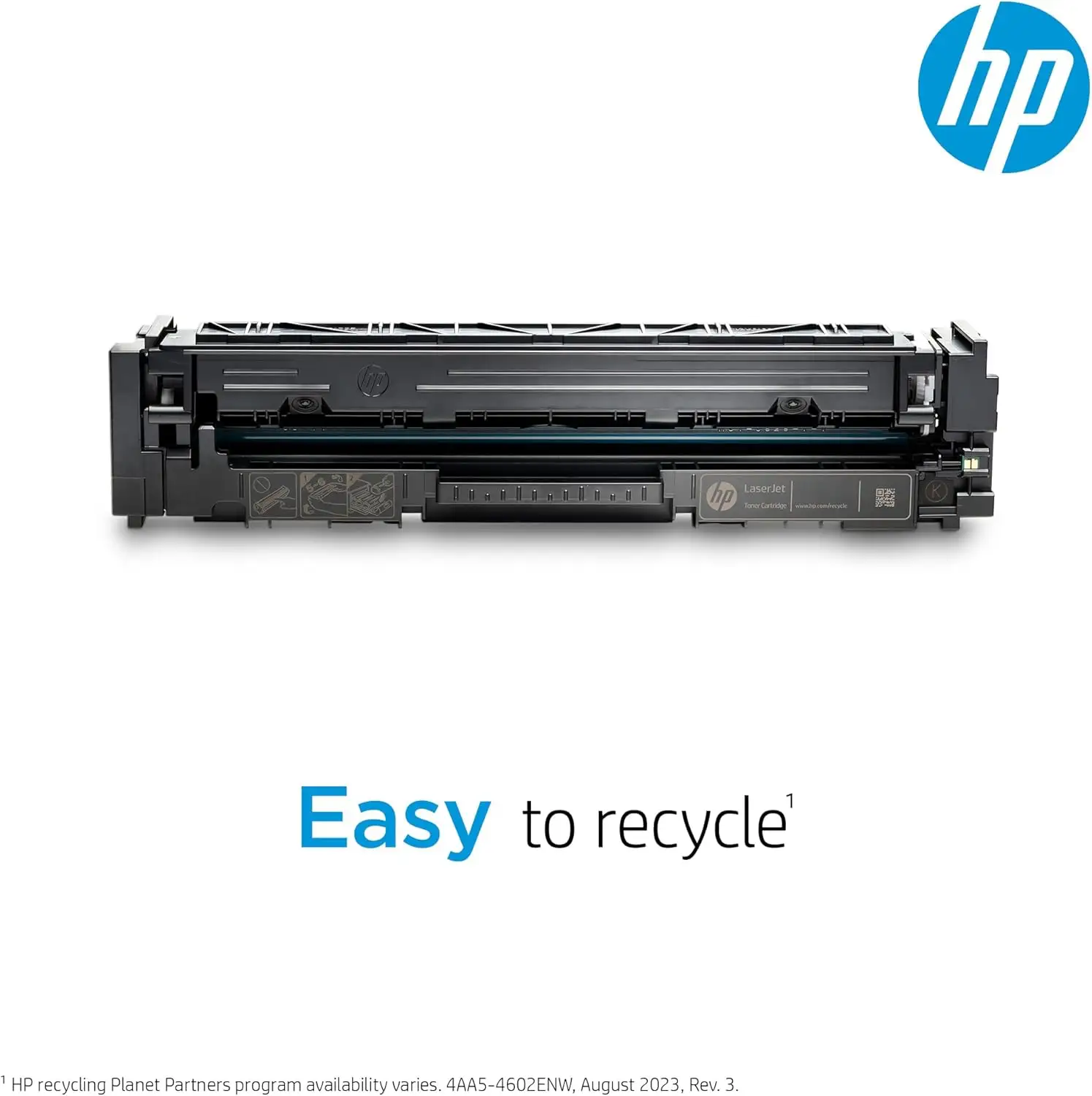
Supply chain limitations top the list. The printer only accepts HP 147A toner cartridges, locking out higher yield 147X and 147Y without physical modification — something that’s not supported. Reddit contributors called this “diabolical,” noting significant cost increases over time. Cdd dvm spent “2 hours trouble shooting” trying to fit a 147X, only to revert to the 147A after failure.
Mechanical reliability shows an alarming inconsistency. Multiple users reported units arriving with faults or failing within days. McMurray PA Business had a printer “printed 3 pages before malfunctioning… needs other parts to fix.” JP 20212 reported “continuously jams in the drawer and fuser” requiring removal of key components to clear.
Label and specialty paper handling draws frequent frustration. Ho fl detailed jams “if there’s more than 2 sheets of labels in the drawer.” Warehouse users found legal-size sheets “fall out the front” from the output tray, breaking workflow. Noise complaints — “loud high pitch” during operation — persist in several low-rated reviews.
Customer service receives heavy criticism. Lawyer 10 described “support techs placing me on multiple +20 minute holds… ultimately returned it for a full refund.” Others note delayed refunds, poor communication, and outsourced support with language barriers.
Divisive Features
Durability is a point of contention. While some IT managers successfully deploy the M610dn into “harsh environments” with stable performance, others call its build “fragile” compared to older HP workhorses. GT Corbin “seriously doubt[s] it will last half as long” as a model 4520.
Setup experience varies wildly. Some praised “easy installation… upgraded into our system in less than 2 hours,” while others found the touchscreen unintuitive, with default double-sided printing causing confusion. Linn 2019 noted a “manual tray backwards” behavior and reversed letterhead feeding, which can frustrate traditional workflows.
Trust & Reliability
Trustpilot and Reddit threads reveal recurring “dead on arrival” incidents and early breakdowns. Several users faced prolonged refund times despite documented faults. In enterprise terms, downtime risk is high without immediate replacement channels.
Long-term durability stories are scarce, but in print shops where two months of heavy operation passed without failure, satisfaction remains high. Those cases seem tied to environments with dedicated tech support and controlled usage patterns, pointing to reliability being heavily dependent on deployment context.
Alternatives
Warehouse and label printing operators often compare the M610dn unfavorably against older HP M601 or M604 units, citing better tolerance for specialty stock and sturdier builds. One Redditor even “repaired the old M601 and put it back in service” after the M608/M610 series failed repeatedly.
Canon monochrome workgroup models are mentioned as a potential switch for those burned by HP’s declining quality, especially among legal professionals seeking jam-resistant alternatives. While not detailed in specs here, that move is driven by frustration over HP’s cartridge lock-in and inconsistent performance.
Price & Value
On eBay, open-box units list around $749.99, refurbished models between $649.99–$899.99, often with 90-day warranties. This is well below initial MSRPs near $949.99. Market depreciation seems driven by mixed reliability reports and toner restrictions.
For enterprises fully committed to HP’s toner ecosystem, the high-duty cycle and security features can justify the cost. However, resale prospects diminish quickly with newer models or parts shortages. Sellers often highlight thorough refurb processes — replacing feed rollers and fusers — to reassure buyers against jamming.
Buying tip from community: secure extra trays and correct toner model upfront to avoid operational surprises.
FAQ
Q: Can the HP LaserJet Enterprise M610dn use high-yield 147X or 147Y toner cartridges?
A: No. User reports confirm it only accepts HP 147A cartridges without modification, and modifications are not supported. Attempting to fit other sizes often leads to physical incompatibility or firmware rejection.
Q: Does this printer support wireless printing out of the box?
A: No. Wireless capability requires optional HP Jetdirect accessories. Standard connectivity includes Gigabit Ethernet and USB 2.0.
Q: How does it handle labels or specialty media?
A: Several users note jams when loading more than one or two sheets of label stock. Optimal handling often requires manual feeding and adjusted paper settings.
Q: Is it noisy during operation?
A: Yes, many reviews mention a high-pitched sound when printing. Though idle mode is quiet, printing periods can be loud enough to disrupt quiet environments.
Q: Do I need extra hardware for legal-size printing?
A: Yes. Legal-size documents require an additional paper drawer, sold separately.
Final Verdict
Buy if you’re an enterprise printing large volumes of monochrome documents in a controlled IT-managed setup, and you’re prepared for locked-in HP toner supplies. Avoid if you rely on specialty media, need wireless printing without add-ons, or can’t afford downtime from potential early failures.
Community pro tip: As kcampbels advises, “replace aging high-volume units with M610dn in pairs — keep one as backup until you’re confident in reliability.” This dual deployment strategy can mitigate the risks that come with the printer’s divided reputation.





