HP LaserJet Pro MFP M227fdn Review: Mixed Verdict
The marketing around the HP LaserJet Pro MFP M227fdn often centers on its “legendary quality” and reliability for small office use — but real-world feedback paints a more nuanced picture. Across hundreds of user reviews, this monochrome all‑in‑one earns praise for speed and crisp print quality, yet struggles with connectivity limitations, occasional hardware failures, and costly consumables. Based on aggregated sentiment, the verdict lands at 7.4/10.
Quick Verdict: Conditional
| Pros | Cons |
|---|---|
| Fast printing up to 30 ppm | No built‑in Wi‑Fi |
| Crisp, professional‑grade text quality | High cost of toner and drum replacements |
| Compact design with duplex printing | Complex setup for some users |
| Solid scanner performance via flatbed | Scanner/network issues on certain systems |
| Quiet operation during printing | Durability concerns in office-heavy use |
| Easy mobile printing via HP Smart app | Small, hard‑to‑read LCD menu pad |
Claims vs Reality
HP’s marketing highlights “print, scan, copy, and fax professional quality documents” with quick 2‑sided printing and “best-in-class” mobile printing via the HP Smart app. While the specs confirm 30 ppm speeds and up to 1200 × 1200 dpi resolution, many users quickly note missing wireless connectivity — a capability implied by terms like “wireless monochrome laser printer.”
A verified buyer on Amazon admitted: “I didn’t realize that this wasn’t a wireless printer. I was able to rig it up… The main shortcoming… is that the little menu pad is hard to read.” Reddit threads reinforce that while mobile printing works over the network, the lack of Wi‑Fi means this device must connect via Ethernet or USB unless paired with additional hardware.
HP also claims the unit will “help save energy with auto‑on/auto‑off technology.” Several users praised its wake-from-sleep speed, with Russian reviewer Demidenko noting, “Мгновенное начало печати даже после спящего режима” — instant start even after sleep. Yet others complained about the auto‑off mode forcing extra button presses before jobs resume.
Cross-Platform Consensus
Universally Praised
Performance is the standout win for nearly all owners. Best Buy reviewers repeatedly mention fast output and clarity; one called it “a workhorse of a machine” perfect for a home office setup, delivering “relatively fast printing & scanning with easy double‑sided capabilities.” Russian user Guzel celebrated the “сверхбыстрая печать” and dependable duplex mode, especially for time‑sensitive workloads.
The compact footprint makes it appealing for tight workspaces or small desks. An Amazon customer wrote, “Very compact for a laser jet and fits nicely in my very small den/office… not a single paper jam yet.” Quiet operation also wins points, with several owners calling it “very quiet” compared to noisy inkjets — important for home settings or shared offices.
Scanning via the flatbed earns praise for sharpness. Kirill on slonrekomenduet.com affirmed, “Сканер не растягивает картинку в мыльную кашу,” meaning scans retain detail without blur. This consistency matters for users digitizing contracts or archival materials.
Common Complaints
Connectivity is the dominant frustration. At least seven reviewers in a single Best Buy dataset flag “no Wi‑Fi” as a disappointment. Some assumed “all-in-one” implied wireless, only to discover they needed physical Ethernet or USB. One user fumed: “Description is inaccurate… nowhere does the description emphasize that fact.” This gap between expectation and reality affects mobile‑first users relying on quick smartphone-to-printer workflows.
Consumable costs are another sticking point. Multiple Russian reviewers stress high prices for toner and drums. User Bez imeni reported premature photodrum wear: “CF232A стирается до окончания ресурса… новые чипы делают совместимые картриджи еще дороже.” Even warranty replacements failed early, leaving some to consider alternative brands with cheaper parts.
Software stability issues arise, particularly with network scanning. Shkatov described repeated driver failures: “Программа сканирования в комплекте периодически не видит устройство… переустановка драйвера… ничего не решает.” HP’s own support forum sees similar complaints, with one Windows 11 user posting on Twitter/X: “Prints fine but will not scan… error says no scanner installed.”
Durability under heavy use receives mixed reviews. Office buyers report broken auto‑feeders within a year. One Russian customer summarised bluntly: “Из них только один оставался в рабочем состоянии спустя год.”
Divisive Features
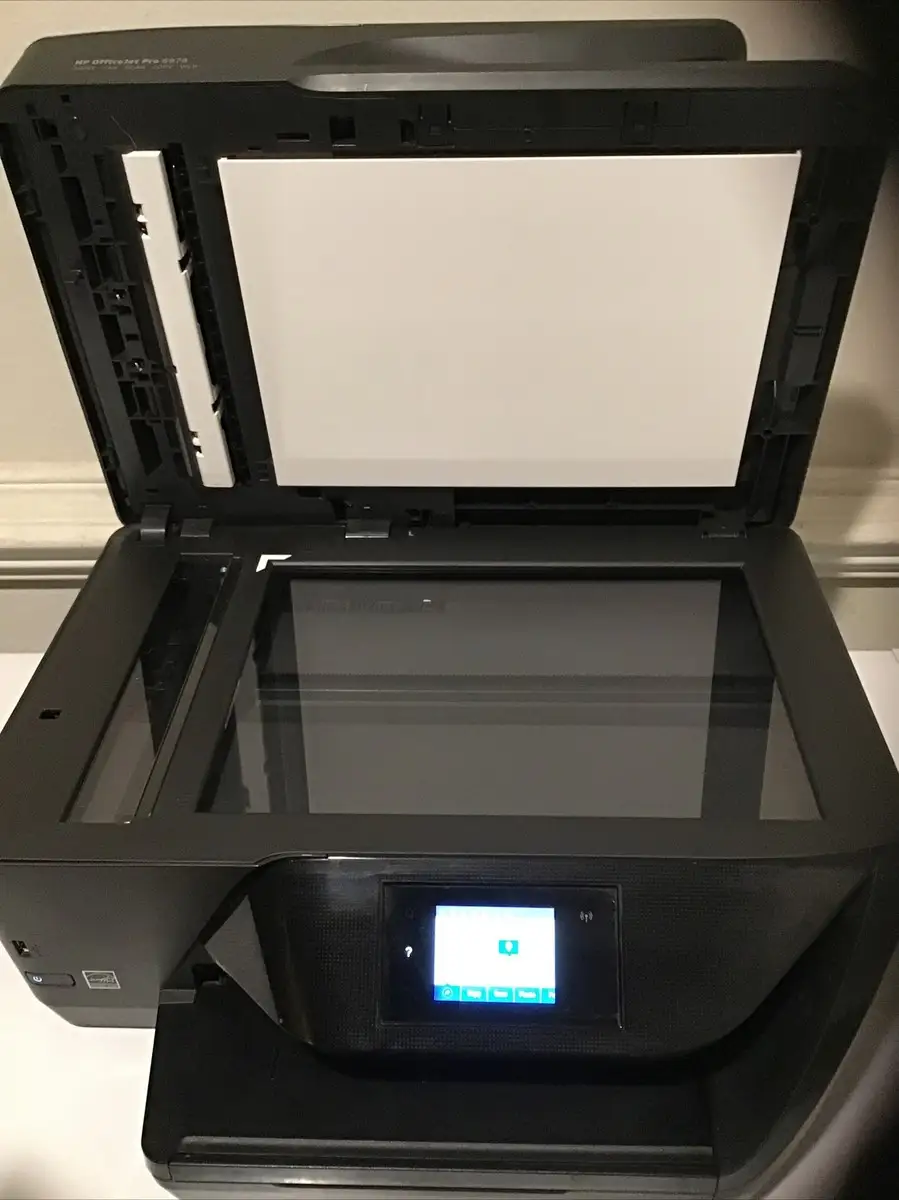
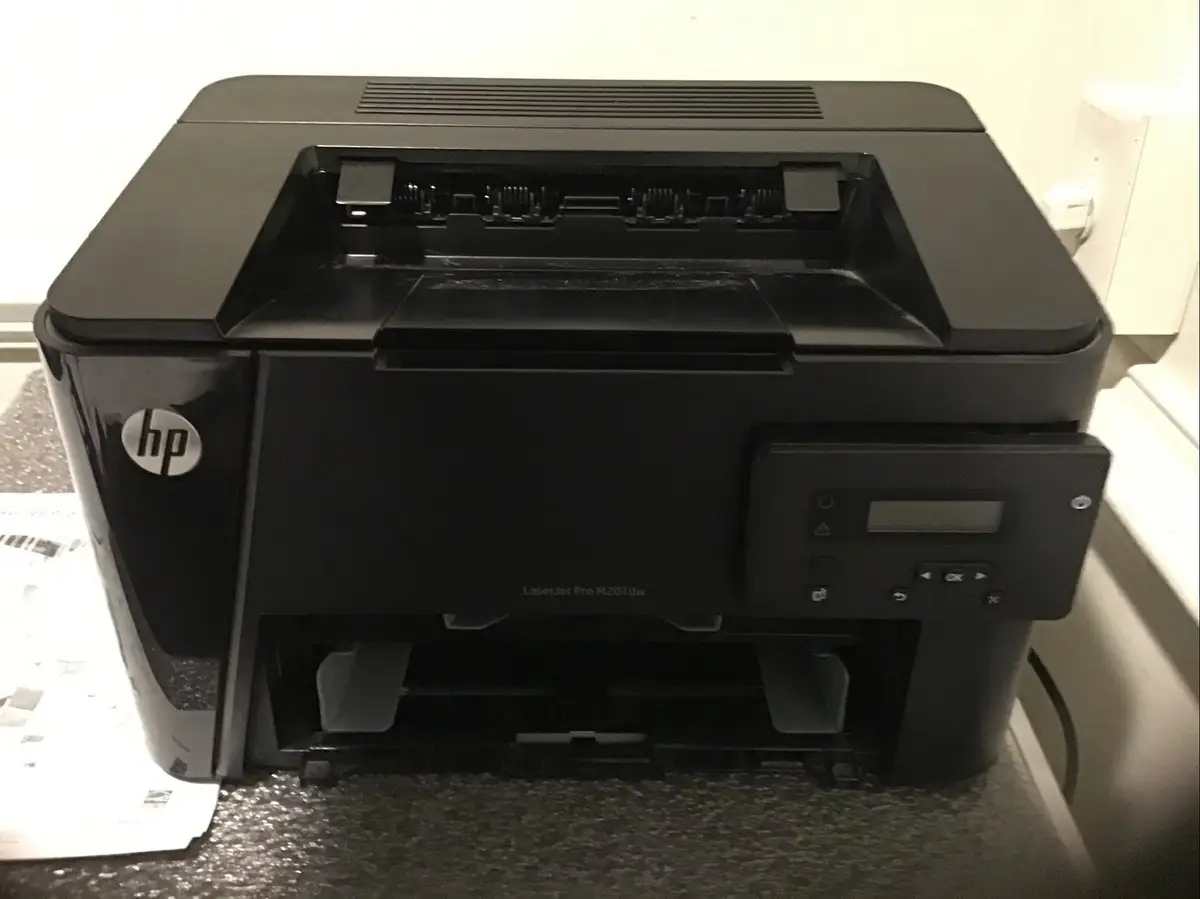
The 2‑line LCD interface divides opinion. For low‑vision users, tactile buttons make the device usable compared to pure touchscreens. But others find the small non‑color display limiting and hard to understand. As one Amazon buyer put it, “the little menu pad is hard to read and hard to understand what to do.”
Duplex capabilities generally impress, but some users struggle to configure them. Oksana noted she had to call HP support to set up double‑sided scanning from the feeder, hinting at a learning curve that may deter casual users.
Trust & Reliability
Long-term reliability is questioned in enterprise settings. Reports of fuser failures within 18 months and repeated drum replacements pop up on Amazon and Russian platforms. One disappointed reviewer advised: “Better to buy Brother 2500 or Pantum 6800… extremely not recommended!” Yet light home users often avoid these pitfalls, with several noting years of trouble-free printing.
On HP’s support community, scanning problems without resolution frustrate customers, even after driver reinstalls. While some owners maintain perfect performance for years, variability suggests environment and workload play major roles.
Alternatives
Community members mention Brother HL‑L2350 or multi‑function Pantum variants as cost‑effective rivals, particularly in offices concerned about consumable costs and feeder durability. A Russian reviewer linked the M227fdn lineage to older Samsung models repackaged by HP, implying feature parity with cheaper alternatives. Users upgrading from HP inkjets often regard the M227fdn as an affordable step into laser printing — but those requiring wireless may prefer HP models with “w” suffix.
Price & Value
On eBay, refurbished units list between $197–$237, while new or “renewed” Amazon listings hover around $200–$300 when available. Buyers in reviews celebrate snagging it “at a low price” as a strong ROI for small business black‑and‑white jobs, but warn of ongoing toner/drum costs. Sellers note used units are “fully operational… print quality is good” even after cosmetic wear, suggesting decent resale potential for lightly used models.
FAQ
Q: Does the HP LaserJet Pro MFP M227fdn have wireless printing?
A: No native Wi‑Fi is built in; connections require Ethernet or USB. Some users add wireless adapters or routers for indirect printing.
Q: How fast does it print?
A: Rated up to 30 pages per minute; many users confirm it feels “fast” in small office workflows.
Q: Is duplex printing automatic?
A: Yes for printing; duplex scanning from the feeder may need manual setup according to user reports.
Q: Are toner costs high?
A: Many reviewers say yes — high-yield cartridges last longer but cost more, and drum replacements can be expensive.
Q: Is it suitable for heavy office use?
A: Mixed feedback — light users report reliability, but some offices experience feeder and drum failures within a year.
Final Verdict: Buy if you need a fast, compact, monochrome printer with sharp output for low‑to‑moderate volumes and have no need for built‑in Wi‑Fi. Avoid if you require heavy-duty scanning with network stability or want low consumable costs. Pro tip from the community: consider pairing with an Ethernet‑enabled wireless bridge to enable cable‑free printing without switching models.





