HP Everyday Photo Paper Glossy 5x7 Review: 7.6/10
“Beautiful and glossy”… until someone touches it.
HP Everyday Photo Paper Glossy 5x7 in earns a 7.6/10 based on the provided cross-platform feedback: strong color and an easy, at-home “photo lab” look for many users, with recurring warnings about smearing, finicky output tied to ink/printer settings, and occasional feed issues.
Quick Verdict
Conditional — Yes if you want affordable, glossy 5x7 prints and handle them carefully; no if you need consistently thick, bulletproof paper or you’ve had printer feed/ink issues with glossy stocks.
| What matters | Evidence from feedback | Who it affects |
|---|---|---|
| Vibrant, “professional-looking” prints | Best Buy reviewers praised “professional” results; BestViewsReviews quotes “vibrant and do not smudge.” | Scrapbookers, framed-photo printing, small businesses |
| Drying/handling is inconsistent | BestViewsReviews quotes it “will smear on hands if touched for a while.” | Anyone mounting, sorting, or selling prints |
| Value vs premium lines | BestViewsReviews notes it’s “priced well under those with better quality” but “not as thick and sturdy.” | Budget-focused home printers |
| Compatibility varies by printer/ink | BestViewsReviews: “ink quality needs to be on point.” | Users mixing inks/printers or using non-photo settings |
| Occasional printer feed issues | Best Buy: “gets stuck in the printer (…HP OfficeJet 4630).” | Office inkjets and older feed paths |
Claims vs Reality
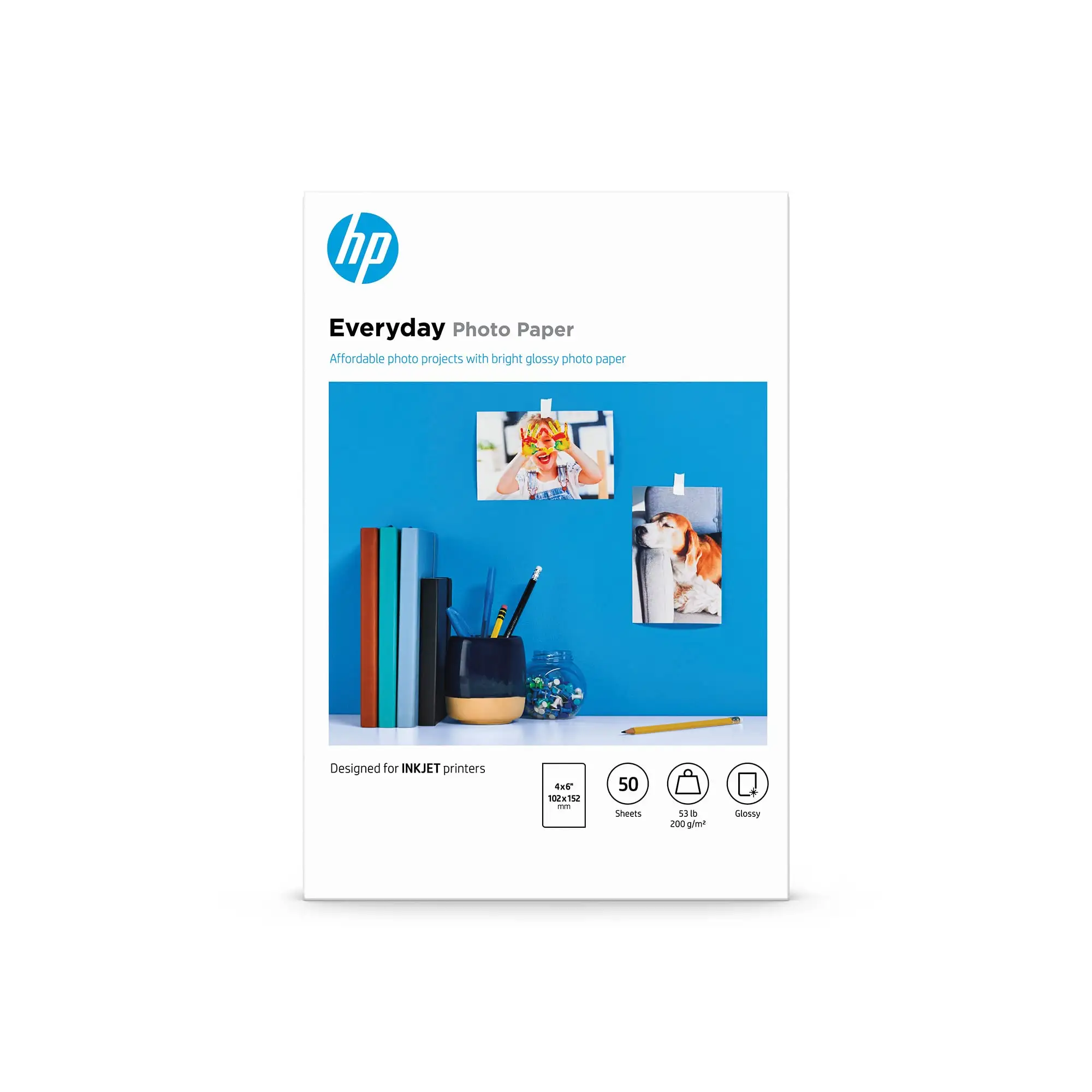
HP positions HP Everyday Photo Paper Glossy 5x7 in as quick-dry and easy to frame, with “fade-resistant photos” and “durable” prints you can “handle…right from the printer.” Digging deeper into user reports, the “everyday” part lands for many buyers—but the “handle immediately” promise feels conditional.
A recurring pattern emerged in aggregator-sourced customer quotes: the surface looks great, but can be sensitive. BestViewsReviews captured a commonly repeated caution: “the photo paper is beautiful and glossy, but it is delicate and will smear on hands if touched for a while.” For crafters who stack prints, or anyone selling prints at events, that tradeoff matters: glossy sheen and punchy colors can come with more careful handling.
HP also frames it as broadly inkjet-compatible. Some shoppers echo that flexibility, even stretching beyond expectations. BestViewsReviews includes: “I was hesitant…because it was meant for inkjet printers, but…a review…said it also works for OfficeJet printers.” That’s a win for general home-office owners—yet the same dataset also shows complaints about output quality when settings or ink don’t match what the paper expects.
Finally, on “quality you can depend on,” users don’t sound unanimous. Alongside praise like “the pictures…are vibrant and do not smudge,” there are harsh outliers. BestViewsReviews includes an especially blunt negative experience: “The picture quality is poor with running colors, huge black spots around eyes…blurred image, like a zombie picture.” While the paper is marketed as dependable, some users imply the results can swing dramatically depending on printer/ink/profile.
Cross-Platform Consensus
Universally Praised
For many home printers, HP Everyday Photo Paper Glossy 5x7 in is about getting “photo counter” results without leaving the house. Best Buy reviewers repeatedly describe that lab-like look in everyday language. One Best Buy reviewer wrote: “prints photos on glossy prints just like at CVS or Walgreens.” For families printing frame-ready memories, that “store print” vibe is the entire point—especially in 5x7, where photos often go straight to a wall frame.
Small-business use shows up in the aggregated quotes too, where reliability means presentable output on demand. BestViewsReviews includes: “I love the HP photo paper and it’s important for my small business that the pictures print out in good quality.” For sellers who need quick product shots, booth signage inserts, or packaged thank-you prints, this kind of feedback signals that the paper can deliver a crisp, glossy presentation when the print pipeline is dialed in.
Texture and finish get consistent compliments: users like the look and feel when it works. BestViewsReviews summarizes sentiments with a direct quote: “the photo paper is beautiful and glossy.” Another quoted user described it as “heavy stock and equal to what we get from any commercial photo developer.” Even though “everyday” implies mid-tier, some buyers still compare its appearance favorably to commercial prints—suggesting that for casual photos and framed displays, it can be “good enough” to impress.
After those narratives, the recurring praise themes in the provided feedback are:
- Glossy finish that looks “beautiful” and photo-like (BestViewsReviews; Best Buy).
- Vibrant color output for many printers (“vibrant and do not smudge”) (BestViewsReviews).
- Value framing: “excellent paper for the cost” (Best Buy).
Common Complaints
The most repeated frustration centers on handling. While marketing language suggests quick-dry durability, multiple user quotes describe a surface that can mark or smear under fingers. BestViewsReviews captures it plainly: “it is delicate and will smear on hands if touched for a while.” For anyone batch-printing and then sorting, trimming, or mounting right away, that means changing workflow—touch edges only, wait longer, or expect fingerprints.
Thickness and sturdiness are another fault line. BestViewsReviews includes: “priced well under those with better quality, although it is not as thick and sturdy.” Another user echoed: “The paper is flimsier than expected, but it still works well.” For scrapbookers who want rigid, postcard-like sheets, the “works well” may still feel like a compromise. The implication is that you’re buying presentation, not premium board-like heft.
Printer behavior comes up too, and it’s not just about color. A Best Buy reviewer warned: “be aware that it does get stuck in the printer (I use HP OfficeJet 4630), causing you to print multiple times and waste paper.” That’s not a minor nit—on glossy photo stocks, a feed issue can translate into wasted sheets and frustration quickly, especially when the pack is only 60 sheets.
The biggest quality complaints are dramatic, and they often sound like a mismatch between ink, settings, and the paper’s coating. BestViewsReviews includes the extreme example: “running colors, huge black spots around eyes…excessive ink usage, and blurred image.” Even if this is a minority experience, it signals that some setups produce ugly artifacts—precisely the opposite of what buyers want from photo paper.
Common complaint themes, as stated in user language:
- Smearing/finger sensitivity: “will smear on hands” (BestViewsReviews).
- Not as thick as expected: “flimsier than expected” (BestViewsReviews).
- Feed issues on some printers: “gets stuck in the printer” (Best Buy).
- Severe print defects in some cases: “running colors…huge black spots…blurred” (BestViewsReviews).
Divisive Features
Quick-dry performance is where the story splits. Some users describe clean output that behaves well immediately. Best Buy includes: “the HP ink I use along with this photo paper are dry upon ejection from the HP Envy printer.” That’s the dream scenario: print, grab, frame.
But others report the opposite behavior—prints that look great at first, then betray you when handled. BestViewsReviews says: “beautiful and glossy, but it smears on hands if touched for a while.” For busy households, classrooms, or anyone handing prints around, that difference can feel like random luck—yet the data implies it may hinge on printer model, ink type, and print settings.
Compatibility is also split between “works on more devices than expected” and “needs everything perfect.” BestViewsReviews includes: “it also works for OfficeJet printers,” but also: “the ink quality needs to be on point for the photo paper to look good.” In practice, that means some users can treat it as plug-and-play, while others have to fuss with profiles and ink/quality modes to avoid the worst outcomes.
Trust & Reliability
Across the provided sources, “trust” isn’t framed as scams or fake listings; it’s framed as consistency. The same product can produce “vibrant” prints for one person and “running colors” for another, which is a reliability problem from the consumer perspective. Digging deeper into the aggregator-style review excerpts (BestViewsReviews), the feedback reads like a pattern of conditional success: good results when the print pipeline is right, messy results when it isn’t.
On longer-term durability, the data leans more on brand/marketing claims than true “6 months later” narratives. Still, some user language echoes the longevity promise in aspirational terms. BestViewsReviews includes: “The photo paper will last for generations and be a lasting memory for my grandchildren and children.” That’s not a controlled durability report, but it shows that at least some customers believe the product is suitable for keepsakes—especially when prints are framed or stored carefully.
Alternatives
Only alternatives explicitly mentioned in the provided data are fair game, and the dominant comparison is to HP Advanced Photo Paper | Glossy. BestViewsReviews’ comparison page frames it as slightly more positively received overall (higher positive feedback), and users’ language suggests “Advanced” is the pick when you want consistency and sturdier feel.
One BestViewsReviews quote is direct: “I recommend using HP advanced photo paper for its consistent quality, ease of use, and affordable price point.” That’s the clearest “upgrade path” coming from the user-feedback dataset: if Everyday feels too delicate or too variable, Advanced is positioned (by users) as steadier.
There’s also an implied alternative in Best Buy’s review page—but it’s a different product line (HP Advanced Photo Paper 5x7, 20-count). Best Buy reviewers talk about it as dependable and high quality, though one still mentioned feed issues. The practical takeaway from cross-platform feedback: HP’s higher-tier glossy paper may reduce the “flimsy/delicate” complaints, but it doesn’t guarantee every printer will feed glossy stock perfectly.
Price & Value
At a listed $14.99 for 60 sheets on Amazon (about $0.25 per sheet in the provided specs), HP Everyday Photo Paper Glossy 5x7 in positions itself as an “affordable photo projects” option rather than premium media. That value proposition is echoed in Best Buy reviewer language like “excellent paper for the cost,” and BestViewsReviews’ repeated framing that it’s “priced well under those with better quality.”
Resale/market listings on eBay show multiple HP glossy 5x7 products circulating, including this exact line (“hp genuine everyday photo paper…ch097a”) and HP Advanced options. The eBay snapshots suggest pricing can vary widely by listing and shipping, which reinforces the community-style buying advice implied by the data: when shipping is high, “everyday” affordability can disappear quickly.
Buying tips that follow directly from user experiences in the dataset:
- If you handle prints immediately, plan for extra dry time—multiple users describe smearing on touch (BestViewsReviews).
- If you’ve had feed issues with glossy stock, test a small pack first; at least one user reported sticking on an HP OfficeJet model (Best Buy).
- If you want thicker, sturdier feel, users explicitly point toward HP Advanced glossy as more consistent (BestViewsReviews comparison quote).
FAQ
Q: Does HP Everyday Photo Paper Glossy 5x7 dry instantly?
A: Conditional. Some users report prints are “dry upon ejection” when paired with HP ink and certain printers (Best Buy), but multiple users also warn it “will smear on hands if touched for a while” (BestViewsReviews). Handling time seems to vary by printer, ink, and settings.
Q: Is the paper thick and sturdy for framing?
A: It depends on expectations. Some users call it “heavy stock” and comparable to commercial prints (BestViewsReviews), while others say it’s “not as thick and sturdy” and even “flimsier than expected” (BestViewsReviews). For rigid, premium feel, users often point to HP Advanced glossy.
Q: Will it work with an HP OfficeJet or other inkjet printers?
A: Many users imply yes, but not universally. BestViewsReviews includes a buyer who said it “also works for OfficeJet printers,” yet other quotes emphasize that “ink quality needs to be on point” to avoid weak results. Compatibility may be fine; consistency may depend on settings and ink.
Q: What print problems do frustrated users mention?
A: The harshest complaints describe major defects like “running colors,” “huge black spots,” “excessive ink usage,” and “blurred image” (BestViewsReviews). Separately, a Best Buy reviewer reported the paper “gets stuck in the printer,” causing wasted sheets on an HP OfficeJet 4630.
Q: Is it good enough for small-business photo printing?
A: For some, yes. A BestViewsReviews quote says: “it’s important for my small business that the pictures print out in good quality,” and they “love” the paper. But the same dataset contains smearing and quality-variance complaints, so it may require careful handling and dialed-in settings.
Final Verdict
Buy HP Everyday Photo Paper Glossy 5x7 in if you’re a budget-focused home printer who wants glossy, vibrant prints for frames, crafts, or quick photo projects—and you’re willing to handle sheets carefully. Avoid it if you need consistently thick, ultra-sturdy paper or you can’t tolerate occasional smearing/feed issues.
Pro tip from the community: If you want fewer compromises, follow the user recommendation to step up—BestViewsReviews quotes: “I recommend using HP advanced photo paper for its consistent quality…”





