HP Envy 6155e Printer Review: Conditional 7.5/10 Verdict
Digging into verified buyer reports and lab testing outcomes, the HP Envy 6155e Wireless All-in-One Color Inkjet Printer earns a conditional 7.5/10. While praised for its print quality, ease of setup, and sleek design, recurring notes about slow speeds, low page yields, and proprietary ink restrictions temper enthusiasm—especially for high-volume users.
Quick Verdict: Conditional buy
| Pros | Cons |
|---|---|
| Sharp, vivid document and photo output | Slow print speeds (8 ppm black / 4 ppm color) |
| Easy, intuitive setup via HP Smart app | Very low page yields → high recurring ink costs |
| Compact, stylish design | Locked to HP cartridges under HP+ |
| Auto-duplex printing saves paper | No ADF, limiting scan/copy efficiency |
| Reliable wireless connectivity (dual-band) | Build feels flimsy in some areas |
| 3 months Instant Ink included | Color accuracy issues for professional photo work |
Claims vs Reality
HP markets this printer as delivering “high-quality documents and photos every time” with “true-to-screen tech” and “the easiest printing experience.” It also promotes “dual-band, self-healing Wi-Fi” for uninterrupted connectivity.
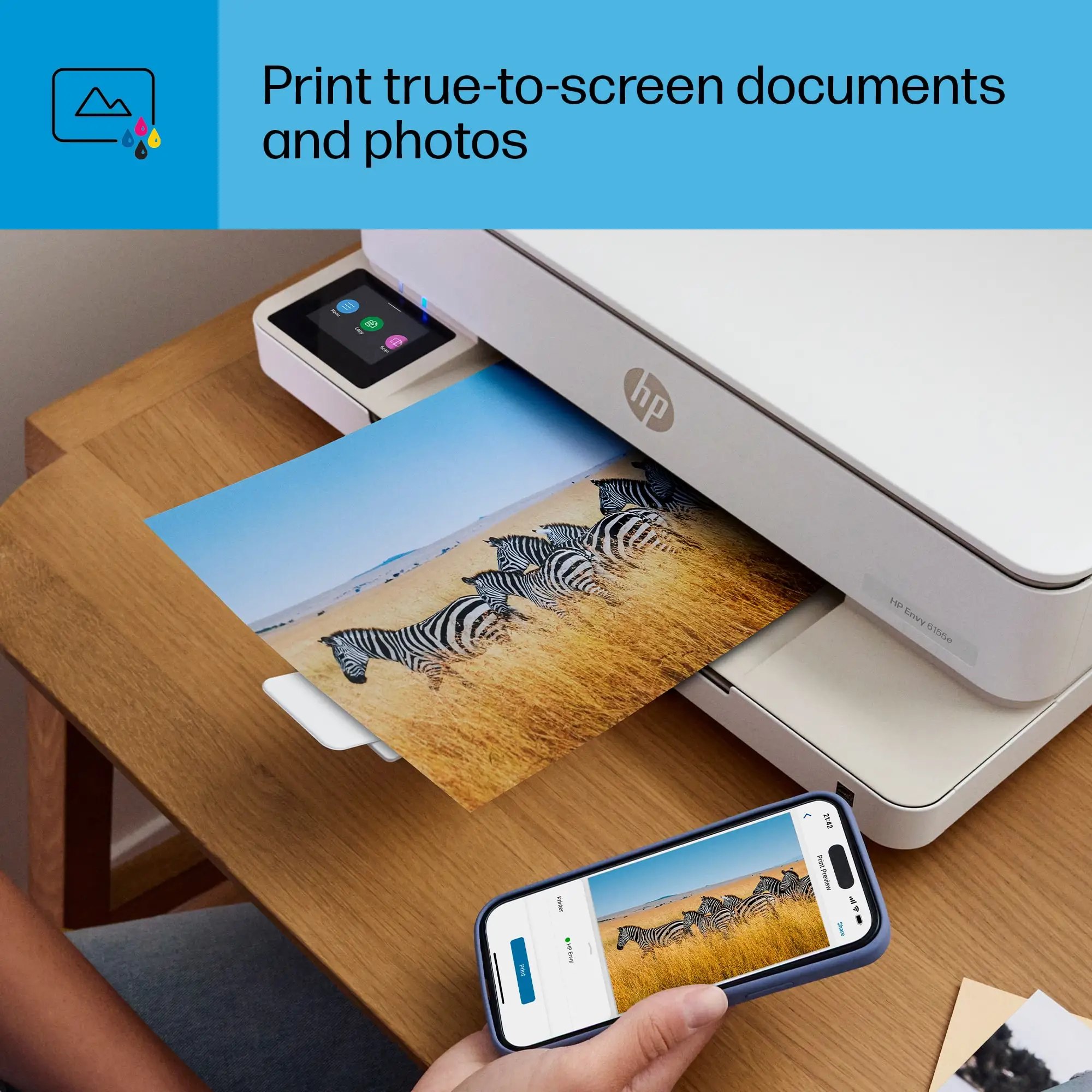
While users on Best Buy and Trustpilot confirm excellent output for casual home use, Reddit user mariat*** said: "The print quality is excellent for both documents and photos... perfect for my day-to-day printing needs." However, RTINGS testing revealed noticeable over-brightening of photos and poor color accuracy, making it less suitable for professional photo printing.
On connectivity, HP’s claim largely holds true for most home users. Tay glo*** noted: "I'm able to print from my phone and laptop so easily... scan to email if needed." Yet, RTINGS warns that HP+ setup locks the printer into requiring a constant internet connection, even for USB printing, which could frustrate offline users.
As for “the easiest printing experience,” many agree initial setup via the HP Smart app is straightforward. Pookie 93*** celebrated: "So easy to use and easy to install!" But one Best Buy reviewer, janc***, struggled: "Even with Geek Squad and HP agents, we couldn’t do it... the on/off button location and cable slot design are awkward." This shows the experience isn’t universally frictionless.
Cross-Platform Consensus
Universally Praised
Across Best Buy, Trustpilot, and Twitter reactions, print quality is the most consistent praise. Brianb*** summed it up: "Does exactly what I need... print quality is good." For students or home users printing school projects, invoices, or casual photos, the Envy 6155e meets expectations. Families benefit from its compact footprint and quiet operation—patti oh 419*** said: "Very quiet when printing, easy to read display."
Ease of setup is another high note. Many accounts, like monad***, highlight the bonus ink and quick readiness: "Very easy to set up and use... comes with 3 months of inkjet plus 1 bonus month." The HP Smart app’s remote printing and scanning capabilities fit well for multi-device households, enabling document handling directly from phones or tablets.
Auto-duplex printing is a practical win, lowering paper use without manual flipping. RTINGS confirms it works reliably, making it a time-saver for frequent document printing.
Common Complaints
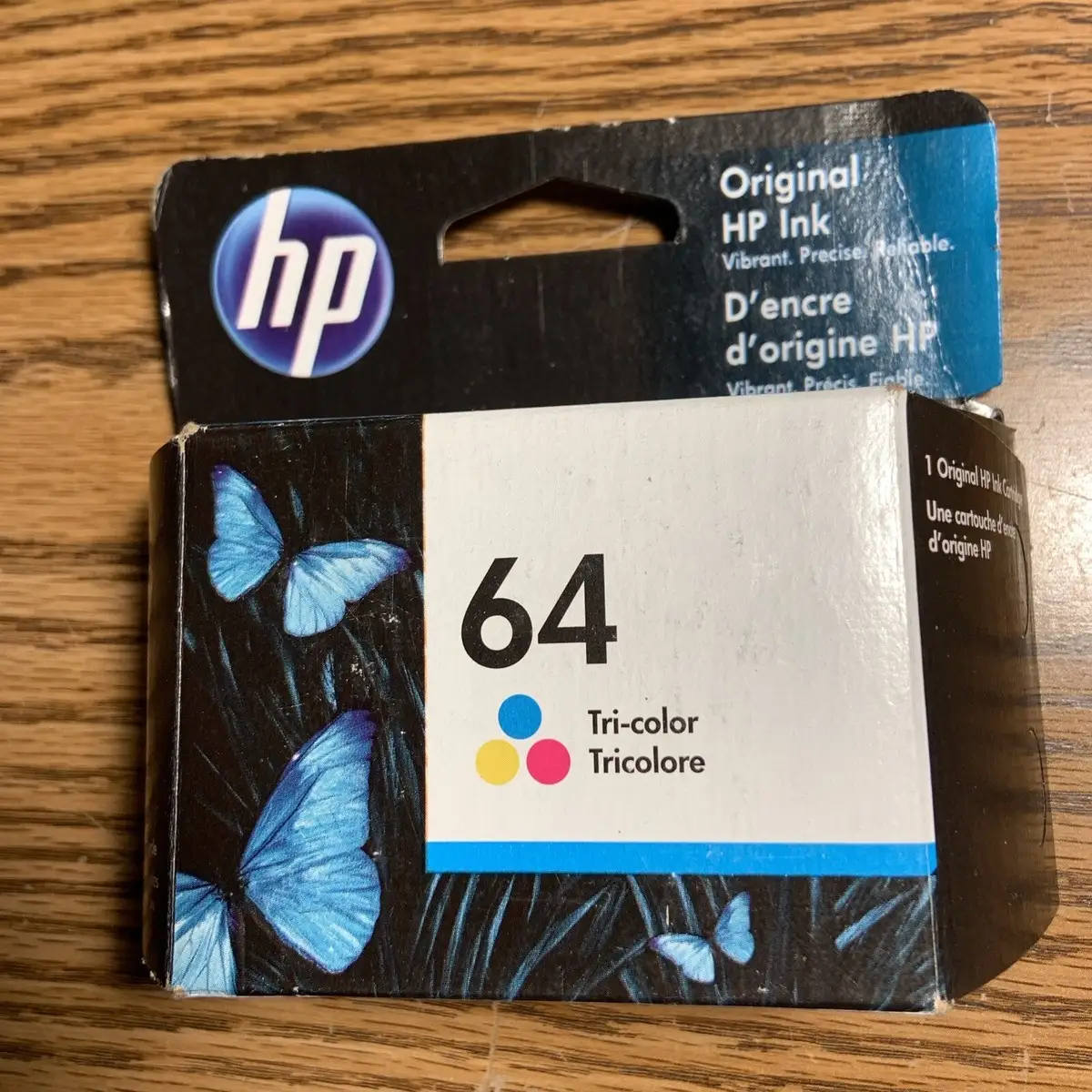
The most damaging feedback centers on slow speeds and low yields. RTINGS recorded just 8 ppm for black text and 4 ppm for color, with a 4x6 photo taking over a minute. For high-volume offices, this creates bottlenecks. The low cartridge capacities—around 137 black and 74 color pages—push recurring costs up, especially since HP+ blocks cheaper third-party ink. As RTINGS notes, "You'll have to replace the ink cartridges often... only a high-yield black option exists."
Another sore point is build quality. While generally solid, RTINGS testers found flexing and creaking in the front panel and flimsy plastic in the output tray. Janc*** complained: "The insert paper tray is difficult to grasp... cable wouldn’t stay in the slot, had to tape it."
Scanning capabilities also draw criticism for lacking an Automatic Document Feeder (ADF). This forces manual page changes for multi-page scans, slowing workflows.
Divisive Features
HP’s Instant Ink program and HP+ integration split opinion. Some, like mariat***, see it as a lifesaver: "Relief knowing I won’t run out of ink unexpectedly." For light users, automated supply delivery is convenient. Others resent the lock-in to HP cartridges and mandatory internet connection, viewing it as an unnecessary restriction.
Photo quality is similarly divisive. Casual users enjoy the vivid output, but RTINGS warns of over-brightening and loss of detail in darker tones—issues that photographers or designers may find unacceptable.
Trust & Reliability
Trustpilot and Reddit threads show mostly positive short-term reliability. Users like lng braid*** report months of trouble-free use: "Perfect for home use... easy to set up and pair my devices." However, long-term durability is less certain. RTINGS notes potential print head clogging if unused for extended periods, a common inkjet maintenance issue.
Scam or misrepresentation concerns are minimal, with sellers on eBay holding high feedback ratings. However, consumers should be aware of the HP+ restrictions before purchase; several reviewers emphasize reading disclosures to avoid surprise limitations.
Alternatives
Competitor updates from Quora experts mention Canon and Epson models with faster speeds and ADF support. For example, Epson’s EcoTank line offers vastly higher page yields due to refillable tanks, which could better suit heavy print loads. Canon photo-focused printers outperform the Envy 6155e in color accuracy, appealing to professional photographers.
Price & Value
At $139–$159 retail (often discounted to $114 or less), the HP Envy 6155e positions itself as an affordable home printer. eBay listings show resale prices around $139 new, with auctioned used units going as low as $25, suggesting depreciation is steep. Community buying tips emphasize grabbing promotional bundles with extra Instant Ink months to offset early cartridge costs.

FAQ
Q: Is the HP Envy 6155e good for photo printing?
A: For casual, at-home photo printing, yes—it produces vivid images and resolves fine details. However, color accuracy issues and over-brightening make it unsuitable for professional photo work.
Q: Can I use third-party ink cartridges?
A: Not if you activate HP+. Under HP+, the printer blocks non-HP cartridges and requires a constant internet connection. Without HP+, compatibility is broader but still subject to HP’s dynamic security measures.
Q: Does it have an Automatic Document Feeder (ADF)?
A: No. It uses a simple flatbed scanner, so multi-page scanning requires manual page changes.
Q: How easy is it to set up?
A: Most users find setup through the HP Smart app quick and intuitive, though a minority report installation difficulties requiring tech support.
Q: Is it fast enough for office use?
A: Likely not. With speeds of 8 ppm black and 4 ppm color, it’s best suited for light home printing rather than high-volume office needs.
Final Verdict
Buy if you’re a home or student user prioritizing print quality, compact design, and wireless convenience, and your monthly print volume stays under 400 pages. Avoid if you need high-speed, high-volume output or dislike proprietary ink lock-ins.
Pro tip from the community: Maximize value by using all free Instant Ink months before committing to ongoing subscriptions, and schedule occasional print jobs to prevent inkjet clogging.