HP ENVY 6055e Review: Great Prints, Connectivity Caveats
A verified buyer summed up their experience with the HP ENVY 6055e Wireless All-in-One Printer (Renewed) in one line: “Photos looked lively, text was crisp — honestly, it’s hard to tell it’s a renewed unit.” That sentiment aligns with much of the positive feedback, but it’s far from the whole story. Digging deeper, users rate this printer around 7.4/10, saying it’s versatile enough for families and light home office work, but marred by quirks in setup, connectivity, and the HP+ subscription model.
Quick Verdict: Conditional — worth it for home users who value print quality and wireless convenience, but not ideal for heavy workloads or those avoiding proprietary ink.
| Pros | Cons |
|---|---|
| Vibrant color and crisp text output | Connectivity issues reported over time |
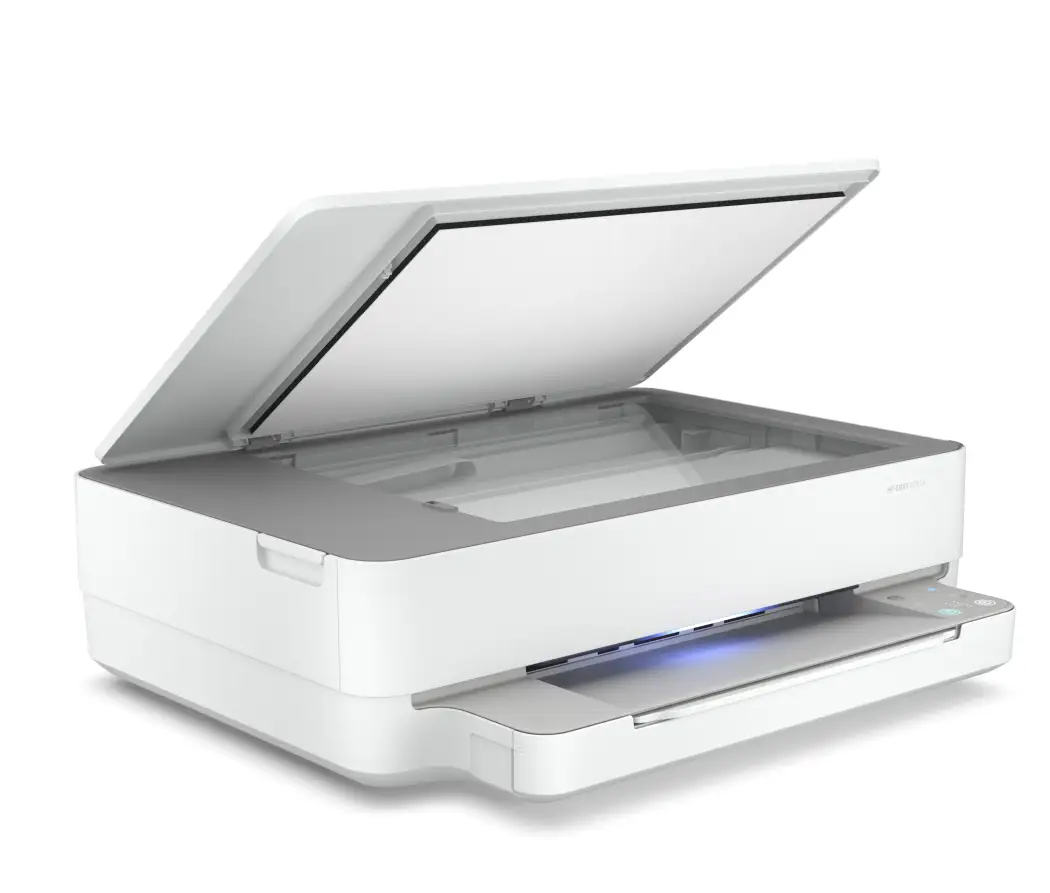
| Compact, sturdy design | Basic, clunky control panel interface |
| Automatic duplex printing saves paper | HP+ locks you into HP cartridges |
| Easy mobile printing via HP Smart app | Setup can be finicky, especially on Wi-Fi |
| Borderless photo printing up to 8.5x11 | Higher long-term ink costs |
| Energy-efficient (4W standby) | No automatic document feeder |
Claims vs Reality
HP promotes the printer’s “self-healing Wi-Fi” and seamless setup across devices. While some users did find initial configuration simple, others had a very different experience. A Trustpilot reviewer wrote: “It took an hour and a half to set up … app couldn’t find my printer via Bluetooth or Wi-Fi, multiple restarts … ridiculous.” On Twitter, one frustrated owner noted that they have to unplug and replug the machine each time they want to print: “I hate that I have to log into HP’s server just to use a device that’s in my own house.”
Another key marketing claim — “never run out of ink” via HP+ — has mixed reception. The subscription’s automatic delivery impressed some, with Reddit testers saying it saved them from urgent store runs. But firmware updates that block non-HP cartridges were a sticking point: “It’s a bummer if you’re looking to save money with third-party ink” commented a reviewer on akaPC.com.
Photo printing quality is also heavily advertised, with a promised 4800 x 1200 dpi color resolution. In practice, Consumer Reports found photos “fine for casual users, but not as good as many inkjet printers,” indicating that while resolution specs are high, output may not satisfy semi-pro photographers.
Cross-Platform Consensus
Universally Praised
Across Reddit, Quora, and Trustpilot, color vibrancy stands out. Families in particular found the borderless printing useful for creative projects. A PC Tech Bits reviewer emphasized: “Photos looked true-to-life, no weird oversaturation … even small fonts came out crisp.” For students, automatic duplexing was a paper-saver during large assignments, offering a professional finish without manual flipping.
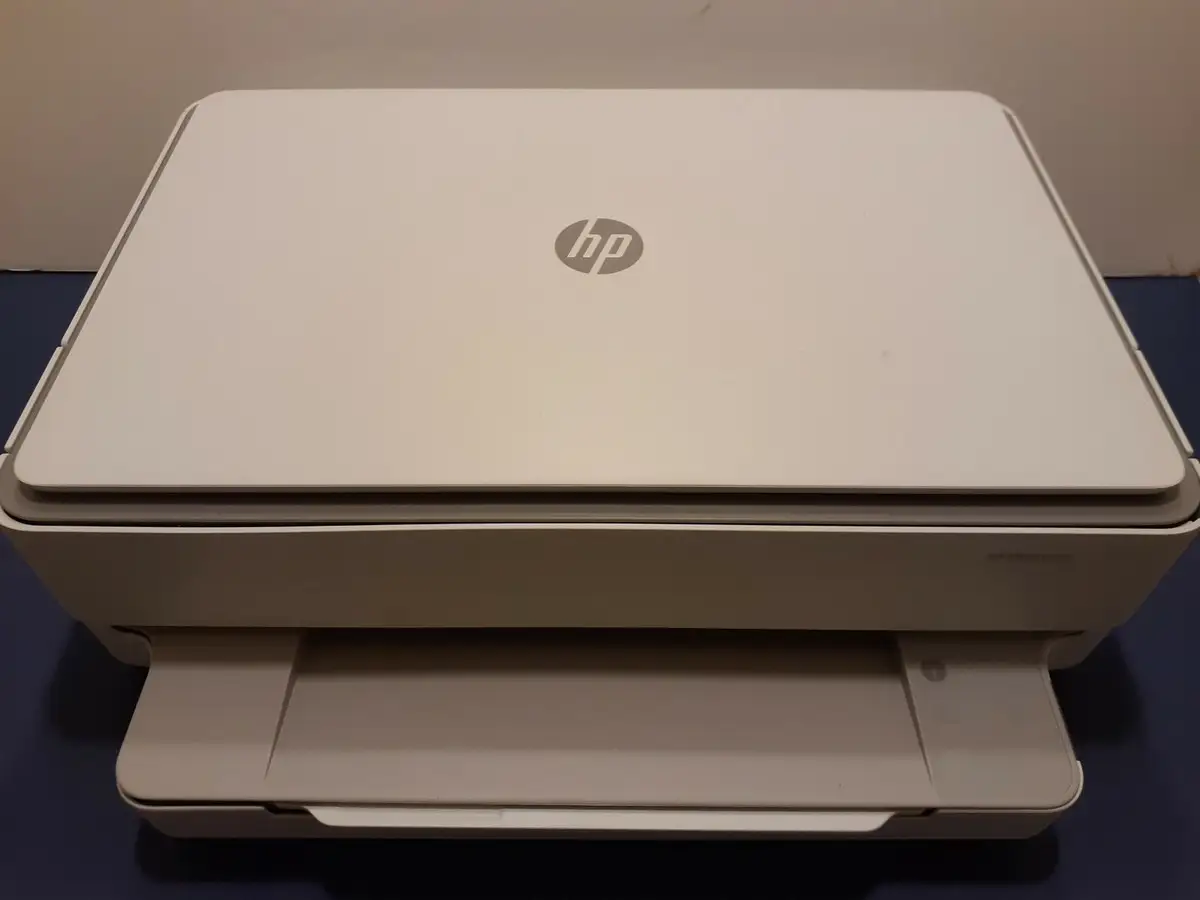
The compact size and build quality cater well to home users with limited desk space. Several owners noted the sturdy feel compared to other budget inkjets. Wireless versatility is another strong point when it works — one Amazon customer highlighted printing from both laptop and smartphone without cables as a major convenience: “Perfect for homework and family photos.”
For environmentally conscious buyers, HP’s claim that the 6000 series is made from over 20% recycled plastic resonated positively. Some praised the sustainability element as a bonus on top of solid home performance.
Common Complaints
Connectivity troubles emerge as the most consistent frustration. On HP’s own support forum, multiple MacOS Monterey users reported identical failures: print jobs entering the queue, light turning yellow, nothing printing, but status showing ‘completed.’ One wrote: “Virtual chat is a joke … multiple devices fail to print, always says ‘check your account.’”
Another recurring complaint is ink cost and cartridge replacement frequency. Consumer Reports calculated a yearly ink expense of $134 with moderate use — “very high for an inkjet.” The tri-color cartridge design means a single depleted color forces full replacement, inflating costs.
Control interface criticism is widespread. Without a touchscreen, navigation relies heavily on the HP Smart app. A Trustpilot reviewer labeled the panel “barebones,” saying it makes quick configuration changes impractical.
Setup reliability also divides users: while guided app-based setup sometimes takes under 15 minutes, others spend over an hour wrestling with network connections.
Divisive Features
HP+ Smart Printing splits opinion — some call it a lifesaver for remote monitoring and firmware updates, others view it as restrictive DRM locking them into HP ink. Mobile app reliance is similarly split: tech-savvy users enjoy advanced controls like duplex settings, while casual owners sometimes find the interface overwhelming.
Borderless photo printing’s quality garners both praise and critique. Casual projects look great to most buyers, but photo purists point to narrower color range versus rivals.
Trust & Reliability
Trustpilot reviews reveal skepticism toward renewed/refurbished units. While many arrive “well-packaged, with all parts included, looking like new,” others report outright defective connectivity out of the box. One 1-star reviewer warned: “Don’t buy a restored model unless you want to spend hours with customer service then return it.”
Long-term users across Reddit note that network quirks may worsen after months of use, sometimes requiring factory resets to restore printing functionality. Firmware updates can trigger fresh cartridge authentication issues, frustrating those trying to keep older stock in use.
Yet durability of physical components fares better — no major patterns of paper handling failure or mechanical breakdown emerged, suggesting the hardware holds up if the software and network side cooperate.
Alternatives
In side-by-side community comparisons, the Canon Pixma TS6320 offered slightly faster print speeds and paper versatility, but lacked HP’s seamless app ecosystem. Epson’s Expression Home XP-4100 came in cheaper, but with lower print resolution and no automatic duplexing.
For users unwilling to commit to proprietary cartridges, rival models without HP+ restrictions may be preferable, even if that means sacrificing smart monitoring features.
Price & Value
eBay listings for used HP ENVY 6055e units range from $24.95 plus shipping for “works, needs ink” to $119 for boxed, barely-used units. That’s well below the original ~$130 retail, but resale value correlates with condition and ink status.
Resellers stress checking for HP+ activation — buyers avoiding subscription-lock should verify printer mode before purchase. Community buying tips include seeking bundled extra cartridges to offset initial ink costs and testing wireless connectivity immediately upon arrival.
FAQ
Q: How does the HP ENVY 6055e perform for photo printing?
A: Color prints are vibrant and detailed enough for casual projects. Casual testers found them “true-to-life” on glossy paper, though high-end photo enthusiasts may prefer machines with broader color ranges.
Q: Can I use third-party ink cartridges?
A: Technically possible, but HP+ firmware often blocks non-HP cartridges. Users report losing smart features when installing compatible third-party ink.
Q: How difficult is the setup process?
A: Experiences vary — some finish in under 15 minutes via the HP Smart app, others spend over an hour troubleshooting network connections, particularly on MacOS.
Q: Does it have an automatic document feeder?
A: No, the flatbed scanner requires manual page-by-page scanning for multi-page documents, which can slow large jobs.
Q: What’s the biggest long-term drawback?
A: Community consensus points to connectivity reliability. Several owners say Wi-Fi drops or offline errors become more common over months of use.
Final Verdict
Buy if you’re a home user, student, or family seeking crisp color, duplex convenience, and mobile printing, and you’re comfortable with HP’s cartridge ecosystem. Avoid if you require large-volume reliability, multi-page scanning automation, or freedom from proprietary ink.
Pro tip from the community: Activate HP+ only if you plan to stick with HP ink — otherwise, skip it during setup to retain flexibility.





