HP Enhanced Business Paper Review: Glossy but Conditional
Starting at just $18.39 for 150 sheets, HP Enhanced Business Paper (Glossy) has built a reputation as a go-to choice for professional brochures, flyers, and marketing materials. With an average user rating hovering around 4.4 out of 5, its glossy finish and sturdy weight seem to win over many—yet frustrated voices point to compatibility issues and packaging mishaps that hold it back from a perfect score. Verdict: 8.1/10.
Quick Verdict: Conditional
| Pros | Cons |
|---|---|
| Sharp, vivid colors for marketing prints | Compatibility issues with certain laser printers |
| Durable, professional glossy finish | Reports of smearing and ink offset on longer print runs |
| FSC-certified, recyclable | Damaged shipments due to poor packaging |
| Handles two-sided printing with minimal show-through | Quantity per pack (150 sheets) considered excessive by some buyers |
| Works well for presentations, proposals, flyers | Not ideal for inkjet printers, despite some confusion in listings |
| Impresses with tactile weight and brightness | Photo edges can appear blurry when printing high-detail images |
| Strong paper feel enhances perceived quality | Printer heat affecting gloss performance on certain devices |
Claims vs Reality
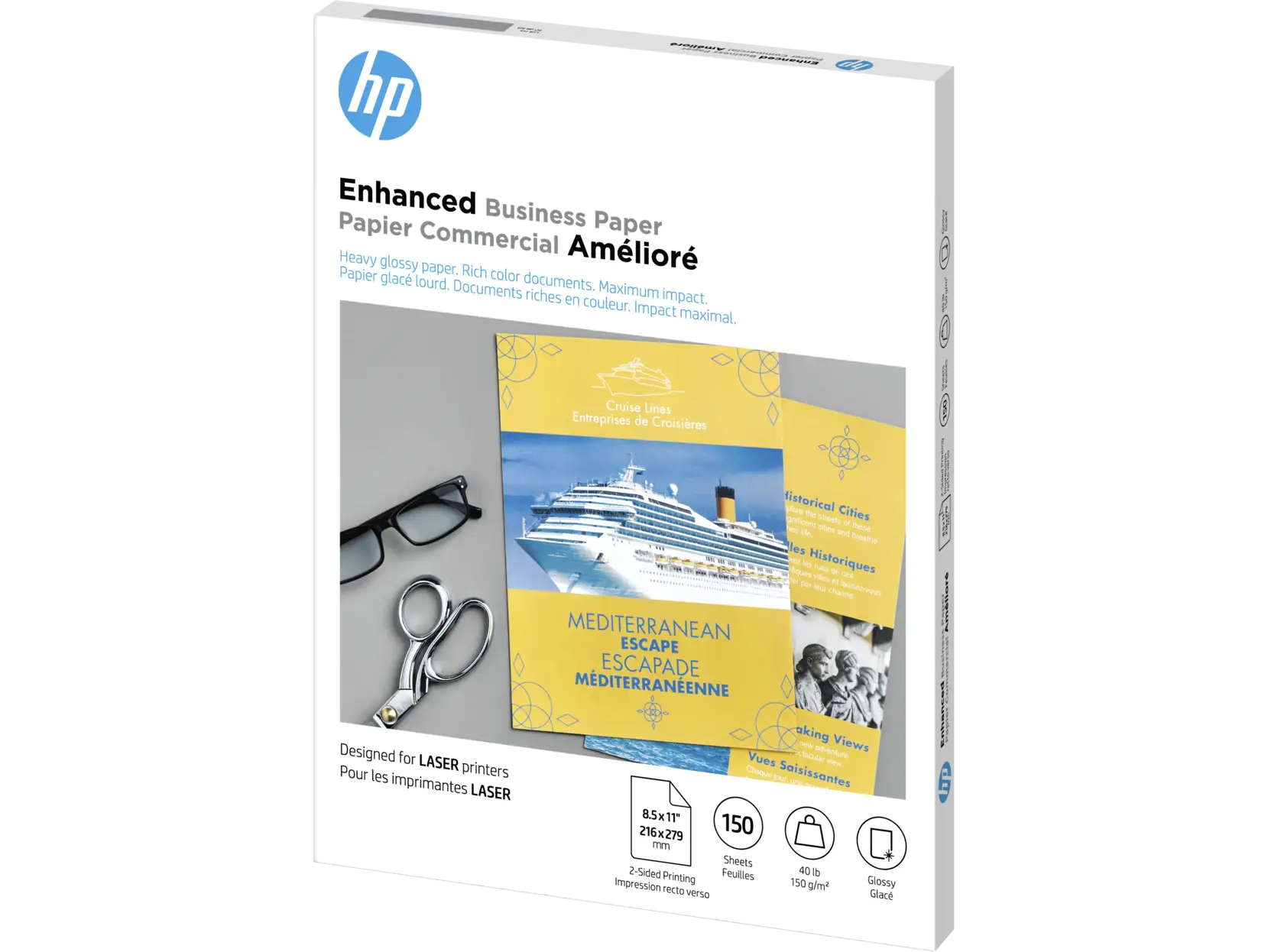
HP markets this paper as perfectly optimized for laser printers, delivering “crisp, black text and sharp color graphics” with a professional gloss that stands up to two-sided printing. On paper, literally, it promises minimal show-through and rich color reproduction for proposals, sales presentations, and marketing collateral.
Digging into user experiences, it's clear that when the pairing is right, the results shine—sometimes literally. A Staples buyer posted on Dec 8, 2023: "Double-sided glossy brochure paper purchased for two-sided event flyer. The print quality on this paper is exceptional. No bleeding of ink. Print job came out very professional looking. I would highly recommend this product."
Yet the claim of universal laser printer compatibility doesn't hold every time. HP Store reviewer mallet head jw warned in January 2024: "It's a disaster. It only prints 4x6 pictures onto 8.5x11 paper. Anything larger than that and the black ink is smeared all over the page and the colors are spread unevenly... nothing worked. I am returning." These misfires seem tied to certain models and settings, highlighting that "optimized" doesn't guarantee flawless across-the-board performance.
While HP touts environmental credentials like FSC certification and recyclable materials, users rarely reference sustainability directly—indicating that while it's a nice extra, buying decisions seem driven more by output quality than eco-labels.
Cross-Platform Consensus
Universally Praised
When the printer-paper pairing clicks, output quality becomes the dominant talking point. A verified Staples customer who used it for church bulletins said: "I really like the gloss color and weight of the paper. Church bulletin looks good." The visual and tactile upgrade from plain stock becomes especially valuable for business applications. dm wf recounted: "The weight, brightness and finish is always great to put in business partners’ hands and watch their paper envy"—underscoring how perceived quality influences recipient impressions.
Photographers using compatible HP laser models—like burton in south dakota with his Color LaserJet Pro MFP M479fdn—celebrate the results: "The output is superb... This almost makes me feel like the 'old school' days when I took photography and developed my own film." Such praise shows that beyond commercial contexts, creative users find it a cost-effective substitute for specialized photo paper.
Two-sided performance earns near-universal nods. With brochures and newsletters being folded, handled, and flipped, that lack of show-through makes documents feel premium. Smith D. from Staples wrote: "Our school uses this to print our weekly newsletter. The paper produces a professional looking product."
Common Complaints
Compatibility problems stand out—especially incidents where HP advised buyers on suitability but reality didn't match. Soga shia reported bluntly: "Will not work in my laser printer even though HP said it would." Some users note smearing after only a couple pages, with s.k. cautioning: "One or two sheets came out fine but after that... the prints transfer and offset and don’t turn out well."
Packaging quality also draws criticism. Doc jl’s account is vivid: "Broken packages with papers all over... Lot of the papers were damaged and bent so can't really use it." G.s. echoed this after receiving a “smashed/damaged” box, unusable for formal event materials.
Photo printing attempts generate mixed satisfaction—stephen j. noticed "blurry or shady edges" on pictures, suggesting this isn't the right tool for ultra-crisp photo reproduction even though the gloss helps standard document images pop.
Divisive Features
That 150-sheet pack size becomes a point of contention. June S. found it excessive: "The number of sheets per package (150) is too large. Should be available with qty of 50 making the price more affordable." For bulk project runs, it’s perfect—Tom F. appreciated it as a substitute when Staples’ own glossy stock was backordered—but casual or small-scale users feel burdened.
Gloss level also splits opinions. Jack H. enjoyed flyer production but wished it was “shinier,” while others value the understated gloss as more professional and less gimmicky.
Trust & Reliability
Several HP Store and Staples reviews highlight broken trust due to poor shipping practices—damaged packs, bent corners, and flimsy packaging turning a premium product into a compromised batch before even reaching the printer. Long-term performance feedback tends to hinge on consistent pairing with compatible printers rather than inherent durability. Jomo Earl noted: "It performs well—no smearing or smudging of the toner" even over repeated use, suggesting longevity is fine when printing conditions are matched to the paper type.
While there’s no direct evidence of scams, the multiple accounts of HP’s recommendations not aligning with printer capabilities may leave buyers feeling misled, especially if relying solely on official compatibility advice.
Alternatives
Within the HP lineup, some users compare this 40 lb "Enhanced" stock to the heavier "Professional Business Paper" (52 lb). One Staples reviewer warned that the thicker professional version jammed their paper folder, while the Enhanced avoided that issue—making it a better fit for folded, hand-distributed brochures. Competitors like Staples’ own glossy stock come up, with Tom F. noting its 300-sheet packs at similar pricing, making it more cost-effective for high-volume users.
Price & Value
At $18.39 per 150-sheet pack on Amazon, this paper undercuts some competitors, though Staples lists it at $43.39. eBay prices hover around $20–$30 for new packs, suggesting reasonable resale value for unopened stock. Bulk buyers tend to find this favorable, but smaller quantity packs could broaden appeal. Community voices recommend watching for discounts or bundling orders to offset potential shipping mishaps—especially given recurring packaging complaints.
FAQ
Q: Can this paper be used in inkjet printers?
A: Not reliably. It's designed for laser printers, and multiple users report smearing or incompatibility with inkjet models despite some confusion in listings.
Q: Does it handle double-sided printing well?
A: Yes. Many buyers praise its low show-through, making it ideal for brochures and newsletters that require printing on both sides.
Q: Is it suitable for high-detail photo prints?
A: Mixed results. While some laser users get great photo output, others see blurry edges—indicating it's better for documents with images than precision photo reproduction.
Q: How bright is the paper?
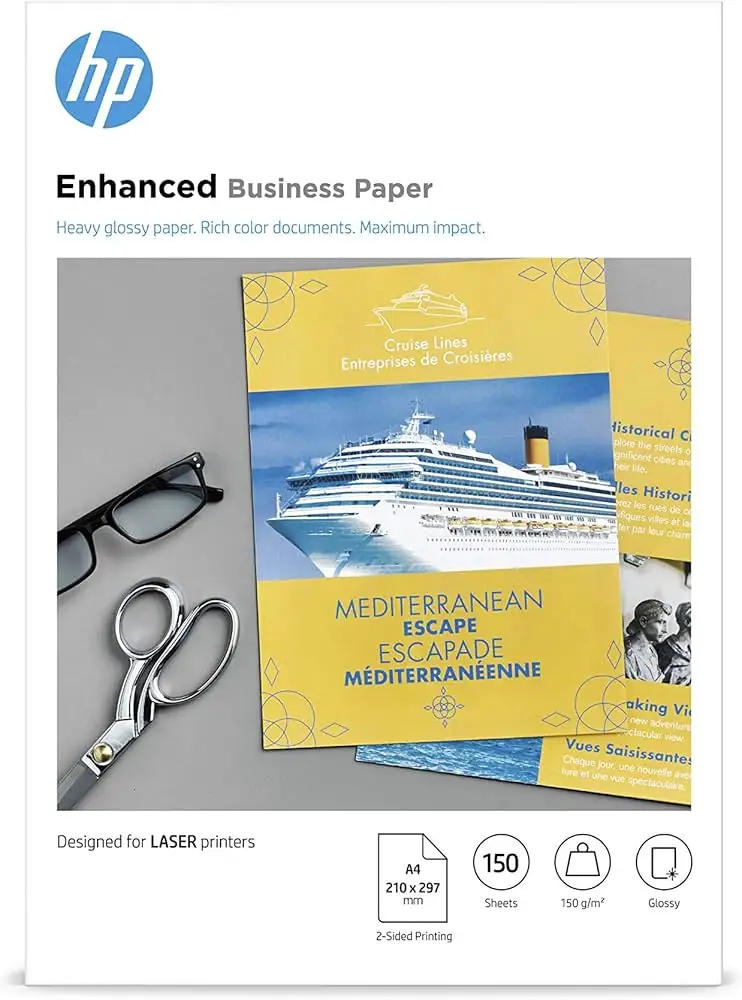
A: The US version lists brightness around 75, while the UK A4 variant cites 97. Regardless, users consistently praise its vibrancy and color reproduction.
Q: What’s the main risk when ordering online?
A: Damaged packaging during shipping. Several users received bent or creased sheets that compromised professional presentation quality.
Final Verdict
Buy if you’re a laser printer user producing brochures, event flyers, or marketing materials and want durable, professional gloss without paying print shop rates. Avoid if you use inkjet hardware, need ultra-photo-precision, or only require small quantities. Pro tip from dm wf: “Always a pleasure… The weight, brightness and finish is always great to put in business partners’ hands and watch their paper envy.”





