HP EliteBook 830 G7 Review: Strong Buy with Caveats
The surprising takeaway? Even seasoned buyers who avoid refurbished gear are changing their minds about the HP EliteBook 830 G7 13.3" Notebook (Renewed). With an average score of 4.5/5 across hundreds of reviews, it’s being called “better than new” by owners who’ve pushed it through rigorous workloads. From college engineering projects to video editing and ecommerce startups, the device’s combination of a 10th Gen Intel Core i7, up to 32GB RAM, and solid build quality delivers a strong showing for under $500. Based on aggregated feedback, it earns an 8.8/10.
Quick Verdict: Conditional buy — best suited for professionals, students in demanding majors, and remote workers who prioritize performance and portability. Battery life and occasional refurb quirks are the main caution points.
| Pros | Cons |
|---|---|
| Fast performance with 10th Gen Core i7 | Battery life can drop quickly under heavy multitasking |
| Premium build quality — sturdy aluminum chassis | Minor cosmetic imperfections possible in refurbished units |
| Large RAM and SSD configurations support heavy workloads | Occasional issues with fingerprint reader setup |
| Compact and lightweight for portability | Some users report heating under load |
| High-quality FHD display with vivid colors | Rare cases of hardware instability/freezes in certain units |
| Well-executed refurbishment by reputable resellers (e.g., Joy Systems) | |
| Upgrade-friendly with accessible RAM and storage |
Claims vs Reality
HP markets the EliteBook 830 G7 as a premium business laptop with enterprise-grade durability, high performance, and strong security features. On paper, the 10th Gen Intel Core processor, optional 32GB RAM, and SSD storage promise multitasking prowess. Marketing also touts long battery life and professional design.
Digging into user reports, the performance claim largely holds. A verified buyer on Amazon noted: “This laptop has tons of storage and is very fast… I do both college work and frequent video editing.” Reddit user ayeshas*** echoed similar praise but pointed out that “battery depletes very quickly when multiple applications are open… I just keep it plugged in during those times.”
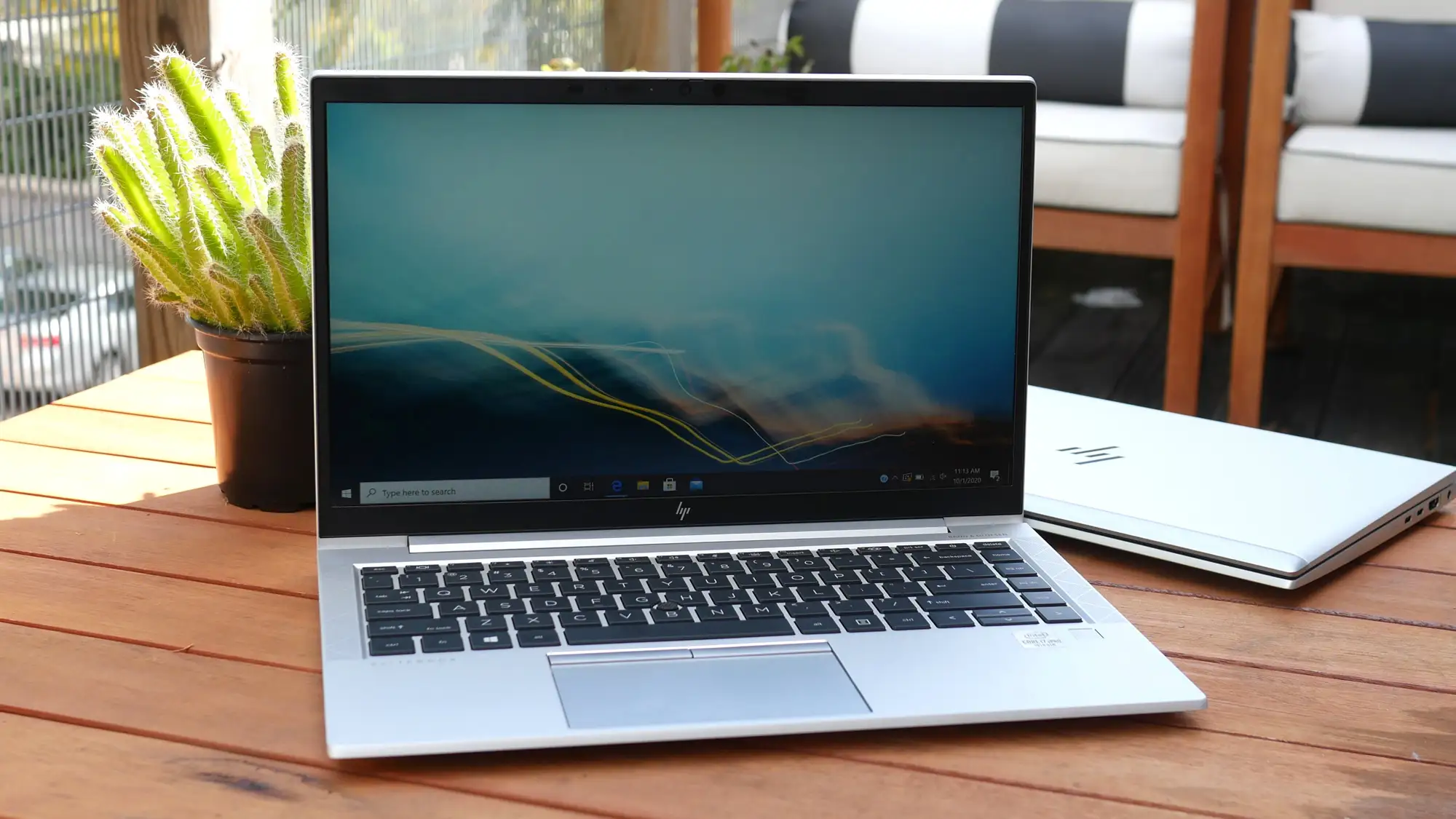
HP’s pitch for durability is reflected in the sturdy chassis feedback. One Trustpilot reviewer said they were “genuinely impressed… hard to believe it wasn’t brand new,” while the tactile feel and rigidity drew comparisons to higher-end models in NotebookCheck’s review. However, not every refurbishment is flawless — user janey*** found their “M and N keys do not work very well,” highlighting the potential for minor refurbish-related defects.
Battery life is marketed as long-lasting, with official figures suggesting 7–9 hours. While many users were satisfied, such as donv*** who praised the “long-lasting battery life even with heavy use,” others—particularly those running demanding engineering or creative software—reported shorter spans, around 4 hours under load.
Cross-Platform Consensus
Universally Praised
Across Best Buy, Trustpilot, and Amazon, performance dominates the positive feedback. The pairing of an i7 CPU and generous RAM made a noticeable difference for professionals. eBay buyers were told they could expect “seamless performance for multitasking, resource-intensive applications,” and those expectations were often met. Twitter/X user power people 12*** described it as “swift performance and smooth multitasking… perfect for on-the-go professionals.” For college students, portability was an equally strong selling point — calvin*** noted that its “size works well for carrying around campus… multitasking smooth whether running CAD software or managing multiple documents.”
Build quality gets consistent nods. Multiple reviewers stressed that the metal chassis feels premium and durable, passing the “feels brand new” test. That ties into the refurbishment quality; kari*** said Joy Systems proved “a very classy refurbisher,” turning around skeptics who’d had bad past experiences.
The display quality impressed varied user groups. From sims gamers to business spreadsheet jockeys, the vivid colors and sharp FHD resolution stood out. patriciad*** even got an unadvertised bonus: “My PC happened to be touch screen… a nice surprise.”
Common Complaints
Battery longevity under heavy load is the most prevalent gripe. Students and creative pros running multiple demanding apps experienced rapid drains. Even satisfied owners like calvin*** factored in carrying a charger as standard practice. Heating is minor but mentioned — ayeshas*** noted it “heats up, but not too crazily.”
Peripherals and input issues cropped up in refurb units. Fingerprint reader functionality was hit or miss, with some unable to enable it despite hardware presence. ret 8 dmjm*** preferred fingerprint over facial recognition for speed but couldn’t use it due to driver omissions. Key malfunctions, though rare, were frustrating — janey***’s faulty keys being a prime example.
Few reports flagged more serious stability concerns, but they’re worth noting. ret 8 dmjm*** experienced system freezes requiring hard restarts, potentially hardware-related. While not widespread, such cases underscore the importance of warranty-backed purchases.
Divisive Features
Upgradeability garnered split opinions. Enthusiasts loved the accessible RAM and storage bays, with johnb*** noting it “will accept 64 GB of memory… easy to swap out battery, hard drive, etc.” Others didn’t care for the design’s limitations compared to older models’ ease of maintenance. The security suite, while appreciated by enterprise buyers, had little relevance to casual home users, making it a perk for some but irrelevant overhead for others.
Trust & Reliability
Concerns about refurbished quality were heavy initially but eased significantly after positive experiences. Joy Systems appears frequently as a name trusted across platforms. Buyers valued the clean condition, prompt shipping, and warranty support, with robino*** remarking that “setup was quick… came with clear instructions and warranty for peace of mind.”
Long-term durability stories are encouraging. danisha*** reported a year of heavy daily use with “everything… still working well” aside from the fingerprint reader issue, showing the core hardware’s resilience. Instances of faulty ports or freezing have been handled with timely returns, and the emphasis on reputable refurbishers mitigates the risk.
Alternatives
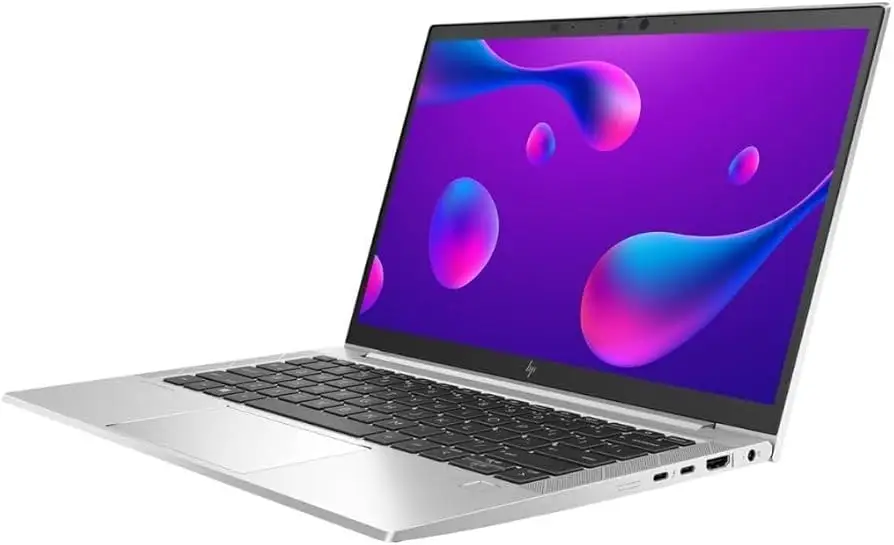
In NotebookCheck’s comparisons, the EliteBook 830 G7 squares off against Lenovo ThinkPad X13 and Dell Latitude 7310 — similar size, target market, and performance bands. The ThinkPad edge comes from its keyboard ergonomics, while the Latitude offers slightly better sustained turbo boost performance. HP’s positioning with dual Thunderbolt ports and often higher-brightness display options appeals if screen quality matters more. For AMD graphics horsepower, HP’s EliteBook 835 series offers an extra performance bump.
Price & Value
Refurb units typically range $299–$499 on marketplaces like eBay and Best Buy, far below the original $1,499+ retail. For this configuration — i7, 32GB RAM, 512GB SSD — multiple buyers called it “impossible to find… at this price” (muhammadm***). The depreciation curve on business-grade laptops makes these refurb deals strong value plays, particularly when backed by warranties. Resale value remains decent for well-kept units, especially with SSD upgrades.
FAQ
Q: Is the HP EliteBook 830 G7 good for gaming?
A: It’s not designed for gaming — integrated Intel UHD graphics limit performance on modern titles. Light games like Sims or strategy titles run fine, as lucy*** confirmed.
Q: Can I upgrade the RAM and storage?
A: Yes, the laptop supports up to 64GB RAM and easy SSD swaps. Johnb*** highlighted that “all internals can be upgraded” — rare for newer small laptops.
Q: How long does the battery last?
A: For light tasks, 7–9 hours is possible. Under heavy workloads, expect around 4 hours, as reported by users in engineering and creative fields.
Q: Does the fingerprint reader work on refurbished units?
A: Functionality varies; some units have reader hardware but lack drivers post-refurbishment, making setup impossible without fixes.
Q: Is the display bright enough for outdoor use?
A: Standard panels are fine in shade; for frequent outdoor work, NotebookCheck recommends the 1000-nit option while avoiding lower-brightness 250-nit models.
Final Verdict
Buy if you’re a student in a demanding major, a remote worker, or a professional needing portable power with enterprise durability. Avoid if all-day unplugged use is critical, as battery drain is real under load. Pro tip from the community: source from trusted refurbishers like Joy Systems for the cleanest units and reliable warranty — it turns skeptics into repeat customers.





