HP EliteBook 830 G7 Review: Powerful Yet Portable
The HP EliteBook 830 G7 13.3" Notebook (Renewed) earns a strong 8.8/10 from cross-platform reviews — lauded for its speed, portability, and professional-grade design, but with occasional gripes about battery longevity and minor refurbishment quirks. This compact business-class machine blends enterprise security features with performance that multiple owners said “puts even my work laptop to shame.”
Quick Verdict: Conditional — Highly recommended for professionals, students in demanding programs, and anyone seeking a high-performance refurbished notebook. Potential buyers working long days away from outlets should consider battery limitations.
| Pros | Cons |
|---|---|
| Excellent processor performance and multitasking ability | Battery life under heavy load can drop quickly |
| Solid build quality; feels premium | Fingerprint reader issues after refurbishment |
| Lightweight and compact, ideal for portability | Occasional cosmetic imperfections from refurbishing |
| Vivid full HD display with good colors | Rare cases of faulty keys or hardware hiccups |
| Upgradable RAM and storage | Runs warm under high load |
| Strong security feature set | First units sometimes arrive with defects, requiring replacements |
| Impressive refurb quality from reputable vendors | Keyboard layout changes may bother some |
Claims vs Reality
HP markets the EliteBook 830 G7 as a secure, high-performance business laptop with “powerful collaboration and connectivity features.” Official specs highlight a 10th Gen Intel Core CPU, Wi-Fi 6, advanced security, and durability suitable for enterprise deployment.
In real use, many refurb buyers agreed with the performance claims. Reddit user sergiol raved: “Laptop has been performing better than new… super fast… even with heavy software for music production and video editing.” On the connectivity front, users made full use of Thunderbolt ports and praised the Wi-Fi 6 stability, fitting HP’s promise to "keep users connected and productive.”
However, while HP touts “long battery life,” feedback paints a nuanced picture. Ayeshas noted, “Battery depletes very quickly when multiple applications are open or load is very high… I just keep it plugged in.” This divergence between marketing and reality is most apparent for those using GPU-intensive tasks or multi-app workloads away from chargers.
On security, claims match user experience fairly well — facial recognition is often praised — but some refurb customers found the fingerprint sensor inoperable, possibly due to refurbishment changes. As danisha explained: “The only problem was with the fingerprint reader… seller was willing to repair it but I didn’t need it.”
Cross-Platform Consensus
Universally Praised
Performance and speed dominate user praise. Power People 12 on Twitter said the “Core i7 processor and 32 GB of memory ensures swift performance and smooth multitasking,” describing near-instant boot times from the SSD. For college engineering students, Calvin found it “perfect… running CAD software or managing multiple documents without lag.” This responsiveness makes it suitable not only for office productivity but also creative workloads like video editing — even in refurbished condition.
Portability is another high point. The sub-3 lb weight and thin profile were ideal for users like vinni, who appreciated being able to “work in coffeehouses with no transportation problem.” NormanR summed up its practical impact: “Compact and powerful… all my issues [with slowdowns] are a thing of the past.”
Display quality impresses across contexts. Elizabeth praised “vivid colors with good image,” while Patriciad got a pleasant surprise: her refurb unit had a touch screen despite not being advertised as such. For professionals who split time between meetings, home, and travel, the reliable screen quality meant sharp presentations and comfortable viewing.
Common Complaints
Battery endurance is the most consistent complaint. Reported runtimes ranged from “about 4 hours on a full charge” to frustration at quick depletion under load. For campus users or travelers without frequent charging opportunities, this limits mobility unless carrying the 65W USB-C charger. Another recurrent gripe involves minor refurb quirks: Janey’s unit had keys that “either don’t write out the letter at all or multiple... appear,” while Ret 8 DMJM had system freezes requiring restarts within weeks of arrival.
Fingerprint reader functionality is hit-or-miss post-refurb. While specs promise secure biometric login, several owners like Ayeshas and Ret 8 DMJM couldn’t enable it, turning instead to Windows Hello facial recognition.
Divisive Features
Keyboard layout changes from earlier EliteBook generations split opinion. Notebookcheck’s review noted removal of the trackpoint and noisier space/enter keys compared to main QWERTY keys. Some users appreciate the quieter typing overall; others prefer the older configurations.
Upgrade potential earned praise from tech-savvy buyers like JohnB, who liked that “all internals can be upgraded… will accept 64 GB of memory.” Casual users may not care, but this contrasts positively with many modern ultrabooks with soldered RAM.
Trust & Reliability
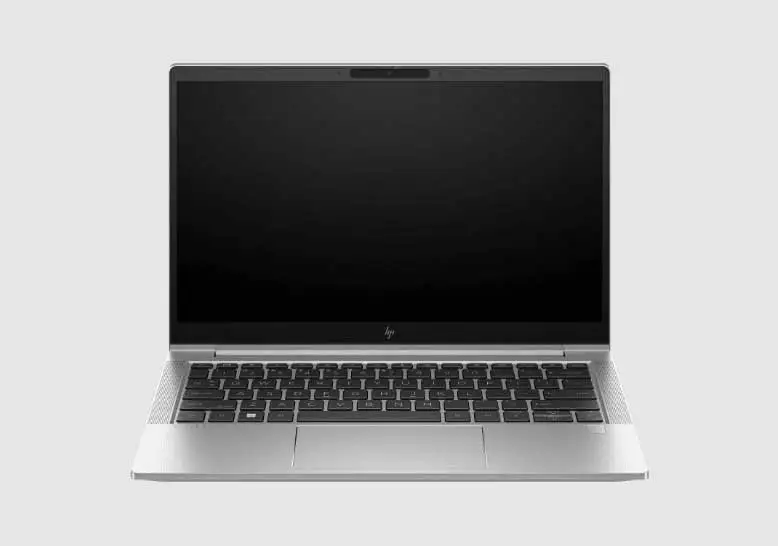
Refurbishing quality appears strong from reputable providers like Joy Systems, who frequently get shout-outs for clean presentation and thorough packaging. Kari’s tagline “legit refurbisher!” came from relief after poor experiences elsewhere. College-bound buyers like AidenB were convinced they’d received a brand-new unit, aside from a “small scuff on the lid… took me a few hours to realize.”
Long-term reliability stories help reinforce trust. Danisha’s EliteBook survived heavy daily usage for a full year “and still… everything was working well.” However, there are occasional early-life issues, such as faulty ports or freezes, making vendor warranty support crucial.
Alternatives
In Notebookcheck benchmarks, the EliteBook 830 G7 competes with Lenovo ThinkPad X13 and Dell Latitude 7310. The ThinkPad X13 offers similar business durability but includes a microSD reader absent on the EliteBook; Latitude models sometimes sustain turbo boost longer, but often lack the G7’s upgrade flexibility.
For buyers eyeing graphics performance, AMD-based EliteBook 835 models offer stronger integrated GPUs, but lose Thunderbolt support. Creative pros needing discrete GPUs should look toward higher-end HP ZBook or Dell XPS lines.
Price & Value
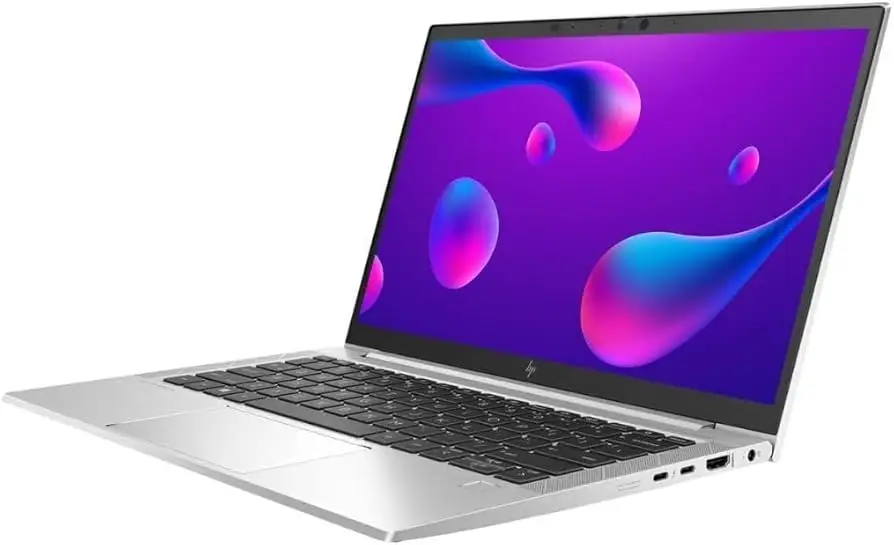
Refurb listings show steep discounts: eBay sellers offer Core i7/16GB/256GB configs for around $380-$400, down from $1,499 MSRP. This price-performance ratio leads reviewers like MuhammadM to call it “the best deal… impossible to find a machine like this at this price.”
Value depends on workload: for spreadsheet-heavy business users, students in STEM fields, or pros in need of light video editing, the G7 delivers. Lower-spec Core i5/8GB/256GB variants can dip under $200, aiding budget buyers. Given upgradability, even base configs can be scaled later.
FAQ
Q: How long does the battery last on the HP EliteBook 830 G7?
A: Under light use, some users report up to 6 hours, but heavy workloads (video editing, CAD) can cut that to ~4 hours. Carrying a charger is advised for full-day sessions.
Q: Does the refurbished model include a working fingerprint reader?
A: Not always — several buyers found the sensor unusable post-refurbishment. Facial recognition often substitutes without issue.
Q: Is the RAM upgradeable?
A: Yes, unlike many modern ultrabooks. The G7 supports up to 64GB DDR4 via two SODIMM slots, as confirmed by multiple owners.
Q: How is the display quality?
A: Praised for vivid colors and sharpness, with occasional bonus touch capability. Ideal for presentations, creative work, and streaming.
Q: How heavy is it for travel?
A: Around 2.8–3 lbs, making it extremely portable for professionals and students.
Final Verdict
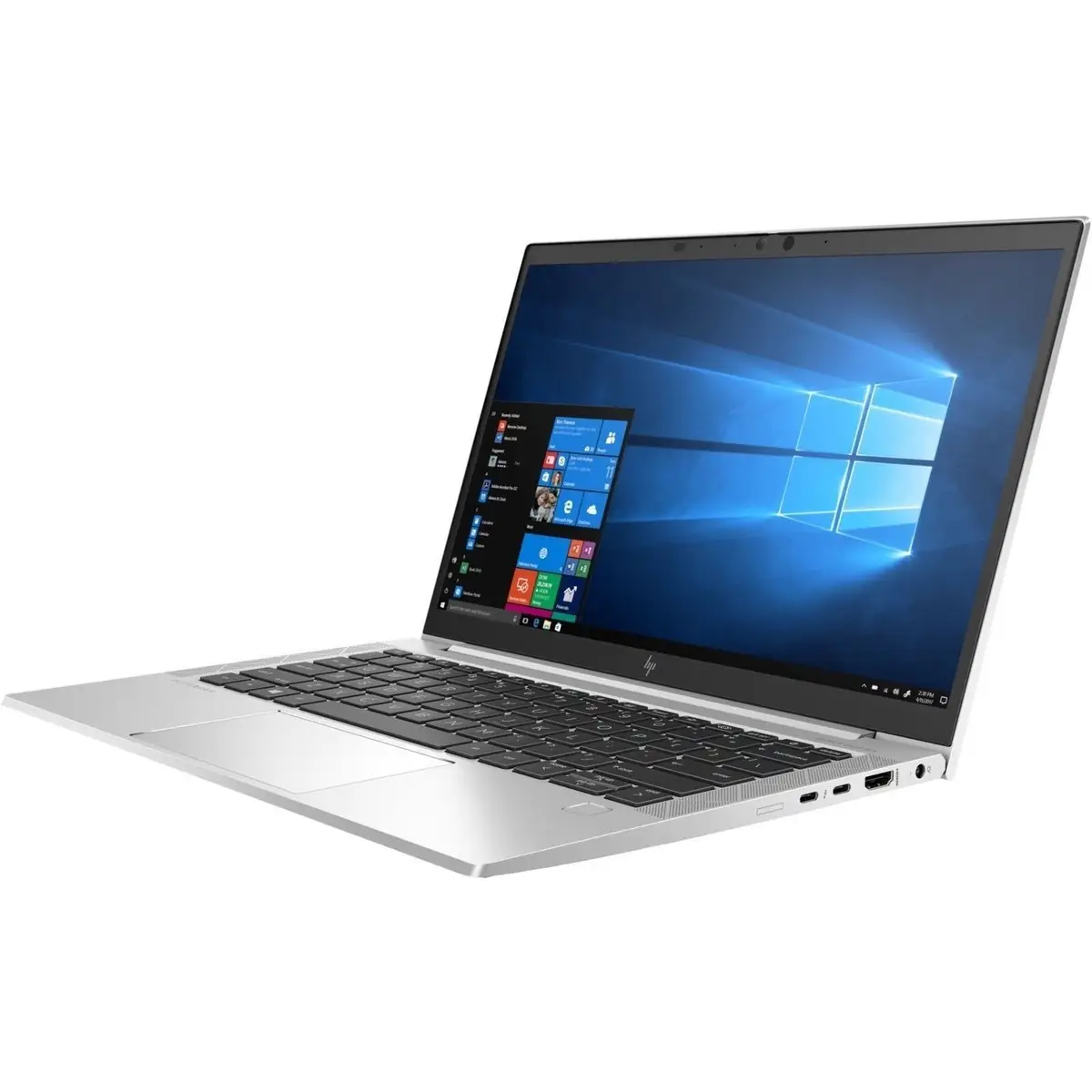
Buy if you’re a mobile professional, STEM student, or creator needing a powerful, lightweight laptop with strong security and upgrade options. Avoid if you require all-day unplugged use, as battery life under load is modest.
Pro tip from community: Source through well-reviewed refurbishers like Joy Systems — most “arrived in as-new condition” and came with dependable warranty support, turning refurbished into a near-new experience.





