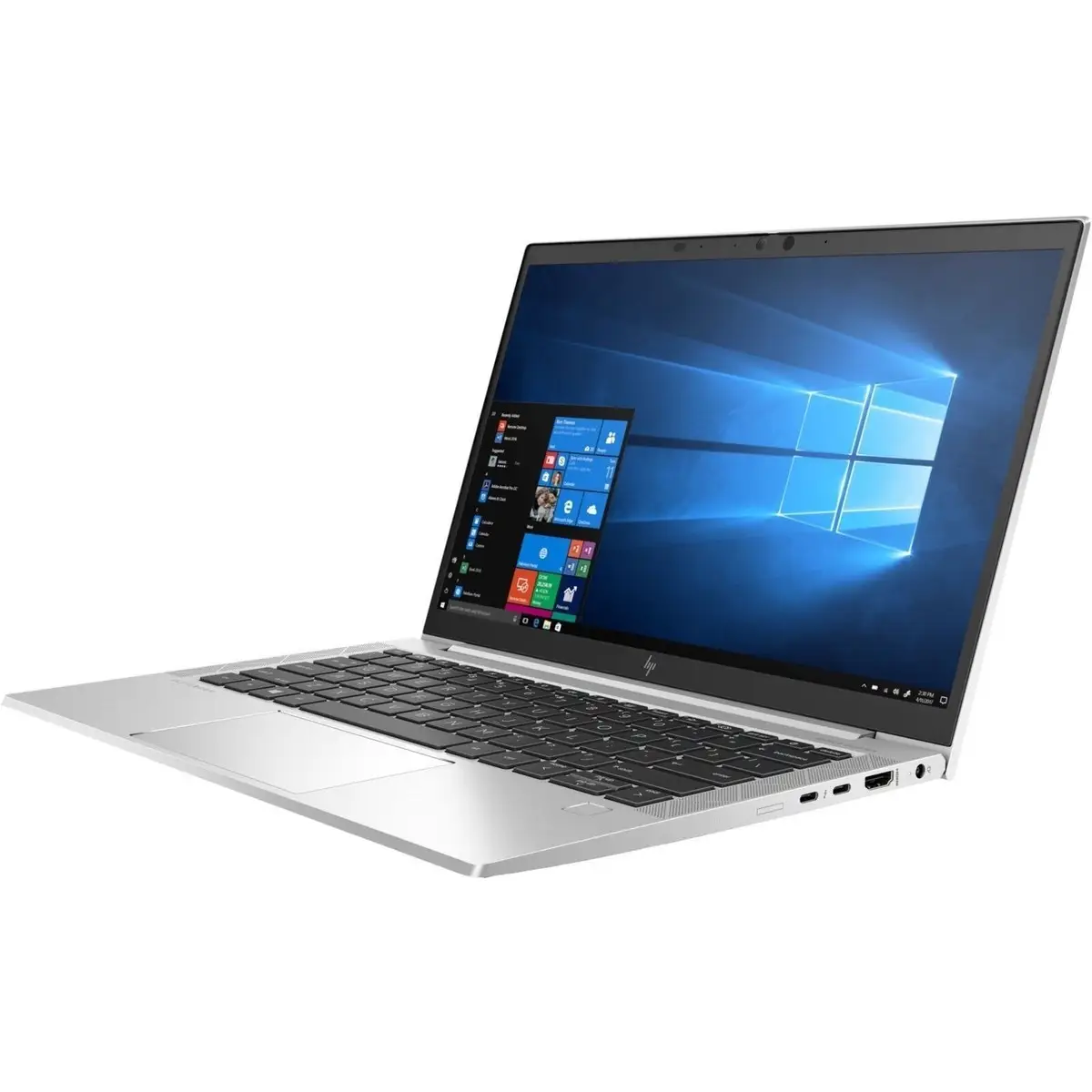
HP EliteBook 830 G7 Review: Powerful but Flawed Refurb
Few refurbished laptops are met with such resounding praise across platforms as the HP EliteBook 830 G7 13.3" Notebook (Renewed) — consistently scoring around 4.5/5 from hundreds of users. Its combination of Intel 10th Gen i7 power, generous RAM configurations, and sturdy aluminum design has been hailed as “worth every penny” by buyers ranging from college students to business travelers. Yet, beneath the glowing performance reports, patterns of battery life complaints and a handful of quality control hiccups emerged, painting a more nuanced picture.
Quick Verdict: Conditional Yes — Recommended for professionals, students in demanding programs, and remote workers who prioritize speed, durability, and portability over gaming or full-day unplugged use.
| Pros | Cons |
|---|---|
| Blazing fast performance with up to 32GB RAM | Battery life drops faster under heavy load |
| Sturdy build and premium aluminum chassis | Occasional refurb-specific defects (loose keys, dead ports) |
| Lightweight and highly portable at ~1.23kg | Some units ship with non-original chargers |
| Excellent FHD display with vivid colors | Fingerprint scanner sometimes non-functional post-refurb |
| Upgradeable RAM & SSD unlike many rivals | Not ideal for intensive gaming or color-critical design |
| Affordable price for specs | Limited viewing angles on privacy screen models |
Claims vs Reality
HP markets the EliteBook 830 G7 as ultrathin, light, and perfect for multitasking, promising “commercial performance, security, and durability” for mobile professionals. While users agree on speed and build, the “long battery life” claim meets mixed reality.
Reddit user ayeshas*** praised its speed and storage, saying, “This laptop has tons of storage and is very fast… exactly what I needed… but battery depletes very quickly when multiple applications are open.” Others echoed this, noting 4–6 hours in real-world workloads versus marketing tones suggesting all-day use.
HP also touts its security features like facial recognition and fingerprint scanning. However, several refurb buyers found the fingerprint reader non-functional post-refurb, with danisha*** sharing, “After informing the seller… they were willing to repair it but I didn’t need it.” The face login feature, when present, worked “smoothly” according to multiple users.
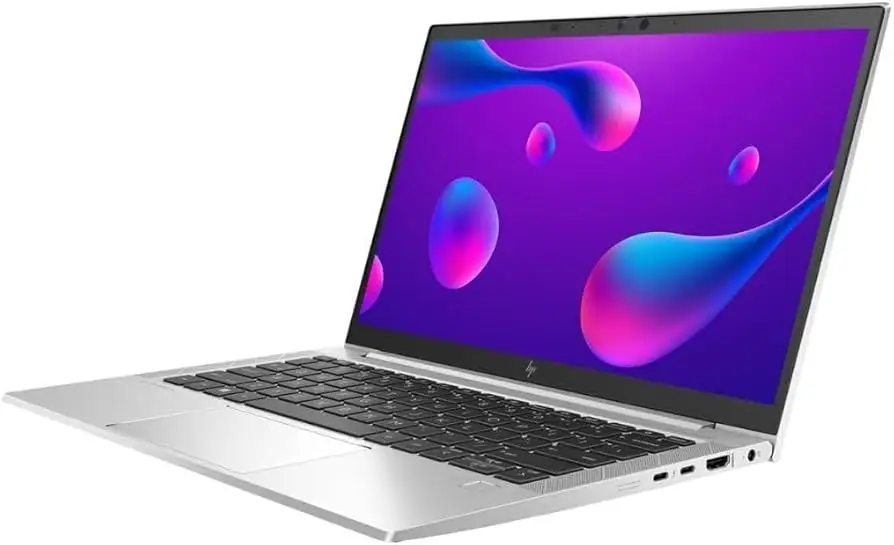
The display promises vibrant visuals and anti-glare comfort. Here, user reports align: Elizabeth noted, “Colors are vivid with good image… perfect for college homework and playing Sims 4.” On Sure View models, however, reviewers like those on CruiseTech warned of narrower viewing angles.
Cross-Platform Consensus
Universally Praised
Performance tops the list of accolades. With an Intel Core i7-10610U and configurations up to 32GB RAM, it handles heavy workloads with ease. A verified buyer on Best Buy said, “I download some heavy software on it for music production and video editing — it’s super fast.” For engineering students, Calvin remarked, “Running CAD software and managing multiple documents is smooth… no lag with demanding programs.”
Portability is another unanimous win. Weighing about 1.23kg, it fits the bill for campus or travel. One Trustpilot reviewer highlighted, “Its lightweight design and impressive battery life make it incredibly portable, perfect for on-the-go professionals.”
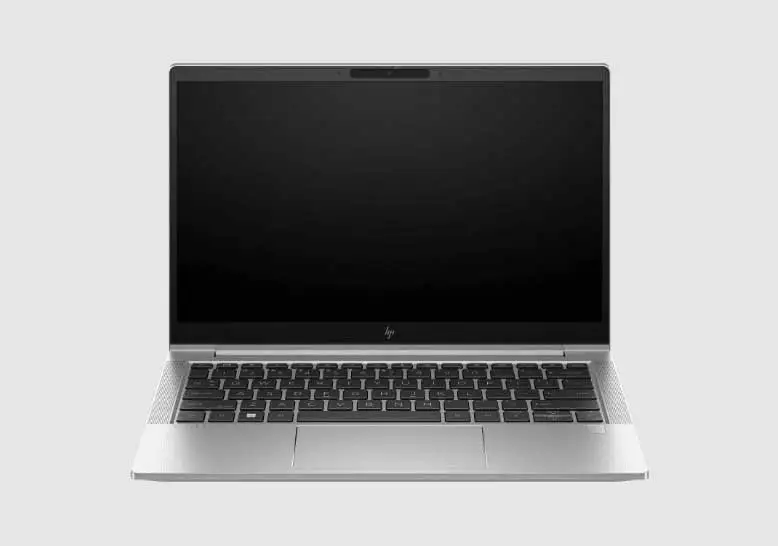
Build quality shines in almost every testimonial. Power People 12 called it “robust… feels virtually new” even as a refurb. Robino noted his unit from Joy Systems arrived “in excellent condition — hard to believe it wasn’t brand new.”
Common Complaints
Battery stamina remains the Achilles’ heel for power users. Under high load, multiple owners reported keeping it plugged in. Danisha said her heavy use capped runtime at “4 hours on a full charge.” While casual tasks stretch it further, prospective buyers expecting all-day unplugged sessions may be let down.
Refurb-specific issues cropped up in a minority of cases: sticky or unreliable keys, non-functional USB ports, and cosmetic blemishes. Johnb recounted, “First one I returned due to a USB port not working… second works great.” Others spotted minor scuffs or dents but no functional impairment.
The fingerprint scanner’s erratic presence post-refurb is another sticking point. Ret 8 dmjm described, “Included fingerprint scanner is not available for use… would have preferred it over facial recognition.”
Divisive Features
The Sure View privacy screen draws split opinions. While bright and secure, CruiseTech observed its reduced viewing angles could frustrate users working collaboratively. Also, some lamented that despite upgradeable internals, modern ultrabooks at this size often forgo such flexibility — for tinkerers, the EliteBook is a rare exception; for sealed-design fans, it may feel less “modern.”
Trust & Reliability
Trust in refurbishers plays a major role here. Joy Systems, a frequent seller, draws repeated praise for clean refurbishments, professional packaging, and including warranties. Kari on Trustpilot called them a “very classy refurbisher” after poor experiences elsewhere.
Long-term feedback is positive — danisha*** and others reported a year or more of heavy use without degradation. Reports of sustained performance are common, with jasper2008 stating, “Excellent performance… will recommend it to anyone who needs a PC.”
However, sporadic DOA or defect cases still surface — something inherent in refurb markets. Sellers with strong support and replacement policies mitigate this risk successfully for most buyers.
Alternatives
NotebookCheck compared the 830 G7 against the Lenovo ThinkPad X13 and Dell Latitude 7310. The ThinkPad slightly edges in battery life and offers a microSD reader, while the Latitude 7310 matches on weight but lacks the same keyboard feel.
LibraSpecs points to the HP ProBook 630 G8 and HP ProBook 635 Aero G7 as newer alternatives with similar footprints but newer CPUs and display upgrades. Still, neither may match the EliteBook’s premium chassis rigidity.
Price & Value
Resale market prices swing widely — eBay listings show $299–$409, while certified partner refurbs can fetch ~$449–$499 with a one-year warranty. Compared to its original ~$2,100 retail, the value proposition is strong if performance and build matter more than cutting-edge CPUs.
Community advice leans toward paying slightly more for trusted refurbishers with return policies. As johnb emphasized, ease of swapping a faulty unit is crucial: “Don’t get too sour if the first one arrives with issues.”
FAQ
Q: How long does the battery last in real-world use?
A: Users report 4–6 hours under heavy use, up to 8–9 hours for light browsing or document work. Heavy multitaskers often keep it plugged in.
Q: Can I upgrade the RAM and storage later?
A: Yes. Multiple owners highlight that both RAM (up to 64GB) and SSD are easily upgradeable — rare in modern thin-and-light laptops.
Q: Does the refurb come with a warranty?
A: Most reputable sellers include at least a one-year warranty. Joy Systems and HP Certified Partners both provide this with good support records.
Q: Is this good for gaming?
A: Not ideal — the integrated Intel UHD 620 graphics handle basic games but struggle with modern AAA titles or GPU-heavy creative work.
Q: Are there known issues with refurbished models?
A: Some users received units with minor cosmetic flaws, dead ports, or non-working fingerprint readers, but sellers often addressed these under warranty.
Final Verdict: Buy if you’re a student in a demanding field, a traveling professional, or a remote worker needing a durable, powerful, upgradeable ultraportable. Avoid if you require all-day unplugged use, gaming performance, or guaranteed pristine aesthetics. Pro tip: Source from a top-rated refurbisher like Joy Systems or an HP Certified Partner to maximize the odds of a near-new experience.