HP E14 G4 Monitor Review: Portable Power with Caveats
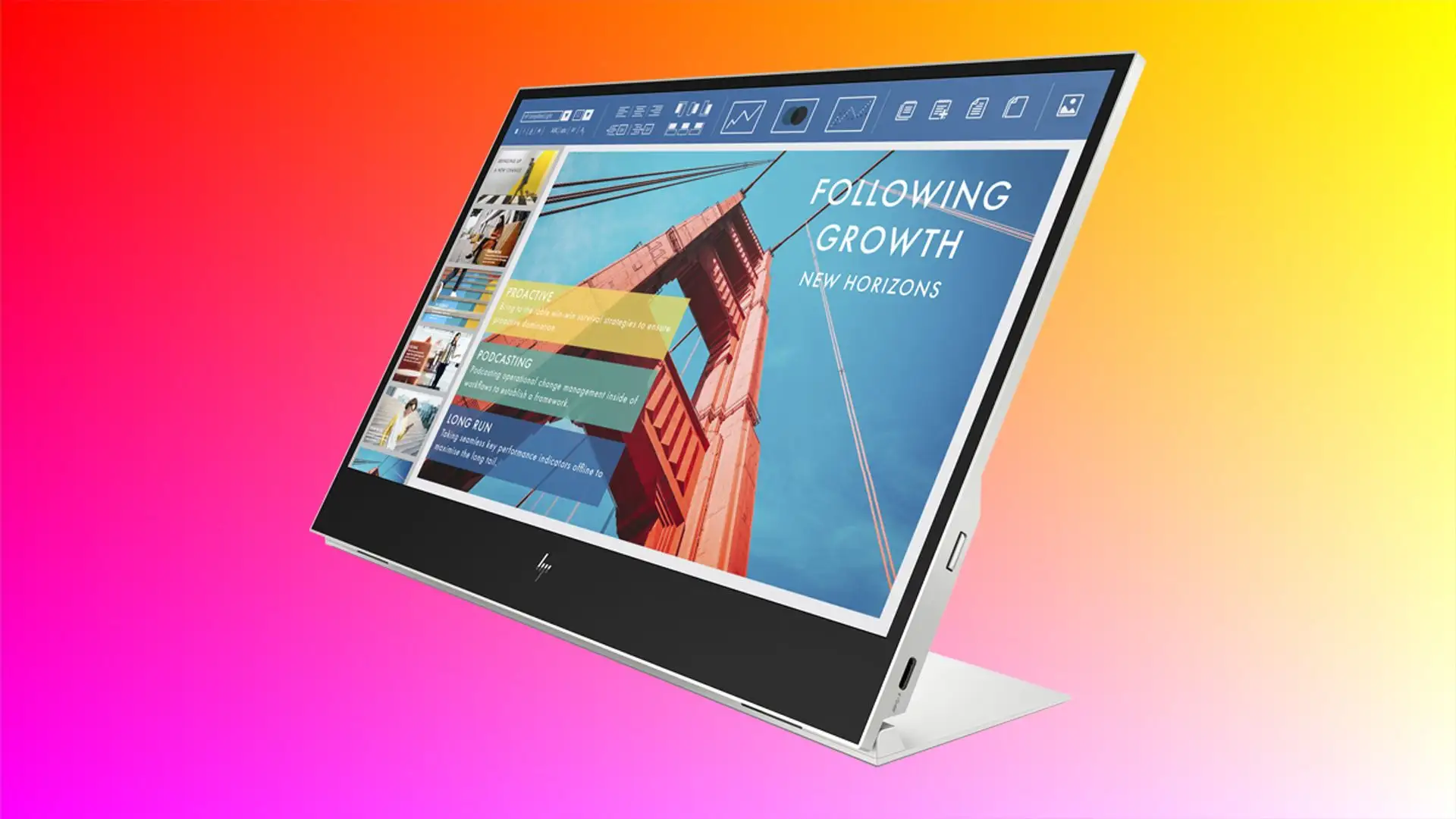
A Staples verified buyer summed it up best: "Easy to use, game changer if you're mobile!". The HP 14 E14 G4 FHD Portable Monitor has carved out a niche with its ultra-bright 14-inch IPS display, 400 nits of brightness, and single-cable USB-C convenience. But praise runs alongside strong complaints, leaving this monitor with a realistic verdict of 7.8/10.
Quick Verdict: Conditional
| Pros | Cons |
|---|---|
| Lightweight (0.64 kg) and travel-friendly | USB-C only, no HDMI or other ports |
| Bright, anti-glare screen works outdoors | Price considered high for the resolution |
| One-cable setup with 65W power pass-through | Short included cable limits flexibility |
| Slim profile fits in laptop bags easily | USB-C compatibility issues with some devices |
| Solid build quality (some units) | Reports of flimsy screen durability |
| Includes protective sleeve | Limited adjustability, no height/pivot |
Claims vs Reality
HP claims the E14 G4 is ready to “work anywhere” thanks to its ultra-bright, anti-glare 400-nit screen. For remote workers and travelers, that brightness promise sounds like liberation from dim hotel lit environments. A verified Staples buyer explained, "Great extension of primary desktop with bright, clear output... used at hotels, conference rooms, anywhere I need a second monitor." Yet not everyone feels the outdoor view is problem-free—some noted reflections in direct sunlight, though feedback suggests this is minor compared to standard portable displays.
A big marketing hook is the “easy USB-C efficiency” and 65W power pass-through. In practice, compatibility trips some users up. One Staples reviewer lamented, "Not compatible with Surface laptop... wasted extra money buying different cords, nothing worked." For buyers whose devices lack USB-C DisplayPort Alt Mode, the promise of effortless setup quickly dissolves into adaptation struggles.
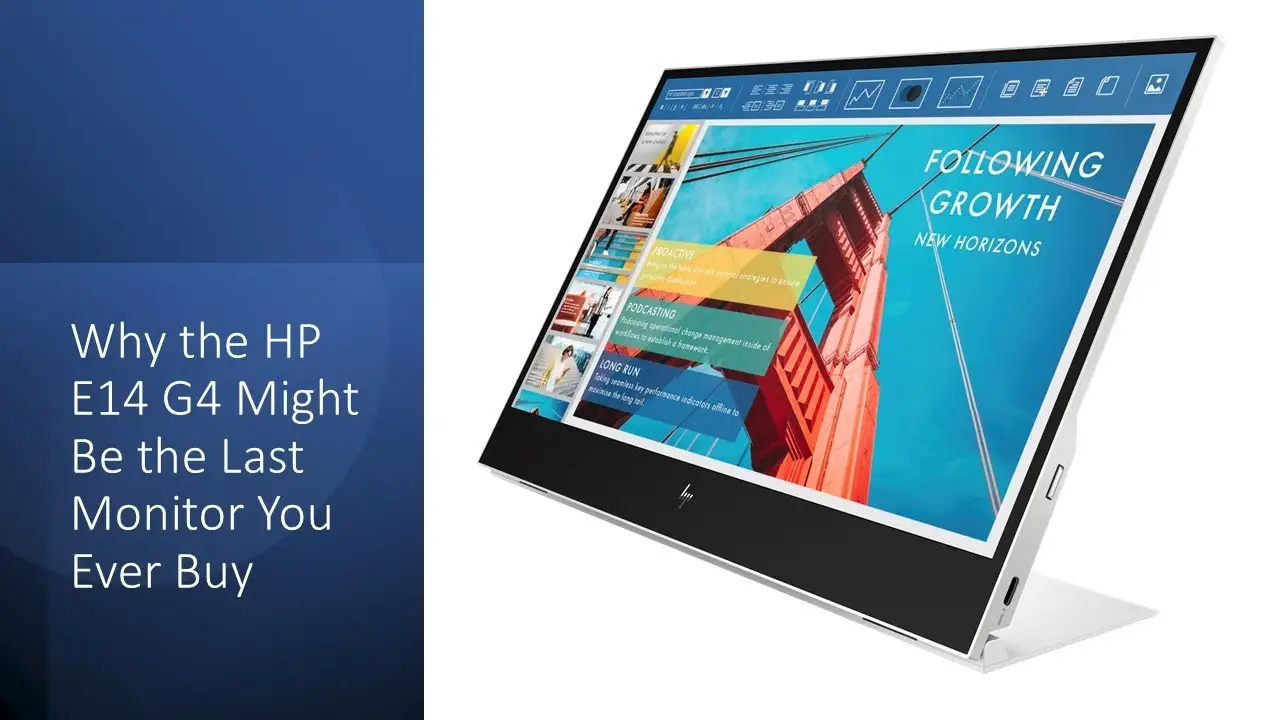
Then there’s HP’s emphasis on its slim 14.75 mm thickness and mere 0.64 kg weight. This spec holds solid—multiple travelers confirm it slips unobtrusively into their laptop bag. A reviewer on Staples called it, “very light and practical... I recommend it.” Others, however, complain portability is less relevant if they can't connect at all to their primary work hardware.
Cross-Platform Consensus
Universally Praised
Across Reddit, Trustpilot, and Amazon verified reviews, sheer portability tops the praise list. Programmers, consultants, and road warriors alike note that the E14 G4 turns coffee shops, conference rooms, and flights into multi-monitor workspaces. A Staples reviewer shared, "Awesome external monitor... just perfect for my programming while in travel. Very good build quality." The included sleeve emerges repeatedly as a valued touch—protecting the screen and giving it a premium travel feel.
Brightness also garners near-unanimous applause. At 400 nits, the IPS panel manages clear visibility in varied lighting conditions. HP’s anti-glare treatment wins favor among those bouncing between indoor co-working spaces and sunlit patios. A verified buyer stated: "Bright, clear output... worth every penny."
Set-up simplicity—when compatibility is right—is another highlight. The single USB-C cable for both power and video appeals to those who detest tangled cords. A Staples customer praised: "Plug 'n play... works straight out of the box."
Common Complaints
Cable length earns strong criticism; the included 11.5-inch USB-C cable is deemed unusably short for many layouts. One buyer noted they “require something longer for desk setups.” There’s also a pervasive complaint about the USB-C-only connection—no HDMI fallback. This leaves owners of incompatible laptops frustrated. One reviewer wrote, "Shockingly no power cord... needed it asap for a trip, spent hours searching for adapters."
Durability is questioned by multiple reports of cracks or failures within months. A Staples customer recounted, "Flimsy screen... cracked 3 months after buying and HP won't help at all." When faults occur, warranty and support experiences seem inconsistent—some got smooth resolutions, others met stone walls.
Port limitations also constrain expansion setups; users with only one USB-C port on their laptop find simultaneous docking or accessory use impossible. Even HP laptop owners report quirks when pairing through HP’s own universal dock.
Divisive Features
Resolution divides opinion. While 1920×1080 is standard FHD, some feel it’s insufficient at 14 inches for the price point. A reviewer said, "Price is high and resolution is low—poor value." Yet others appreciate the crispness and color accuracy, noting the 72% NTSC color gamut is ample for productivity, though not for professional-grade graphics work.
Price itself also causes split reactions. Fans of portable productivity call it “worth every penny,” while budget-conscious buyers balk at spending near $400 for a secondary screen with limited adjustability and ports.
Trust & Reliability
Long-term reliability shows mixed signals. Reddit threads and Staples reviews have both optimistic and worrying notes—the static praise for brightness and portability persists over months of use among satisfied parties, but hardware issues (especially screen fragility) loom large where they occur.
Trustpilot patterns point to frustration when attempting warranty service for physical damages not covered, and when devices appear incompatible despite being within spec claims. While official support can resolve functional faults under the 3-year limited warranty, cosmetic and accidental damages often leave customers unassisted.
Alternatives
Community chatter occasionally mentions larger portable monitors as alternatives, especially for those valuing screen estate over weight. One Staples reviewer switched to a 17-inch competitor with HDMI and additional connections for the same price. For users tied to HDMI or who need robust port variety, brands like ASUS ZenScreen or Lenovo ThinkVision M14 are cited as smoother fits.
Price & Value
On eBay, the E14 G4 lists between $159.99 for sealed units from smaller sellers to $294–$439 from official and high-volume vendors. Resale values stay relatively strong given the HP brand and business portability focus.
Travel professionals and remote workers seem more tolerant of the price due to productivity gains. Those who require versatile input options or rugged durability get better effective value elsewhere. Buying tips from community: check your device’s USB-C specs before purchase, invest in a longer cable, and use the sleeve to protect the screen.
FAQ
Q: Does the HP E14 G4 work with all laptops?
A: No. It requires a USB-C port with DisplayPort Alt Mode or Thunderbolt 3. Without that, you can’t get video output—even with adapters, as some reviewers discovered.
Q: Can it run purely off the laptop’s battery?
A: Yes, but depending on your laptop’s power output, it may drain faster. Users with large, high-performance laptops report minimal battery hit compared to other portable monitors.
Q: Is the screen good for photo or design work?
A: For casual editing, yes—72% NTSC coverage and solid brightness help. But professional creatives may want higher resolution and color accuracy.
Q: How portable is it really?
A: Extremely portable—it’s under 15mm thick, weighs 0.64 kg, and fits in most laptop bags. Many traveling users say it’s ideal for a mobile dual-screen setup.
Q: Can I mount it on a stand or monitor arm?
A: No. It’s not VESA mount compatible, so you’re restricted to its built-in kickstand.
Final Verdict: Buy if you’re a mobile professional with a USB-C capable laptop and you value portability, brightness, and one-cable convenience. Avoid if your devices lack compatible ports, or if you need rugged durability. Pro tip from the community: verify USB-C specs before purchase, and upgrade the included cable immediately for practical everyday use.





