HP Color LaserJet Enterprise M480f Review: Conditional 6.3/10
A “bulletproof” printer on Windows that becomes “horrible” on Mac? That’s the whiplash one owner describes with the HP Color LaserJet Enterprise M480f Multifunction Printer—and it frames the split in real-world feedback. Verdict: Conditional buy, 6.3/10.
Quick Verdict
Conditional — strong office-class output and features on paper, but real-world driver/setup pain (especially on Mac) can overwhelm the experience for some buyers.
| What matters | What feedback says | Who it affects most |
|---|---|---|
| Print speed/throughput | Often praised as fast (“up to 29 ppm”), but one user calls it “generally slow” on Mac | Busy offices, mixed OS homes |
| Duplex + ADF workflow | Duplex and 50-sheet ADF repeatedly highlighted as productivity boosts | Teams scanning/copying packets |
| Setup experience | Some say “setup… very quickly and easily,” others report repeated install failures on macOS | IT-light teams, Mac-heavy homes |
| Connectivity | Wired-first positioning is seen as limiting by some reviewers | Offices expecting Wi‑Fi flexibility |
| Consumables ecosystem | Multiple sources mention being tied to original HP toner (“requires original cartridges”) | Cost-conscious buyers |
Claims vs Reality
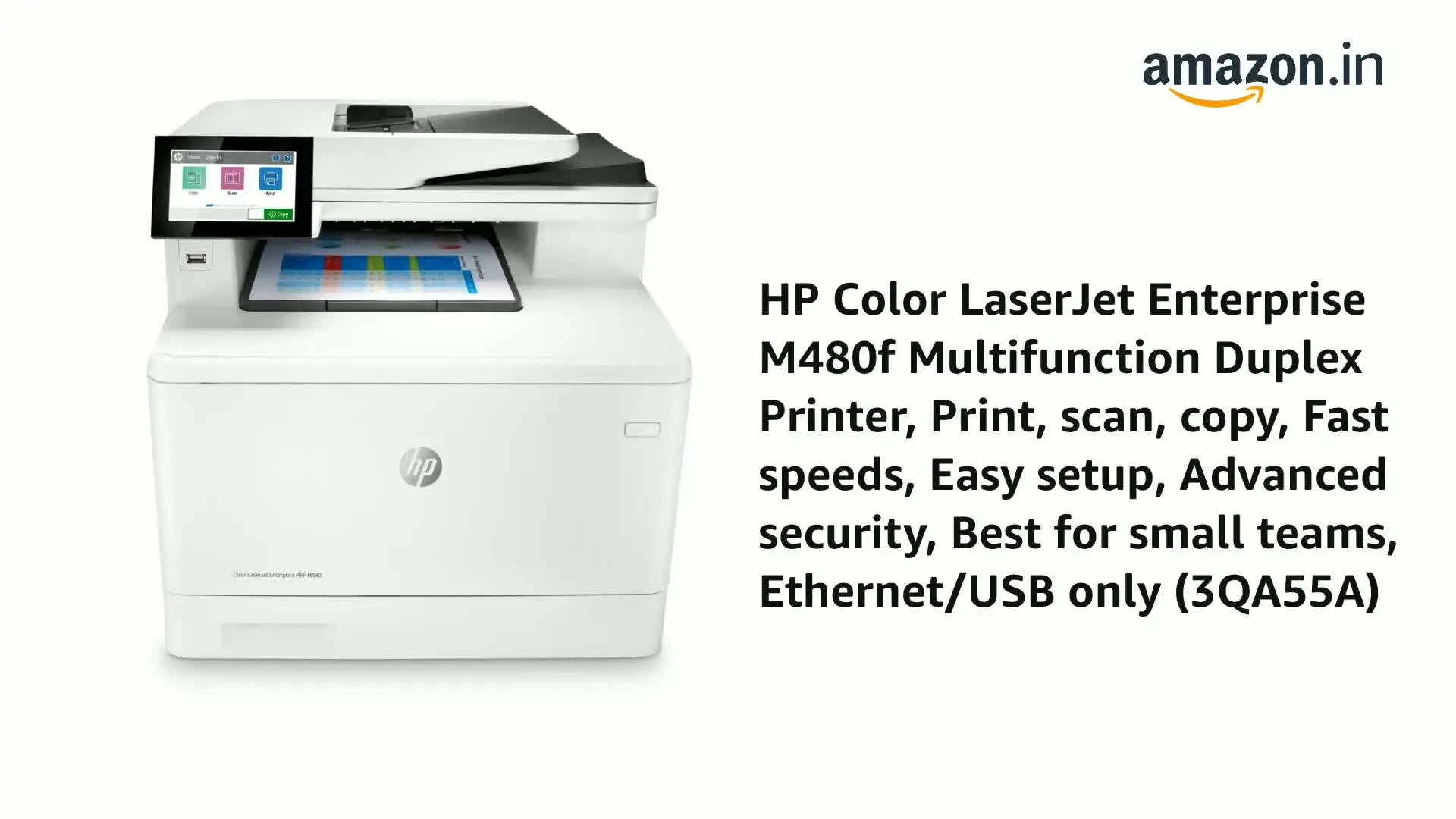
HP’s marketing and spec sheets present the HP Color LaserJet Enterprise M480f Multifunction Printer as a fast, enterprise-secure MFP: up to 29 ppm, strong security, and simple management. Digging deeper into user feedback, the biggest gaps aren’t about raw hardware features—they’re about day-to-day usability, especially drivers and discovery on macOS.
One core claim is speed: HP positions it as “up to 29 ppm,” and third-party review-style sources echo that with lines like “fast print speeds of up to 29 pages per minute allow for quick document processing.” That narrative matches multiple owner-style comments from the Russian review collection, where one owner says the device “быстро печатает… приблизительно 27 страниц в минуту” (roughly 27 pages per minute) and another calls it “быстро печатает — до 27 листов за минуту.” For a small office printing contracts and invoices, that kind of throughput is exactly the point of stepping up to an enterprise-class unit.
But the reality can hinge on platform and setup. On the HP Support Community, user Alastair describes the same printer as “bulletproof… on windows 10” but after switching to Mac, “printing often fails (more than half the time)… [and] printing is generally slow… way slower than it should be.” While officially positioned as Mac-compatible (with macOS versions listed in HP documentation), this account describes a workflow derailed not by paper jams or toner streaks—but by driver availability and discovery failures.
A second claim is “easy to use, simple to manage,” reinforced by the presence of a 4.3" touchscreen and HP’s FutureSmart management story. Some owner feedback aligns with that: one reviewer in the Russian set says “установка и настройка прошли очень быстро и легко,” and another notes “управление… оказалось очень удобным и интуитивно понятным,” emphasizing they didn’t need to “spend long… studying the instructions.” For teams that just need scan/copy/print without babysitting a finicky interface, that’s the ideal.
Yet the same “simple to manage” claim collides with Alastair’s report that the Mac install “never seems to install correctly,” with Bonjour discovery failing and HP Easy Start looping: “we were not able to locate any software options for this product,” then redirecting back to the same link. While HP documentation says “Mac computers are supported” and directs users to 123.hp.com / HP Easy Start, this user’s experience suggests the support pipeline can break down in practice.
Cross-Platform Consensus
Universally Praised
A recurring pattern emerged around workflow features that reduce office friction: duplex printing, ADF scanning, and output quality. Across sources, the HP Color LaserJet Enterprise M480f Multifunction Printer is repeatedly framed as a “do-it-all” box that replaces multiple devices. One owner in the Russian review compilation spells that out in lived terms: “наличие встроенного копира… заменил сразу 2 устройства,” describing how an all-in-one changed their daily routine. For a home-office user juggling school forms, shipping labels, and occasional scans, that consolidation matters more than any single spec.
Duplex printing shows up as the feature people feel immediately. In the Russian reviews, one owner highlights “возможность двусторонней печати… сэкономило мое время и ресурсы,” tying duplex directly to time and paper savings. Third-party review-style sources also emphasize it as a productivity lever, calling “automatic duplex printing… a game changer” for reducing waste and accelerating document handling. For small workgroups printing multi-page packets, duplex isn’t a checkbox—it’s fewer manual flips, fewer errors, and faster turnaround.
Print and scan quality are also described in concrete terms rather than vague praise. One Russian reviewer calls out “разрешение 600 на 600 обеспечивает четкое и качественное изображение,” and another says “картинки четкие, краски яркие,” which is especially relevant for offices that need color charts, presentations, or customer-facing forms to look clean without outsourcing. Another owner frames reliability under load: “даже при больших объемах не возникают проблем с застреванием бумаги,” describing no paper-sticking or text smearing when volume increases—exactly the promise of “enterprise” hardware.
Common Complaints
The sharpest complaints revolve around software and ecosystem lock-in, not the mechanics of printing. The most detailed negative account comes from HP’s own community forum, where Alastair describes a cascade of failures after moving to Mac: “printing often fails (more than half the time),” pages coming out with “printer error” over-typed, and installation that “never seems to install correctly.” For a Mac-heavy household or office, that’s not a minor inconvenience—it’s existential, because it blocks the core job: “right now i can't even print!!”
Discovery and driver loops are central to that frustration. Alastair reports Bonjour detection has “never even once… work,” despite enabling it, and HP Easy Start finding the device but offering no software options: “we were not able to locate any software options for this product.” The story lands hardest because it contrasts with their prior stability: “my m480 was bulletproof… on windows 10.” For mixed-OS teams, this suggests the M480f can feel like two different products depending on environment.
Another recurring tension is being tied to HP’s cartridge ecosystem. HP’s official materials include “dynamic security enabled,” explicitly stating the device is intended to work only with cartridges with an HP chip. In user-language, that becomes a cost/choice constraint. A Russian reviewer mentions “требует оригинальные картриджи,” adding “но это не проблема,” while review-style sources call it a “double-edged sword” because you’re “tied to hp’s ecosystem.” For budget-conscious offices trying to control cost per page, the complaint isn’t necessarily that HP toner is bad—it’s that alternatives may be blocked or uncertain over time.
Connectivity expectations also create friction. Some sources describe the Ethernet/USB-only posture as limiting, with one review noting “ethernet and usb-only connectivity feels limiting; i missed having wi-fi.” For teams built around wireless workflows, the practical impact is where you can place the printer and how easily mobile users can connect—even if Wi‑Fi Direct or optional accessories exist in official documentation.
Divisive Features
Noise and “office presence” are surprisingly split. One Russian owner praises “низкий уровень шума,” saying it runs quietly during printing and copying. Another admits it “издаёт шум при печати, но не такой уж сильный,” treating it as noticeable but tolerable. For a shared home workspace, that difference can decide whether it’s a background appliance or an interruption during calls.
Setup and “ease” is also polarizing. Several owners describe rapid onboarding—“установка и настройка… очень быстро и легко”—and intuitive controls. But Alastair’s experience describes the opposite: repeated installs (“for the 99th time”), OS detection oddities, and a support loop. The implication isn’t that setup is always hard; it’s that when it goes wrong, it can go very wrong—especially for Mac users relying on HP Easy Start and Bonjour discovery.
Trust & Reliability
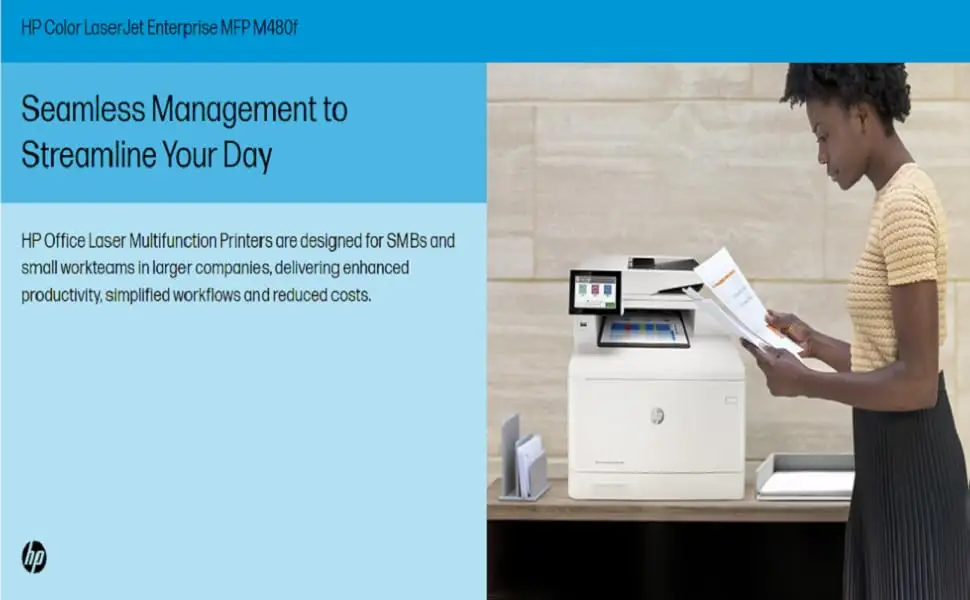
Digging deeper into reliability narratives, the most credible long-term durability story in the provided data is indirect: Alastair calls the unit “bulletproof” on Windows 10, implying stable operation over a meaningful period before an OS switch. That kind of statement suggests the hardware can be dependable when the software layer cooperates.
At the same time, the Trustpilot-labeled entries in the dataset are not classic “verified buyer” Trustpilot snippets; they’re reposted review-style articles and an HP forum post. Still, a pattern emerges across those sources: concerns aren’t framed as random defects but as systemic friction—driver availability, discovery, and ecosystem constraints—issues that can feel like trust-breakers because they’re hard for end users to fix quickly.
Alternatives
Only a few competitors are explicitly mentioned in the provided text, and they appear in comparison narratives: Brother and Canon models positioned against the M480f. Review-style sources cite the Brother MFC-L8900CDW as “cost-effective” with “lower cost per page,” and also note it may offer “wi-fi connectivity” and “a slightly faster print speed,” framing it as a better fit for wireless-first offices or those optimizing ongoing costs.
Canon’s Color imageCLASS alternatives are described as strong on color quality in some comparisons, but “falls short in the speed department” versus the M480f in one source, while another suggests Canon can shine with “extended paper tray capacity” but lacks HP’s malware protection. For security-focused teams, the M480f’s positioning around HP Wolf / self-healing firmware is treated as a differentiator in these narratives; for connectivity and cost-per-page buyers, the alternatives get the nod.
Price & Value
The pricing picture is fragmented, but a few market signals show up. On eBay, one new listing references roughly $879.99 (with additional shipping in the provided excerpt), while another listing shows $1,002.94. A separate auction result (BidFTA) shows a sale at $125.00 with an “MSRP $988.90,” illustrating how resale/secondary-market pricing can swing wildly depending on condition, channel, and timing.
For value-minded buyers, the community-like advice embedded in complaints points to two buying realities: first, consumables—multiple sources emphasize you may be “tied to HP’s ecosystem,” and HP’s own “dynamic security” language reinforces that. Second, OS compatibility risk—Alastair’s Mac driver saga suggests that in Mac-heavy environments, value can collapse if setup blocks printing altogether, regardless of how good the hardware is when running well.
FAQ
Q: Does the HP Color LaserJet Enterprise M480f work well with Mac?
A: Conditionally. HP documentation says “Mac computers are supported,” but HP Support Community user Alastair reported the printer “never seems to install correctly on a mac,” with Bonjour discovery failing and HP Easy Start showing “we were not able to locate any software options for this product.”
Q: Is it actually fast in real use?
A: Often, yes. HP lists “up to 29 ppm,” and multiple owners echoed speed—one wrote it prints “approximately 27 pages per minute,” and another said it’s “быстро печатает — до 27 листов за минуту.” However, one Mac user complained printing is “generally slow.”
Q: How good is duplex printing and the document feeder?
A: These are standout workflow features in user feedback. One owner said duplex “saved my time and resources,” and the device is repeatedly described as convenient “all-in-one,” with the copier replacing “two devices.” Spec sheets and review-style sources also highlight the 50-sheet ADF.
Q: Can you use third-party toner cartridges?
A: Expect restrictions. HP’s official materials describe “dynamic security enabled” and warn it blocks cartridges using a “non-hp chip.” In user terms, one owner noted it “requires original cartridges,” while other sources frame it as being “tied to hp’s ecosystem.”
Q: Is it loud?
A: Opinions vary. One owner praised “low noise” during printing/copying, while another said it “makes noise when printing, but not very strong.” Noise tolerance may depend on where it’s placed (home office vs. separate copy room).
Final Verdict
Buy the HP Color LaserJet Enterprise M480f Multifunction Printer if you’re a small office that values fast duplex workflows and crisp output, and you’re confident in your network/driver environment—especially if Windows is a primary platform.
Avoid it if your household or office is Mac-heavy and you can’t risk setup dead-ends; HP Support Community user Alastair’s experience—“printing often fails (more than half the time)” and HP Easy Start reporting “no… software options”—is the kind of failure mode that wipes out the printer’s strengths.
Pro tip from the community: treat OS and driver compatibility as a first-class purchasing criterion, not an afterthought—because one owner’s “bulletproof” can become another’s “i can't even print!!” overnight.





