HP Chromebook 14 Review: Strong Value with Caveats
A verified buyer summed it up best: “For the price, I’m honestly impressed! It’s fast, not slow or glitchy like I expected from something in this range.” The HP Chromebook 14-inch Laptop (Intel Celeron) consistently earns solid scores from everyday users — averaging 4.5/5 on major retail sites — placing it around 8.7/10 overall. For students, remote workers, and budget-conscious buyers needing a lightweight, long-lasting machine, it’s proving to be reliable, with some caveats over display quality and storage limitations.
Quick Verdict: Conditional Buy — excellent for light work, study, and travel, but underwhelming for heavy multitasking or media editing.
| Pros | Cons |
|---|---|
| Long battery life (8-13 hrs) | Limited local storage (32-64GB) |
| Lightweight and portable | Display sharpness & color accuracy mediocre |
| Affordable price point | Not ideal for resource-heavy applications |
| Comfortable full-size keyboard | No touchscreen on many models despite listings |
| Fast boot & responsive Chrome OS | Audio volume lower than some competitors |
| Reliable build quality | Narrow viewing angles on HD variants |
Claims vs Reality
HP promotes “up to 13.5 hours battery life” and “HD display with anti-glare micro-edge design.” Digging deeper into user reports, the battery life claim does hold up for most light users. Reddit’s Consumer Reports entry notes: “At 13.5 hours battery life was very long, enough for a full day’s work and a little more,” and Best Buy customer kielles confirms: “Solid balance of performance, portability, and battery life… ideal for students.”
Where the marketing begins to fray is with the touted “HD display.” Amazon lists enticing details like “Enjoy your entertainment with the detail of 1 million pixels,” but the reality for many owners is mixed. Consumer Reports testers found “colors were in the ballpark, though not completely accurate” and complained about “narrow viewing angle… difficult for more than one person to look at the screen at the same time.” JJ Games simply called it “dule in color and quality but… does the job.”
Another claim — “sleek thin design for portability” — earns high marks from buyers. shun james on Best Buy praises its light frame that’s “easy to transport” and germainem admired that it “looks similar to a MacBook with the thin framework.” This design aspect is rarely contested.
Cross-Platform Consensus
Universally Praised
Portability and battery longevity dominate the praise. Students especially value all-day usability without hunting for outlets; mama 22 described how her children’s homeschool devices “are sturdy and hold their charge well.” Travel users echo this benefit — chromev bought it as a “travel computer… Less weight, no waiting for the computer to start up, more than 10 hours of battery life and great screen size for movies on the plane.”
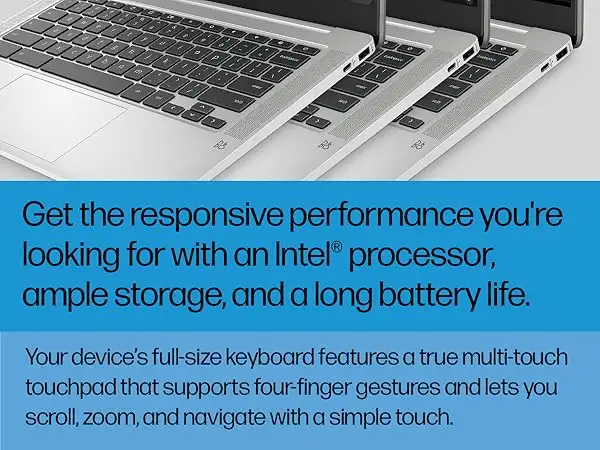
The keyboard comfort comes up frequently. Consumer Reports’ lab notes the “full-sized keyboard was pleasant to type on,” and vijay from Best Buy applauds “good key travel and spacing.” Combined with a responsive trackpad, the typing experience suits writers and students working long hours.
Chrome OS performance is also highlighted positively for the target audience. Carolineh mentioned it “will be difficult to ever use a non-Chromebook laptop… so fast to boot up and get to work.” Carlosm points out that despite basic specs, “the Chrome OS system makes it very fast… multiple tabs open and does not freeze.”
Common Complaints
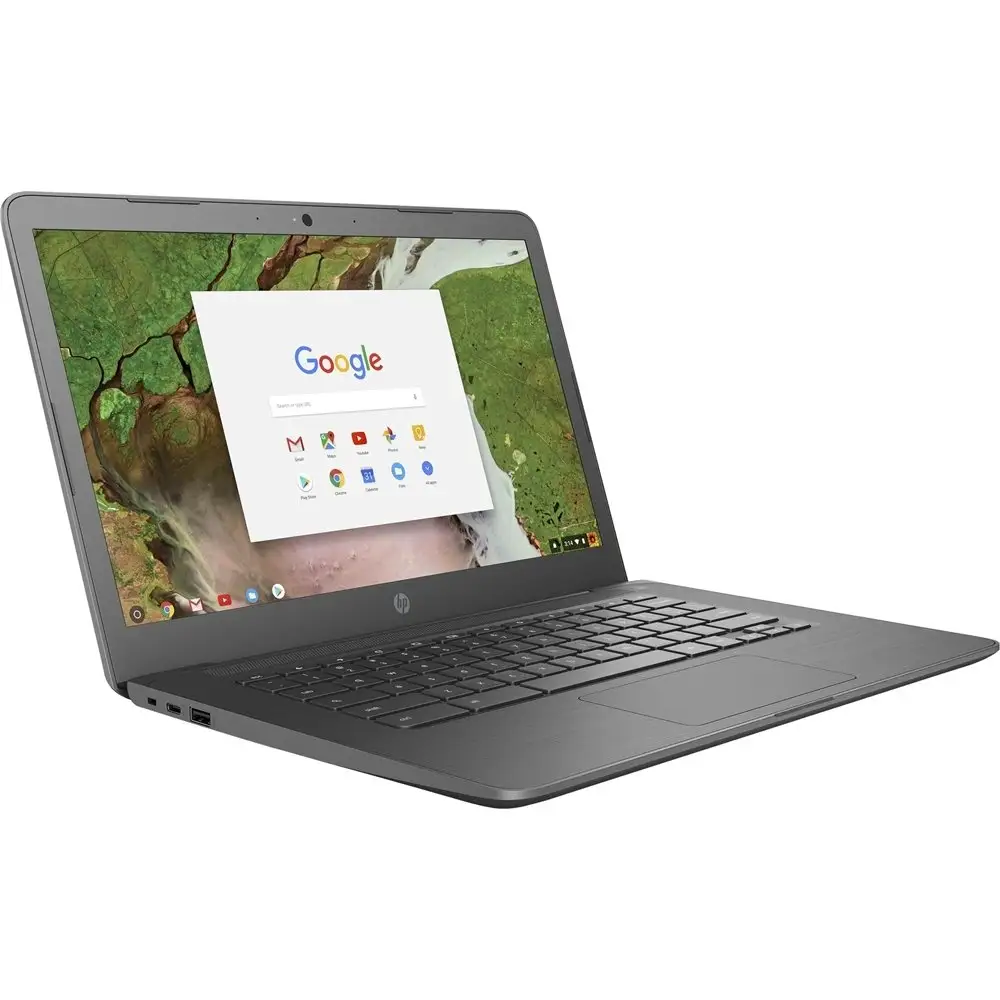
The display remains the most cited complaint. Trustpilot reviews call out “image on the screen is good… but it’s not a touchscreen!” and Amazon’s own tech specs confirm many models omit touch input despite product imagery suggesting otherwise. Tim H. experienced grainy video in Zoom “due to high CPU usage” and felt misled by an AMD-claimed listing that shipped with a Celeron processor.
Storage is another sore spot; with base models offering 32–64GB eMMC, buyers relying solely on local drives hit limits quickly. Some users turn to cloud-based solutions, but for media hoarders, this is a deal-breaker.
Audio criticism appears sporadically. Nake yao bon noticed “speakers aren’t as loud as my old Toshiba,” and others resort to headphones or external speakers for richer sound.
Divisive Features
The anti-glare HD screen splits opinion. Outdoor users like its low reflectivity — HP 14-AK040WM testers noted “little or no glare when viewing in a brightly lit room or outdoors.” However, indoor media consumers often find vibrancy lacking compared to IPS displays.
Build weight is moderate at ~3.24 lbs. While portable, some prefer even lighter 11–13" Chromebooks for commuting. Good Gear Guide found “we can understand if some shun it due to its weight.”
Trust & Reliability
Misrepresented specs and missing features generate skepticism. Trustpilot’s brandon b. warns: “Do not… this computer does not have a touch screen. This was one of the main reasons I bought it.” Multiple buyers report receiving wrong CPU types or non-touch versions labeled as touchscreen, leading to returns.
Durability fares better. Tawannaw shares: “I accidentally dropped this and there was no damage… works like a charm!” Chromev praises its “plastic case… less delicate than most fancy computers.”
Long-term performance stories often align with initial impressions. Rebeccal notes her older unit “still working amazing” despite use by children, supporting HP’s reputation for decent build longevity in this price tier.
Alternatives
Within HP’s own lineup, the Chromebook x360 14a adds convertible touch capability and IPS panels, appealing to users prioritizing screen quality and versatility. Comparatively, smaller models like the Toshiba Chromebook CB30 offer lighter weight and longer battery but sacrifice screen size and typing comfort — a tradeoff Laptop Mag describes for more mobile-focused buyers.
Price & Value
Best Buy frequently prices modern gray variants under $200, with sale lows hitting $129-$168, prompting impulse buys for secondary or travel devices. eBay resale data shows pre-owned units between ~$60–$110 depending on storage and condition; refurbished models retain consistent demand given low replacement cost.
Community advice centers on sale timing: jj games insists, “If it’s on sale definitely go for it… does the job.” For resale, cosmetic condition and charger inclusion significantly impact value.
FAQ
Q: Is the HP Chromebook 14 good for college students?
A: Yes, for web research, document editing, and streaming. Users like ks 94 call the transition between work and school tasks “flawless.”
Q: Can it handle Zoom classes smoothly?
A: Generally yes, though some report CPU strain when multitasking during calls. Optimizing open tabs improves performance.
Q: Does it support Android apps?
A: Yes, via Google Play Store — popular for extending usability beyond Chrome OS defaults.
Q: Is the keyboard backlit?
A: Many variants do include backlit keyboards, but check specs carefully as some budget SKUs omit it.
Q: How’s the audio quality?
A: Adequate for casual use; external speakers recommended for richer sound.
Final Verdict: Buy if you’re a student, traveler, or light-duty worker who lives in the cloud — Avoid if you need heavy local storage or color-critical display. Pro tip from community: hunt for seasonal sales under $150 to maximize value, and verify model specs before checkout to avoid missing key features like touchscreen or backlighting.





