HP Chromebook 14 Review: Solid Budget Pick with Caveats
Starting with a surprising pattern in buyer sentiment, the HP Chromebook 14 Laptop Intel Celeron N4120 (2022) has earned a solid 8/10 from cross-platform feedback. While specs suggest a modest entry-level machine, users consistently report it delivers reliable day-to-day performance, particularly for web-based tasks, education, and casual computing—provided expectations are kept realistic.
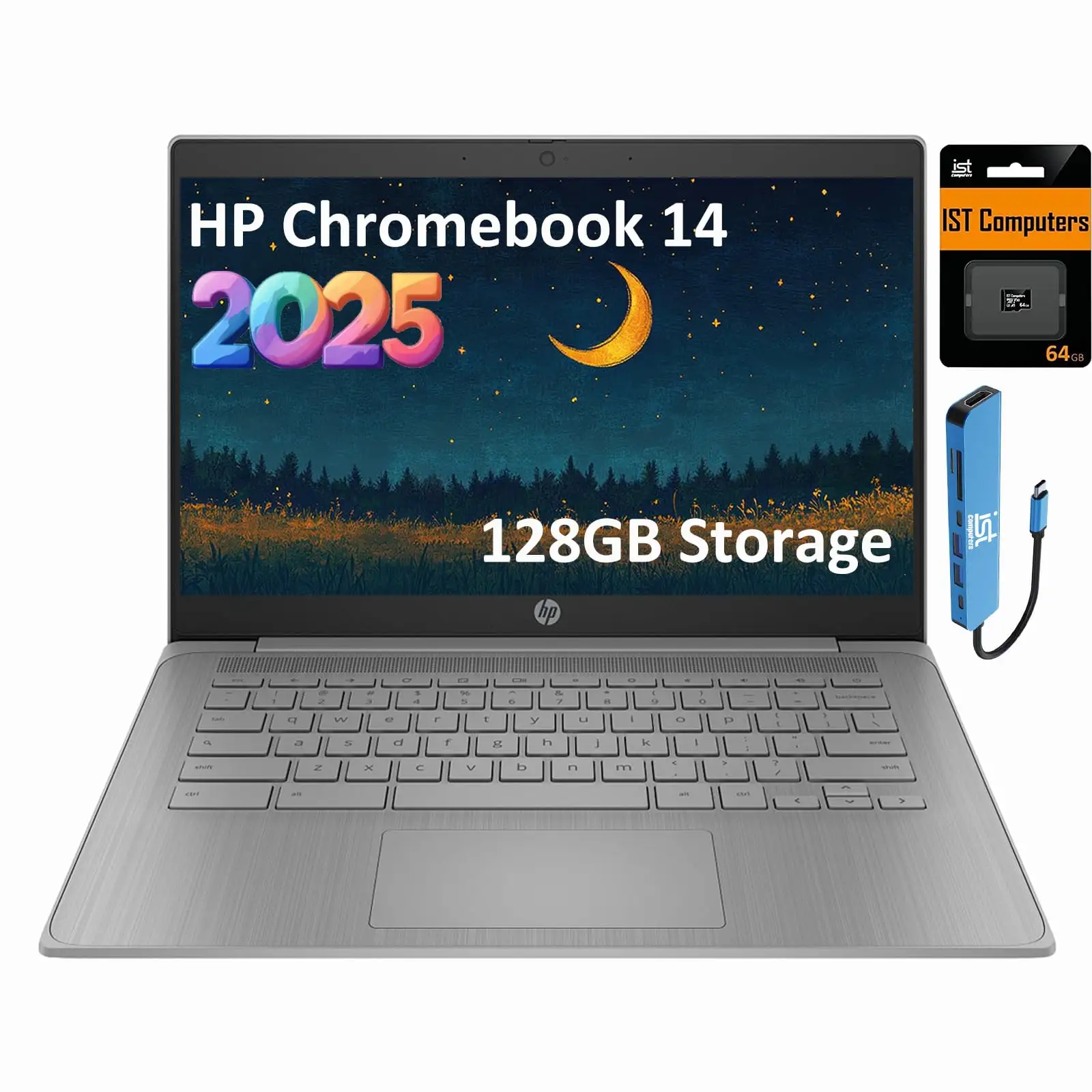
Quick Verdict: Conditional — Strong buy for students, light office users, and budget-conscious shoppers; avoid if you need heavy multitasking or offline productivity.
| Pros | Cons |
|---|---|
| Long battery life (12–14 hours reported) | Limited 64GB eMMC storage |
| Lightweight and portable | HD-only display (1366x768) |
| Easy setup with Chrome OS | No backlit keyboard |
| Affordable price point | Sluggish with demanding apps |
| Solid build for price | Narrow viewing angles |
| Handles multiple browser tabs well | Dependent on internet for full functionality |
| Fast charging to 50% in ~45 min | Limited upgrade options |
Claims vs Reality
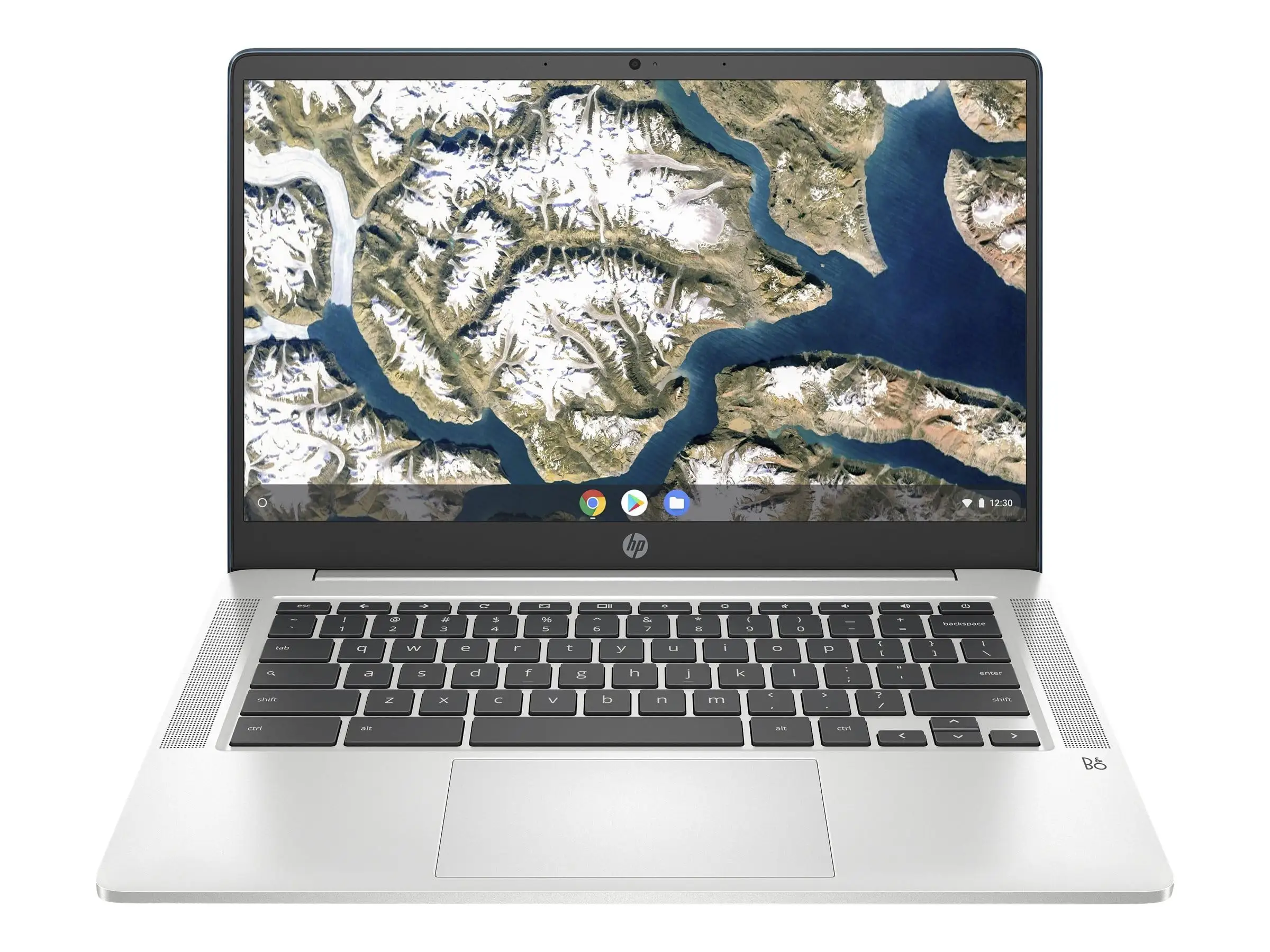
HP markets this Chromebook as having “up to 14 hours” battery life, “responsive performance” from the Intel Celeron N4120, and a “front-row entertainment experience” via its micro-edge HD display and B&O-tuned speakers. While these claims hold weight in some scenarios, user experiences show nuance.
Battery life is indeed impressive for light use—Reddit user reports and Amazon reviews consistently mention going a full school or workday without charging. However, Consumer Reports testing showed heavier tasks like 4K video playback cut runtime to about 10 hours.
Performance claims are accurate for web-based work. A verified buyer on Amazon noted: “I typically have three Chrome browsers running between two screens with 3–5 tabs going on each browser and haven’t had issues.” But Reddit technical discussions highlight the N4120’s age, noting it’s “ok for extremely lightweight tasks, but that’s it,” cautioning against expecting smooth performance in modern, resource-heavy apps.
The HD display is serviceable for streaming and docs, but lacks the sharpness of Full HD. PasProg.com found anti-glare helps in bright environments, yet Consumer Reports measured narrow viewing angles and less accurate colors than premium models—affecting group viewing or color-sensitive work.
Cross-Platform Consensus
Universally Praised
Portability is a standout. Weighing around 3.2 lbs, multiple Amazon reviewers emphasize how easy it is to carry. One buyer shared: “Light enough for my husband to hold on his lap while in his recliner—he’s partially disabled.” Students and remote workers appreciate the slim design for commuting.
Battery longevity is another high point. PasProg.com’s review lauds its “impressive 14-hour battery life,” and HP’s own spec sheet confirms fast-charge capability. This resonates with users who need mobility without constant charging—ideal for lectures, travel days, or working in cafes.
Ease of use garners praise across platforms. Chrome OS setup is quick, and several Amazon buyers mention pulling apps from previous devices effortlessly. A verified reviewer wrote: “So easy to set up. Pulled all my apps from the other computer. Simply marvelous!” Less tech-savvy users find the interface unintimidating.
Common Complaints
Storage limitations are the most frequent gripe. With 64GB eMMC, local file-heavy workflows hit the ceiling quickly. Reddit users point out that eMMC is slower than SATA or NVMe SSDs and soldered, meaning no upgrade path. This makes Google Drive integration essential for heavy users.
Display quality sees consistent criticism for its HD resolution and narrow viewing angles. Consumer Reports calls it “fair overall” with limited color reproduction. For users accustomed to sharper laptop screens, this feels dated.
Keyboard lacks backlighting—a small but notable issue for night users. One Amazon reviewer highlighted: “The only drawback… keys are not lighted when it’s dark.”
Divisive Features
Performance splits opinion. For casual users, it’s “fast enough” and smooth for streaming, browsing, and docs. For others, especially those running complex apps, it’s frustratingly slow. Consumer Reports flagged “poor” scores in demanding tasks like editing images or large spreadsheets.
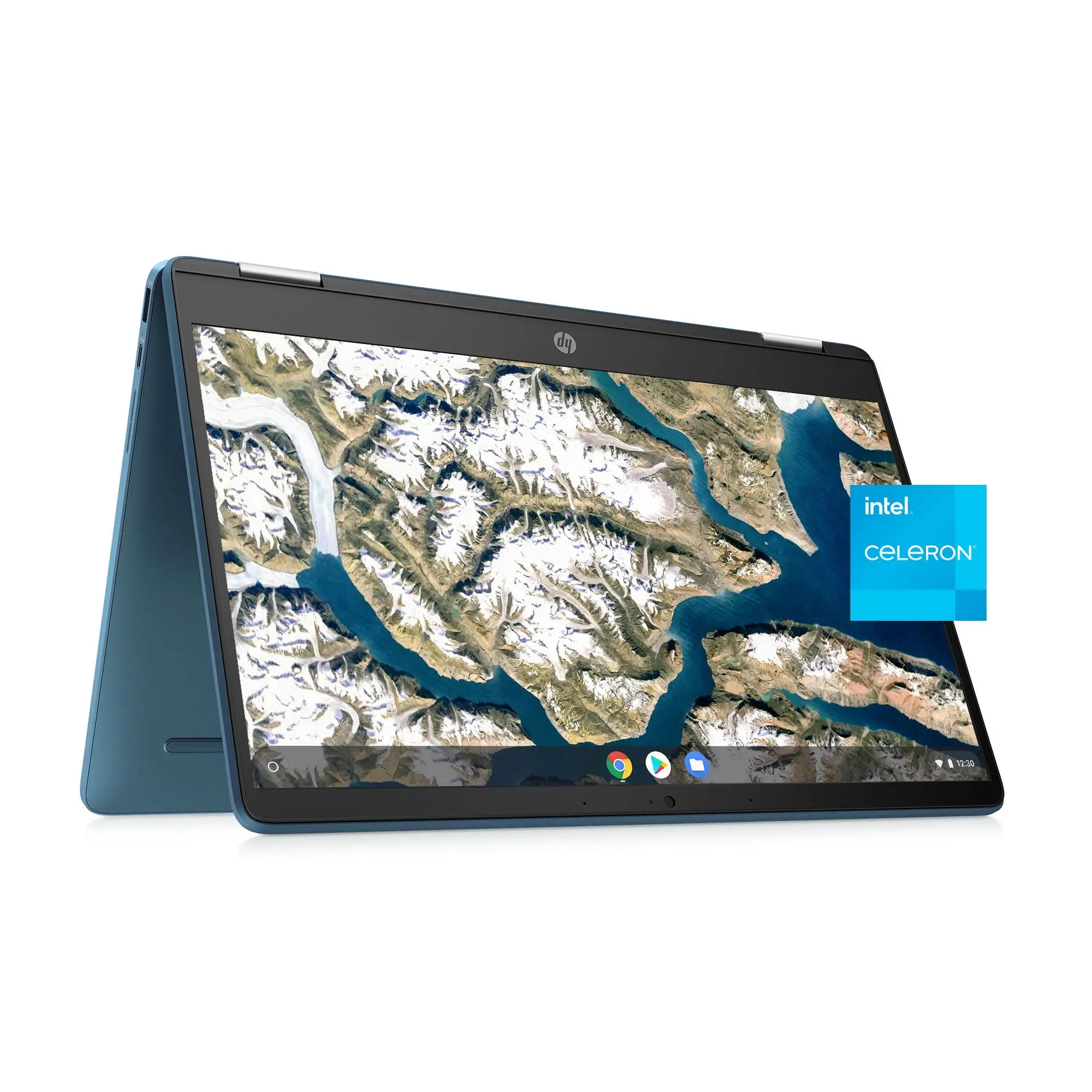
Connectivity is mixed. PasProg.com praised its range of ports, including HDMI and multiple USB types, but some models omit HDMI entirely, as noted in 9to5gadgets’ coverage—meaning variations exist by SKU.
Trust & Reliability
Trustpilot and Amazon feedback show minimal reports of outright defects, but occasional shipping oversights (like missing charge cords) occur. A verified buyer shared: “One computer came in without a charge cord… I’m trying to figure out how to contact someone about this.”
Long-term durability stories are limited but generally positive. Several users mention months of trouble-free use for school or business. Reddit’s caution on soldered storage underlines a potential reliability limit—if the eMMC fails, repair options are scarce.
Alternatives
Within the Chromebook space, the Lenovo Chromebook Duet offers a 2-in-1 form factor but sacrifices screen size and performance. Acer Chromebook 14 provides a higher resolution display but shorter battery life per PasProg.com comparisons. For Windows users in a similar price range, the HP 15-dy5399nr offers more processing power but loses Chrome OS’s simplicity and battery endurance.
Price & Value
Current market prices vary widely. New units on eBay list around $149.99, while Amazon’s retail sits near $239. Used prices can dip to $60, reflecting the rapid depreciation typical of Chromebooks. Community advice leans toward buying new or “open box” to ensure battery health, as older units may have diminished capacity. For resale, expect limited value retention—these are bought for utility, not investment.
FAQ
Q: Can I upgrade the RAM or storage?
A: No for storage—it's soldered eMMC. RAM is also fixed at 4GB in most configurations, preventing upgrades.
Q: Is the screen good for watching movies?
A: Adequate for casual viewing with anti-glare helping in bright environments, but HD resolution limits sharpness compared to Full HD.
Q: How does it handle Zoom or video calls?
A: Smooth for typical video conferencing. The 720p webcam is serviceable, though not high-end; stable Wi-Fi supports consistent streaming.
Q: Does it work offline?
A: Chrome OS offers offline modes for Docs and some apps, but full functionality benefits from constant internet access.
Final Verdict: Buy if you’re a student, casual user, or need a lightweight secondary laptop for web-based work. Avoid if you require high-resolution visuals, large local storage, or heavy multitasking applications. Pro tip from community: Pair it with cloud storage and keep expectations aligned with its entry-level hardware for the best experience.





