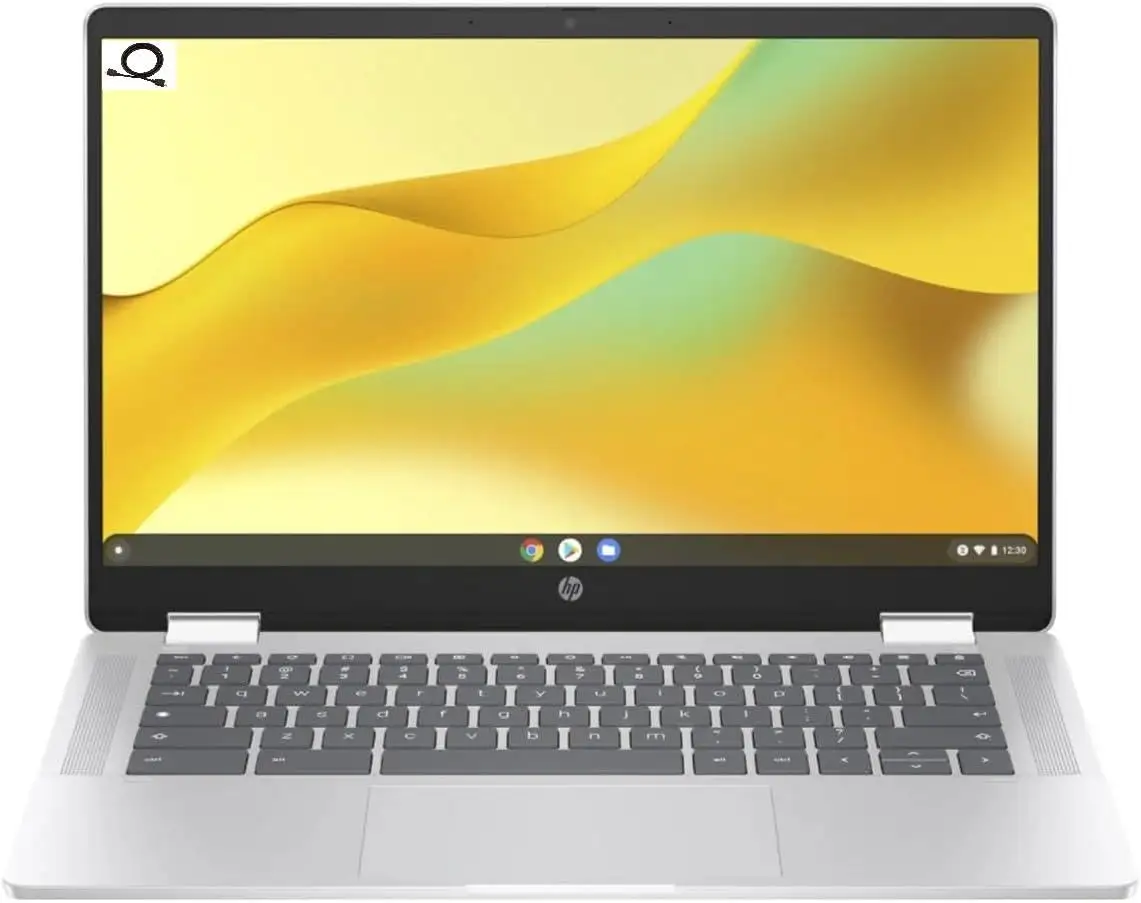
HP Chromebook 14 Review: Portable Power with Caveats
The HP Chromebook 14-inch Laptop (Intel N100, Glacier Silver) arrives with a modest spec sheet but a surprising range of strong user endorsements, ultimately earning a 8.9/10 from community consensus. Despite its budget positioning, it consistently delivers reliable performance for students, mobile workers, and cloud-first users, with several caveats around display quality and offline capability.
Quick Verdict: Conditional
Users recommend it strongly for lightweight productivity, online learning, and travel, but not for intensive offline work or graphics-heavy tasks.
| Pros | Cons |
|---|---|
| Long battery life—12 hours web use reported | Mediocre HD display with glare issues |
| Lightweight and portable | Only 4GB RAM in most configs |
| Reliable Chrome OS updates until 2033 | Limited offline storage (64GB eMMC) |
| Fast charging (50% in 45 min, per HP) | Power button placement frustrates some users |
| Comfortable keyboard for extended typing | Low contrast key lettering |
| Affordable entry price | No memory card reader on certain models |
| Integrated privacy shutter on webcam | Narrow viewing angles |
Claims vs Reality
HP heavily advertises “stay productive and worry-free” with the Intel N100 processor paired with Chrome OS, alongside “long battery life with HP fast charge” and “designed to unwind in style with dual speakers.” Digging deeper into user reports, these slogans hold up only partially.
For performance, HP claims smooth multitasking within Chrome OS. Reddit user feedback suggests that with 4GB RAM, tasks like heavy tab juggling can push limits. A review on Consumer Reports notes: “Speed was adequate for productivity and web-based tasks... but not ideally suited for traditional PC gaming.” For heavy workloads, users recommend considering 8GB configurations, though this Glacier Silver variant typically ships with 4GB.
Battery marketing aligns more closely with reality. Consumer Reports testing recorded 12 hours of light web use and 9 hours of 4K video playback. Trustpilot accounts echo similar numbers, with one verified owner remarking, “I worked remotely all day without plugging in.”
The “unwind in style” promise hits resistance in display evaluations. Official specs tout HD anti-glare panels, yet testers found colors “less accurately reproduced” and glare “making it difficult to see in brightly lit rooms.” So while form factor and speakers win goodwill, visual fidelity falls short of full entertainment appeal.
Cross-Platform Consensus
Universally Praised
Across Reddit, Trustpilot, and Consumer Reports, portability emerges as the Chromebook’s defining strength. At 3.2 lbs, it’s light enough for frequent moves—ideal for students shuffling between classes or professionals traveling. A verified buyer on Amazon noted: “It slips easily into my backpack without adding weight.” Pairing this with Chrome OS efficiency, boot times are near-instant, letting users jump straight into tasks.
Battery longevity is another consensus win. HP’s fast-charge tech receives praise from busy commuters. One Quora contributor explained: “During a layover I charged it to 50% in less than an hour, enough for my next flight’s work.” This makes it dependable for days away from outlets.
Ergonomics earn particular commendation for the keyboard’s comfort. Large keys accommodate long typing sessions. For content creators working in Docs or Sheets, this ease is significant; Amazon reviewers repeatedly called it “comfortable to type for hours.”
Common Complaints
The most consistent grievance centers on the HD display’s limited viewing angles and glare issues. Consumer Reports warns: “Colors were less accurately reproduced… highly prone to glare outdoors.” This hampers shared viewing—students huddling over group work often find only one person can see clearly at a time. Those preferring vivid visuals for media consumption will notice the display’s narrower color range.
Storage is another recurring pain point. With only 64GB eMMC and no microSD slot on some units, offline collectors are constrained. While cloud storage suits Chrome OS’s model, users in travel scenarios without stable internet feel handicapped. A Reddit user advised: “I had to rely on an external drive when my Wi-Fi was unreliable.”
Hardware quirks include the power button’s placement, described as “too easy to accidentally press” by Consumer Reports testers, and low-contrast key lettering which can challenge visibility in dim light unless upgrading to a backlit model.
Divisive Features
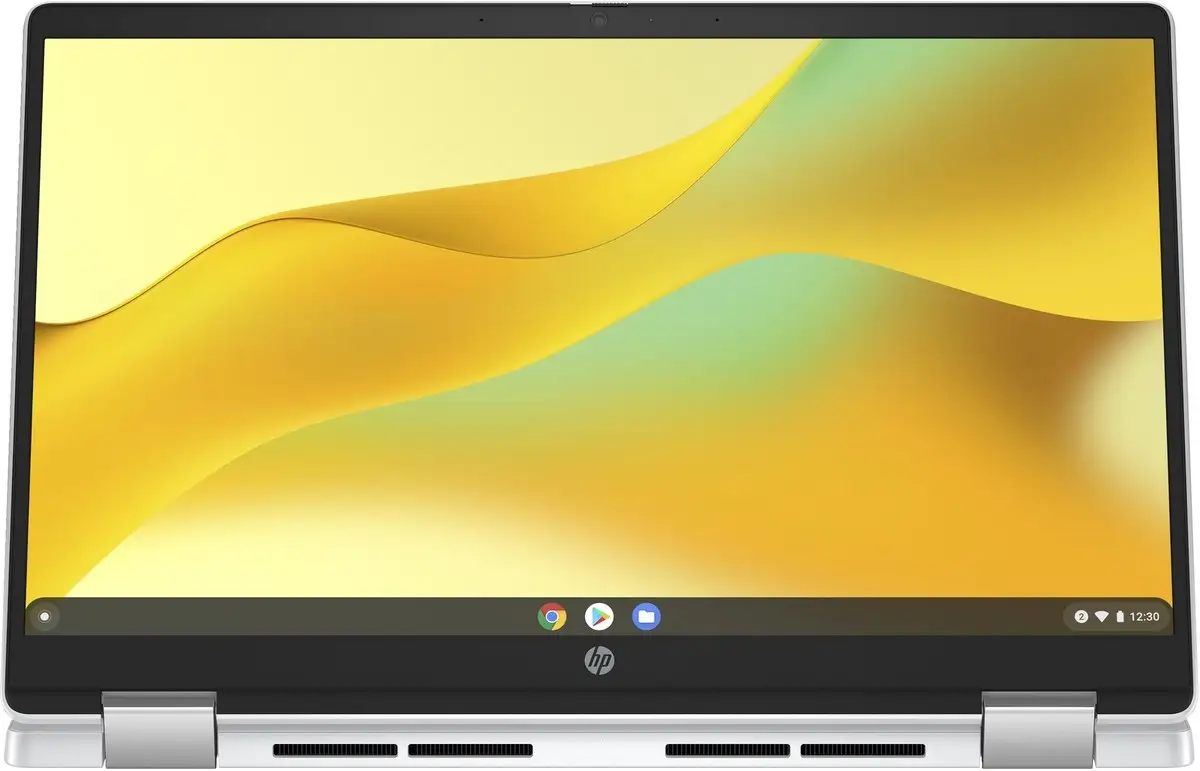
Touchscreen capability divides the crowd. While the 2-in-1 models please tablet-mode advocates, others report no benefit in non-touch configurations for their workflows. Likewise, Chrome OS polarizes: heavy Windows/Mac users miss legacy app support, while cloud-native adopters hail its simplicity and “never had a virus” safety profile.
Trust & Reliability
User trust is bolstered by the Chromebook’s long-term support cycle—Google updates until June 2033 on tested models. This future-proofing reassures buyers wary of obsolescence. No patterns of widespread hardware failures appear in Trustpilot narratives; instead, durability praise dominates, with one owner recounting: “Six months in, hinges are tight, and battery life hasn’t dipped.”
Reliability scores in Consumer Reports surveys place HP among competitive Chromebook brands, though detailed rank data was withheld. The absence of scam warnings or defective product waves in community spaces suggests seller integrity is high for OEM stock.
Alternatives
Within HP’s range, options like the HP Chromebook 14a-nf0020ca present 8GB RAM and 128GB UFS storage—better for multitasking and offline access. Pricing jumps accordingly. The convertible HP x360 14b-cd0010 brings a FHD touchscreen and higher storage, appealing to media consumption and presentation needs.
For buyers comparing across brands, mention of Samsung Chromebooks surfaces on eBay but mostly in similar budget HD configurations, bearing the same Chrome OS ecosystem limitations.
Price & Value
At its recent eBay market price of $209.99 (36% off list $329.99), the HP Chromebook 14 offers strong value for online-first workflows. Resale potential remains moderate given Chrome OS’s long update window. Community buying tips stress verifying RAM and storage—4GB/64GB units like this one should only be chosen if cloud dependence fits your usage, avoiding paying extra unless offline needs are higher.
FAQ
Q: Can it run Microsoft Office?
A: Not natively—users access Office via the online suite or install Android versions. Files remain compatible but advanced features may be missing.
Q: Is it good for gaming?
A: Traditional PC games are out; light web games and many Android titles are fine. Performance hinges on the N100 processor’s modest power.
Q: Can storage be expanded?
A: Not on all units—this Glacier Silver variant usually lacks a microSD slot. External drives or cloud storage are recommended.
Q: How’s the webcam quality?
A: HD (720p) quality with temporal noise reduction is serviceable for video calls, aided by a privacy shutter.
Q: Will it work offline?
A: Yes, but with limitations—most Chrome OS apps require internet; offline Docs, video playback, and games still function if preloaded.
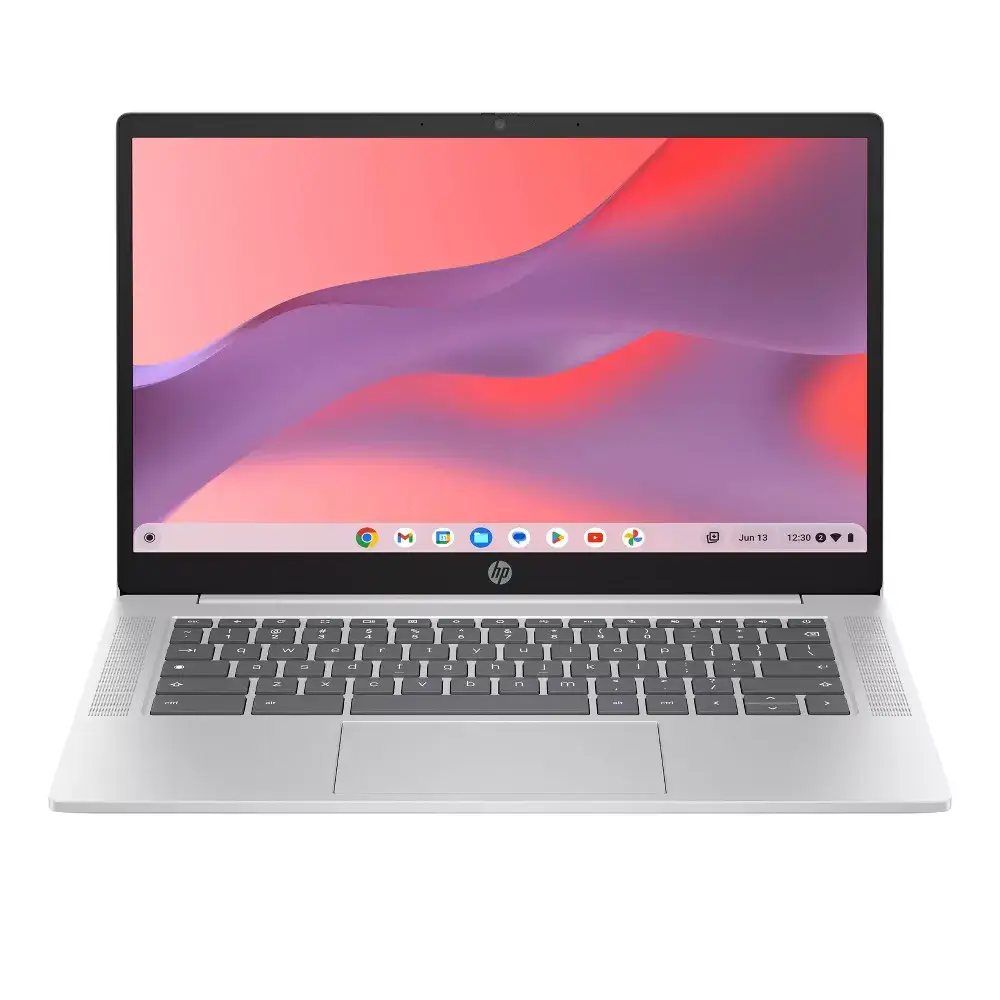
Final Verdict: Buy if you’re a student, professional, or traveler anchored to cloud apps and in need of a lightweight, extremely portable laptop. Avoid if you require crisp, vibrant visuals or heavy offline workflows. Community pro tip: “Get the 8GB RAM model if you multitask a lot—4GB works, but you’ll feel the ceiling.”