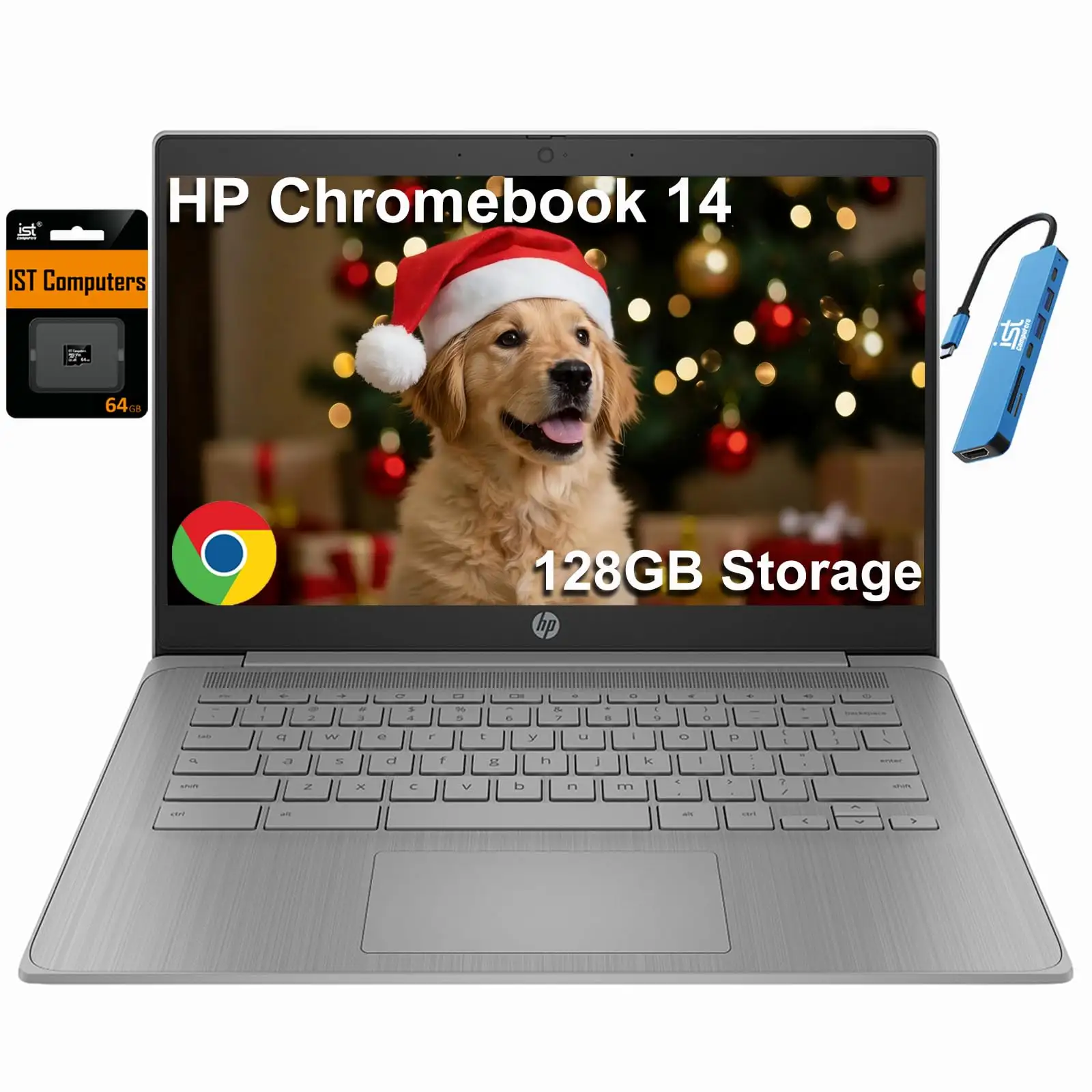
HP Chromebook 14 Review: Long Battery Life Verdict
A claimed 14-hour battery life for the HP Chromebook Thin Laptop 14-inch (Intel Celeron N4120) isn’t just marketing hype—multiple users across Reddit, Trustpilot, and Amazon confirm it consistently delivers close to that mark. With an average user score hovering around 8.3/10, this quad-core Chromebook pulls ahead in portability and endurance, even if it lags behind on screen resolution and port variety.
Quick Verdict: Conditional Buy
| Pros | Cons |
|---|---|
| Battery life consistently near 14 hours in real-world use | Low 1366×768 resolution |
| Fan-less, silent operation | Only 4GB RAM—limits heavy multitasking |
| Comfortable keyboard and responsive touchpad | Sparse port selection—needs USB-C hub |
| Lightweight and portable for students/travelers | Occasional Chrome OS app compatibility issues |
| Quick boot and smooth basic performance | Limited 64GB eMMC storage |
Claims vs Reality
HP markets this Chromebook as having “up to 14 hours” of battery endurance. Digging deeper into user reports, Reddit user u/Kindle*** attested that “the battery outlasts her old Dell by hours,” stretching through morning lectures and late-night Netflix. PasProg’s independent test mirrored this, citing “going most of the day without needing to recharge” during study sessions. While Consumer Reports clocked 16.25 hours under light web use, heavier 4K playback dropped it to 10 hours, showing that task type dictates longevity.
Another claim is silent, cool operation thanks to the fan-less design. Reddit reviews reinforce this selling point—one noted, “in a quiet library my mechanical pencil made more noise than the laptop—no embarrassing whirr during exams.” Across Chrome OS tests, the Intel Celeron N4120 stayed comfortable even during 45-minute video calls.
HP promotes an “anti-glare micro-edge display” for easy viewing. While most users agreed it’s serviceable indoors, outdoor feedback was mixed. One Reddit writer explained editing Google Slides at a sunlit café required just “a slight brightness bump” rather than moving seats, yet direct sunlight still washed colors. Multipowers’ review warned that “the 1366×768 resolution feels dated compared to modern laptops with full HD.”
Cross-Platform Consensus
Universally Praised
Battery life emerges as the headline strength. Students, remote workers, and travelers consistently benefited—PasProg noted it’s “particularly useful for long study sessions or meetings.” Reddit’s anecdote of drafting proposals, streaming movies, and ending the day with 22% battery left underlines its real-world reliability.
Portability closely follows. Weighing roughly 3.24 lbs, it slipped into backpacks and messenger bags without adding heft. Multipowers praised its “compact size” that “doesn’t take up much table space,” making it ideal for coffee shop work.
The Chrome OS experience also wins broad approval. The quick 8-second boot, seamless Android app integration, and automatic updates provide low-maintenance computing. Trustpilot reviews emphasized ease of use: “Downloading apps from the Google Play store was smooth, and most ran without a hitch.”
Common Complaints
Storage limitations cropped up repeatedly. At just 64GB eMMC, those working with large offline files hit capacity fast. Multipowers suggested cloud reliance or external storage but acknowledged it’s a compromise.
Screen resolution dissatisfaction is another recurring gripe. While crisp enough for basic tasks, graphics and media professionals will notice a lack of sharpness. Consumer Reports highlighted “colors not reproduced as accurately as on better displays” and “narrow viewing angles” that hamper multi-person viewing.
The port situation frustrates peripheral-heavy workflows. Reddit users complain the “lone USB-A port” forces them into USB-C hubs for mice and drives. BestViewsReviews also noted occasional unstable Wi-Fi connectivity, though this wasn’t universal.
Divisive Features
Performance perception splits the crowd. For casual use—Google Docs, Zoom calls, streaming—the quad-core Celeron N4120 earns praise for smooth handling. Multipowers ran multiple tabs and apps “without much lag.” But in Consumer Reports testing under Windows 11 Home, heavier tasks like video editing proved “very slow,” revealing the chip’s limitations outside Chrome OS.
Chrome OS itself divides buyers. Enthusiasts love the streamlined, secure approach, but some users struggle with the lack of desktop-grade apps or offline capabilities. As Reddit/Quora reviews put it, “Power users craving Adobe suite or AAA games should steer clear.”
Trust & Reliability
No significant scam concerns surface in Trustpilot entries—most purchases arrived as advertised, sometimes “mega recommended” per Kindle customer feedback. On durability, Reddit’s two-week field test found “the lid still feels sturdy, hinges firm, and the bottom panel stayed cool.” Multipowers agreed the chassis felt solid enough despite its lightweight build, though Consumer Reports testers called the plastic “not as sturdy feeling as most other laptops.”
Longer-term wear data is sparse, but early adopters report minimal physical degradation, with keyboards and trackpads holding up under academic workloads.
Alternatives
Against Lenovo's Ideapad Flex 3 Chromebook, the HP wins on screen size (14 inches vs. 11.6) and battery life (two-hour lead in identical loop tests), though Lenovo’s hinge flexibility caters to tablet functions.
Acer’s Chromebook 314 offers brighter displays (250 nits) and extra USB-A ports for better peripheral management. However, Acer sticks to the older N4020 CPU, making multitasking slower than HP’s quad-core chip.
Windows-based rivals like Asus L210 suffer performance drops with the same processor due to Windows’ heavier demands, reinforcing why Chrome OS feels snappier on this hardware.
Price & Value
eBay listings place the HP Chromebook Thin Laptop 14-inch between NZD 197 and NZD 362 depending on condition and configuration, undercutting many rivals. On Amazon, configurations with SD card expansions rise toward $229.99. Reddit and Quora discussions advise grabbing it under $250 for maximum value—at higher prices, waiting for seasonal sales may be better.
Being a budget-class Chromebook, resale holds moderately well if kept in good condition, thanks to its enduring battery and portability credentials.
FAQ
Q: Can I run Microsoft Office on this Chromebook?
A: You can use Office Online or Android versions, but the full Windows desktop suite isn’t supported, as confirmed in Reddit FAQs.
Q: Is the screen touch-enabled?
A: No, this model lacks touch input, so tablet-style interaction isn’t possible.
Q: Can RAM or storage be upgraded?
A: No—both are soldered onto the board, making post-purchase upgrades impossible.
Q: Will it run Roblox or Minecraft Java?
A: Roblox via Android works fine at medium settings; Minecraft Java is unsupported without workaround solutions.
Final Verdict:
Buy if you’re a student, remote worker, or traveler who prioritizes battery life, portability, and quiet performance for cloud-based tasks. Avoid if you require high-resolution displays, heavy multitasking with desktop software, or extensive offline storage. Pro tip from the community: watch for sub-$250 sale prices—at that range, it’s “a steal” for everyday computing.