HP 17 Laptop Review: Large Screen Value with Mixed Display
A surprising detail emerged in user reports — HP 17 Laptop 17.3-inch (13th Gen Intel i5) can stretch battery life to nearly 10 hours under light use, but some owners barely see 4 hours. With a hybrid of business-class specs and consumer pricing, it consistently earns praise for value but draws mixed reactions over its display and build. Overall score: 8/10.
Quick Verdict: Conditional buy
| Pros | Cons |
|---|---|
| Smooth multitasking with 13th Gen Intel i5 and Iris Xe graphics | TN panel models stuck at 1600x900 resolution |
| Large 17.3" display with decent brightness | Keyboard flex and occasional warmth |
| Strong battery life potential in mixed use | No Ethernet or SD card reader |
| Upgrade-friendly RAM and storage options | Some units lack backlit keyboards |
| Good value at sub-$700 pricing | Touchpad feels cheap to some users |
Claims vs Reality
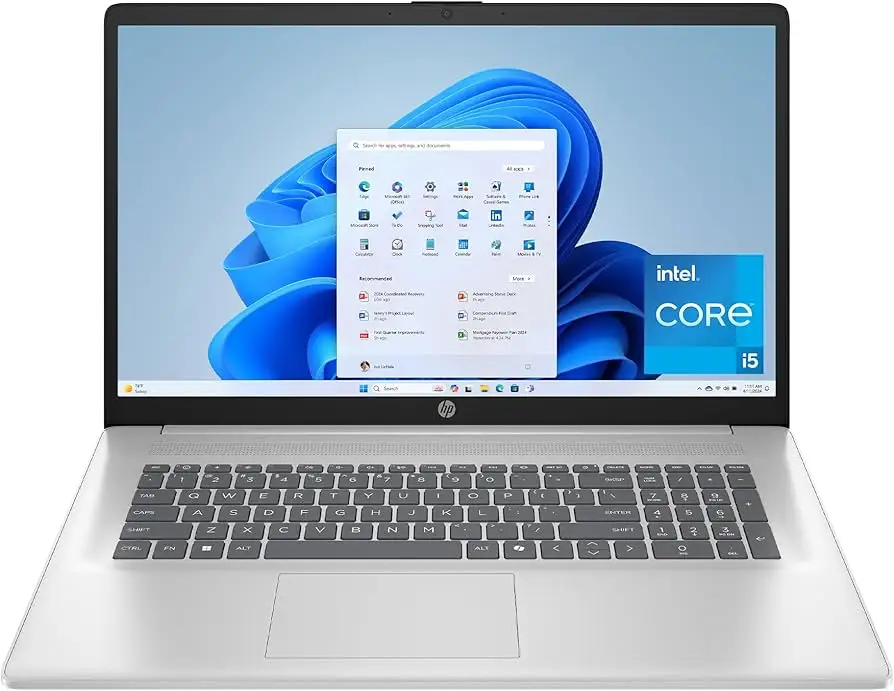
Marketing pushes the HP 17 as a “thoughtfully designed” powerhouse with “cutting-edge connectivity” and “fluid designing for creators.” On paper, its 17.3" display, Intel Core i5-1334U/i5-1335U, and fast SSD imply high productivity. HP promises “full HD” visuals on certain models, but digging deeper shows variance — some versions are HD+ 1600x900, not FHD.
A verified buyer on Amazon noted: “The large screen is great for my work, but the resolution isn’t quite as sharp as I expected.” This echoes LibraSpecs’ test findings: “The TN panel’s resolution is only 1600x900 pixels… not as crisp as desired.” While marketing claims anti-glare and vibrant visuals, several reviewers reported only moderate color accuracy around 60% sRGB.
Battery performance is another claim worth testing. While HP advertises all-day endurance with Wi-Fi 6 efficiency, Reddit user feedback paints a split picture. One HP 17 owner reported, “Fan noise is quite quiet, but the battery life is pretty minimal. Maybe 4 hours of use.” In contrast, Consumer Reports testing documented “up to 8 hours in light web browsing” — showing battery life heavily depends on workload.
Cross-Platform Consensus
Universally Praised
Across Best Buy and Consumer Reports, users highlight how the HP 17 handles multitasking gracefully for office work, streaming, and even light gaming. A Best Buy reviewer wrote: “I did more RAM so if I wanted to watch a movie it wouldn't freeze or give me any lag.” The Iris Xe graphics earn commendations for smooth Excel crunching and browser-heavy workflows. Consumer Reports emphasized near-instant app launches and strong video conferencing performance.
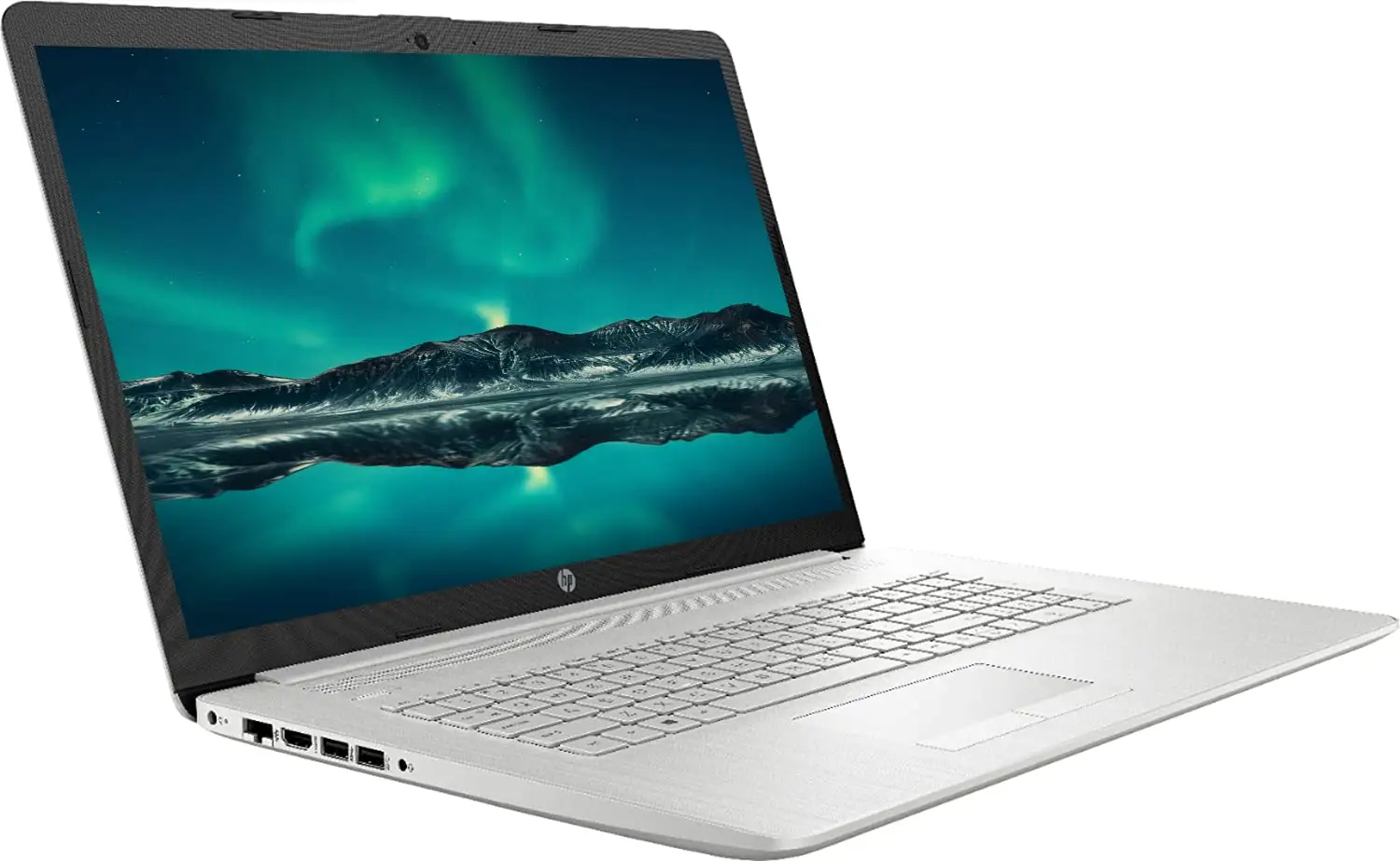
The sheer size of the 17.3" display proved practical for those with visual impairments. One Best Buy customer appreciated “large icons for lower vision” and described it as “not heavy despite the size.” Port selection — USB-C, USB-A, HDMI — plus Wi-Fi 6 drew approval from professionals needing versatile connectivity. LibraSpecs also pointed out upgrade ease with “two slots for RAM and the ability to add a 2.5-inch hard drive,” catering to tinkering users who want longer lifespan.
Common Complaints
Display resolution remains the top grievance. While some models indeed deliver FHD IPS clarity, many users end up with lower-tier TN panels at 1600x900. The LibraSpecs review warned: “Not even full HD… the color accuracy is around 60% sRGB.” That’s a drawback for design work or media professionals who demand precision.
Keyboard comfort divides opinion. Reddit user u/HPpurchase*** shared: “Only thing I don't love is how warm the keyboard gets… gets warm overnight.” Others disliked visible flex: “The keyboard does bend a little when typing,” noted multiple sources. The touchpad’s feel was labeled “cheap” by LibraSpecs, prompting several buyers to invest in external mice.
Battery expectancy variance frustrates mobile workers — some see all-day runtime, others, like the Reddit report, experience rapid depletion under heavy multitasking. The lack of Ethernet and SD card slots also forces adapters for certain workflows.
Divisive Features
The large form factor appeals to static desk setups but limits portability. Consumer Reports deemed it “good for traveling, although not ideal,” citing the size and weight despite being light for its class (around 4.6 lbs). Build quality leans toward budget materials; Best Buy cautioned it’s “not a model I would travel with… less durability compared to high end models.”
Backlit keyboard availability changes by SKU — Newegg lists “full-size backlit soft gray keyboard” while LibraSpecs’ tested unit lacked one entirely, making nighttime work tricky. For some office workers, it’s a non-issue; for students or coders in dim spaces, it’s a dealbreaker.
Trust & Reliability
Trustpilot-linked LibraSpecs commentary hints at generally satisfactory performance for the price tier, with HP’s fit and finish ranking mid-pack globally. Concerns about “ghost models” without clear lineup identities were raised in Reddit threads — one user noted their “17-cn3053cl” didn’t appear in HP’s marketing families like Envy or Omen, raising uncertainty over long-term driver and support cadence.
Long-term durability feedback is mixed. While Consumer Reports highlighted solid ergonomics and thin-but-stable design, they confirmed “plastic used may not be as durable as expected.” The easy RAM/storage upgrade path mollifies some reliability anxiety, since parts replacement extends usable life beyond warranty.
Alternatives
User discussions repeatedly mention Dell Inspiron 15 3510 and ASUS Chromebook Flip CM5 as rivals with higher display scores in similar price range. These alternatives trade off screen size for crisper visuals or different OS environments. For better build and display, multiple sources recommend HP 470 G9 or ProBook 455 G7 — models that outpace the HP 17 in specific metrics like panel quality and chassis rigidity.
Price & Value
eBay refurb listings drop the HP 17 well below retail — certified refurbished units go for under $500 with warranties, while new configurations on Amazon and Best Buy hover around $599-$689. Verified resellers emphasize upgrades before sale (RAM/SSD) and “like-new” condition. Community members advocate checking the exact panel spec before purchase and weighing extended warranty costs against potential display or battery variance.
FAQ
Q: What is the screen resolution on the HP 17 laptop?
A: It varies by configuration. Many budget models use HD+ 1600x900 TN panels, while higher SKUs deliver FHD 1920x1080 IPS. Buyers wanting crisp visuals should verify before checkout.
Q: Is the HP 17 suitable for gaming?
A: For light gaming, yes. The Iris Xe graphics handle casual and medium settings smoothly, but demanding titles or high resolutions push its limits.
Q: Can the RAM be upgraded?
A: Yes. Most HP 17 models have two RAM slots, and users have successfully expanded memory — one Reddit user added “a couple of 32GB sticks” without issue.
Q: How long does the battery last?
A: Mixed reports range from 4 hours under heavy multitasking to 8–10 hours in light use. Streaming and gaming reduce endurance sharply.
Q: Does the HP 17 have a backlit keyboard?
A: Some configurations do, others don’t. It’s not guaranteed, so confirm specs if this feature matters for night-time work.
Final Verdict: Buy if you need a large-screen workhorse for spreadsheets, streaming, and light gaming at a sub-$700 price, and can live with average resolution. Avoid if you demand color-accurate visuals, ultra-portability, or high-end build materials. Pro tip from community: Verify exact display spec before purchase and consider a RAM upgrade for long-term gains.





