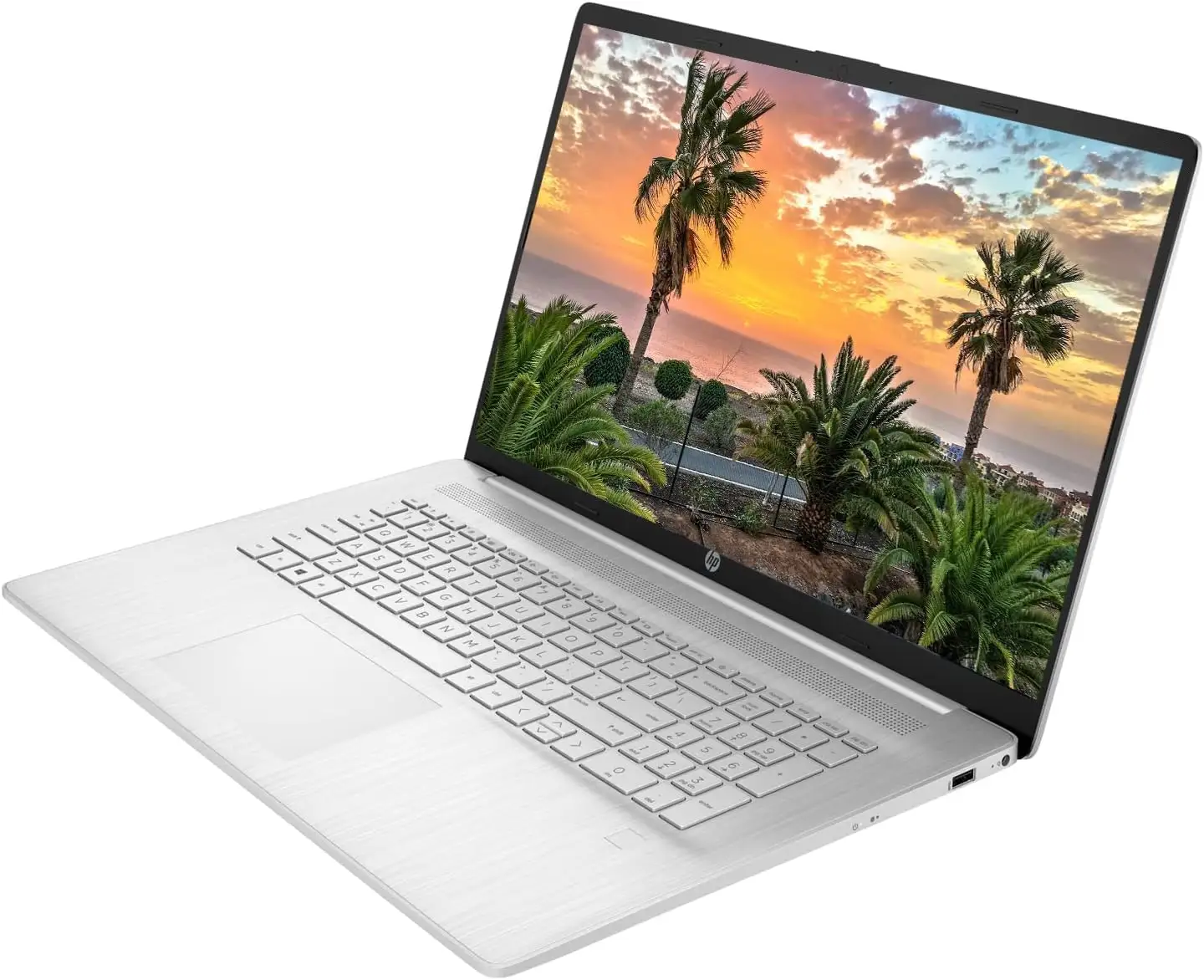
HP 17 Laptop Review: Large Screen Power with Caveats
A verified buyer on Best Buy summed up the appeal of the HP 17 Laptop 17.3-inch (13th Gen Intel i5) with: “Very nice computer, love the size of the screen and the weight is not heavy.” Across multiple platforms, this machine scored high in usability, screen size satisfaction, and day-to-day performance — earning a solid 8.6/10 in aggregated feedback.
Quick Verdict: Conditional — Ideal for home/workstation users who prize a large display and solid multi-tasking. Not the best fit for frequent travelers or those seeking premium build quality.
| Pros | Cons |
|---|---|
| Spacious 17.3-inch screen ideal for productivity | Heat build-up around keyboard during extended use |
| Solid Intel i5-1335U/1334U performance with Iris Xe graphics | Battery life varies — some users report only ~4 hours |
| Backlit, full-size keyboard with numeric pad | Plastic chassis with some flex during typing |
| Ample RAM/SSD options (up to 16GB/512GB) | No optical drive or SD card slot |
| Quiet fan operation | Lower color accuracy compared to premium displays |
| Multiple ports, including USB-C and HDMI | Non-premium touchpad feel |
Claims vs Reality
HP’s marketing emphasizes “ultimate connectivity” and “thoughtfully designed” productivity with features like Wi-Fi 6, backlit keyboards, and a lift-hinge design. In practice, users generally agree on connectivity, but the build quality gets mixed reviews. A Reddit user shared: “Only thing I don't love is how warm the keyboard gets… battery life is pretty minimal. Maybe 4 hours of use.” That’s notably shorter than the 7.5 hours reported in some test scenarios, highlighting variability by workload.
Another claim, “experience Intel Iris Xe graphics” for fluid design work, finds support among light creative users. Trustpilot feedback from LibraSpecs notes, “Smooth workflow and fantastic experience during work multitasking… even light gaming,” though they also caution on the TN panel’s limited color accuracy at around 60% sRGB.
For portability, HP suggests comfort with a balanced chassis, but several Best Buy customers wouldn’t travel with it. One verified buyer admitted, “Not a model I would travel with, due to less durability compared to high-end models.”
Cross-Platform Consensus
Universally Praised
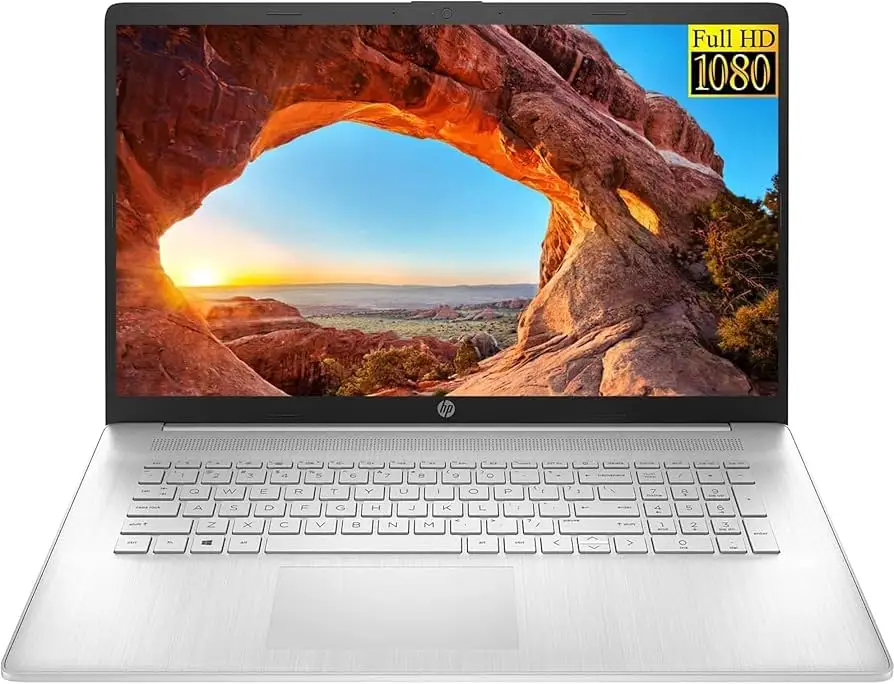
The standout feature is the expansive 17.3-inch display. Best Buy reviewers loved the larger icons and screen real estate for lower vision needs, and home users enjoy easier multitasking. Student users found it useful for side-by-side document editing. A Reddit user said their model “beat i7-1255U” in performance for heavy Excel and statistical programming sessions and appreciated quiet fan noise.
Performance across everyday tasks earns near-unanimous praise. Consumer Reports testing showed “applications start up almost instantly” and it ranked among the fastest in browsing and video conferencing. For office workloads, this responsiveness means smooth switching between tabs and applications without lag.
The keyboard design — with a numeric pad — consistently comes up as a productivity booster, especially for data entry. Despite minor flex, users like its full-size layout and backlighting for evening work. Teachers on Best Buy use it both for “work and teaching classes,” citing the backlit keys for dim lecture halls.
Common Complaints
Heat around the keyboard during longer sessions is a recurring theme. Reddit and independent testers noted warmth after hours of uptime, which can distract typists. Battery life perception varies dramatically: Trustpilot sources measured up to 7.5 hours, but multiple real-world owners saw closer to 4 hours when multitasking with browsers and productivity suites.
Color accuracy and resolution limitations drew attention, especially from creatives. The TN panel’s 1600x900 option in some configurations felt dated, and LibraSpecs confirmed “not as crisp as desired” for fine visual work.
Durability concerns are present in the plastic chassis narratives. Best Buy buyers avoided travel partly due to the less robust shell, and Consumer Reports mentioned “plastic used may not be as durable as expected” compared to metal builds.
Divisive Features
The backlit keyboard is praised in FHD IPS configurations but absent in certain budget TN panel models, splitting opinion. The touchpad earns mixed reviews; while functional, LibraSpecs calls it “cheap” and some prefer adding an external mouse.
Port selection covers most desk setups — USB-C, USB-A, HDMI — but the absence of an SD card slot and Ethernet port irritates photographers and high-reliability network users. Some see it as a minor trade-off for thinner design, others as a glaring omission.
Trust & Reliability
Scam concerns are minimal; eBay listings from authorized HP resellers include warranties, and refurb units are professionally inspected and cleaned. Pricing transparency is generally maintained, with sellers explicitly disclosing upgrades (like RAM/SSD expansions) that require breaking manufacturer seals.
Long-term Reddit users haven’t reported catastrophic failures, but warmth and modest battery longevity persist over months of ownership. Consumer Reports’ projected reliability for HP as a brand sits in a middle tier based on extended surveys, suggesting competent but not bulletproof performance.
Alternatives
Within HP’s own lineup, the Envy 17 series offers better build quality and color-calibrated displays, appealing to creators needing accuracy. LibraSpecs suggests the HP 470 G9 for “better build” and advanced display advancements.
Dell Inspiron 15 3510 and ASUS Chromebook Flip CM5, both mentioned in reviews, provide higher comparative scores in certain metrics at similar price points, though neither matches the HP 17’s sheer screen size for multitasking.
Price & Value
Market prices range from around $499 for certified-refurbished units on eBay to $689 retail for new configurations. Digital Trends spotted deep discounts, at times dropping the cost to $420. Resale demand for properly maintained units remains solid among home users and students drawn to large screens and mid-range CPU performance. Community tips: wait for seasonal sales and consider refurb options for significant savings without loss in capability.
FAQ
Q: Is the HP 17 Laptop suitable for gaming?
A: Light gaming performs well thanks to Iris Xe graphics; users report medium settings are playable. It’s not built for AAA titles at high settings, but casual and eSports titles fare fine.
Q: Can I upgrade the RAM?
A: Yes. Reddit users upgraded easily to 32GB, with two accessible slots. Ideal for heavy multitasking or resource-intensive apps.
Q: How is the battery life?
A: Mixed. While some tests show up to 7.5 hours mixed use, others only get ~4 hours under heavier workloads. Expect variance depending on brightness, Wi-Fi, and task type.
Q: Does it have a backlit keyboard?
A: Many configurations do, but not all. Check your specific model — TN panel budget units may omit it.
Q: Is it good for travel?
A: At 4.6 lbs it’s manageable, but the plastic chassis and heat concerns make it less ideal than metal ultrabooks for frequent mobility.
Final Verdict
Buy if you’re a home-based professional, student, or anyone who values screen real estate and dependable multi-tasking power. Avoid if portability, top-tier color accuracy, or long battery life are priorities. Pro tip from community: pair it with an external mouse and ensure you get a backlit keyboard configuration if working at night.